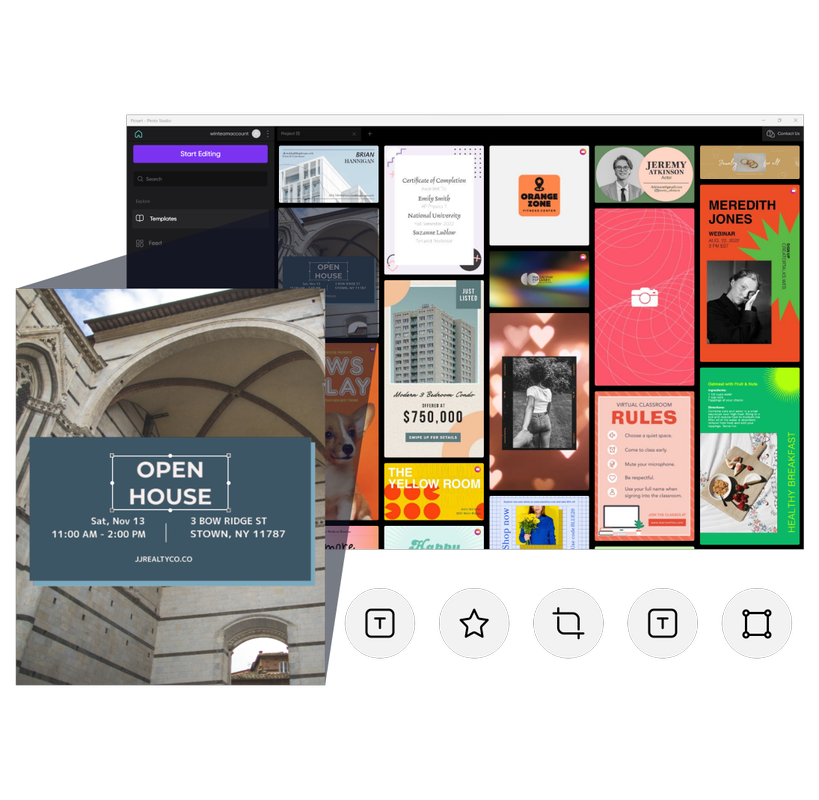

1K+ professionally designed templates
From Facebook posts to event posters, Picsart has everything you need to turn your artistic vision into a reality with templates created by our top designers.
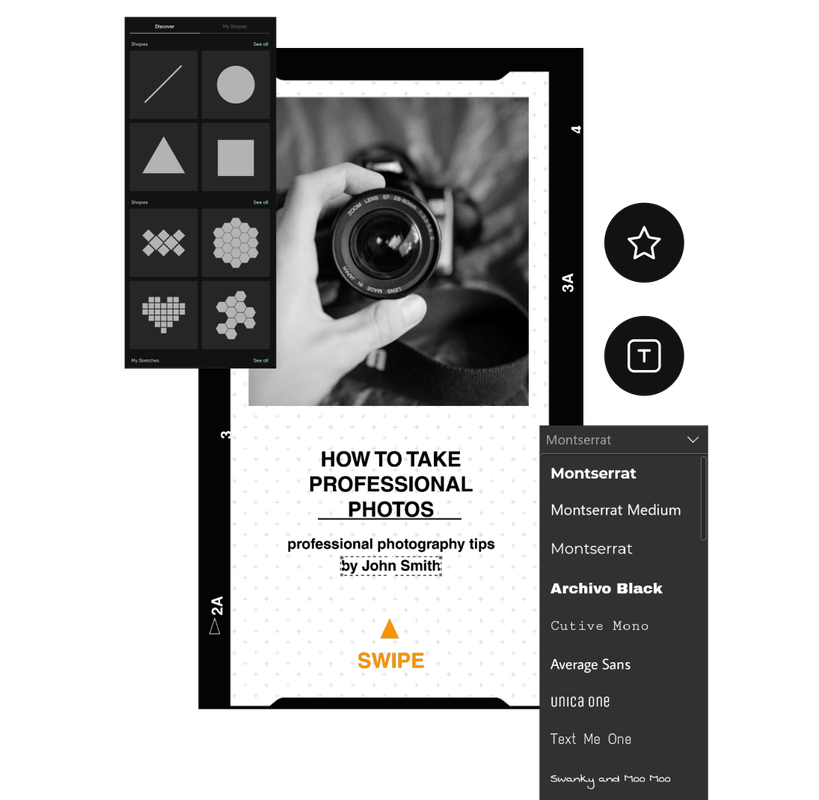
Unique fonts and text templates
Stand out from the crowd and create your style with one-of-a-kind fonts, text templates, and more.

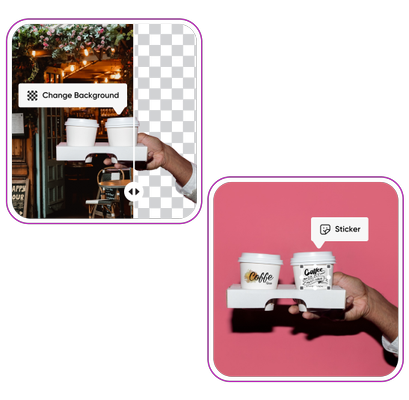
Dozens of free-to-use images and stickers
Find inspiration for your next creative project with our premium selection of images and stickers.
How to edit photos
Go to Microsoft Store
Install the Picsart Windows Photo Editor on your desktop.
Open the desktop app
Download
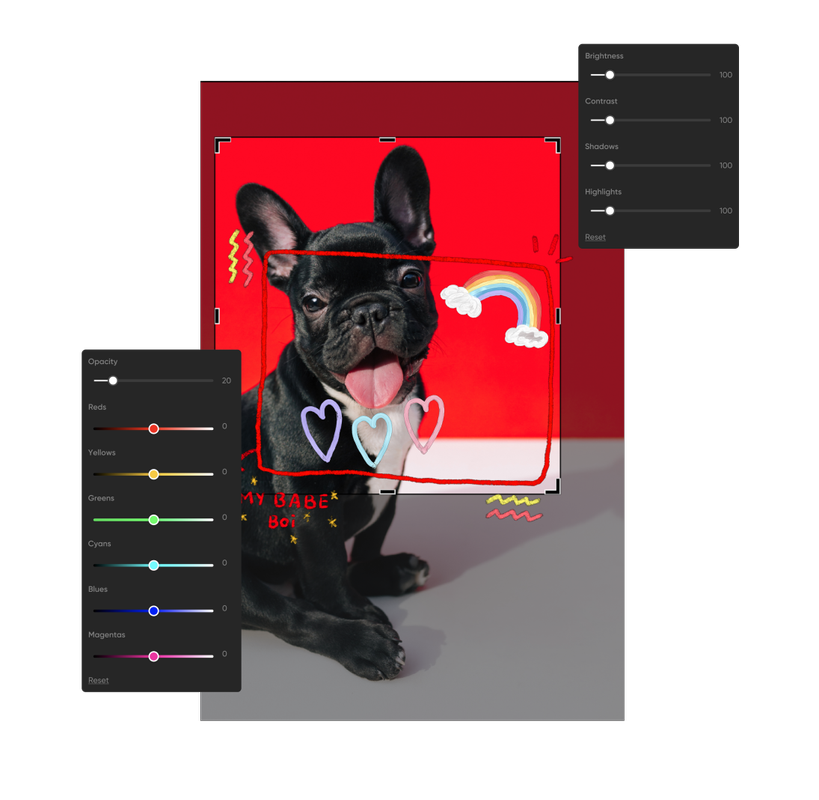
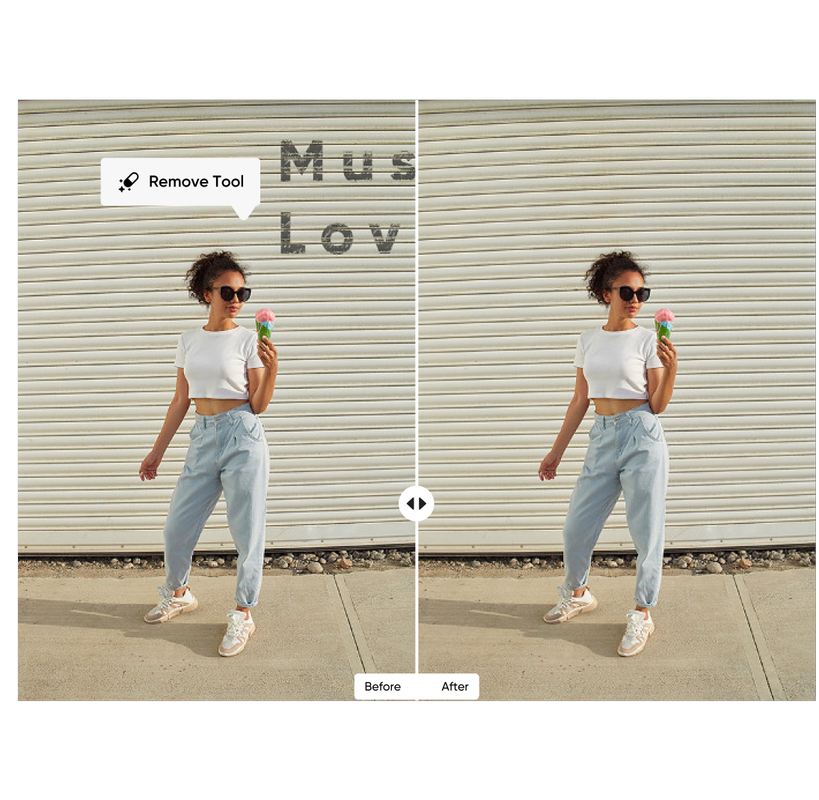
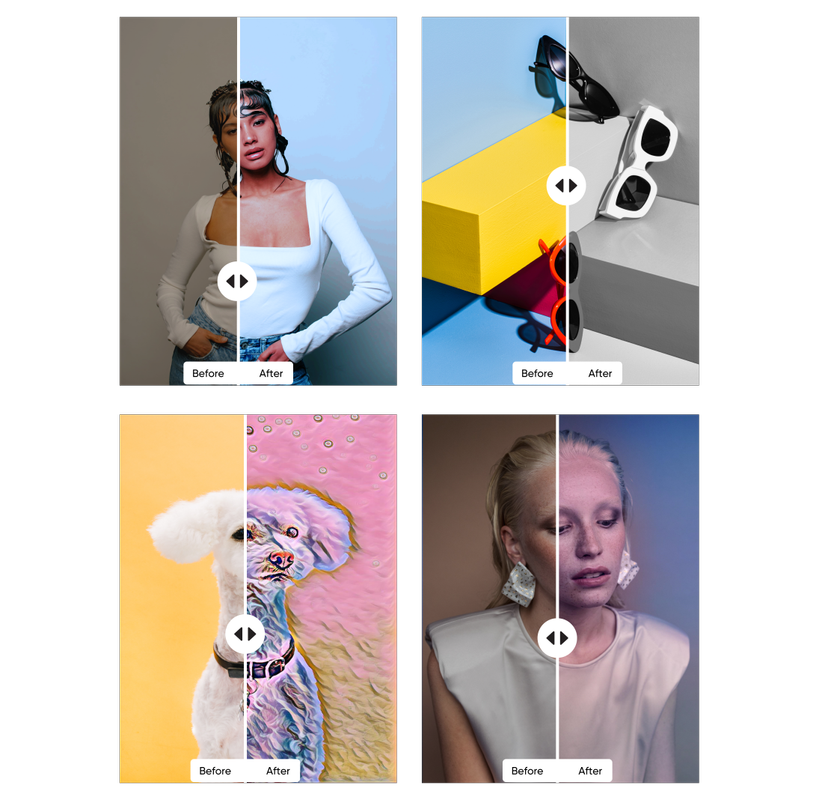
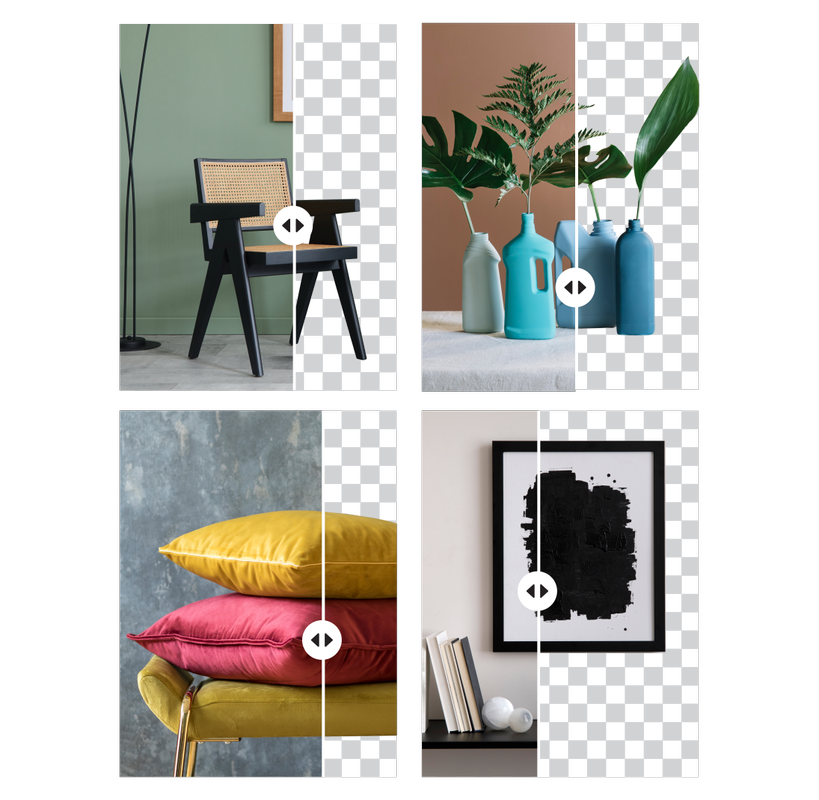
The best photo editing app for Windows
Advanced multi-project management
Work on several projects simultaneously, and accurately organize your project files and assets to stay on top of your creative projects.
Save time with your content library and presets
Save your object's properties as a preset for reuse in future edits. Create your own content library with single or multiple design elements.
Enjoy pro-grade layering tools
Take control of your images with our professional layering tools. Edit files by directly accessing each layer thanks to our advanced layering and masking scheme.
Edit efficiently with advanced manipulation
If you want to save time while editing, count on Picsart to get the job done right. Streamline your editing process by working on multiple objects simultaneously.
Add selection masks to create your style
Create beautiful, organic images by adding selection masks to your pictures. Easily apply edits on a pre-selected area of your image to create custom masks and adjust pictures as needed.
Channel your inner artist with transformation tools
Experiment with our range of transformation tools for a look that sets your logos and illustrations apart. Try manipulating your vector objects by applying advanced transformation tools.
Edit any time with offline mode
No internet? No problem! With the Picsart photo editor desktop app, you can access most tools and downloaded assets while offline.
Windows Photo Editor FAQ
What is Picsart for desktop?
Can Picsart be used on desktop?
Yes! When you install our photo editor for desktop, you can easily edit photos from your PC with just a few clicks.
What's the difference between an online photo editor and a desktop photo editor?
Picsart provides an online photo editor and a desktop app. The online editor is accessed through a web browser, while the desktop app is downloaded and installed. The desktop app allows offline editing
Is Picsart free to use on Windows and desktop?
Yes, the Picsart photo editor app for desktop and Windows is free to install. In-app purchases are also available.
What features does Picsart Windows Photo Editor offer?
The Picsart Windows Photo Editor offers a wide range of features, including pro-grade photo editing tools, trendy filters, customizable stickers, brushes, text overlays, frames, collages, and templates.
How do I install the Picsart Windows Photo Editor?
You can install our free photo editor with just a few clicks. Simply open the Microsoft Store and search for “Picsart photo editor.” Then, click the “Get” button to install the app.
Can I edit photos on Picsart for Windows without an internet connection?
Yes, you can edit photos on Picsart for Windows offline. However, some features may require an internet connection to access.
Can I share my edited photos on social media from the Picsart Photo Editor?
Yes, the Picsart Photo Editor for Windows makes it easy to enhance your images so you can share them on social media platforms such as Instagram, Facebook, and Twitter.


Edit images for sharper creator content
Pro
AI tools for everyday creative work.
- Access to all photo & video editing features
- Advanced background & object removal
- Parallel video generations with the world's most powerful AI video models
- Unlimited image generations with Flex.2 Klein
- 1-tap image enhancer
- Millions of stock photos & Getty video clips
- Selection of trendy fonts, text styles & stickers
- Thousands of premium templates
- Support for 3+ brand kits
- Bulk edit up to 50 images at once
- 100 GB of cloud storage
- Auto-generate content from your terminal or agent with the Picsart CLI
- Use Picsart inside Claude Code, Cursor, and ChatGPT via MCP — coming soon
- AI agents for multi-step workflows and batch generation — coming soon
Ultra
Heavy AI usage for creators & teams.
- Everything in Pro
- Early access to advanced AI features
- Leading AI models to design & automate workflows (Nano Banana, Veo 3, Seedance 2.0 & more)
- Parallel video generations with the world's most powerful AI video models
- Unlimited image generations with Flex.2 Klein
- Support for 10+ brand kits
- Add team seats
- Create ad variations and localize
- Track ads performance
- 2000 credits for API services
- Bulk edit up to 100 images at once
- 300 GB of cloud storage per seat
- Auto-generate content from your terminal or agent with the Picsart CLI
- Use Picsart inside Claude Code, Cursor, and ChatGPT via MCP — coming soon
- AI agents for multi-step workflows and batch generation — coming soon
Enterprise
Custom AI solutions for large organizations.
- Access to photo & video editor SDKs
- Mobile web SDK support
- Prepaid or pay-as-you-go creative APIs
- Embed professional-grade editing into your product or workflow
- Fully configurable editing experience
- White-label to match your brand
- Support for built-in marketing, e-commerce & printing use cases
- Bring your own assets: images, templates & fonts
- Enterprise-grade security, SLAs & support
- Dedicated account manager