How to create ASMR eating videos with AI templates
What you'll learn
What are ASMR eating videos?
Common use cases
Create your ASMR eating video step by step
STEP 1: Open the ASMR video template
- On web: Go to picsart.com/flow/templates → Find "ASMR Eating" template
- On mobile: Open Picsart → Flow → Templates → Search "ASMR pasta"
STEP 2: Customize food and scene details
Adjust the template settings to match your vision:
- Food type: Change from pasta to other foods (ramen, fried chicken, desserts, etc.)
- Audio style: Choose sound intensity (subtle chewing vs. pronounced crunching)
- Scene setting: Adjust lighting and background mood (cozy home vs. restaurant ambiance)
- Video length: Set duration (15, 30, or 60 seconds)
STEP 3: Generate your ASMR video
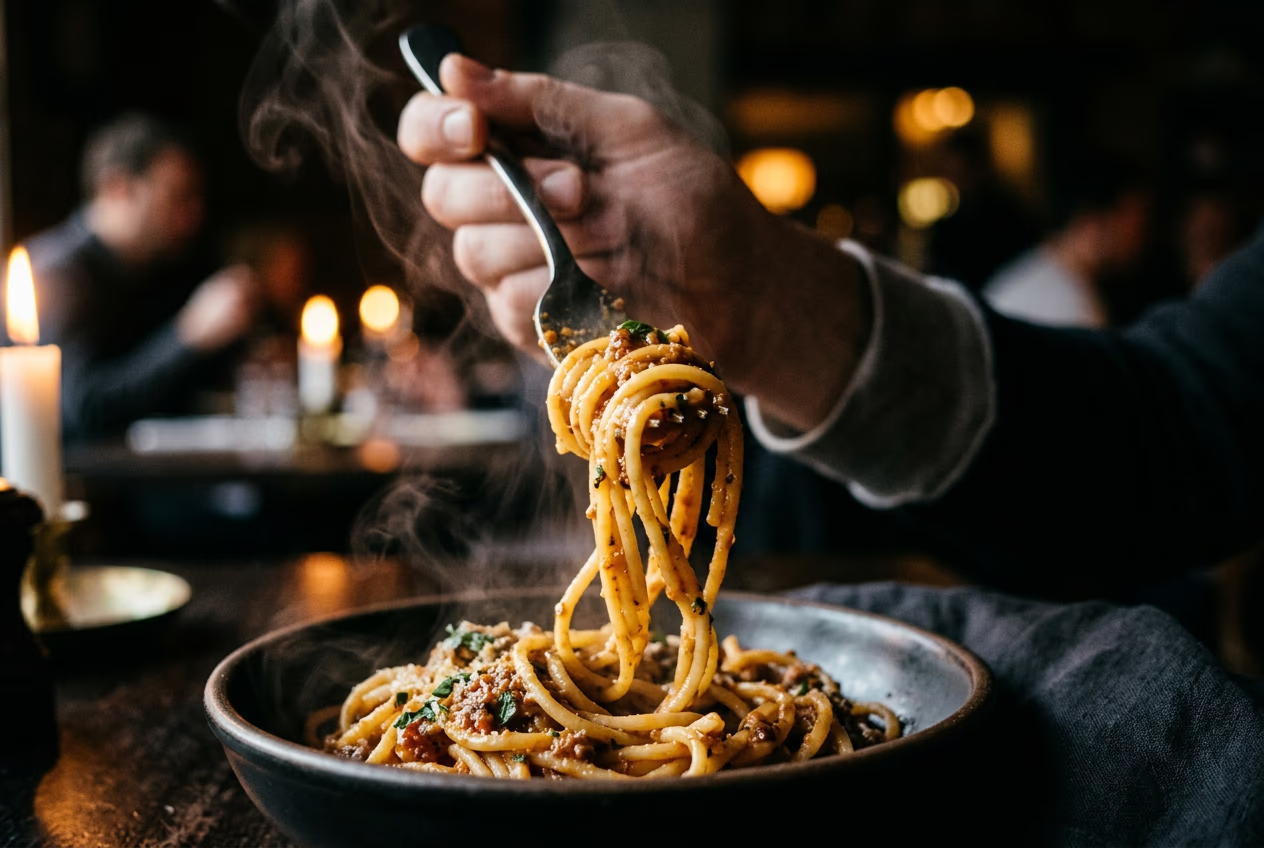
Click "Generate" and wait 20-30 seconds. The AI creates a realistic eating scene with synchronized sounds—slurping, chewing, fork scraping—matched to the visual action.
STEP 4: Review audio and export
Check that sounds feel natural and satisfying: Not perfect? Regenerate with different food or audio intensity settings until the sounds feel right.
- Listen with headphones to verify audio quality and timing
- Check that eating sounds sync with visual movements
- Confirm microphone is visible in frame (validates ASMR authenticity)
Tips for best results
💡 Choose foods with distinct sounds
Crunchy foods (chips, fried chicken, crispy vegetables) and slurp-able foods (noodles, soup) perform best in ASMR content because the sounds are recognizable and satisfying. Avoid mushy or silent foods like bread or cheese.
💡 Add text captions for context
Many viewers watch on mute initially. Add short text overlays like "Crispy fried chicken ASMR" or "Late night ramen sounds" to communicate the sensory appeal before they turn audio on.
💡 Test different audio intensities
Some audiences prefer subtle ASMR sounds while others want amplified crunching. Generate two versions—one gentle, one intense—and see which gets better engagement before committing to a style.
💡 Post during evening hours
ASMR eating content performs best when posted between 7-11 PM in your target timezone. People tend to watch food videos when they're hungry or winding down for the day.
Frequently asked questions

Ready to create viral ASMR content?
Generate sensory food videos with realistic sounds in seconds—no recording needed.
Try ASMR template