How to create product reveal videos with AI templates
What you'll learn
What are product reveal videos?
Common use cases
Create your product reveal video step by step
STEP 1: Open the product reveal template
- On web: Go to picsart.com/flow/templates → Find "Product Reveal" template
- On mobile: Open Picsart → Flow → Templates → Search "product reveal"
STEP 2: Upload your product and add hook text
Replace the placeholder assets with your own:
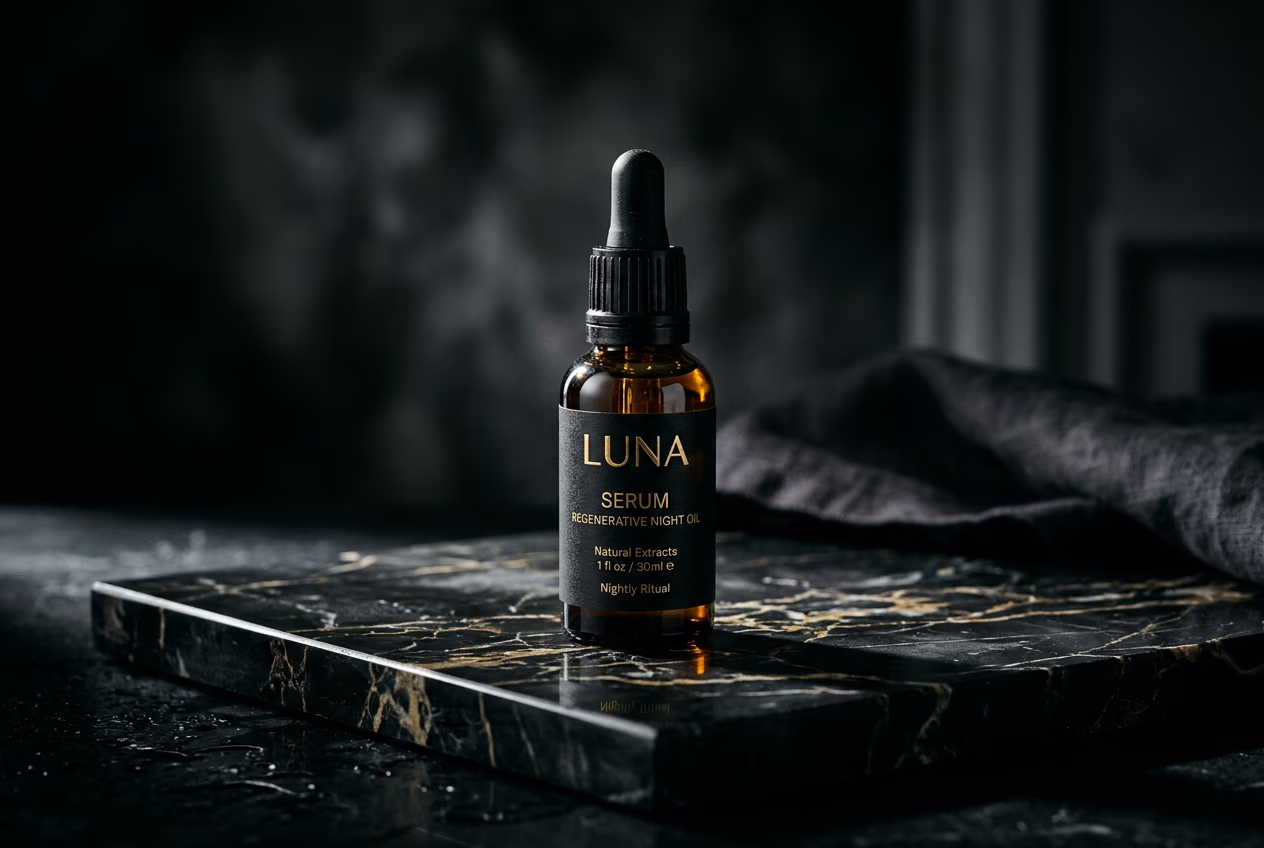
- Product image: Upload a clean product shot with transparent or simple background
- Hook text: Write a short attention-grabbing line (e.g., "This changed my skin in 7 days")
- Best results: Use high-resolution images (at least 1080px) and keep text under 10 words
STEP 3: Generate your video
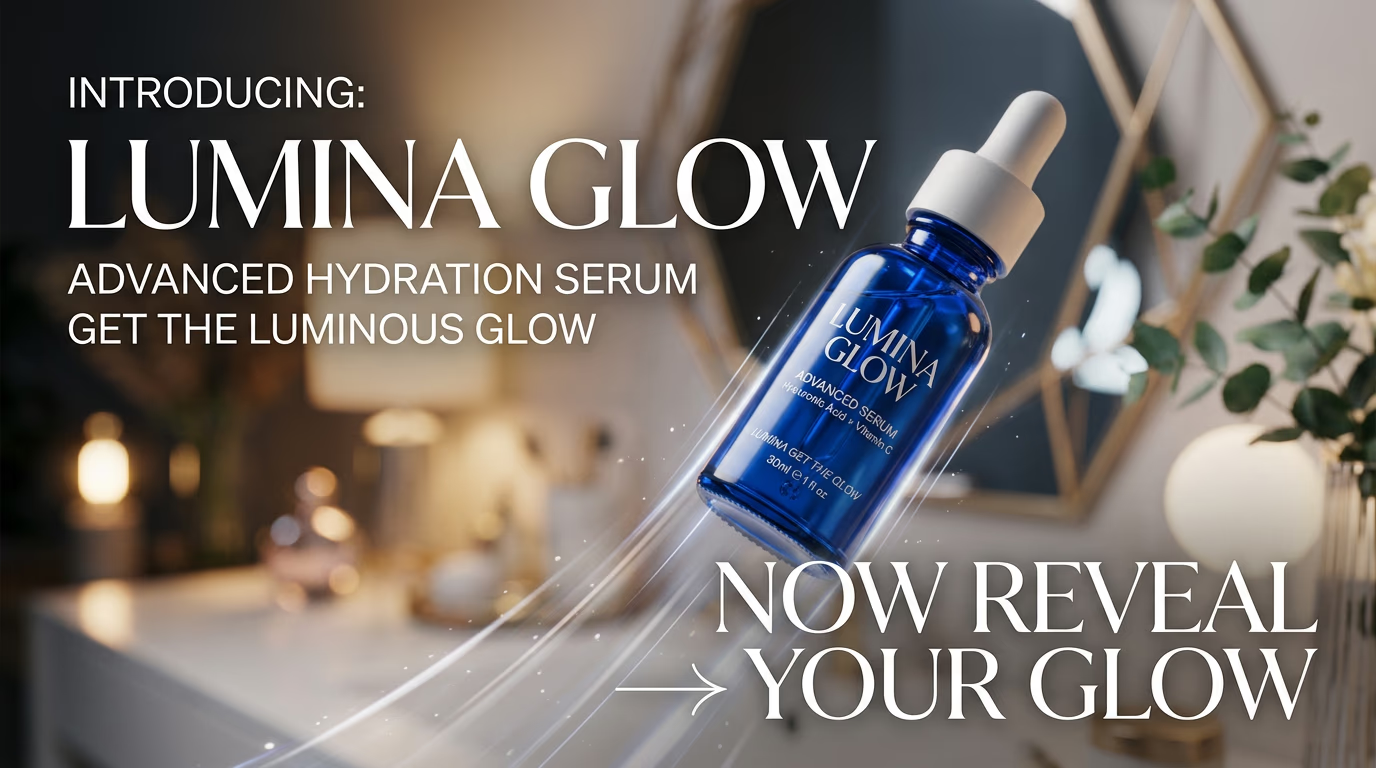
Click "Generate" and wait 10-15 seconds. The template automatically adds transitions, music, and timing to create a finished vertical video ready for social media.
STEP 4: Review and export
Check that your video looks sharp: Not perfect? Go back and adjust your hook text or try a different product angle.
- Verify your product image appears crisp and centered
- Check that hook text is readable on mobile screens
- Preview with sound to confirm music matches your brand vibe
Tips for best results
💡 Use contrast in your hook text
Dark text on light backgrounds (or vice versa) performs better in feed algorithms because it's easier to read at a glance. Avoid mid-tone colors that blend into backgrounds.
💡 Test multiple hook lines
The same product with different opening text can get wildly different engagement. Create 3-4 versions and see which hook resonates with your audience before scaling up production.
💡 Keep product images simple
Busy backgrounds compete with your product for attention. Use photos with clean, minimal backgrounds or remove the background entirely before uploading.
💡 Match video length to platform
This template outputs videos optimized for Reels and TikTok (under 15 seconds). Shorter videos have higher completion rates, which helps with algorithm distribution.
Frequently asked questions

Ready to create scroll-stopping product videos?
Turn your product photos into attention-grabbing reveal videos in seconds.
Try product reveal template