What you can create with Kling Video 3.0 Motion Control
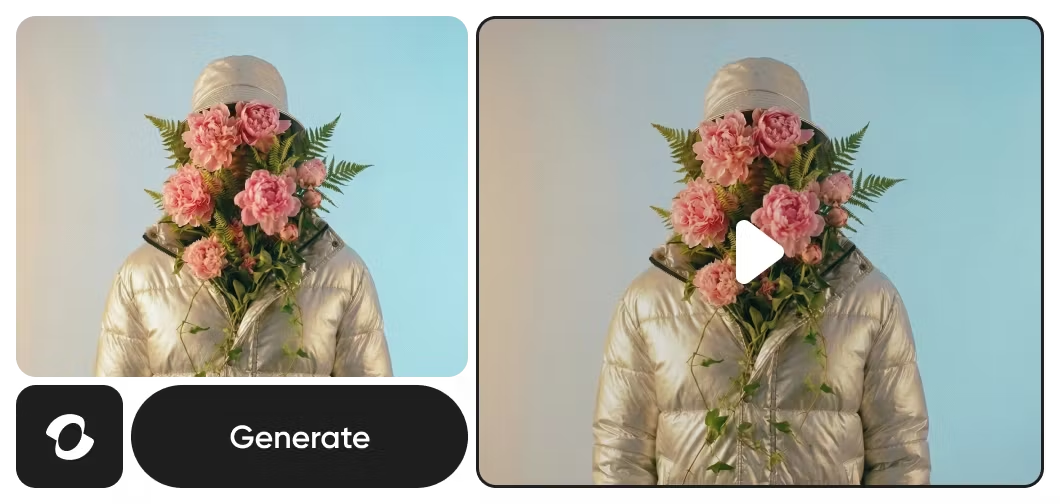
Create studio-quality videos from text prompts using Kling 3.0’s advanced motion control, guiding camera movement, scene flow, and character dynamics with cinematic precision.
Understand video model choices
Learn how to compare video models, motion, and outputs.



Kling 3.0 Motion Control FAQ
What is Kling Video 3.0 Motion Control?
How does Picsart use Kling 3.0 Motion Control?
Picsart integrates Kling 3.0 Motion Control into Flow and GenAI, allowing users to generate and shape cinematic video content directly within the platform without interacting with the model itself.
What is new in Kling Video 3.0 Motion Control compared to previous versions?
Kling Video 3.0 Motion Control introduces next-level realism, smoother motion control, better lighting and detail, and improved scene coherence. Videos generated with Kling 3.0 look and feel more cinematic and natural than those from earlier versions.
Do I need video editing skills to use Kling 3.0-powered tools?
No. Kling Video 3.0 Motion Control works behind the scenes within Picsart’s Flow and GenAI tools, which are built to be intuitive for creators without technical or video editing experience.
Is Kling 3.0 Video Motion Control free to use in Picsart?
Access depends on the specific tool and plan. Kling 3.0 Video Motion Control is part of the AI models used across Picsart’s platform, with availability varying by feature and subscription tier.
Which Picsart tools use Kling 3.0 Motion Control?
Kling 3.0 Motion Control powers video generation within Picsart’s Flow and GenAI tools. Instead of exposing models directly, Picsart integrates AI at the tool level, enabling cinematic video creation, voice features, and editing workflows seamlessly.
Can I use Kling Video 3.0 AI Motion Control for commercial video projects?
Yes. Videos generated through Picsart’s tools powered by Kling Video 3.0 AI Motion Control can be used for marketing, social media, brand content, and other commercial applications, subject to Picsart’s terms of use.
What is Kling 3.0 Multi-Elements?
Multi-Elements is a character and object consistency feature in Kling 3.0 that lets you upload up to 4 reference images — characters, objects, or scenes — and generate videos where those elements stay visually consistent. You can add, swap, or remove references between generations, making it ideal for multi-scene storytelling, series content, and branded videos that need a cohesive look.
More AI models to use
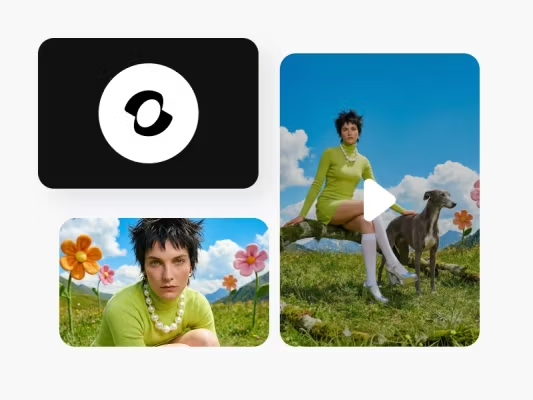
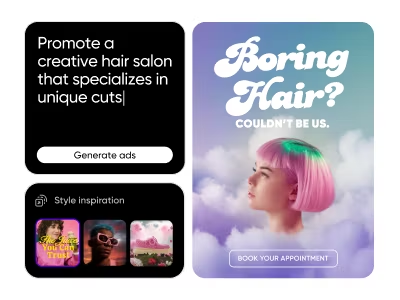
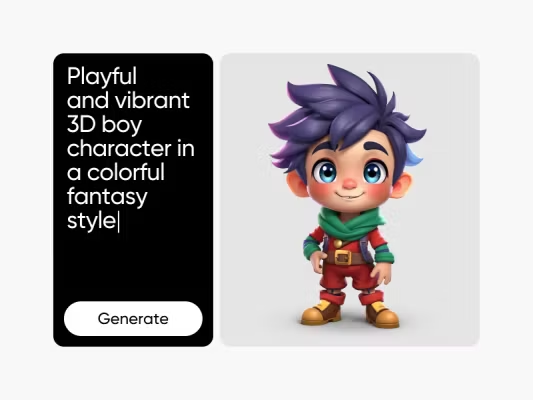
Generate AI visuals with Kling 3.0
Pro
AI tools for everyday creative work.
- Access to all photo & video editing features
- Advanced background & object removal
- Parallel video generations with the world's most powerful AI video models
- Unlimited image generations with Flex.2 Klein
- 1-tap image enhancer
- Millions of stock photos & Getty video clips
- Selection of trendy fonts, text styles & stickers
- Thousands of premium templates
- Support for 3+ brand kits
- Bulk edit up to 50 images at once
- 100 GB of cloud storage
- Auto-generate content from your terminal or agent with the Picsart CLI
- Use Picsart inside Claude Code, Cursor, and ChatGPT via MCP — coming soon
- AI agents for multi-step workflows and batch generation — coming soon
Ultra
Heavy AI usage for creators & teams.
- Everything in Pro
- Early access to advanced AI features
- Leading AI models to design & automate workflows (Nano Banana, Veo 3, Seedance 2.0 & more)
- Parallel video generations with the world's most powerful AI video models
- Unlimited image generations with Flex.2 Klein
- Support for 10+ brand kits
- Add team seats
- Create ad variations and localize
- Track ads performance
- 2000 credits for API services
- Bulk edit up to 100 images at once
- 300 GB of cloud storage per seat
- Auto-generate content from your terminal or agent with the Picsart CLI
- Use Picsart inside Claude Code, Cursor, and ChatGPT via MCP — coming soon
- AI agents for multi-step workflows and batch generation — coming soon
Enterprise
Custom AI solutions for large organizations.
- Access to photo & video editor SDKs
- Mobile web SDK support
- Prepaid or pay-as-you-go creative APIs
- Embed professional-grade editing into your product or workflow
- Fully configurable editing experience
- White-label to match your brand
- Support for built-in marketing, e-commerce & printing use cases
- Bring your own assets: images, templates & fonts
- Enterprise-grade security, SLAs & support
- Dedicated account manager