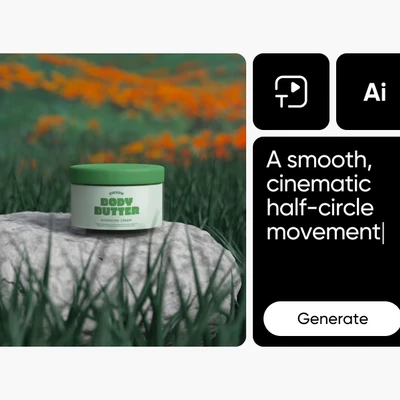
Reasoning-first image generation
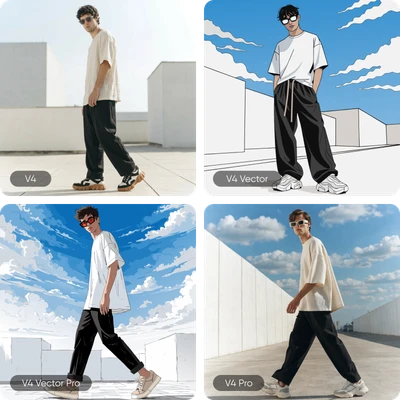

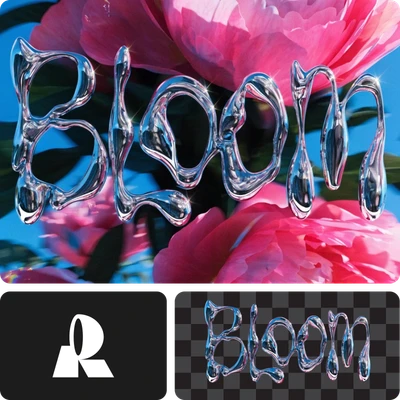
What you can create with Luma Uni-1
Turn detailed text descriptions into high-quality, realistic visuals with accurate lighting, textures, and compositions directly inside Picsart’s AI Image Editor.


Luma Uni-1 FAQ
What is Luma Uni-1?
How is Uni-1 different from other image models?
Uni-1 uses a decoder-only autoregressive architecture (like an LLM) instead of diffusion. This means it reasons through your prompt — decomposing instructions, resolving constraints, and planning composition — before generating pixels. This results in superior prompt adherence and spatial accuracy.
How does Picsart use Luma Uni-1?
Luma Uni-1 is available on Picsart AI Playground. You can generate images with Uni-1 and compare results with other models like Flux 2 Pro, GPT Image 1.5, and Nano Banana 2 — all from a single prompt interface.
What makes Uni-1 different from Flux 2 Pro?
Uni-1 excels at reasoning and instruction following — it understands complex spatial relationships and maintains identity across reference images. Flux 2 Pro is faster (~3 seconds vs ~40 seconds) and outputs higher resolution (4MP vs 2K). Choose Uni-1 for precision, Flux for speed and resolution.
What resolution does Uni-1 generate?
Luma Uni-1 generates images at 2K (2048px) resolution across 9 aspect ratios: 1:1, 9:16, 16:9, 3:2, 2:3, 2:1, 1:2, 3:1, and 1:3.
How many reference images can I use with Uni-1?
Up to 9 reference images per generation, each with an assignable role: style, character, composition, color palette, lighting, texture, or mood. This gives precise creative direction over the output.
Can I use Luma Uni-1 for commercial projects?
Yes. Luma Uni-1 is available for commercial use through Luma's paid plans and through Picsart AI Playground. Check Luma's terms for specific licensing details.