


Contents
Best AI image generators of 2026
The best AI image generator depends entirely on what’s on the brief. Reasoning, speed, aesthetics, typography, photorealism, vectors, sometimes all of the above on the same Tuesday afternoon. The leading models in 2026 each lean into a different specialty, which is why most creators stop asking “what’s the best AI image generator” and start asking “which one for this job.”
This roundup covers both sides of the modern AI image stack. That means the standalone models are doing the heavy lifting (GPT Image 2, Nano Banana 2, FLUX 2, Midjourney V8.1, Ideogram 3.0, Seedream 4.5, Grok Imagine, and Recraft V4), plus the Picsart Image Generator and Adobe Firefly, the platforms that pull them together for daily creative work.
One note before scrolling: 7 of the 8 standalone models below run inside Picsart’s full-screen AI Image Generator on a single subscription, so trying every leading frontier model from one workspace is the path of least resistance.
See how an AI image generator works
An AI image generator is a tool that turns text prompts into images using machine-learning models trained on visual data. Type a description, the model interprets the words, and it composes pixels into a finished image. No drawing skills, no software training, no hours inside Photoshop.
Creators reach for AI image generators to skip stock photo searches, generate ad creative on demand, prototype designs in seconds, and produce localized variants without booking another shoot. Output covers social graphics, blog headers, product mockups, brand assets, ad campaigns, illustrations, posters, packaging, and clean vector graphics. The wrinkle is that different models read the same prompt very differently, so picking the right model for the job matters as much as the prompt itself.
Know what this list covers
The list moves between two categories that creators actually use side by side. AI image models are the underlying generation engines, the actual networks turning words into pixels: GPT Image 2, Nano Banana 2, FLUX 2, Midjourney V8.1, Ideogram 3.0, Seedream 4.5, Grok Imagine, and Recraft V4. AI image platforms are the workspaces that house one or more models and add tools, templates, brand kits, and editing on top: Picsart and Adobe Firefly. Picsart hosts 30+ models on one subscription. Both categories belong here because most creators end up using both: a platform for daily flow and specific models when a task calls for one.
Spot what makes a good AI image generator
A good AI image generator earns its place on a few specific axes. Output quality, resolution, lighting physics, and texture set the floor. Style range covers how well the model jumps between photorealism, illustration, anime, and vector art on demand. Speed decides whether the tool fits a real iteration loop, and prompt understanding decides whether direction lands or just gets approximated. Editing capabilities (inpainting, masks, multi-image references, multi-turn refinement) keep work inside the tool. After that, the practical stuff: native aspect ratios, predictable per-image cost at scale, native handoff to design tools and APIs, and specialized strengths like typography, character consistency, vector output, and brand grounding.
Compare the best AI image generators at a glance

Find the leading AI image generators inside Picsart
Most of this list lives inside Picsart’s full-screen AI Image Generator.
Available in Picsart: GPT Image (GPT Image 2, GPT Image 1.5, GPT Image 1, plus DALL-E 3), Nano Banana (Nano Banana 2 and Nano Banana Pro), FLUX (FLUX 2 Max, FLUX 2 Pro, FLUX 2 Flex, FLUX Pro Ultra, FLUX Pro, and Kontext variants), Ideogram (3.0 Flash, V2a, V2a Turbo), Recraft (V4 and V3), Seedream 4.5, and Grok Imagine. The full catalog lives on the Picsart image models page. Not in the catalog: Midjourney, which doesn’t license its model to third-party platforms, and Adobe Firefly, which runs on its own Adobe stack.
Bundling 30+ models into one workspace cuts out the friction. One Picsart plan unlocks the lineup, plus built-in editing, brand kits, templates, and a Discover community feed for inspiration on tap.
Explore the best AI image generators
Picsart
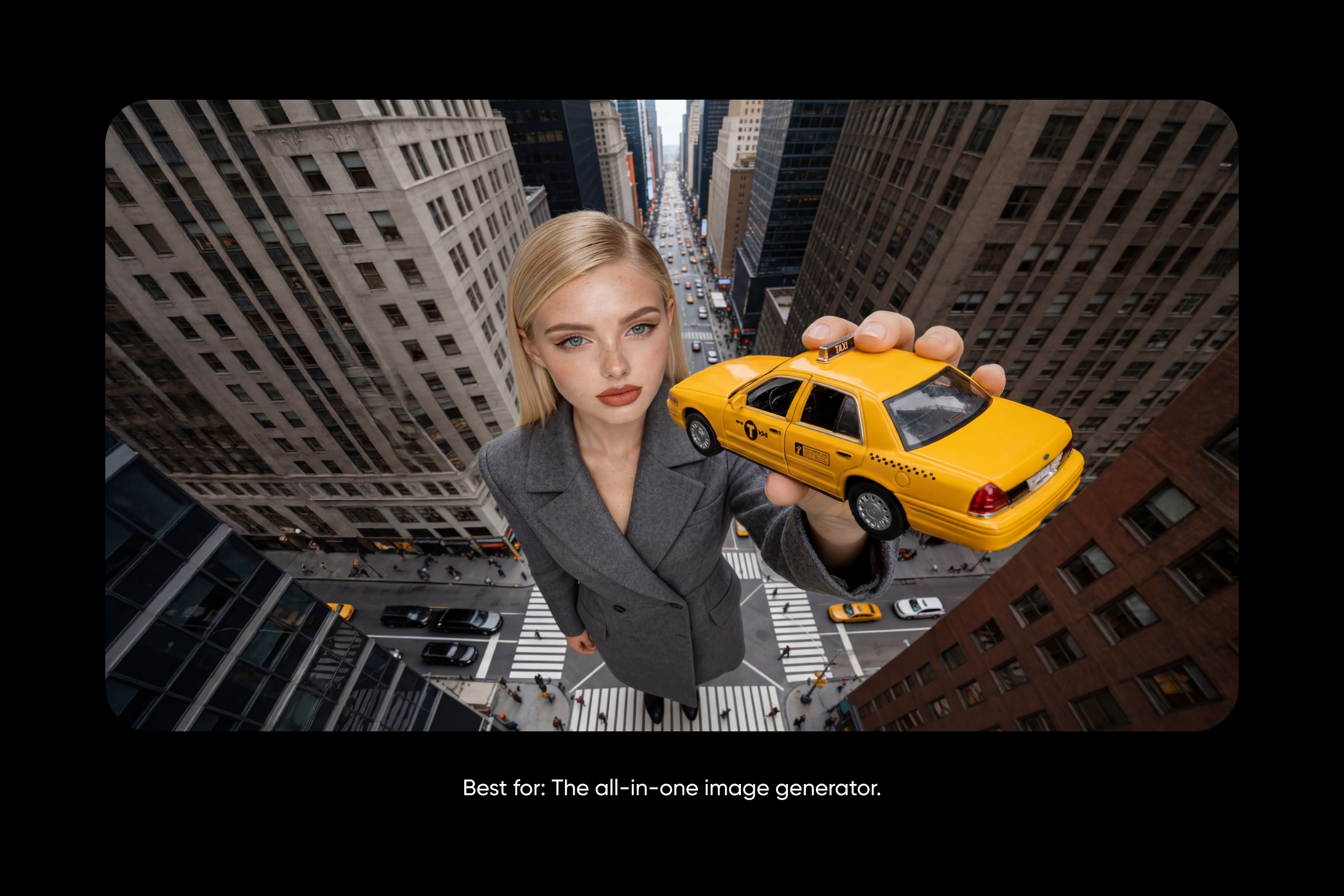
Best for: The all-in-one image generator.
Picsart’s full-screen AI Image Generator puts 30+ leading models in one workspace, FLUX 2 Pro, Nano Banana Pro, GPT Image 1.5, Imagen 4.5, Ideogram 3.0, Recraft V4, Seedream 4.5, Grok Imagine, Kling, Runway Gen4, and more. A pinned prompt bar sits below a scrollable Discover feed sorted by category. Click any community image to see the prompt and model used, then Remix it. 48 style presets, aspect ratio control, built-in editing, AI avatars, brand kits, and a complete photo editor sit on the same plan.
Pros: 30+ models in one workspace, one subscription unlocks the lineup, built-in editing and brand kits, active Discover feed, affordable starting price.
Cons: Paid subscription required for full feature access. Heavy AI use needs the higher Ultra tier.
Pricing: Pro from $7/mo, Ultra from $24.5/mo, Enterprise custom. Credits work across every model.
Best for audience: Creators, marketers, and small teams done juggling subscriptions.
GPT Image 2

Best for: Reasoning, multilingual generation, and multi-image sets.
GPT Image 2 is OpenAI’s flagship image model and the first of its kind to ship with a Thinking mode that reasons through complex prompts before generating. It returns up to 8 coherent images in one pass with character and object continuity, ideal for sequential manga pages, multi-format social sets, and multi-page comics. Multilingual text rendering shows real gains in Japanese, Korean, Chinese, Hindi, and Bengali. Multi-turn editing, mask-based edits, and multi-image references all live in conversation, with output up to 4K.
Pros: Thinking mode for complex visual tasks, strong multilingual text, multi-image references and mask-based editing, up to 8 coherent images per prompt, 4K output.
Cons: Higher per-image cost than cheaper models. No transparent background support. Up to 2-minute latency on complex prompts.
Pricing: ChatGPT Plus from $20/mo or OpenAI API ($0.006-$0.211 per image). Also accessible inside Picsart. For a closer look, read the GPT Image 2 deep dive.
Best for audience: Strategic visual work where reasoning, accuracy, multilingual support, or coherent image sets matter.
Nano Banana 2

Best for: Pro-quality at Flash speed.
Nano Banana 2 brings Flash-tier speed with Pro-level intelligence, so iteration runs fast without sacrificing quality. Gemini 3.1’s reasoning refines composition before each image, and web plus image search grounding pulls real-time information and reference images from Google Search. Subject consistency holds up to 4 characters and 10 objects across a workflow, in-image text translation makes localized assets a one-step job, and resolution scales from 512px to 4K across 14 aspect ratios.
Pros: Flash-tier speed at production quality, web and image search grounding, subject consistency across workflows, low per-image rates, in-image text translation.
Cons: Subject consistency caps below the Pro variant. All images include a SynthID watermark. Image Search grounding can’t return real-world images of people.
Pricing: $0.045 per 0.5K image, $0.067 per 1K, $0.101 per 2K, $0.151 per 4K. Also available inside Picsart.
Best for audience: Marketers iterating on campaigns, designers building storyboards, and anyone who needs Pro-level output at workflow speed.
Midjourney V8.1

Best for: The most artistic AI image generator.
Midjourney keeps its lead on aesthetics. V8.1 (April 30, 2026) is 4 to 5x faster than earlier versions and ships with native 2K HD output, no separate upscale step. Personalization profiles let Midjourney learn a creator’s aesthetic over time, while Style References and Style Reference Codes feed any image as inspiration to match its look, palette, and mood. Granular controls (Stylize, Weird, Variety, Raw, Chaos, aspect ratios up to 14:1) keep the model expressive without giving up direction.
Pros: Most aesthetic AI image output, Personalization profiles, Style References for cohesive looks, native 2K HD output, 4-5x faster than earlier versions.
Cons: No free tier. No native API for developers. Requires unlocking the V7/V8 Personalization Profile before use. Drops the V7-only Omni Reference feature.
Pricing: Subscription-based, with multiple tiers on midjourney.com.
Best for audience: Concept artists, illustrators, and brand designers who want AI images that feel less generated and more crafted.
Ideogram 3.0

Best for: Typography in images.
Ideogram 3.0 is the model to reach for when text inside the image has to look right. Long headlines, multi-line compositions, decorative serifs, hand-lettered styles, and kerning hold together where most models start to slip. Style References (up to 3 inputs) lock in a specific aesthetic, palette, or mood. Random Style explores 4.3 billion presets. Photorealism gets natural skin tones, accurate reflections, and lighting physics that read as real. Full commercial rights extend to every plan, including Free.
Pros: Best-in-class English typography, Style References plus 4.3 billion presets, full commercial rights on every tier, free tier available.
Cons: Image upload, Magic Fill, and Extend require Plus or higher. Batch Generation limited to Pro/Team. Free plan rate-limited to 40 images per week.
Pricing: Free tier available, with paid plans on ideogram.ai. Also available inside Picsart.
Best for audience: Designers, marketers, and creative teams producing finished assets with text, like posters, ad creative, social graphics, packaging, and book covers.
FLUX 2
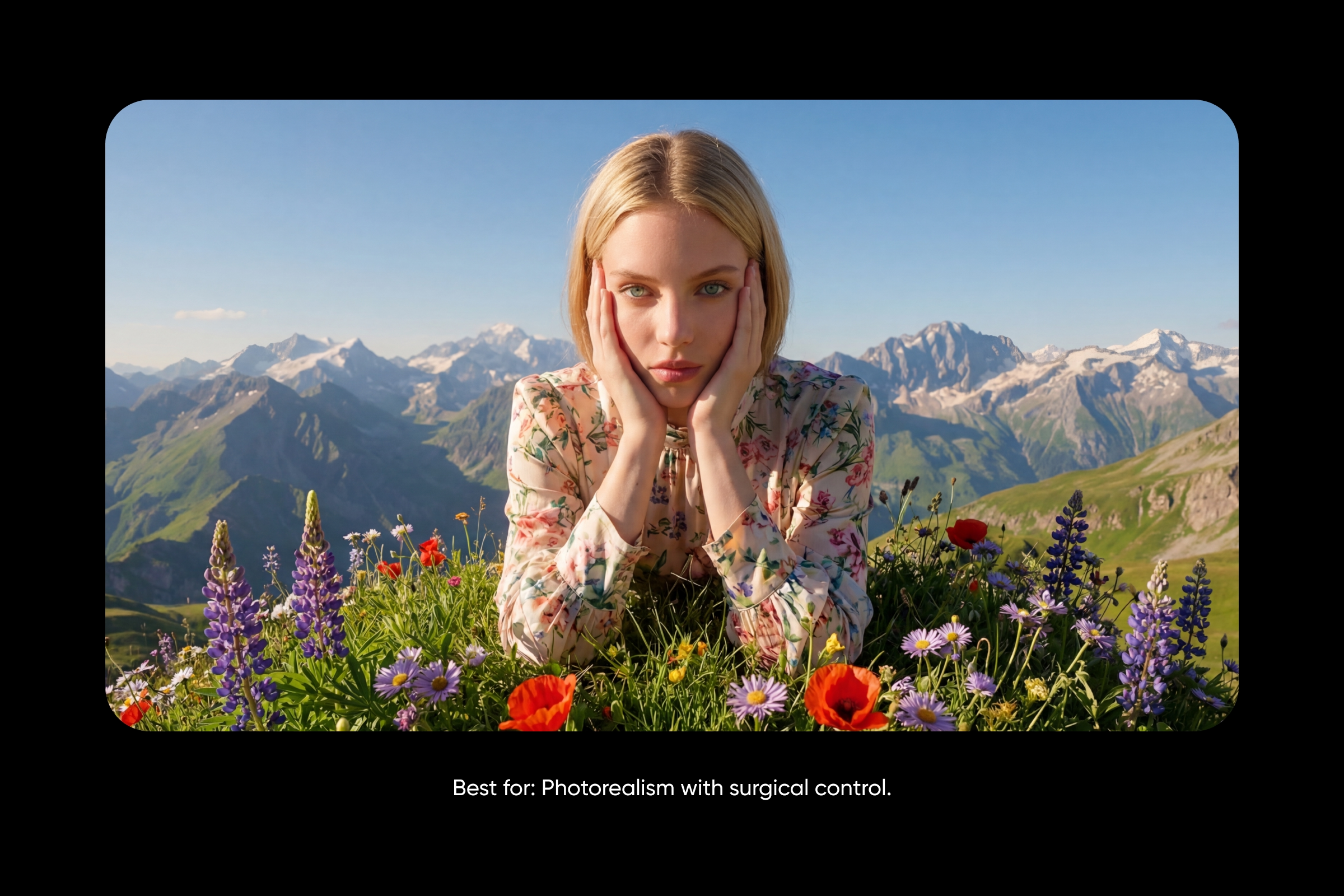
Best for: Photorealism with surgical control.
FLUX 2 sets the bar on photorealism, skin texture, lighting physics, reflections, depth, all rendered up to 4MP. Multi-reference editing pulls in up to 10 reference images to keep faces, products, and elements consistent across scenes. Exact color control via hex codes lets brand teams specify colors with hex precision, no approximations. Structured prompting accepts JSON with separate fields for subject, background, lighting, style, camera, and composition. Four variants cover the full speed-to-quality range: [klein] for sub-second generation, [pro] for production at scale, [flex] for adjustable controls, and [max] for highest quality with grounding search.
Pros: Photorealistic output up to 4MP, multi-reference editing (up to 10 images), exact hex color control, structured JSON prompting, grounding search in [max], range from sub-second to studio quality.
Cons: API-focused with no consumer app. Pay-per-image pricing scales with volume. Structured prompting has a learning curve.
Pricing: Varies based on the model from $0.014–$0.07 per image
Best for audience: E-commerce teams, product marketers, brand designers, and creative directors who need photorealistic output with precise control.
Adobe Firefly
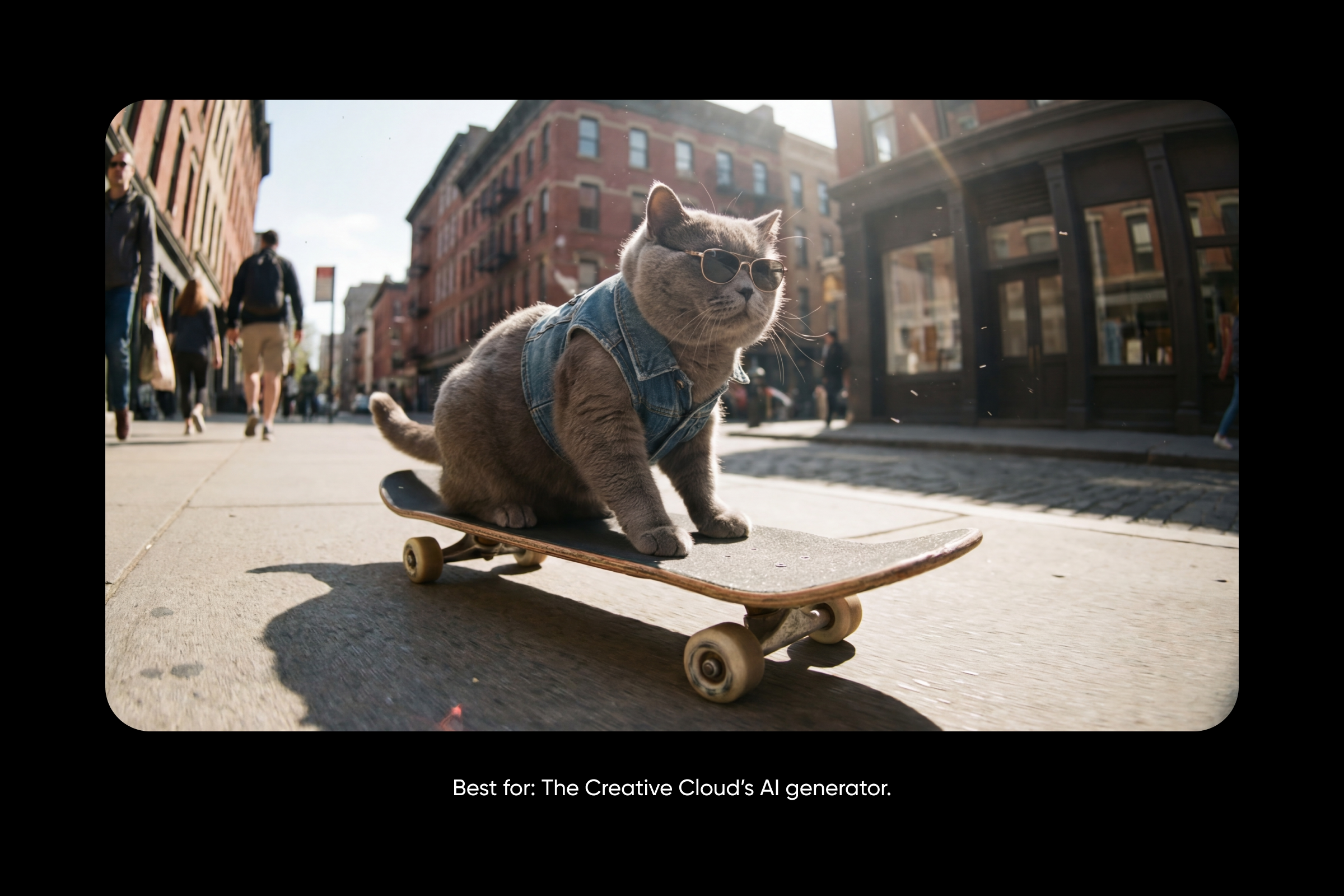
Best for: The Creative Cloud’s AI generator.
Adobe Firefly is the natural pick for anyone already living inside Creative Cloud. Native handoff to Photoshop and Express keeps generation and refinement under one login, and Firefly’s lineup now includes top third-party models alongside Adobe’s own (Nano Banana 2, FLUX 2 Pro, GPT Image, Runway, Luma, Kling, ElevenLabs). Custom Models (public beta) trains an AI on a brand’s own image library. Firefly Boards offers an infinite canvas for mood boards, while Generative Fill handles add, remove, and expand edits. Adobe Fonts loads inside the workspace.
Pros: Native Creative Cloud integration, Custom Models for brand consistency, multiple top AI models in one platform, Adobe Fonts inside the workspace.
Cons: Best value for Adobe ecosystem users. Premium tier expensive at $199.99/mo. Less flexible than standalone APIs.
Pricing: Plans start at $9.99/mo (Standard, 2,000 credits) and scale to $199.99/mo (Premium, 50,000 credits).
Best for audience: Creative Cloud users, in-house brand teams, and agencies that want generative AI inside the toolset they already design with.
Seedream 4.5

Best for: Fast, high-resolution batch generation.
Seedream 4.5 is built for volume. Output reaches 4K (max 4096×4096 square or 6240×2656 ultra-wide), batch generation returns up to 15 thematically related images from a single prompt, and unified generation plus editing lets one workflow create from text or edit existing images with up to 14 reference inputs. Dense text and small-font rendering hold up across headlines and multilingual labels, character consistency keeps mascots and products looking the same across a series, and streaming output sends each image back the moment it’s generated.
Pros: Up to 4K resolution, batch generation up to 15 images per prompt, multi-image blending with up to 14 references, streaming output, around $0.04 per image, aspect ratios from 1:1 to 21:9.
Cons: Primarily accessed via API. Default watermark unless toggled off. Prompt optimization in standard mode only.
Pricing: Around $0.04 per image. Available inside Picsart, where it powers Text-to-Image, Text-to-Sticker, and the Logo Generator.
Best for audience: E-commerce teams batch-generating product imagery, marketing teams producing campaign assets across formats, and high-volume creative shops needing fast 4K output.
Grok Imagine

Best for: Versatile style transfer at low cost.
Grok Imagine leans into range, ultra-realistic photography, anime, oil painting, pencil sketches, pop art, all from a single model. Multi-turn iterative editing chains edits together by feeding each output as the next input. Multi-image editing accepts up to 5 reference images at once and edits them as a set. Batch generation returns up to 10 images per request, with 13+ aspect ratios from 1:1 to ultrawide 20:9 and 300 requests per minute on the API.
Pros: Among the lowest per-image rates ($0.02), multi-turn iterative editing, versatile style transfer across photo, anime, sketches, and oil painting, multi-image editing (up to 5), 300 RPM API throughput.
Cons: Tied to the xAI/X ecosystem. Output URLs are temporary, so download promptly. Newer than other frontier models.
Pricing: $0.02 per image generated, plus $0.002 per image input. Also available inside Picsart. For prompt techniques, see the Grok Imagine prompts guide.
Best for audience: Creators, marketers, and developers who need versatile output, iterative editing, and a price point that scales for high-volume work.
Recraft V4

Best for: Production-ready vector and SVG generation.
Recraft V4 is the model brand designers reach for when output has to be editable, scalable, and production-clean. Production-quality SVG drops straight into Figma, Illustrator, or any design system, with vectors that scale infinitely. Design-forward visual judgment shows up in balanced compositions, cohesive color, and intentional detail that feels designed rather than stock-like. Readable, structured text holds up in infographics, menus, signage, and packaging. Exploration Mode generates 8 visual directions from a single prompt, and exports cover SVG, PNG, JPG, PDF, TIFF, and Lottie across four variants (V4, V4 Vector, V4 Pro, V4 Pro Vector).
Pros: Production-quality SVG vector output (few competitors match this), design-forward visual judgment, multiple export formats, Exploration Mode, free tier available.
Cons: Slower generation times (especially Pro variants). Limited prompt-based editing. No image sets or artistic level control.
Pricing: Free tier available, with paid plans on recraft.ai. Also available inside Picsart.
Best for audience: Brand designers, illustrators, and marketing teams producing logos, icons, packaging, or scalable graphics.
Compare AI image generator capabilities side by side

Frequently asked questions
The best AI image generator depends on the job. GPT Image 2 leads on reasoning and multilingual text. Midjourney V8.1 leads on aesthetic. FLUX 2 leads on photorealistic control. Ideogram 3.0 leads on typography. Recraft V4 leads on vectors. For creators who don’t want to commit to one model, Picsart hosts 30+ leading models in one workspace, so testing a prompt across several takes one click.
Frequently asked questions
The best AI image generator depends on the job. GPT Image 2 leads on reasoning and multilingual text. Midjourney V8.1 leads on aesthetic. FLUX 2 leads on photorealistic control. Ideogram 3.0 leads on typography. Recraft V4 leads on vectors. For creators who don’t want to commit to one model, Picsart hosts 30+ leading models in one workspace, so testing a prompt across several takes one click.
Start generating with Picsart
The best AI image generator depends on the brief, reasoning, speed, aesthetic, typography, photorealism, batch, vectors. Picsart’s full-screen AI Image Generator gives creators access to 30+ leading models in a single workspace, so swapping between Nano Banana 2, FLUX 2 Pro, GPT Image 1.5, Ideogram 3.0, and Recraft V4 takes one click instead of one new subscription.


