


Contents
The best AI image generator depends on what is on the brief. GPT Image 2.5 leads on precise editing, Flux 3 Image on layout control, Ideogram 4.5 on text inside images, and Midjourney V8.1 on pure aesthetics. Most creators stop asking "what is the best AI image generator" and start asking "which one for this job".
This roundup covers both sides of the modern AI image stack, and 7 of the 8 standalone models below run inside Picsart on a single subscription, through the Picsart AI Image Generator and AI Playground.
See how an AI image generator works
An AI image generator is a tool that turns text prompts into images using machine-learning models trained on visual data. Type a description, the model interprets the words, and it composes pixels into a finished image. No drawing skills, no software training, no hours inside Photoshop.
Creators reach for AI image generators to skip stock photo searches, generate ad creative on demand, prototype designs in seconds, and produce localized variants without booking another shoot. Output covers social graphics, blog headers, product mockups, brand assets, ad campaigns, illustrations, posters, packaging, and clean vector graphics.
The wrinkle is that different models read the same prompt very differently. Picking the right model for the job matters as much as the prompt itself.
Know what this list covers
The list moves between two categories that creators actually use side by side.
- AI image models are the underlying generation engines, the networks turning words into pixels: GPT Image 2.5, Nano Banana 2, Midjourney V8.1, Ideogram 4.5, Flux 3 Image, Seedream 5.0 Pro, Grok Imagine 2 and Recraft V4.1.
- AI image platforms are the workspaces that house one or more models and add tools, templates, brand kits and editing on top: Picsart and Adobe Firefly.
Picsart alone offers more than 70 AI image models. Both categories belong here because most creators end up using both: a platform for daily flow, and specific models when a task calls for one.
Spot what makes a good AI image generator
A good AI image generator earns its place on a few specific axes:
- Output quality: resolution, lighting physics and texture set the floor.
- Style range: how well the model jumps between photorealism, illustration, anime and vector art on demand.
- Speed: whether the tool fits a real iteration loop.
- Prompt understanding: whether your direction lands or just gets approximated.
- Editing: single-element edits, multi-image references and multi-turn refinement keep work inside the tool.
- The practical stuff: native aspect ratios, predictable cost at scale, handoff to design tools and APIs, and specialized strengths like typography, character consistency, vector output and brand grounding.
Compare the best AI image generators at a glance
| Generator | Type | Best for | Inside Picsart |
|---|---|---|---|
| Picsart | Platform | All-in-one generation and editing | Yes, 70+ image models |
| GPT Image 2.5 | Model | Precise single-element editing | Yes |
| Nano Banana 2 | Model | Near-Pro quality at Flash speed | Yes |
| Midjourney V8.1 | Model | Artistic, aesthetic output | No |
| Ideogram 4.5 | Model | Text inside images | Yes |
| Flux 3 Image | Model | Layout control with bounding boxes | Yes |
| Adobe Firefly | Platform | Creative Cloud workflows | No |
| Seedream 5.0 Pro | Model | Dense text and character consistency | Yes |
| Grok Imagine 2 | Model | One precise frame from one reference | Yes |
| Recraft V4.1 | Model | Design-quality images and vectors | Yes |
Find the leading AI image generators inside Picsart
Most of this list lives inside Picsart, which offers more than 70 AI image models across the AI Image Generator and AI Playground.
Model families available in Picsart include:
- GPT Image: GPT Image 2.5, with its Flare and Sunburst variants
- Flux: Flux 3 Image and the Flux 2 family (Pro, Max and Flex)
- Nano Banana: Nano Banana 2, Nano Banana 2 Lite and Nano Banana Pro
- Ideogram: Ideogram 4.5, Ideogram 4.5 Precise Edit and Ideogram Character
- Seedream: Seedream 5.0 Pro, Flash and Lite
- Recraft: the Recraft V4.1 family and Recraft V4.1 Flash
- Grok Imagine: Grok Imagine 2 and Grok Imagine Quality
- And more: Qwen Image 3 Pro, Muse Image 1.0 and Kling 3.0 Image
The full catalog lives on the Picsart image models page. Not in the Picsart catalog: Midjourney and Adobe Firefly, which runs on its own Adobe stack.
Bundling dozens of models into one workspace cuts out the friction. One Picsart plan unlocks the lineup, plus built-in editing, brand kits and templates.
Explore the best AI image generators
Picsart
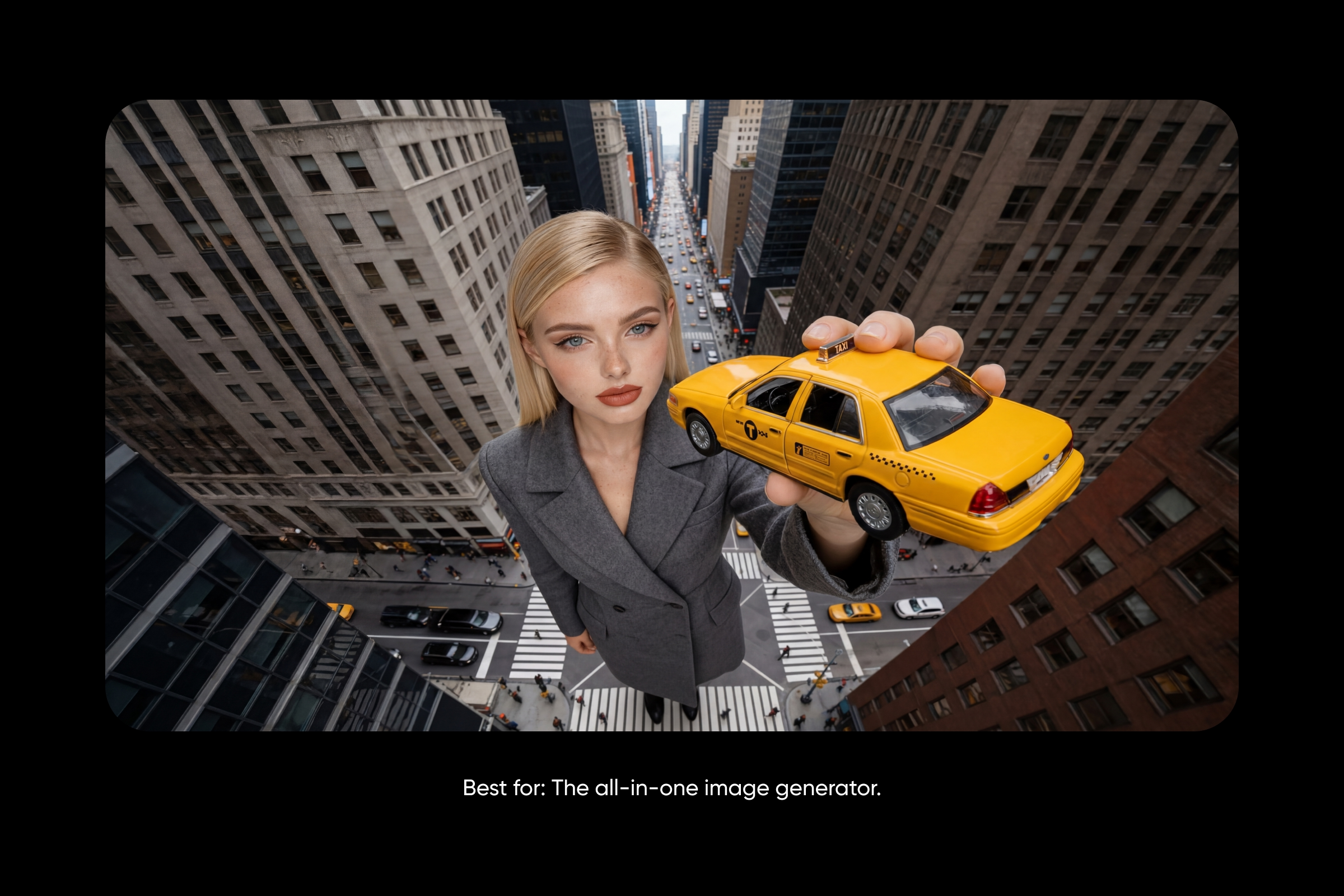
Best for: the all-in-one image generator.
Picsart brings more than 70 AI image models into one place, from generators tuned for photorealism, illustration, typography or speed to editing models for backgrounds, upscaling and precise fixes. The AI Image Generator runs them full screen. Start in Discover to create something new from a text prompt, or switch to My Images to upload and edit a picture you already have.
It runs online in the browser, so there is nothing to install. Built-in style presets shape an image from the very first prompt, and output reaches up to 8K, ready for social, print or professional use. Editing, brand kits and a complete photo editor sit on the same plan, and you can try it free before committing.
For avatars, Picsart's separate AI Avatar Maker turns a single photo into avatars in 20+ styles, or into a talking video avatar, with 1,000+ ready-made video avatars to choose from.
| Plan | Monthly | Billed yearly |
|---|---|---|
| Pro | $15/mo | $10.50/mo |
| Ultra (5x Pro) | $47/mo | $37.50/mo |
Pros
- More than 70 AI image models in one place
- One subscription unlocks the lineup
- Built-in editing, style presets and brand kits
- A separate AI Avatar Maker for photo and talking video avatars
- Output up to 8K
- Free to try
Cons
- Full feature access needs a paid plan
- Heavy AI use needs the higher Ultra tier
Best for audience: creators, marketers and small teams done juggling subscriptions.
GPT Image 2.5
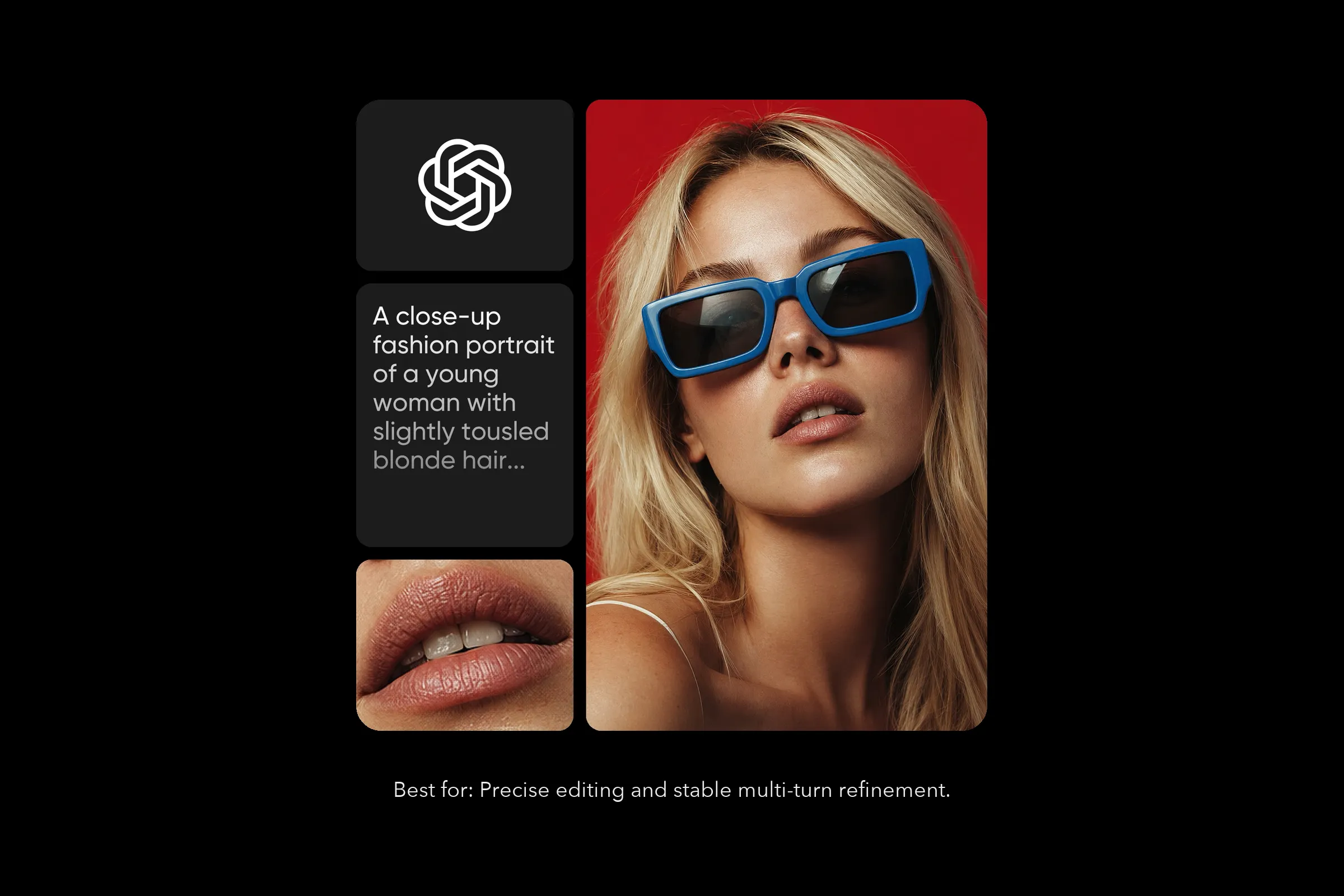
Best for: precise editing and stable multi-turn refinement.
GPT Image 2.5 is OpenAI's latest image model, released on September 8, 2026. It brings sharper detail, richer texture and more natural lighting, but its biggest leap is editing: it changes only the element you name and holds everything around it steady.
That stability carries across a conversation. An earlier edit survives the next one instead of the picture degrading over a long back and forth, and it accepts up to 16 reference images on an edit. It comes in two variants: Flare, two to four times the pace of GPT Image 2, and Sunburst, tuned for precision.
Pros
- Precise single-element edits with steady multi-turn editing
- Up to 16 reference images
- Up to 4K, with a 3840px maximum edge
- Aspect ratios from 1:3 to 3:1, nine presets plus auto
- PNG or WebP export, including transparent backgrounds
- Two new quality tiers, xhigh and max
Cons
- Painterly, heavily stylised art is not its strongest suit
- The resolution ceiling is the same as GPT Image 2's
Where to use it: Picsart AI Playground and AI Image Generator, ChatGPT, Codex and the OpenAI API.
Best for audience: marketers and designers who edit more than they generate, and anyone refining one image over many rounds.
Nano Banana 2

Best for: Pro-quality at Flash speed.
Nano Banana 2 is Google's image model built on Gemini 3.1 Flash Image. It sits between Nano Banana and Nano Banana Pro, delivering near-Pro results at much faster speeds, so iteration runs fast without sacrificing quality.
It holds up to five consistent characters and fourteen objects per scene, generates from 512px to 4K, and renders text with in-image localization, which makes localized assets a one-step job. Web grounding lets it pull in real-world information when the image depends on something current. In Picsart it is the default image model inside Picsart Flow, and it runs in Picsart Aura too.
Pros
- Near-Pro quality at Flash speed
- Up to 5 consistent characters and 14 objects per scene
- 512px to 4K output
- In-image text localization
- Web grounding for real-world accuracy
Cons
- Sits a step below Nano Banana Pro on peak quality
- Built for speed and volume rather than heavy art direction
Where to use it: Picsart AI Playground, AI Image Generator, Flow and Aura.
Best for audience: marketers iterating on campaigns, designers building storyboards, and anyone who needs Pro-level output at workflow speed.
Midjourney V8.1

Best for: The most artistic AI image generator.
Midjourney keeps its lead on aesthetics. V8.1 (April 30, 2026) is 4 to 5x faster than earlier versions and ships with native 2K HD output, no separate upscale step. Personalization profiles let Midjourney learn a creator’s aesthetic over time, while Style References and Style Reference Codes feed any image as inspiration to match its look, palette, and mood. Granular controls (Stylize, Weird, Variety, Raw, Chaos, aspect ratios up to 14:1) keep the model expressive without giving up direction.
Pros: Most aesthetic AI image output, Personalization profiles, Style References for cohesive looks, native 2K HD output, 4-5x faster than earlier versions.
Cons: No free tier. No native API for developers. Requires unlocking the V7/V8 Personalization Profile before use. Drops the V7-only Omni Reference feature.
Pricing: Subscription-based, with multiple tiers on midjourney.com.
Best for audience: Concept artists, illustrators, and brand designers who want AI images that feel less generated and more crafted.
Ideogram 4.5
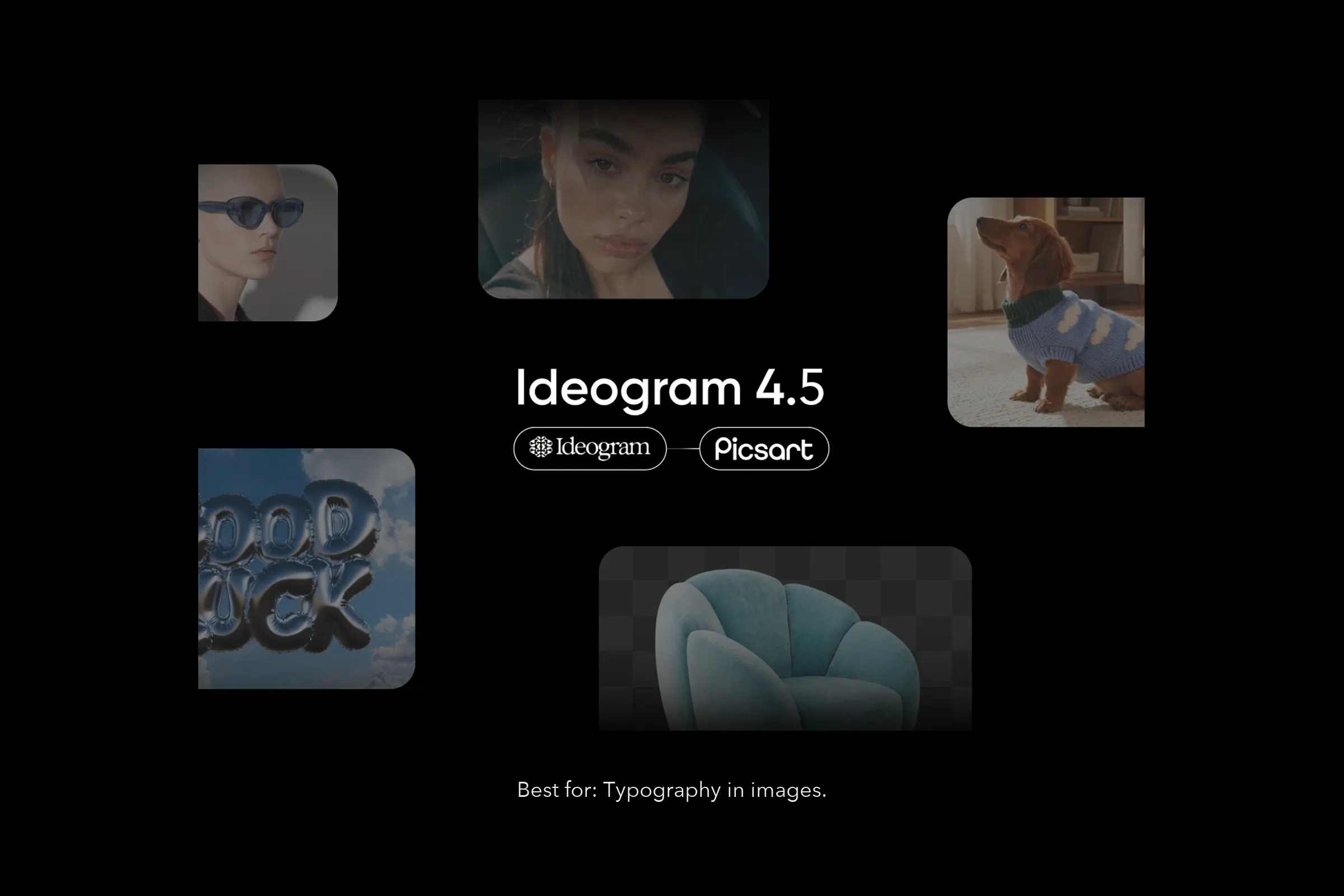
Best for: typography in images.
Ideogram 4.5 is the model to reach for when text inside the image has to look right. It keeps Ideogram's signature strength, the most accurate text-in-image rendering available, so headlines, logos, signage and poster copy come out clean the first time.
It also adds drift-free iterative editing: it changes only what you ask and leaves the rest of the image pixel-intact, edit after edit. Up to four reference images lock in style and identity, and Magic Prompt expands a short idea into a richer prompt when you want it. Its companion, Ideogram 4.5 Precise Edit, is built for targeted fixes, from swapping an element to correcting a line of text.
Pros
- The most accurate text-in-image rendering
- Drift-free iterative editing
- Up to 4 reference images
- Prompts up to 10,000 characters
- Selectable quality tiers
Cons
- Resolution tops out around 3K
- Fewer reference inputs than GPT Image 2.5 or Seedream 5.0 Pro
Where to use it: Picsart AI Playground, on the web, in the desktop app, or via CLI, MCP, REST API and SDK.
Best for audience: designers, marketers and creative teams producing finished assets with text, like posters, ad creative, social graphics, packaging and book covers.
Flux 3 Image
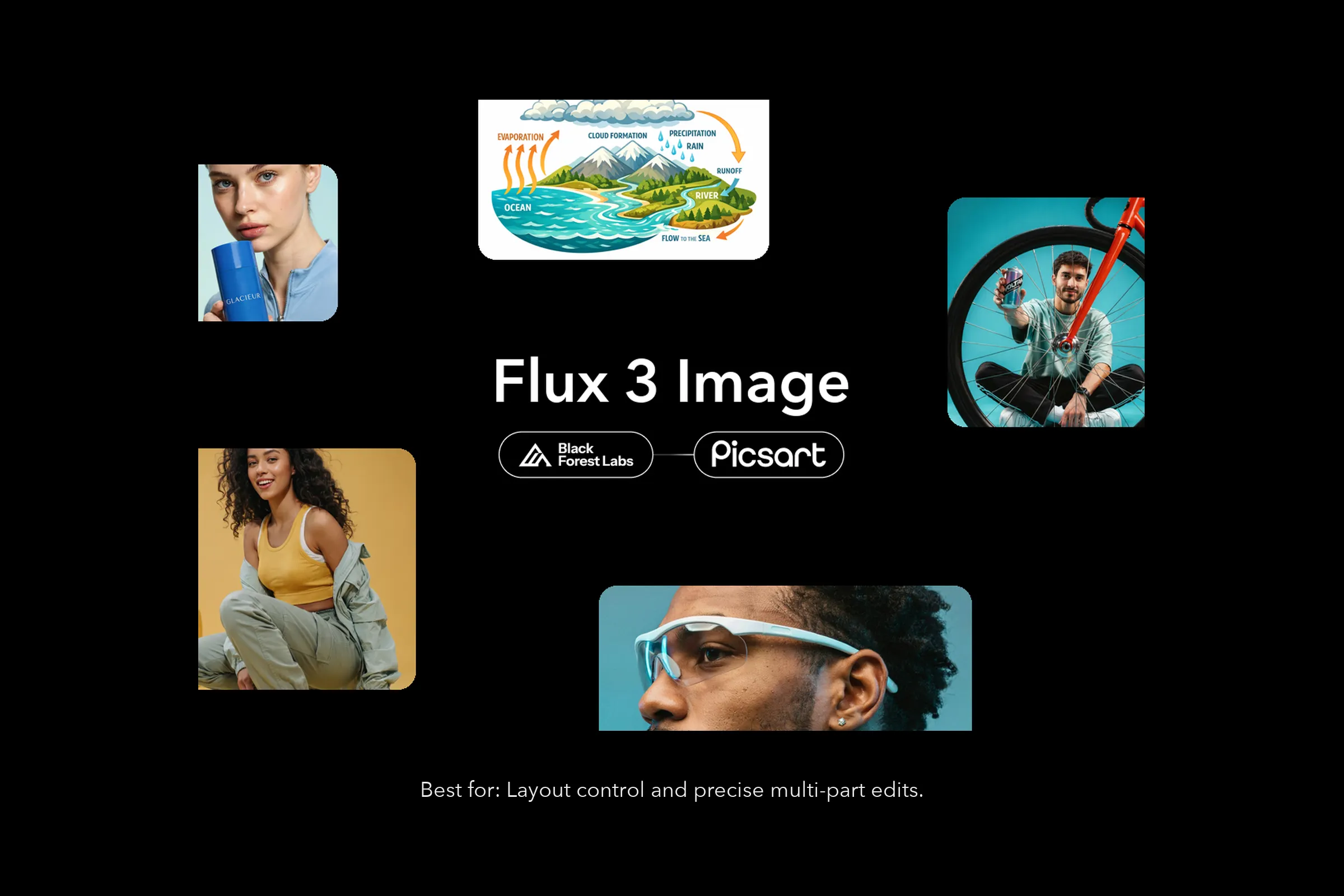
Best for: layout control and precise multi-part edits.
Flux 3 Image is the image part of Flux 3, Black Forest Labs' multimodal model family for video, audio, images and actions. Its signature is layout control: whatever aspect ratio you pick, the canvas works as a 0 to 1,000 grid, you drag out a box for every element that matters and describe what goes in it, and every element renders inside its box. You can also skip the boxes and just write a prompt.
There is no mode to switch, because the inputs decide the job. A prompt alone generates a new image, a prompt plus one image edits it, and a prompt plus 2 to 10 images restyles them or builds a new composition from all of them. Several targeted edits can happen at once, and everything you did not touch stays exactly where it was.
Pros
- Bounding-box layout control
- Native 2K and 4K rendering, with sample outputs around 16MP
- Pixel-perfect edits that hold across rounds
- Up to 10 reference images, each cited by its own token
Cons
- Launched in October 2026, so fewer proven workflows exist than for older models
- Available in AI Playground rather than the AI Image Generator
Where to use it: Picsart AI Playground.
Best for audience: designers, art directors and marketers who need every element of a composition in a precise place.
Adobe Firefly
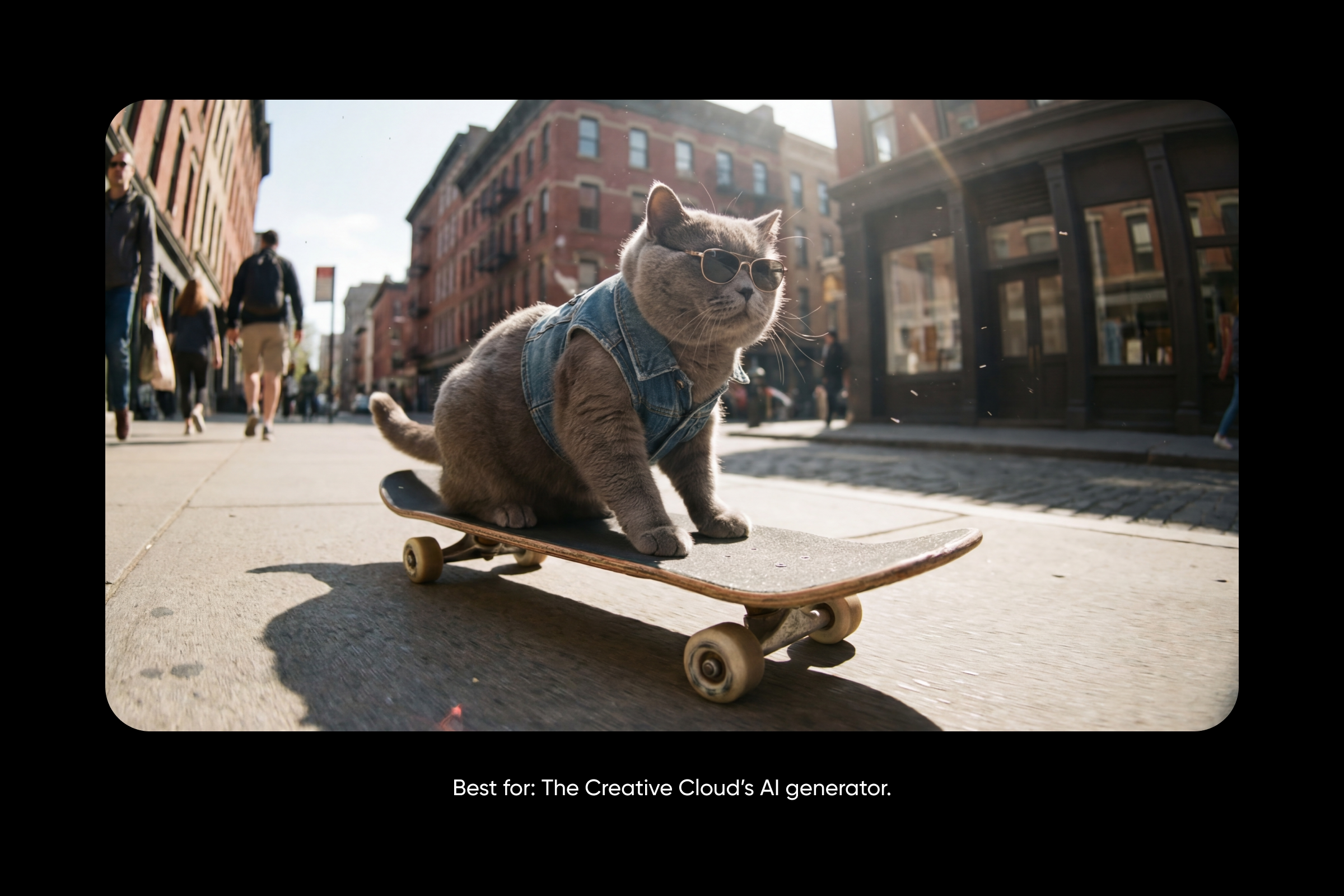
Best for: The Creative Cloud’s AI generator.
Adobe Firefly is the natural pick for anyone already living inside Creative Cloud. Native handoff to Photoshop and Express keeps generation and refinement under one login, and Firefly’s lineup now includes top third-party models alongside Adobe’s own (Nano Banana 2, FLUX 2 Pro, GPT Image, Runway, Luma, Kling, ElevenLabs). Custom Models (public beta) trains an AI on a brand’s own image library. Firefly Boards offers an infinite canvas for mood boards, while Generative Fill handles add, remove, and expand edits. Adobe Fonts loads inside the workspace.
Pros: Native Creative Cloud integration, Custom Models for brand consistency, multiple top AI models in one platform, Adobe Fonts inside the workspace.
Cons: Best value for Adobe ecosystem users. Premium tier expensive at $199.99/mo. Less flexible than standalone APIs.
Pricing: Plans start at $9.99/mo (Standard, 2,000 credits) and scale to $199.99/mo (Premium, 50,000 credits).
Best for audience: Creative Cloud users, in-house brand teams, and agencies that want generative AI inside the toolset they already design with.
Seedream 5.0 Pro
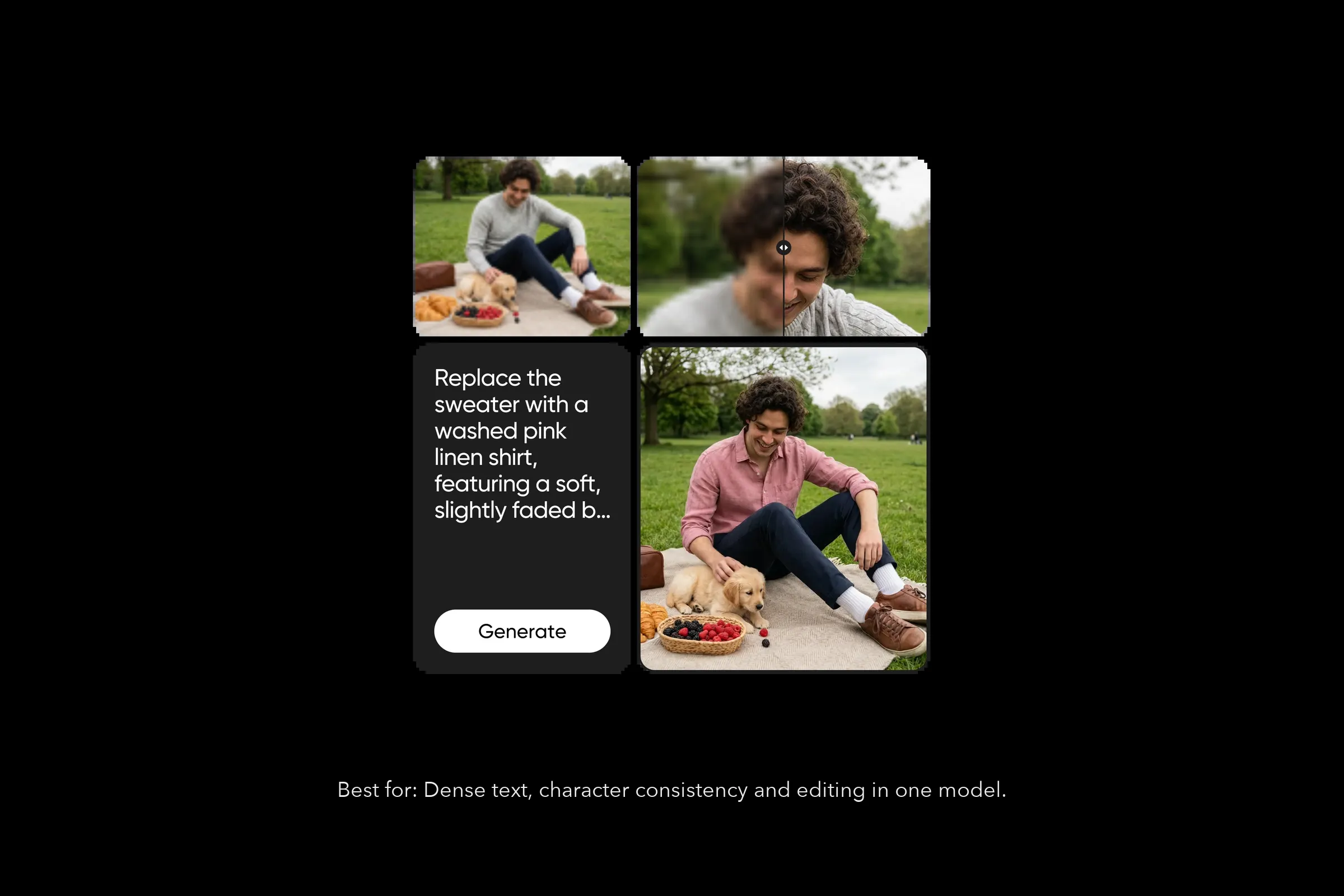
Best for: dense text, character consistency and generation plus editing in one model.
Seedream 5.0 Pro is ByteDance Seed's newest image model, and it unifies image generation and image editing into a single workflow. It writes dense text well: multi-line layouts, small-point fonts, multilingual labels including English and Chinese, headline hierarchies, posters and infographics.
It holds the same character across a whole set of images, and it edits a photo you already have from a plain description, with up to 14 reference inputs. In Picsart it powers Text-to-Image, Text-to-Sticker, the Logo Generator and Edit Image with a Prompt.
Pros
- Generation and editing in one model
- Dense, multilingual text rendering
- Character consistency across a set
- Natural-language editing with up to 14 reference inputs
- 1K to 4K at standard output (2048×2048), up to 8K (8192×8192)
Cons
- Photorealism does not reach Grok Imagine's depth
- The extra 8K detail is only worth it for large prints and crops
Where to use it: Picsart AI Playground, Text-to-Image, Text-to-Sticker, Logo Generator and Edit Image with a Prompt.
Best for audience: e-commerce teams producing product imagery, marketing teams building campaign assets with copy, and creators who need one character across a series.
Grok Imagine 2
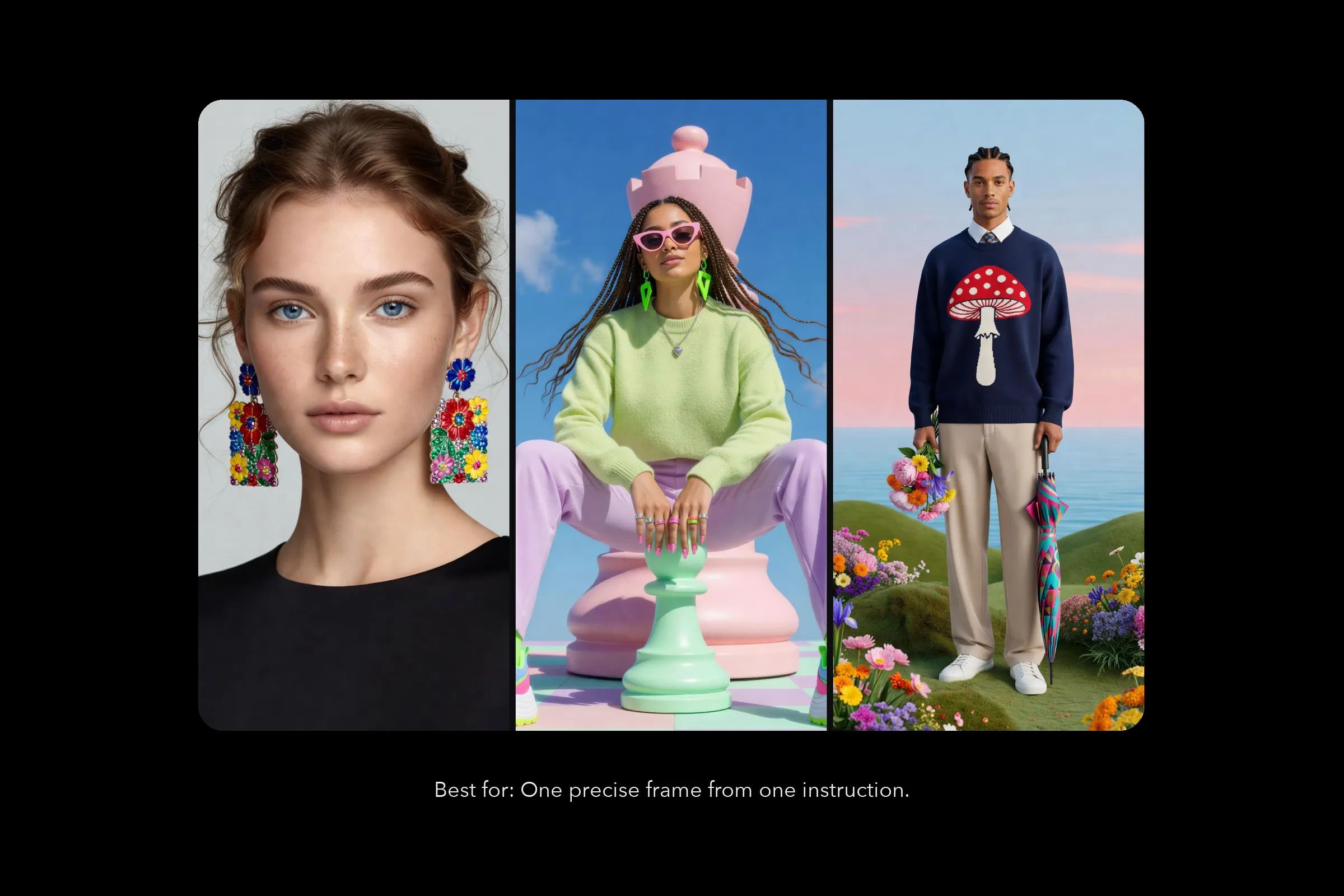
Best for: one precise frame from one instruction.
Grok Imagine 2 is xAI's latest image model, with sharper detail, better text and stronger editing than the first Grok Imagine. It makes one precise frame from one instruction: give it a single reference image, describe the change, and it applies the edit while preserving what you did not mention.
It handles illustrated and painted styles especially well, and Grok Imagine Quality is the high-fidelity mode for images that have to survive a close look. The Grok Imagine family is known for accurate lighting, natural shadows and detailed textures across styles from photorealism to artistic interpretation.
Pros
- Sharper detail, text and edits than the first Grok Imagine
- Clean single-reference editing
- Strong illustrated and painted styles
- A dedicated high-fidelity Quality mode
Cons
- One reference image per generation
- Not the tool for scenes built from many fixed ingredients
Where to use it: Picsart AI Playground and AI Image Generator.
Best for audience: creators and illustrators refining one subject, and anyone who wants painterly output without heavy prompting.
Recraft V4.1
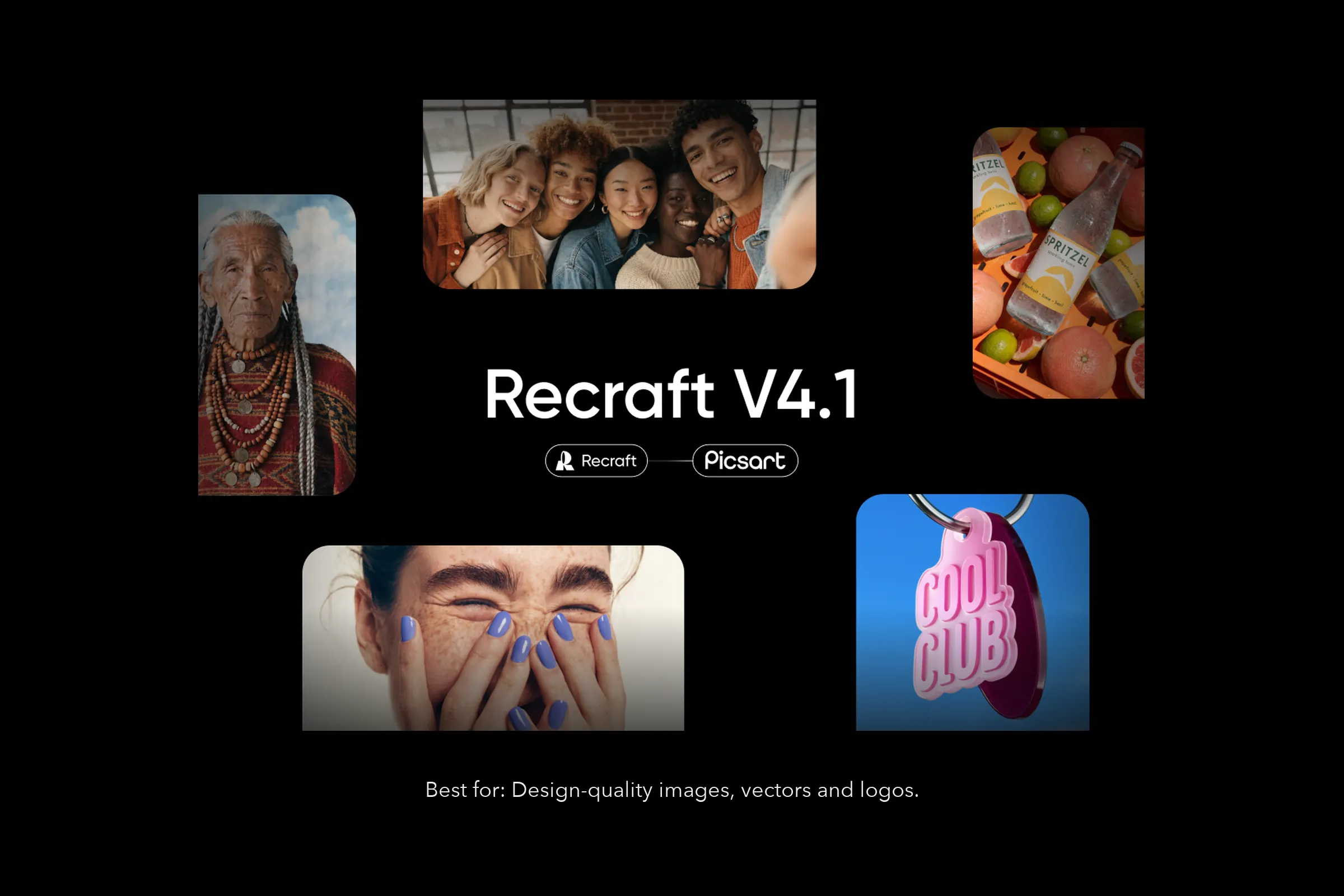
Best for: design-quality images, vectors and logos.
Recraft V4.1 is the model brand designers reach for when output has to feel designed rather than stock-like. It carries V4's design aesthetic further: more natural photorealism, dreamier gradients, sharper object understanding, smoother 3D rendering, and cleaner icons and vectors by default. It reads short prompts well and turns intent into polished output.
V4.1 ships as a family of four. V4.1 is the expressive raster model for exploration, V4.1 Pro the high-resolution variant for final assets, V4.1 Vector handles logos, typography and illustration where the line matters, and V4.1 Utility gives controlled, predictable output for production work. Recraft V4.1 Flash returns an image in about 1.3 seconds when you want to explore fast.
Pros
- Four variants, including a dedicated Vector model
- Design-forward visual judgment
- Reads short prompts well
- Prompts up to 10,000 characters and up to six images at a time
- Flash variant for near-instant exploration
Cons
- The base model outputs a 1K raster image; final assets need Pro
- Flash accepts no reference image
Where to use it: Picsart AI Playground and AI Image Generator.
Best for audience: brand designers, illustrators and marketing teams producing logos, icons, packaging or scalable graphics.
Compare AI image generator capabilities side by side
Resolution and reference limits as each model's own page states them. Where a page does not publish a figure, the cell says so.
| Model | Max resolution | Reference images |
|---|---|---|
| GPT Image 2.5 | 4K, 3840px edge | Up to 16 |
| Nano Banana 2 | 512px to 4K | Not published |
| Ideogram 4.5 | About 3K | Up to 4 |
| Flux 3 Image | Native 2K and 4K | Up to 10 |
| Seedream 5.0 Pro | 4K standard, up to 8K | Up to 14 |
| Grok Imagine 2 | Not published | 1 |
| Recraft V4.1 | 1K base, higher in Pro | Source image plus weight |
Frequently asked questions
It depends on the job. GPT Image 2.5 leads on precise editing, Flux 3 Image on layout control, Midjourney V8.1 on aesthetics, Ideogram 4.5 on typography and Recraft V4.1 on vectors. Picsart puts dozens of these models in one place, so testing a prompt across several takes one click.
Start generating with Picsart
The best AI image generator depends on the brief: precise edits, speed, aesthetics, typography, photorealism or vectors. Picsart gives creators access to more than 70 AI image models in a single workspace, so swapping between GPT Image 2.5, Flux 3 Image, Nano Banana 2, Ideogram 4.5, Seedream 5.0 Pro and Recraft V4.1 takes one click instead of one new subscription.


