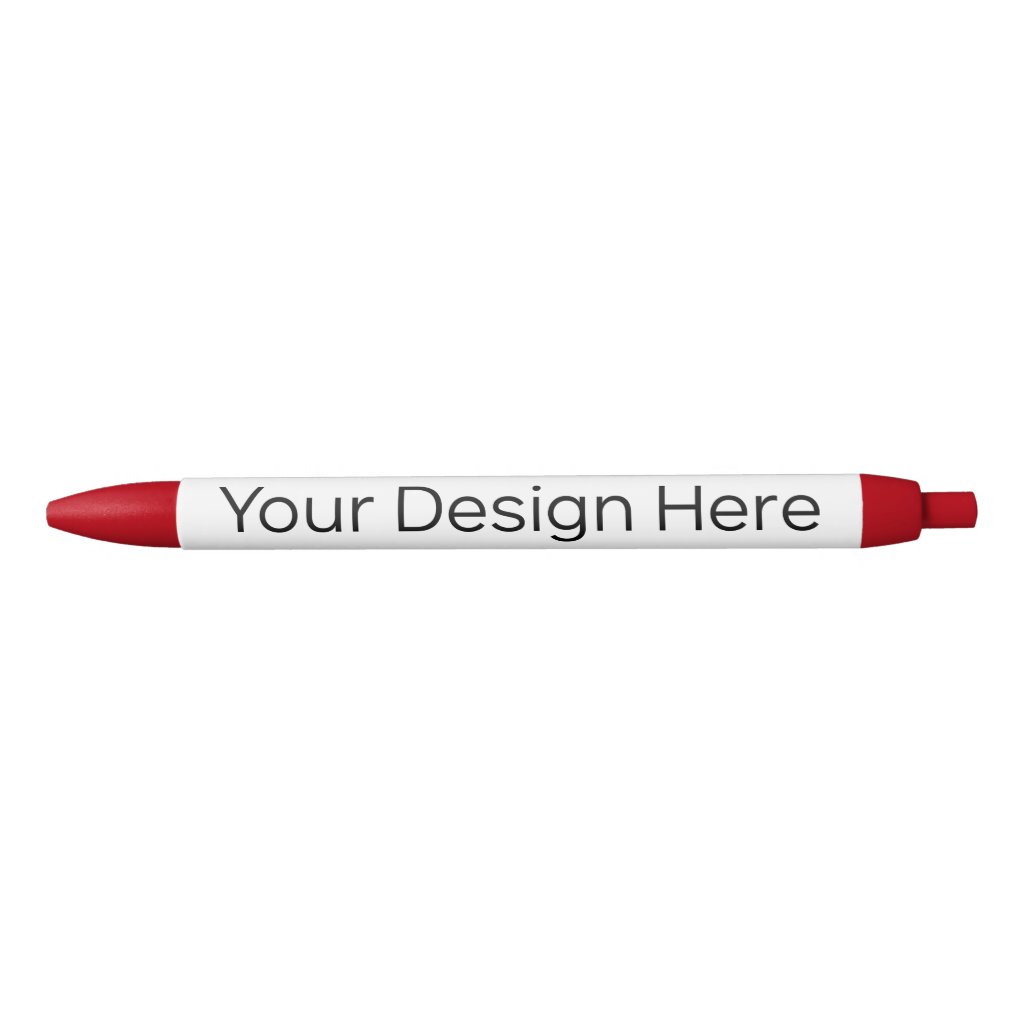
Red Trim Pen with Blue Ink
Other Office and School items you may like
 Save 20%
 Save 20%
 Save 20%
 Save 20%
 Save 20%
 Save 20%
 Save 20%
 Save 20%
 Save 20%
 Save 20%
 Save 20%
 Save 20%
 Save 20%
 Save 20%
 Save 20%
 Save 20%
 Save 20%
 Save 20%
 Save 20%
 Save 20%
 Save 20%
 Save 20%
 Save 20%
 Save 20%
 Save 20%
 Save 20%
 Save 20%
 Save 20%
 Save 20%
 Save 20%
 Save 20%
 Save 20%
 Save 20%
 Save 20%
 Save 20%
 Save 20%
 Save 20%
 Save 20%
 Save 20%
 Save 20%
 Out of stock
 Out of stock
 Out of stock
 Out of stock
 Out of stock
 Out of stock
 No longer available
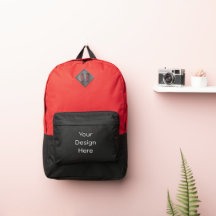 Out of stock
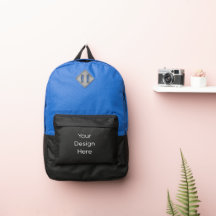 Out of stock
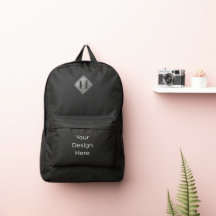 No longer available
Personalized back to school supplies you design in minutes
Whether you're kitting out a first-grader or restocking for college, Picsart's print editor gets you from idea to finished design in a few clicks. Start from a back to school template, add a name or photo, change the colors, and the layout adjusts automatically. Keep it simple with a monogram or layer in stickers, fonts, and effects until it feels like yours. Every design previews on the real product — backpack, lunchbox, notebook, or pen — so what you see is what gets printed.
From your design to the first bell, printed by Zazzle
Once you're happy with your design, Picsart hands it off to Zazzle for high-quality, on-demand printing. You stay in the Picsart editor for the creative side; Zazzle's print and fulfillment network handles production and shipping. That means durable, everyday-ready finishes on backpacks, lunchboxes, notebooks and more — without a separate Zazzle account, separate upload, or any back-and-forth. Place the order, track it from creation to delivery, done before day one.
How to design and print back to school supplies
- Open the Picsart back to school print editor.
- Pick what you want to design on — backpack, lunchbox, notebook, planner, or pen.
- Choose a back to school template or start from blank.
- Add a name or photo, and customize text, stickers, colors, or effects.
- Preview your design on the real product mockup and tweak until it looks right.
- Click Print — Zazzle prints and ships your supplies directly to your door.
FAQ
Can I design my own back to school supplies on Picsart?
Yes. Picsart's print editor lets you design custom backpacks, lunchboxes, notebooks, planners, and pens — add your photos, name, and effects, then send it to Zazzle for printing and delivery.
What are good personalized back to school ideas?
Named backpacks and lunchboxes, matching notebook-and-pen sets, and photo planners are the most popular. Picsart has back to school templates for each — start from one or design from scratch.
Do I need to be a designer to use the editor?
No. The editor is built for non-designers — every back to school template comes pre-laid out, so you just add a name or photo and the layout adapts.
Who handles the printing and shipping?
Picsart powers the design experience and partners with Zazzle for printing and fulfillment. Your finished design is sent to Zazzle, printed on demand, and shipped directly to your address.
How much does it cost to design back to school supplies?
Designing in Picsart is free. You only pay for the physical product and shipping at Zazzle checkout — prices vary by product (e.g., pens and notebooks start lower than backpacks).
When should I order for the first day of school?
Order at least 7–10 days before school starts to allow for printing and standard shipping. Zazzle shows a delivery estimate at checkout based on your address.
Can I edit my design after I start?
Yes. You can save your work, come back later, and adjust photos, text, or layout before placing the order. Once the order is sent to Zazzle for printing, it can't be changed.