I am super happy with Al Enhance I spend a lot of time on my photos, quality is so important to me! I'm not always so lucky, so I choose to do what I can to fix them. The results have often felt like miracles after using Al Enhance. Incredibly nice & natural!
@ellenaadland
Most are viewing AI as a replacement to artists, but I think we can actually use it as a tool - like with AI Enhance- and it becomes more of a companion in the ride of creativity. Suddenly, artistic possibilities are increased and endless. As long as we add to what AI does and not just release it as our own work, the combination of AI and human touch come together as a creative team.
@betelgeusewinters
Picsart’s Image Enhancer saved my old family photos. After scanning and using the tool, the images looked new. It’s user-friendly and impressive. Highly recommend!
@arm21b
Instant image sharpener
Make images clearer in seconds, not minutes. Give your photos a makeover in an instant and without any hassle.
Automatic image clarification
No need to brush over anything, the AI-powered image sharpener will intuitively bump the resolution of your image.
AI pixel bump
Unlock a new level of detail and vibrance. Let AI make up for the camera equipment shortcomings with pixel increase.
How to make a photo clearer
1
Upload a photo
Use the Browse files button to get started.
2
Sharpen image
3
Download or customize
Eliminate pixelation with the AI Image Sharpener
Never settle for low quality or be forced to do reshoots again. With Picsart's Image Sharpener, you can transform any photo from blurry to brilliant. The use of a single button is all it takes to Unblur Photos and unleash vibrant colors, striking sharpness, and clear details, while still preserving a natural look.
Sharpen Images to enhance and revive low-res visuals
Picsart's AI image sharpening identifies specific areas within your photo that lack definition and selectively enhances them. The photo enhancer’s targeted approach goes beyond basic sharpening, improving resolution, adding depth, and refining details to make each element within your photo pop. It's not just about making photos clearer; it's about bringing out the best in them, one pixel at a time. Works perfectly regardless of whether you want to refresh a low-res visual or restore an old photo.
Sharpen brand visuals for a clean, professional look
Stand out in the overpopulated feeds of e-commerce and create compelling product images to help improve your sales. Make your product photos look their best online and use the batch image enhancer to sharpen photos in bulk.
Enhance photo sharpness for personal and business use
Whether you're crafting the perfect Instagram post, designing menu cards, or sending out wedding invites, Picsart’s photo clearer is here to elevate the look of your photos. For personal photography, enhance the quality of your memories, ensuring every snapshot is as clear and detailed as the moment itself.
Keep finessing with Picsart’s AI toolset
Go beyond image sharpening with Picsart’s suite of intuitive AI photo editing tools. Extend your images beyond what the lens captured with the image extender, or use the object eraser tool to clean up pictures from distracting objects and people. Access more tools and an abundance of design assets like stickers, backgrounds, and fonts all built into one convenient interface.
Online photo clearer and image sharpener
Reinvent your visuals in an instant with an AI-powered image sharpener online. Keep the momentum going with Picsart’s suite of AI tools to add the finishing touches without having to switch to a different browser tab.
Image sharpening is a digital enhancement technique used to improve the apparent sharpness of an image. It works by accentuating the edges of objects within the photo, making the image look more defined and details more distinguishable. Image sharpeners can help make photos appear clearer, more detailed, and more vibrant.
How does Picsart’s Image Sharpener tool work?
The Picsart image sharpener utilizes advanced AI technology to analyze the pixels of an image, identifying areas of blurriness or softness. The tool then selectively enhances these areas, improving edge contrast and making the overall image appear sharper and more detailed without compromising quality or drastically changing the overall look.
How to make a photo clearer?
Follow these steps to make your photo look clearer and higher quality with Picsart:
Use the Uploads button from the left sidebar to select an image.
Select the image in the editor and use the AI Enhance button from the toolbar on the top.
Preview the sharpened version and use the Apply button to save the change.
Now, just use the Export button to download the sharpened image.
Can I sharpen text on a picture?
Yes. To do so, use Picsart’s image sharpener tool to enhance the clarity and definition of text within a photo, making it easier to read and visually appealing.
Can I sharpen a blurry photo?
Absolutely, whether it's a photo that's blurry, pixelated, old, or otherwise not as clear as you'd like, Picsart's image sharpener can significantly improve its sharpness and clarity, breathing new life into your cherished memories.
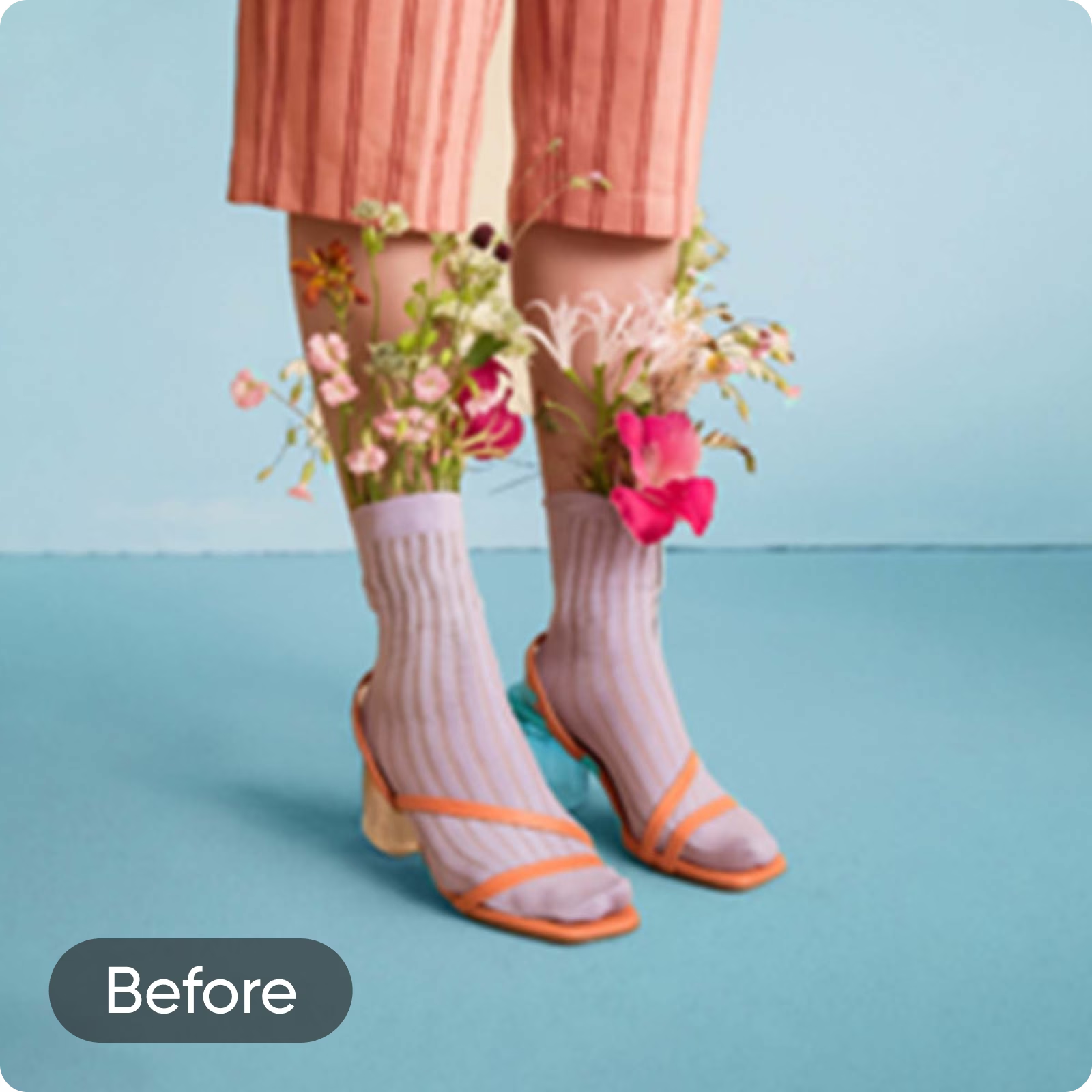
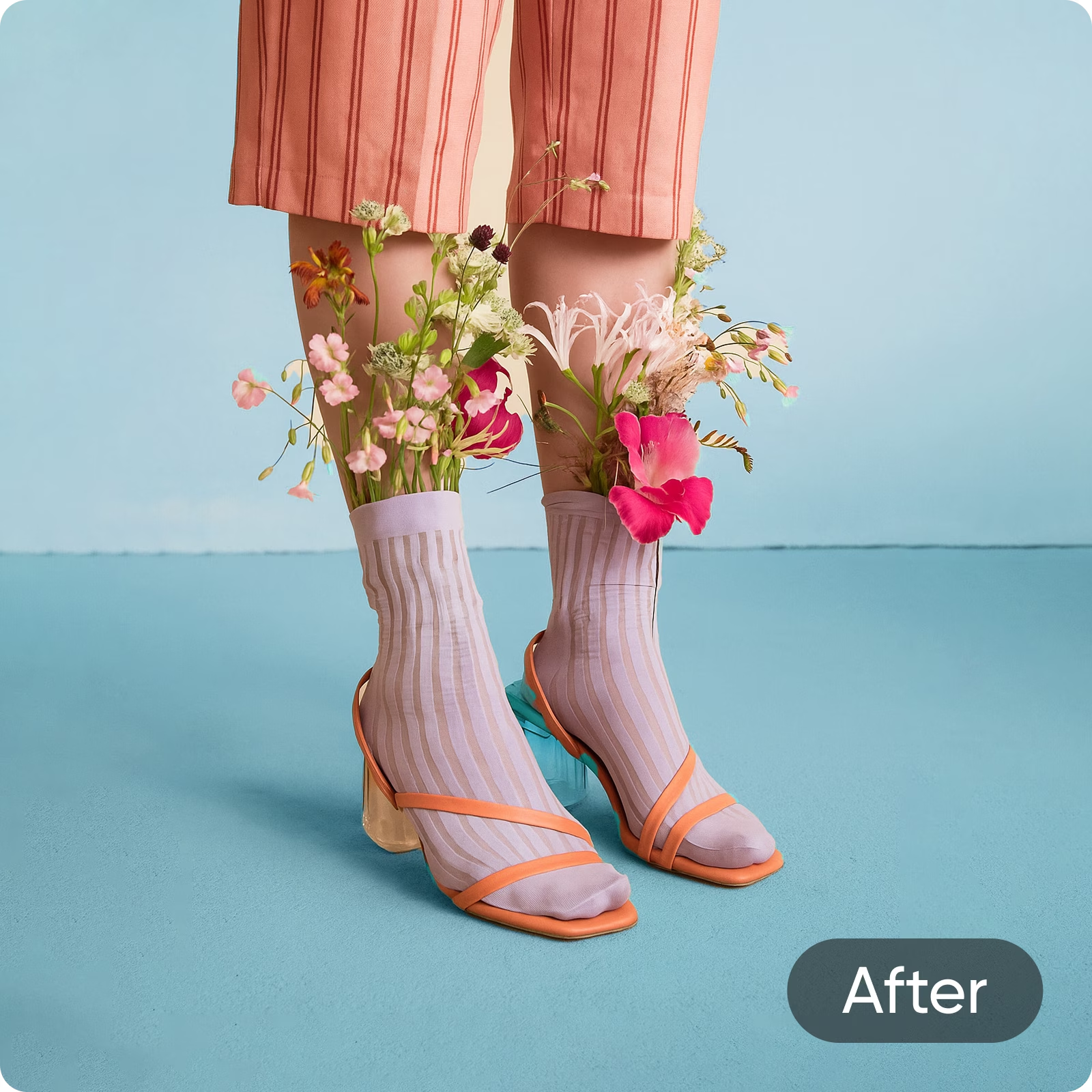
 Sharpen image