


















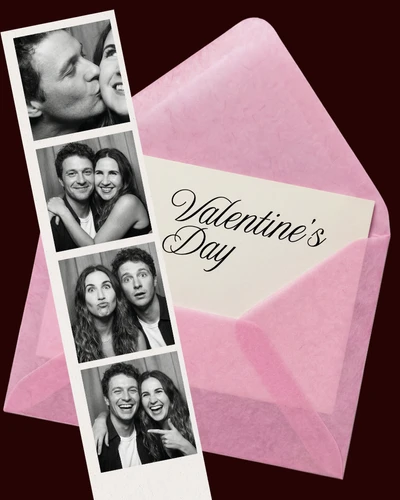


Polaroid templates for creating memories 📸
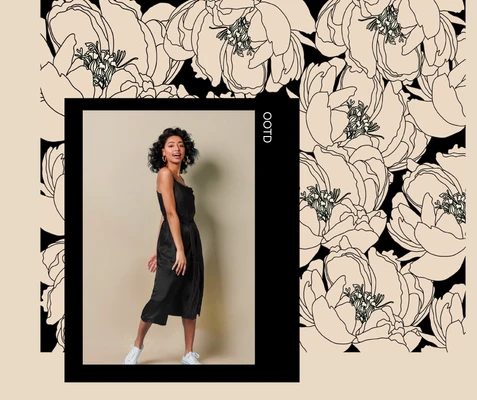
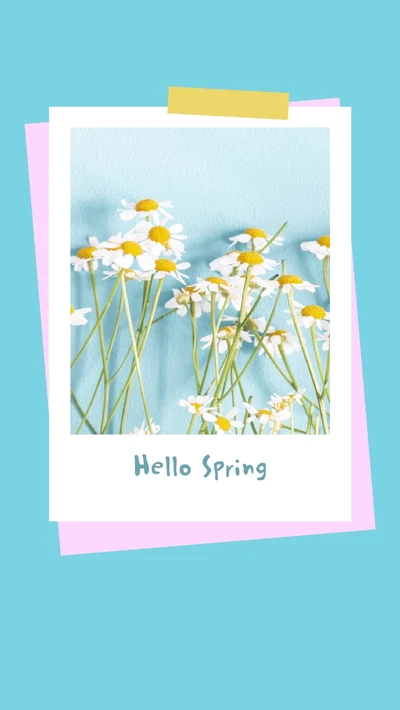
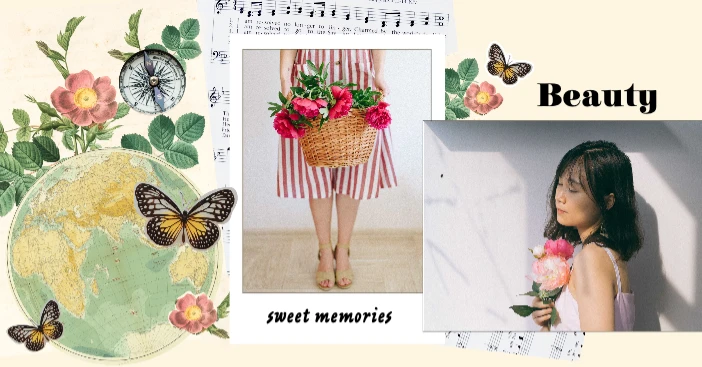
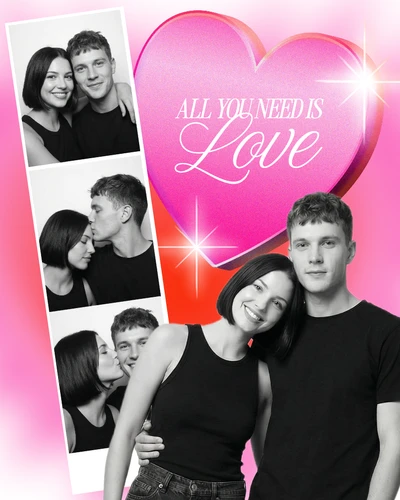
Do you remember the look of an old Polaroid photo? The faded tones, soft borders, and simple frame that made every picture feel special? That’s exactly what Polaroid templates do. They give your photos a retro style that never goes out of fashion. You can use it for digital art, scrapbooks, or social media posts because they are simple, fun, and full of character.
Step-by-Step: Make a Polaroid template in Picsart 🪄
Making one takes just a few minutes
Search for Picsart “Polaroid template.”
Choose a frame you love - clean white, soft pastel, or vintage beige?
Add your favorite photo and adjust it in the Photo Editor.
Add a short caption or date using Text Editor. Doesn’t it make it feel real?
Want to get creative? Add custom stickers, filters, or light leaks 🎨
Ways to use your Polaroid template ✨
Online: Great for Instagram stories, profile highlights, or digital collages.
Printed: Try them for journals, photo walls, or handmade gifts.
Creative: Perfect for moodboards, DIY cards, and invites.
And the best part? You can start with a free Polaroid template and make it completely your own. ❤️
Start creating today 🌟
Don’t let memories stay on your phone, instead, turn them into stories that are worth keeping. Open Picsart, pick a template, and start making your Polaroid magic today! 🎁