How to build an avatar service with Picsart Skills
What you'll learn
What is a deterministic avatar service?
Common use cases
Build your avatar service step by step
STEP 1: Install Picsart Skills
- On web: Go to picsart.com/cli → Copy the install command for your OS
- On mobile: Not available — Skills runs in server or backend environments
STEP 2: Configure avatar style and seeding
Define how avatars are generated:
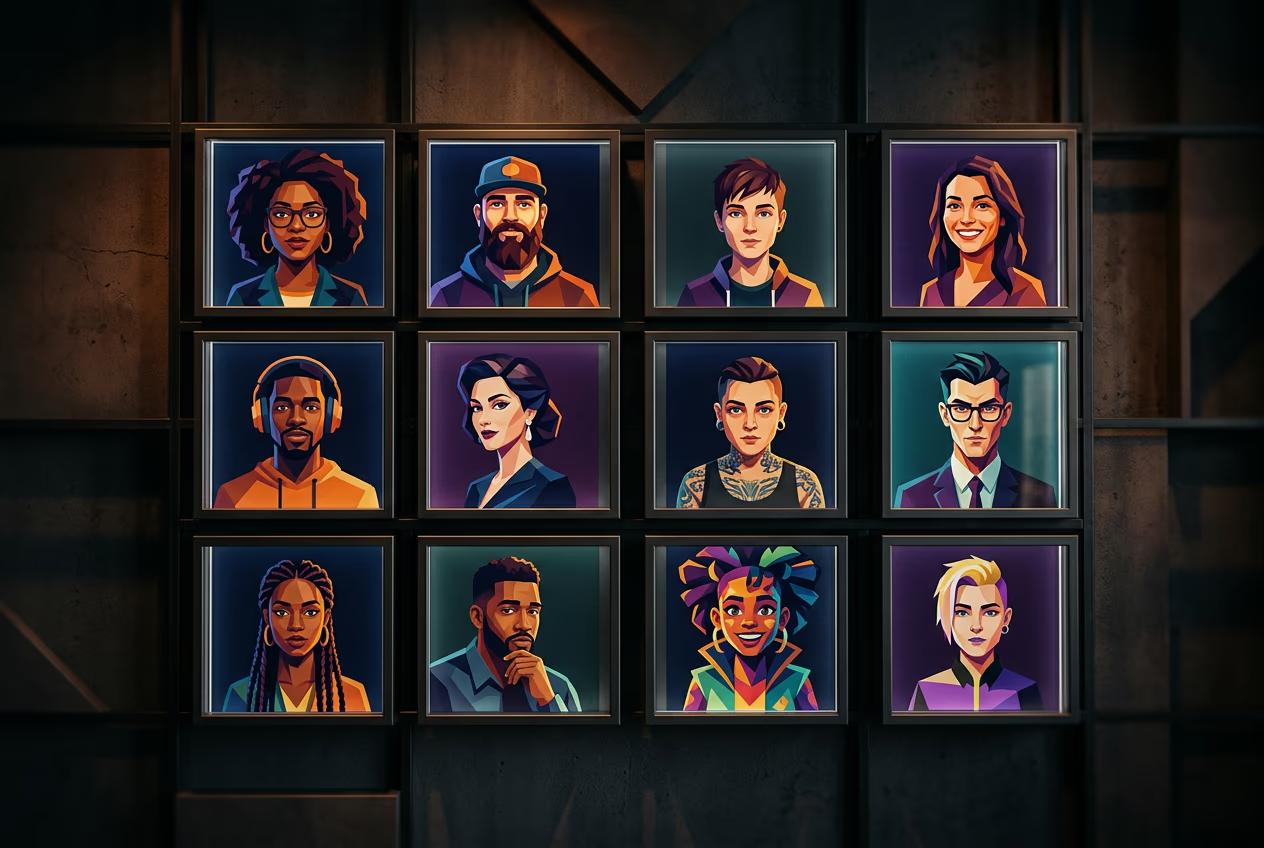
- Visual style: Abstract shapes, geometric patterns, illustrated faces, or icons
- Color palette: Define brand colors or use random harmonious palettes
- Seed method: Hash user ID to generate deterministic but unique variations
- Size and format: Export dimensions (e.g., 256x256 PNG or SVG)
STEP 3: Wire into your signup flow
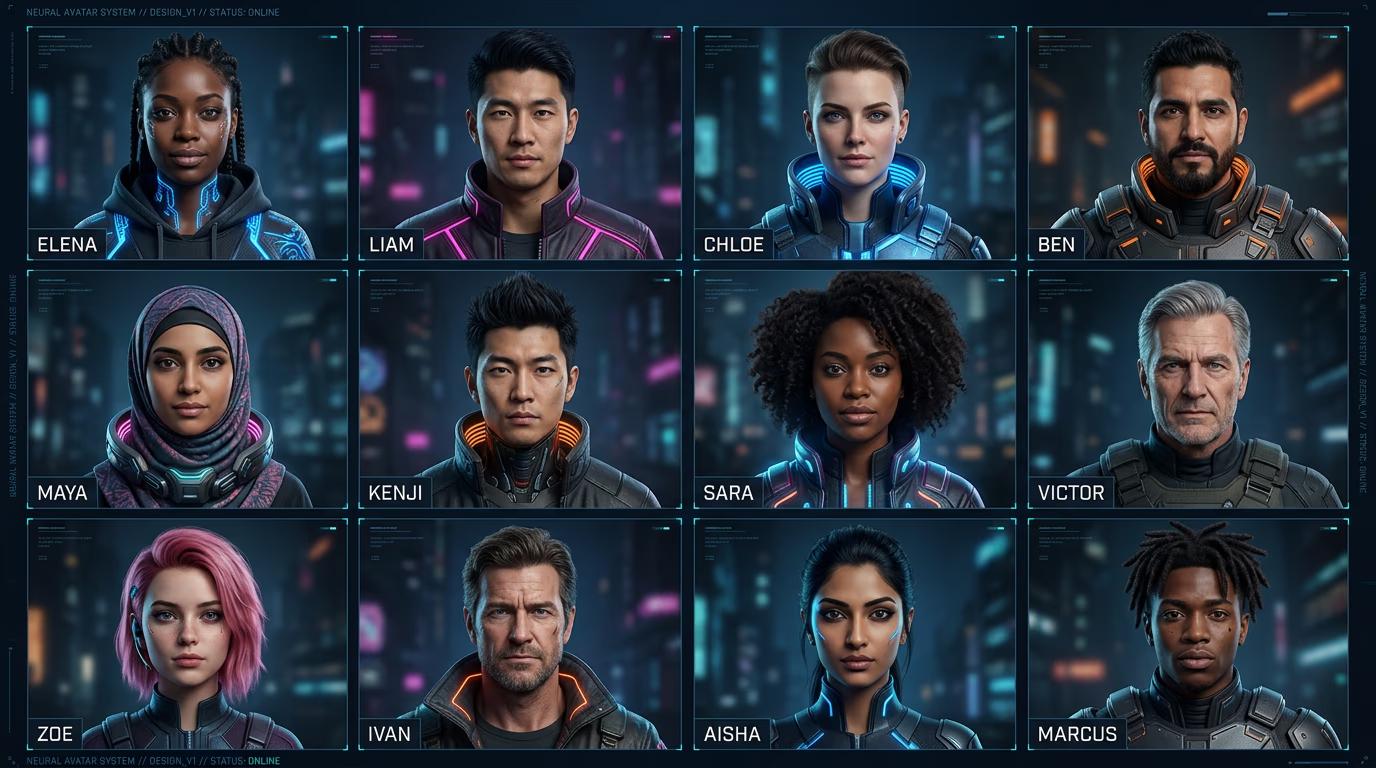
Connect avatar generation to user creation. When a new user signs up, your backend hashes their user ID, passes it to the Picsart Skill as a seed, and stores the generated avatar URL in your database. Future requests for that user's avatar return the same image without regenerating.
STEP 4: Test and validate
Check that avatar generation works correctly: Not happy with the visual style? Adjust your style parameters and regenerate a test batch. The seeding logic stays the same, but the aesthetic can change without breaking determinism.
- Verify the same user ID always produces the same avatar
- Check that avatars are visually distinct across different user IDs
- Confirm avatars match your brand's visual style and color palette
Tips for best results
💡 Cache generated avatars
Store avatar images in your CDN or object storage after first generation. Only regenerate if a user explicitly changes their avatar. This saves credits and speeds up page loads.
💡 Use semantic color mapping
Assign color palettes based on user roles or teams. For example, admins get blue tones, regular users get green, and guests get gray. This adds visual hierarchy without losing determinism.
💡 Provide avatar preview during signup
Show users their generated avatar before they complete registration. Let them click 'regenerate' to see a different style with the same seed. This adds delight and reduces generic placeholder vibes.
💡 Version your avatar style
If you rebrand or change avatar aesthetics, version your generation logic. Old avatars keep their original style, new signups get the updated look. This prevents breaking existing user identities.
Frequently asked questions

Ready to personalize your signups?
Give every user a unique avatar from day one with deterministic generation.
Start building