How to make an AI fashion photoshoot with Picsart Flow
What you'll learn
What is an AI fashion photoshoot workflow?
Common use cases
Create your fashion photoshoot step by step
STEP 1: Open Picsart Flow
- On web: Go to picsart.com/flow → Click "Start creating"
- On mobile: Open Picsart → Tap "Flow" → Start new workflow
STEP 2: Build your fashion pipeline
Add nodes to create editorial-quality fashion images:
- AI Generate node: Create fashion model image (prompt: "editorial fashion photography, [describe clothing/style], professional studio lighting, high fashion aesthetic, shot on medium format camera")
- Style Transfer node: Apply specific fashion photography aesthetics (Vogue editorial, minimalist, avant-garde, etc.)
- Enhance node: Boost sharpness and detail for print quality
- Color Grade node: Apply fashion-specific color treatments (muted tones, high contrast, vintage film, etc.)
- Resize node: Output multiple sizes (Instagram square, print resolution, web optimized)
- Export node: Save as high-quality JPEG or TIFF
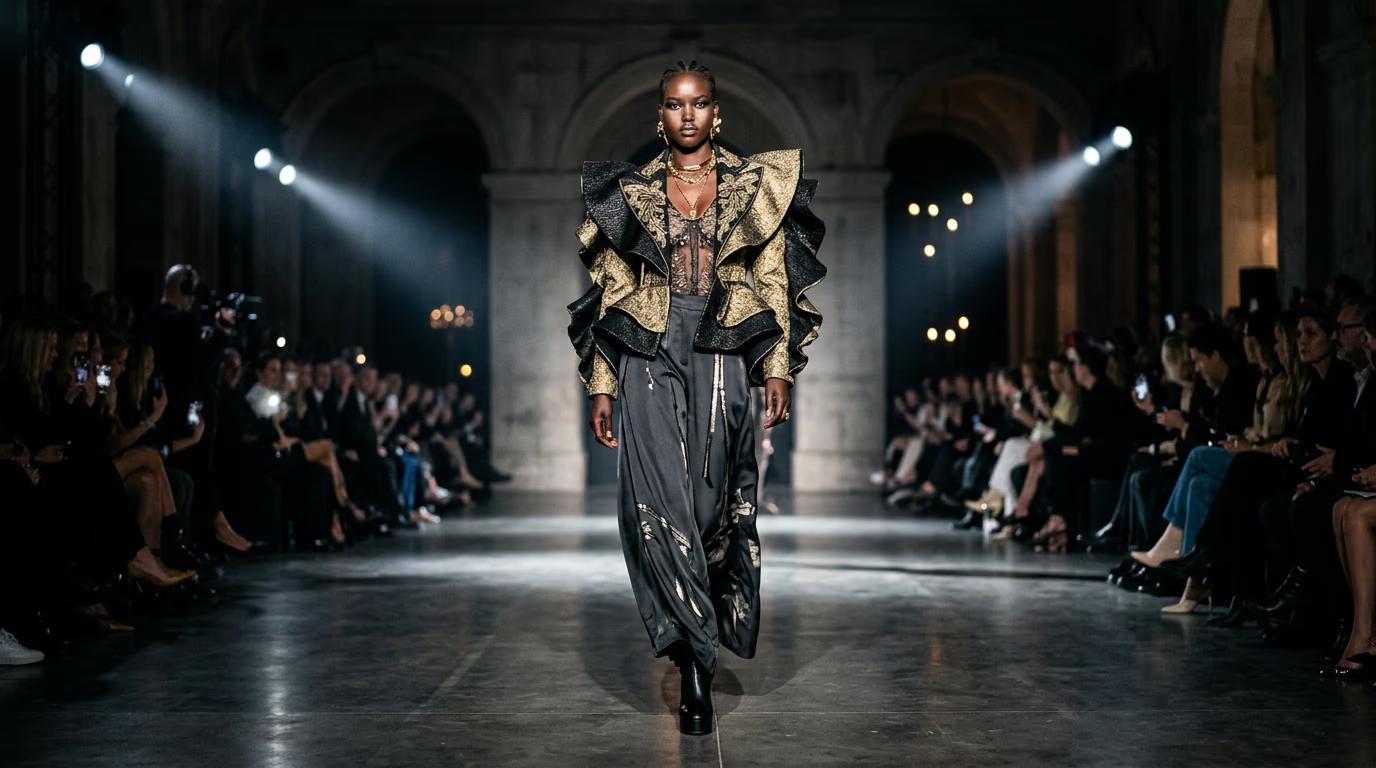
STEP 3: Generate your fashion images
Click "Run" and Flow processes your concept through each node. The AI generates a fashion model in your specified styling, applies professional lighting and color grading, enhances details, and outputs multiple sizes ready for use.
STEP 4: Review and refine styling
Check that your fashion images meet editorial standards: Not matching your vision? Adjust your AI Generate prompt for different poses, lighting, or styling. Change the Style Transfer settings for a different aesthetic. Run multiple variations to get diverse looks.
- Verify lighting looks professional with proper shadows and highlights
- Check that styling and composition feel editorial, not amateur
- Confirm image resolution is high enough for your intended use
Tips for best results
💡 Study real fashion photography
Browse Vogue, Harper's Bazaar, or high-end fashion Instagram accounts to understand lighting, composition, and styling conventions. Your prompts should reference specific aesthetics ("Juergen Teller style," "minimalist studio portrait," "street style editorial") rather than generic descriptions.
💡 Be specific about lighting
Instead of "good lighting," use "softbox lighting from 45 degrees, rim light from behind, white seamless background" or "natural window light, golden hour, outdoor location." Fashion photography lives or dies on lighting quality.
💡 Create mood boards first
Before building your workflow, collect 10-15 reference images that capture the aesthetic you want. This helps you write better prompts and choose appropriate Style Transfer settings. Consistency comes from clear creative direction.
💡 Use the same workflow for entire collections
Once you find a look that works, save the prompt, lighting style, background, and pose direction, then reuse them across the full collection. This keeps every image visually consistent while letting each outfit stand out.
💡 Export high-resolution for print
Fashion brands often need images for both web and print. Set your Resize node to output multiple versions: 300 DPI at final print size, plus web-optimized versions. This saves you from regenerating images when print needs emerge.
Fashion photography style guide
Frequently asked questions

Ready to shoot your collection?
Build your fashion workflow in Flow and create editorial-quality images without a studio.
Start photoshoot now