How to protect your brand with automated AI governance
What you'll learn
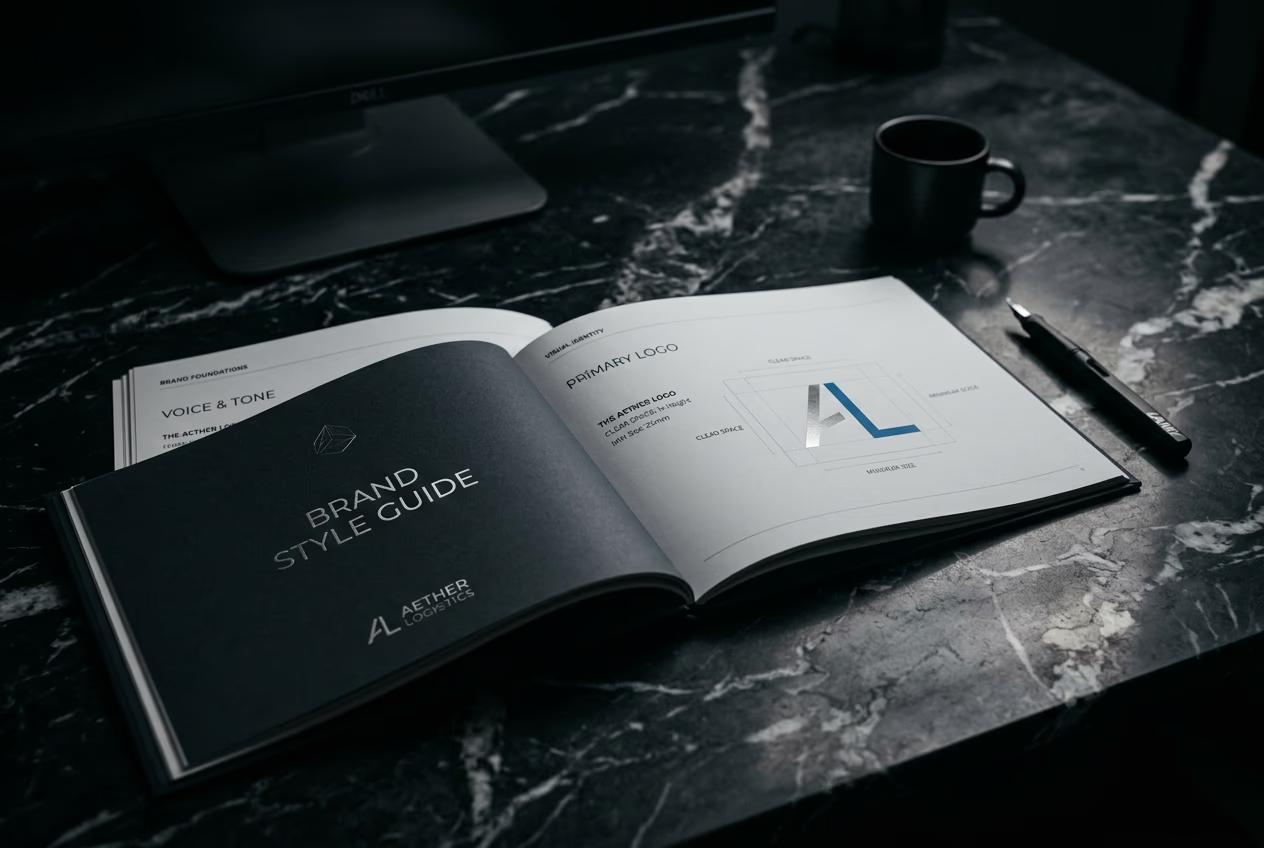
What is brand governance?
Common use cases
Set up brand governance step by step
STEP 1: Create your brand.md file
- On web: Go to your project folder → Create a new file named brand.md
- On mobile: Not available — brand governance requires CLI access on desktop
STEP 2: Define your brand rules
Write rules in plain English. The AI reads this file and enforces every line:
- Colors: List approved hex codes and ban specific shades
- Typography: Specify allowed fonts and text hierarchy
- Visual style: Describe photography style, illustration rules, or design patterns
- Content rules: Ban certain subjects, require specific elements, or enforce composition guidelines
- Output format: Specify required aspect ratios, minimum resolution, or file types
STEP 3: Run generations through the governor
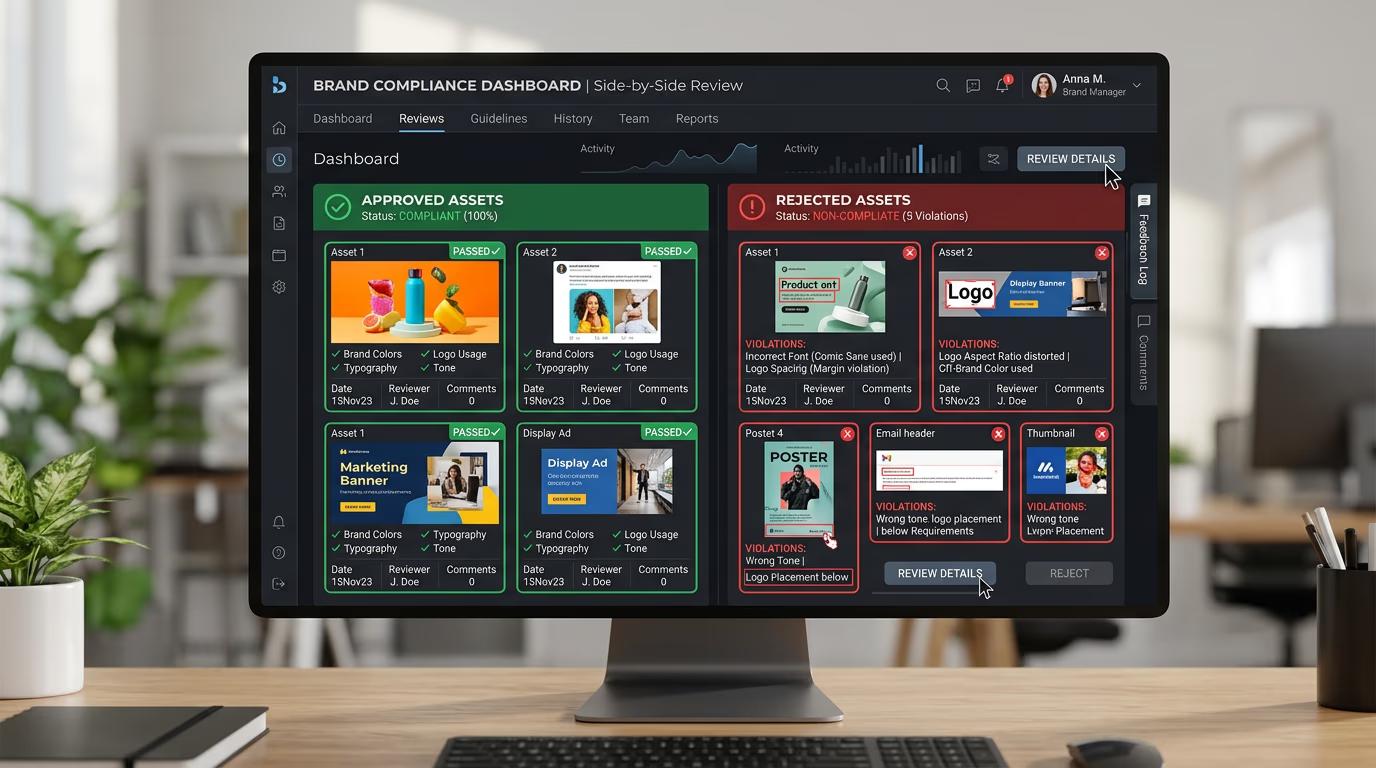
Add --brand-check to any gen-ai command. Every output runs through your brand.md rules. Violations get rejected before the file saves. Approved assets land in your folder with a compliance stamp.
STEP 4: Review rejections and refine rules
Check the rejection log to see what failed and why: Not catching violations? Make your rules more specific. Rejecting good assets? Loosen the criteria or add exceptions.
- Look at the violation reason — does it match your intent?
- Check for edge cases where good assets get wrongly rejected
- Update brand.md based on real results, not theoretical rules
Tips for best results
💡 Start with 5-7 critical rules
Don't write a 50-point brand guide on day one. Start with your biggest pain points — wrong colors, bad fonts, or off-tone content. Add more rules after you see what the AI misses.
💡 Use specific color values, not vague descriptions
Write "approved colors: #FF5733, #3498DB" instead of "warm reds and cool blues." The AI needs exact hex codes to check against. Vague descriptions lead to inconsistent enforcement.
💡 Test with real generations before going live
Run 20-30 test generations through your brand.md file. See what gets rejected and what slips through. Adjust your rules based on real outputs, not guesses about what might happen.
💡 Version your brand.md like code
Keep your brand.md in version control. Track changes over time. Roll back if a new rule breaks your workflow. Treat it like a config file, not a Word doc.
Frequently asked questions

Ready to protect your brand?
Set up automated governance and stop off-brand content before it reaches your team.
Start brand governance