AI-powered for smarter captions
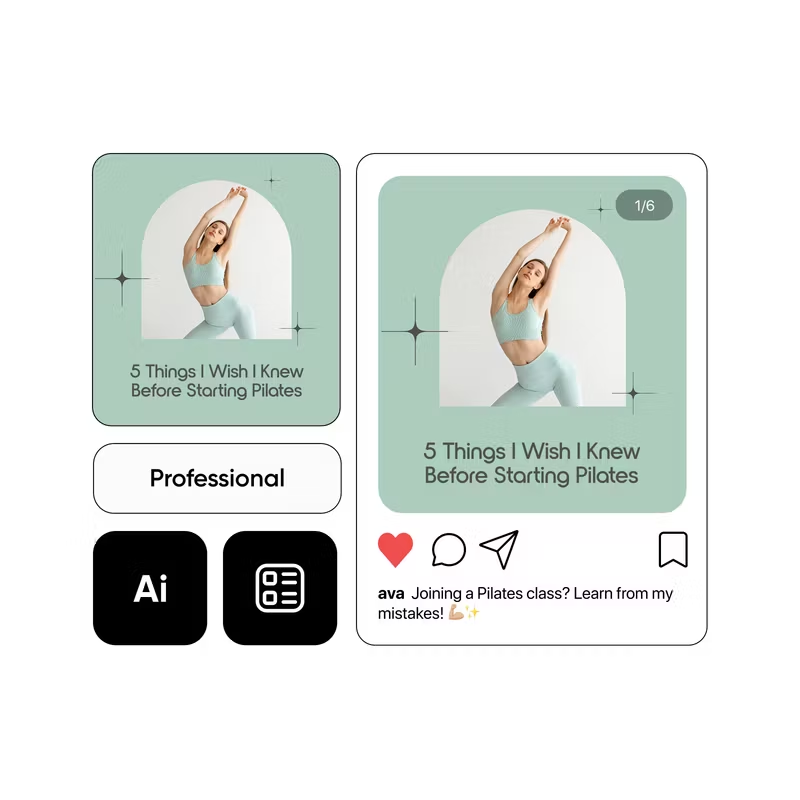
Leverage the advanced AI caption generator to produce engaging captions that grab attention.
Captions in second
Save time and generate captions fast using a simple prompt—no brainstorming necessary.

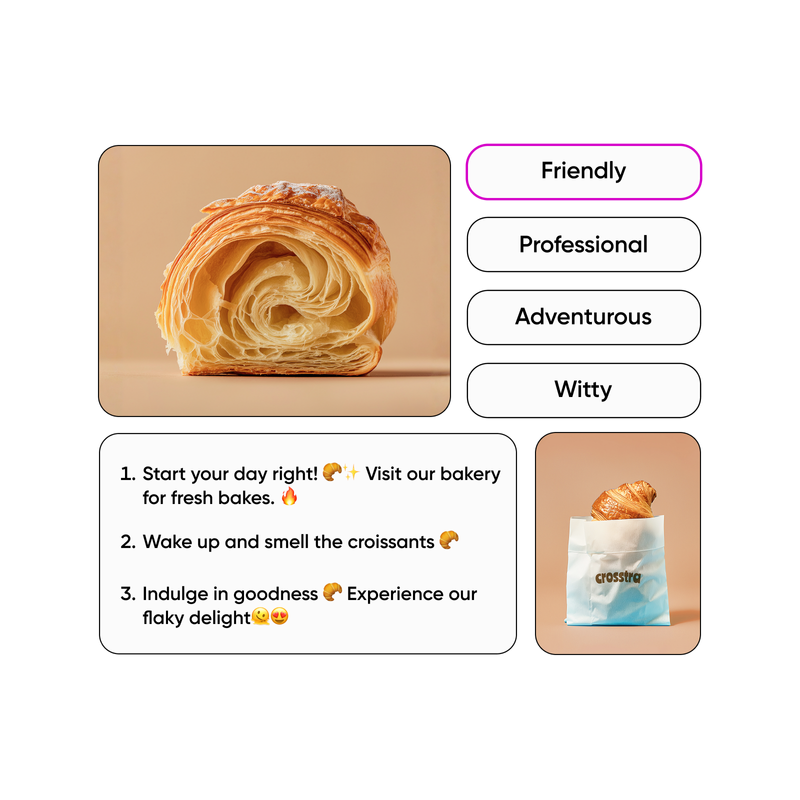
Customized to fit your style
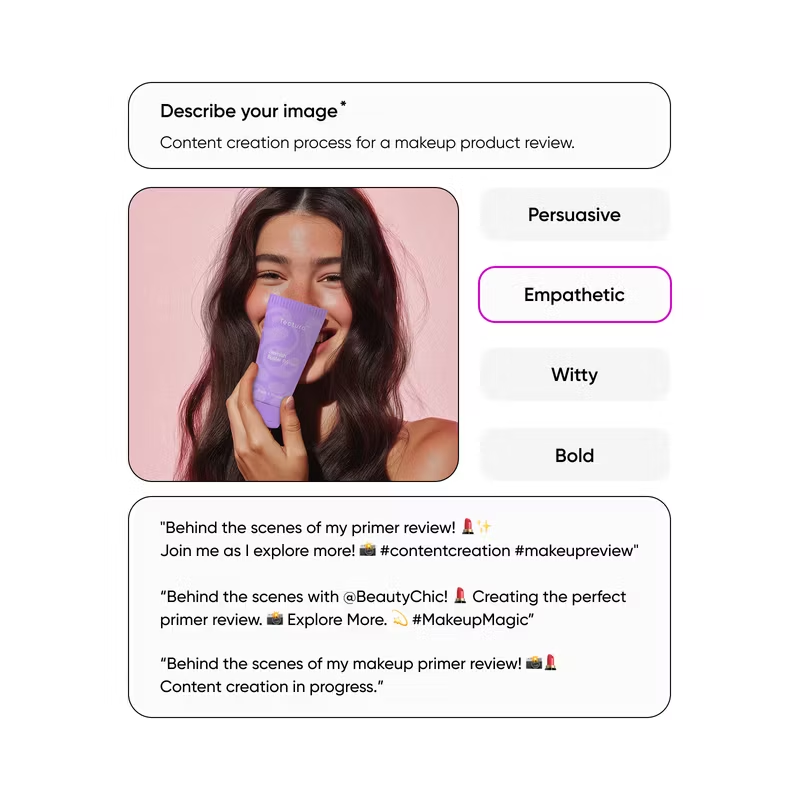
Provide details about tone, length, and wording, and let the free caption generator create content matching your unique voice.
How to generate a caption with AI
Write a prompt
Open the image caption generator and write a prompt with details about the desired topic, style, and type of content.
Generate a caption
Preview and edit
Save or download
Caption generator FAQ
How to generate a good caption?
Is the AI caption generator free?
The online caption generator provides a limited number of generations at no cost. Once you reach this limit, a subscription may be required to access this feature.
How does the AI caption generator ensure the captions are relevant to my content and audience?
The caption generator uses artificial intelligence to evaluate captions from a wide variety of sources so that it can learn to create new captions matching your specifications. The more details you include in the prompt, the better the results. You can also edit the initial prompt to further refine the responses.
How long does it take to generate a caption?
Once you enter a prompt, it only takes a few seconds to generate a caption.
Can the caption generator create captions for different platforms, such as Instagram, Facebook, and TikTok?
Absolutely! Describing the social media platform where you intend to use the caption produces a more relevant response.
More tools to love



Generate copy for creator-ready projects
Pro
AI tools for everyday creative work.
- Access to all photo & video editing features
- Advanced background & object removal
- Parallel video generations with the world's most powerful AI video models
- Unlimited image generations with Flex.2 Klein
- 1-tap image enhancer
- Millions of stock photos & Getty video clips
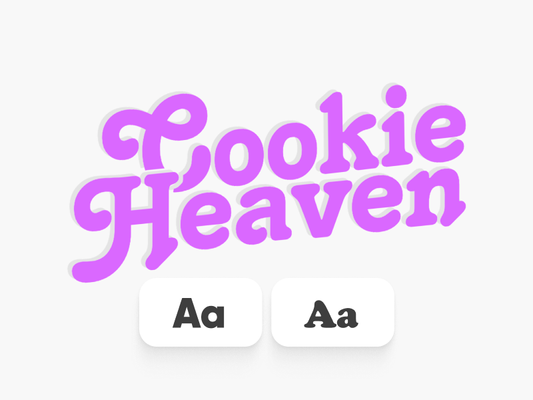
- Selection of trendy fonts, text styles & stickers
- Thousands of premium templates
- Support for 3+ brand kits
- Bulk edit up to 50 images at once
- 100 GB of cloud storage
- Auto-generate content from your terminal or agent with the Picsart CLI
- Use Picsart inside Claude Code, Cursor, and ChatGPT via MCP — coming soon
- AI agents for multi-step workflows and batch generation — coming soon
Ultra
Heavy AI usage for creators & teams.
- Everything in Pro
- Early access to advanced AI features
- Leading AI models to design & automate workflows (Nano Banana, Veo 3, Seedance 2.0 & more)
- Parallel video generations with the world's most powerful AI video models
- Unlimited image generations with Flex.2 Klein
- Support for 10+ brand kits
- Add team seats
- Create ad variations and localize
- Track ads performance
- 2000 credits for API services
- Bulk edit up to 100 images at once
- 300 GB of cloud storage per seat
- Auto-generate content from your terminal or agent with the Picsart CLI
- Use Picsart inside Claude Code, Cursor, and ChatGPT via MCP — coming soon
- AI agents for multi-step workflows and batch generation — coming soon
Enterprise
Custom AI solutions for large organizations.
- Volume discounts on credit rate
- On-demand top-ups
- Flexible billing terms
- Access to photo & video editor SDKs
- Mobile web SDK support
- Prepaid or pay-as-you-go creative APIs
- Embed professional-grade editing into your product or workflow
- Fully configurable editing experience
- White-label to match your brand
- Support for built-in marketing, e-commerce & printing use cases
- Bring your own assets: images, templates & fonts
- Enterprise-grade security, SLAs & support
- Dedicated account manager