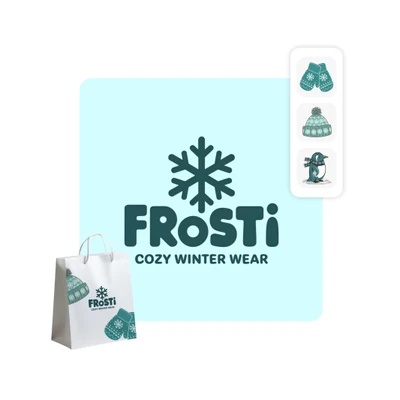

Instant brand asset generator
Asset Maker analyzes your image to create stickers, illustrations, and backgrounds that align seamlessly with your visual style.

Seasonal brand refresh
Transform your visuals for holidays like Christmas, Valentine’s Day, and Halloween while keeping your brand identity intact.

Complete design toolkit
Access everything you need to create cohesive marketing materials for both digital and print collaterals.
How to use Asset Maker
Upload your image
Use the Upload image button below to get started.
Generate brand assets
Create logo variations
Download assets
AI Asset Maker FAQ
What file formats can I upload for my image?
How many assets can I generate?
You can generate a limited amount of assets and image variations for free. For more generations, you’ll need a subscription to Picsart’s Plus or Pro tiers.
What types of brand assets can I create?
You can generate stickers, backgrounds, illustrations, text elements, and seasonal image variations. All you need to do is upload your image and the assets will be created based on it.