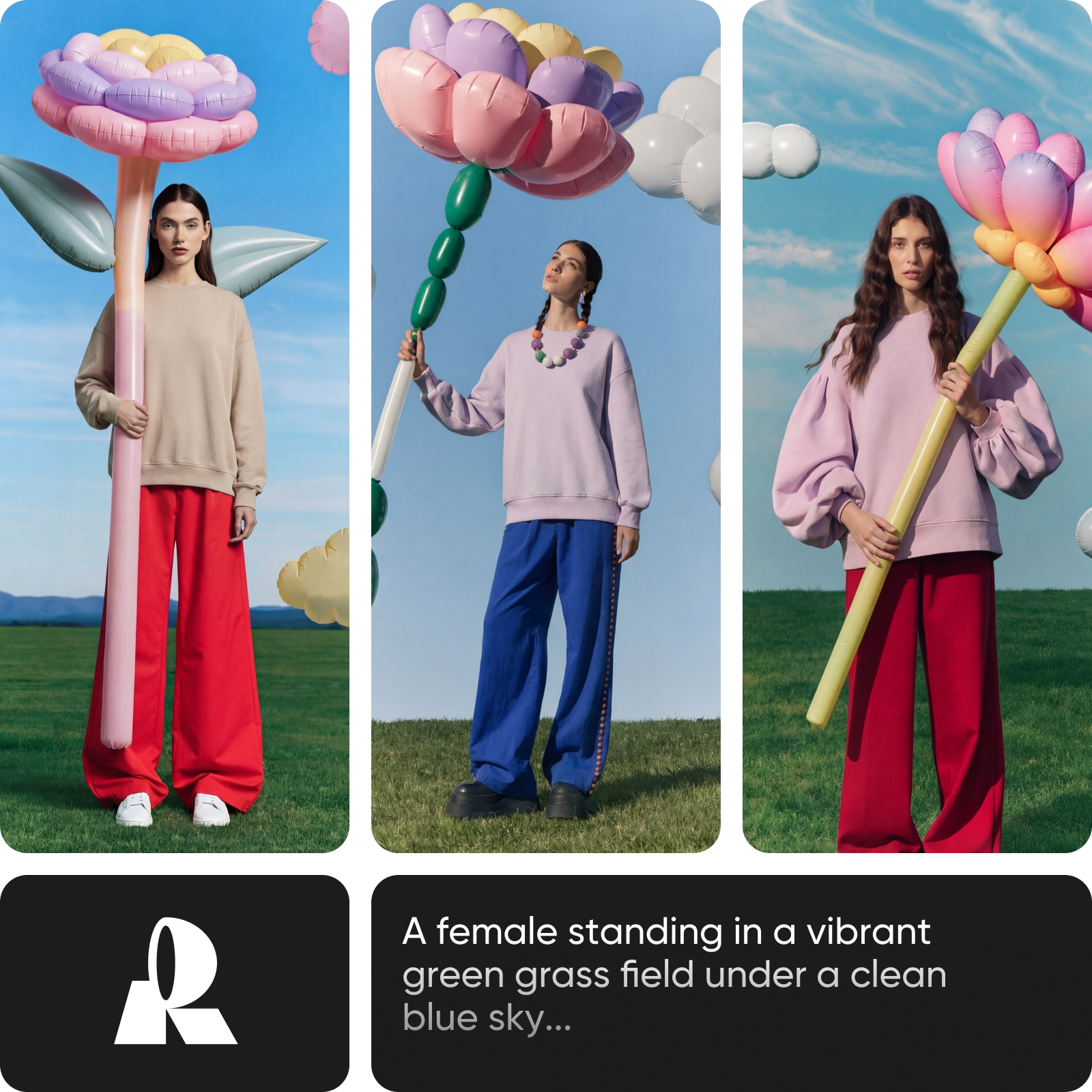
Design-quality images, zero compromise
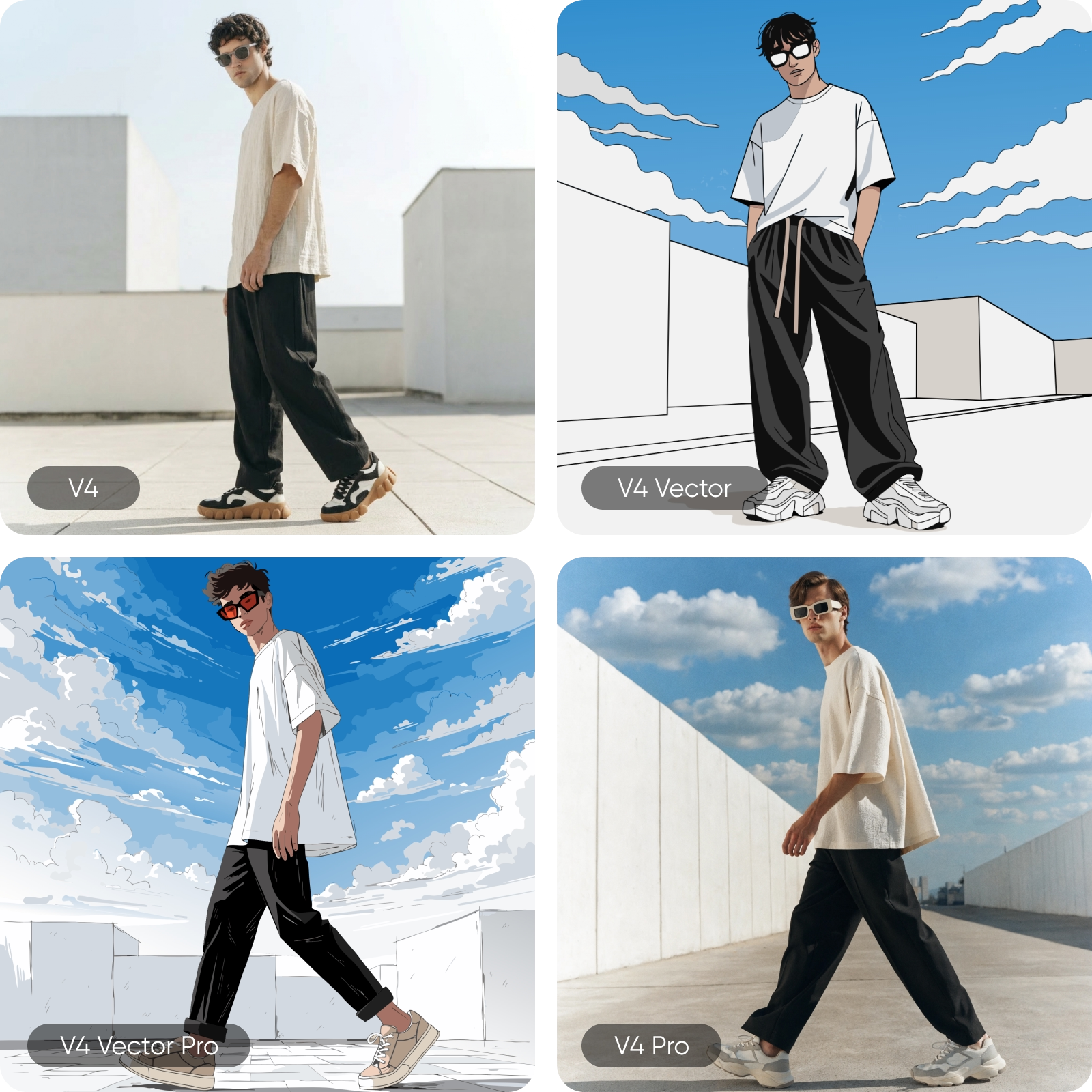
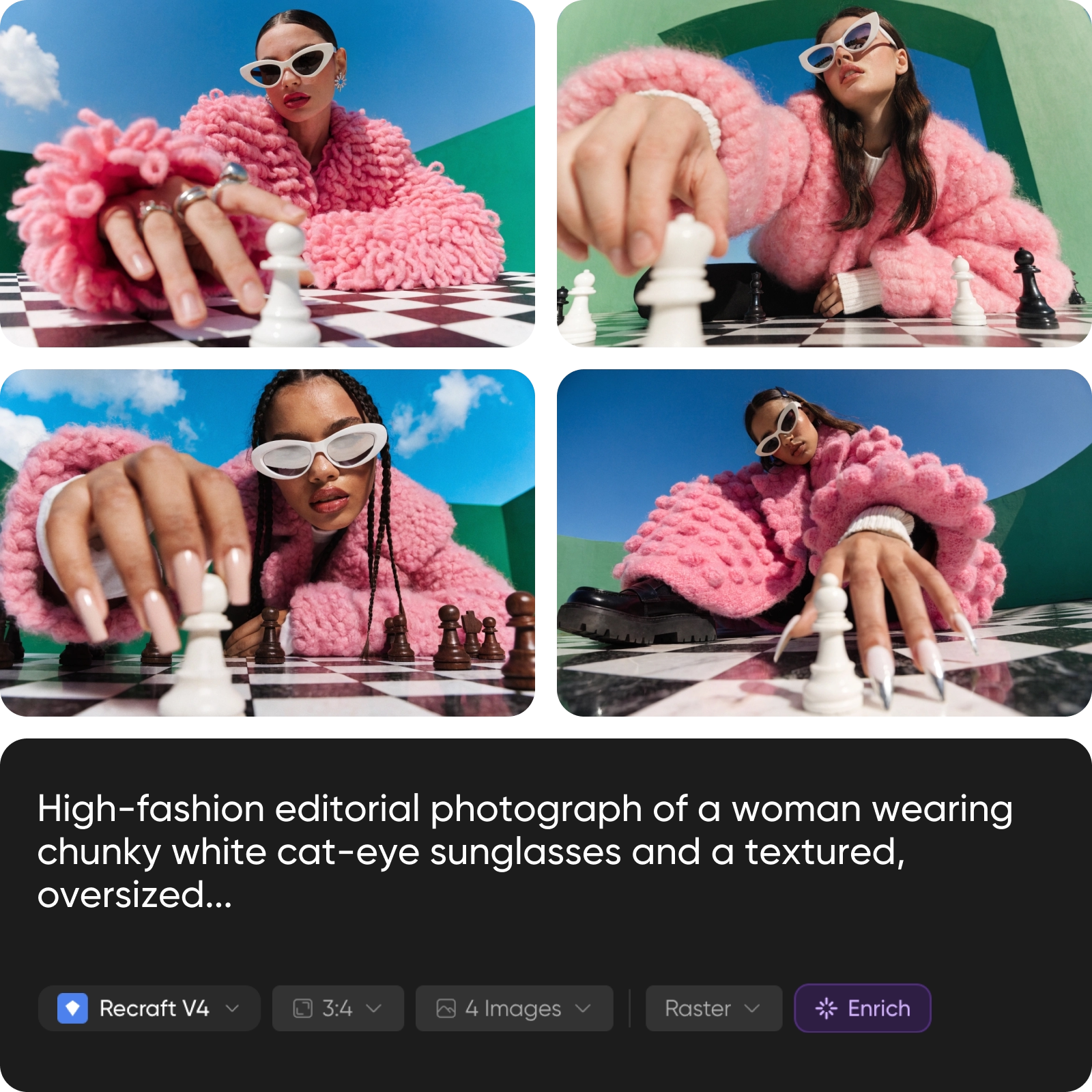
What you can create with Flux Kontext Max
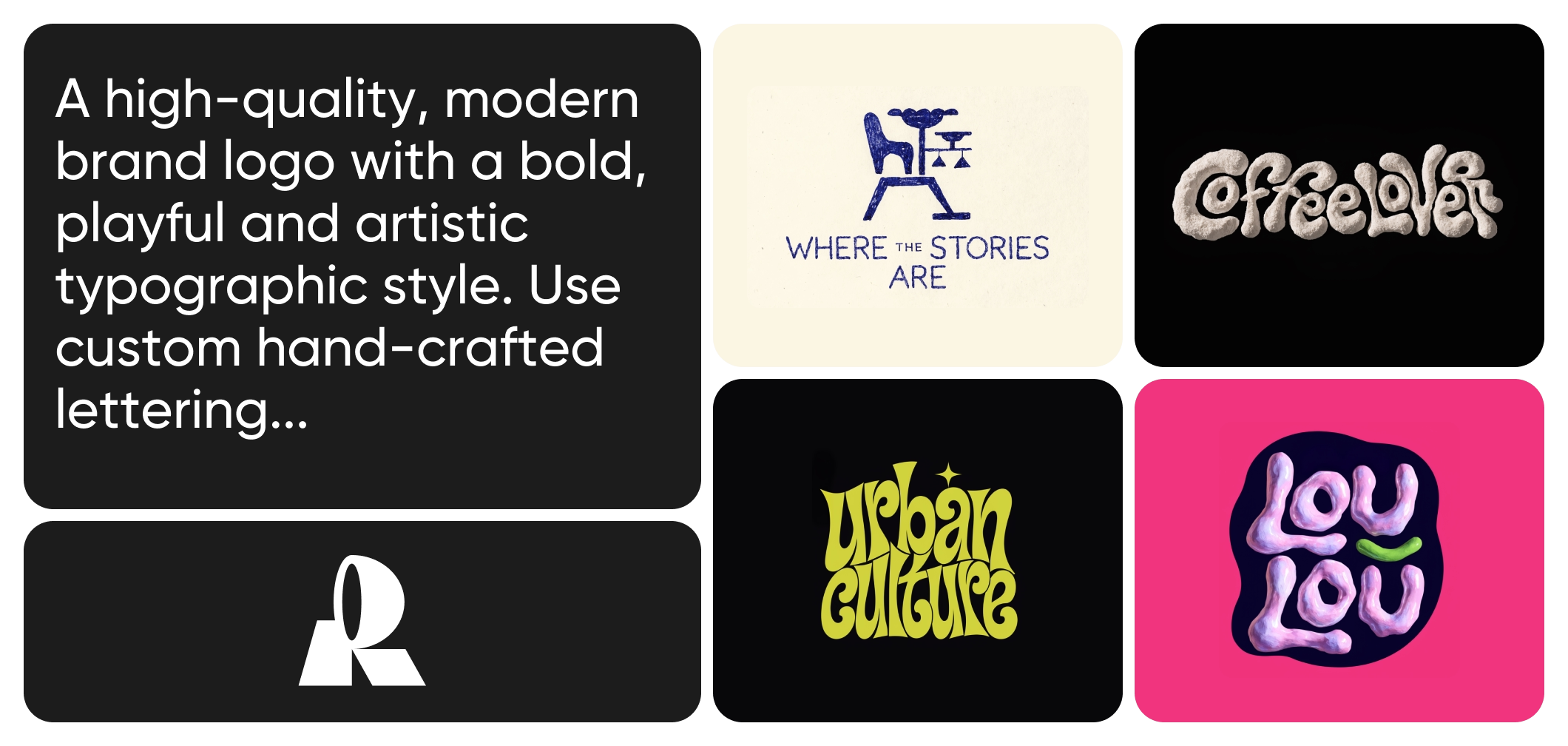
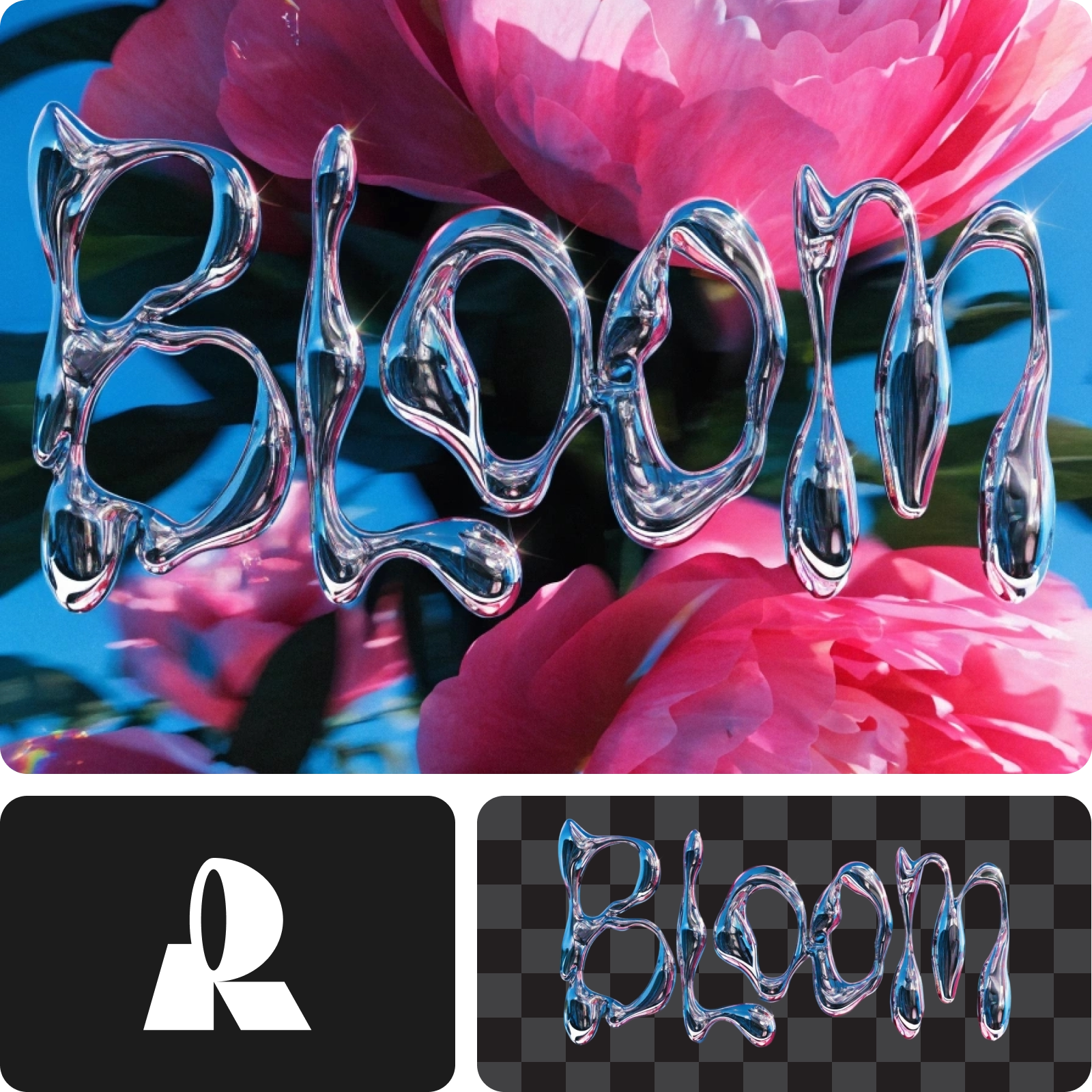
Generate multiple design directions from a single prompt with Kontext Mode, compare options side by side, and refine your favorite into the final result.
Flux Kontext Max FAQ
What is Flux Kontext Max?
What is Kontext Mode?
Kontext Mode generates multiple visual directions from a single prompt instead of one result. You can compare options side by side, select your preferred direction, and generate further variations of that specific image. It’s designed for early creative stages and launches exclusively on Picsart first.
What makes Flux Kontext Max different from DALL-E, Midjourney, or Flux?
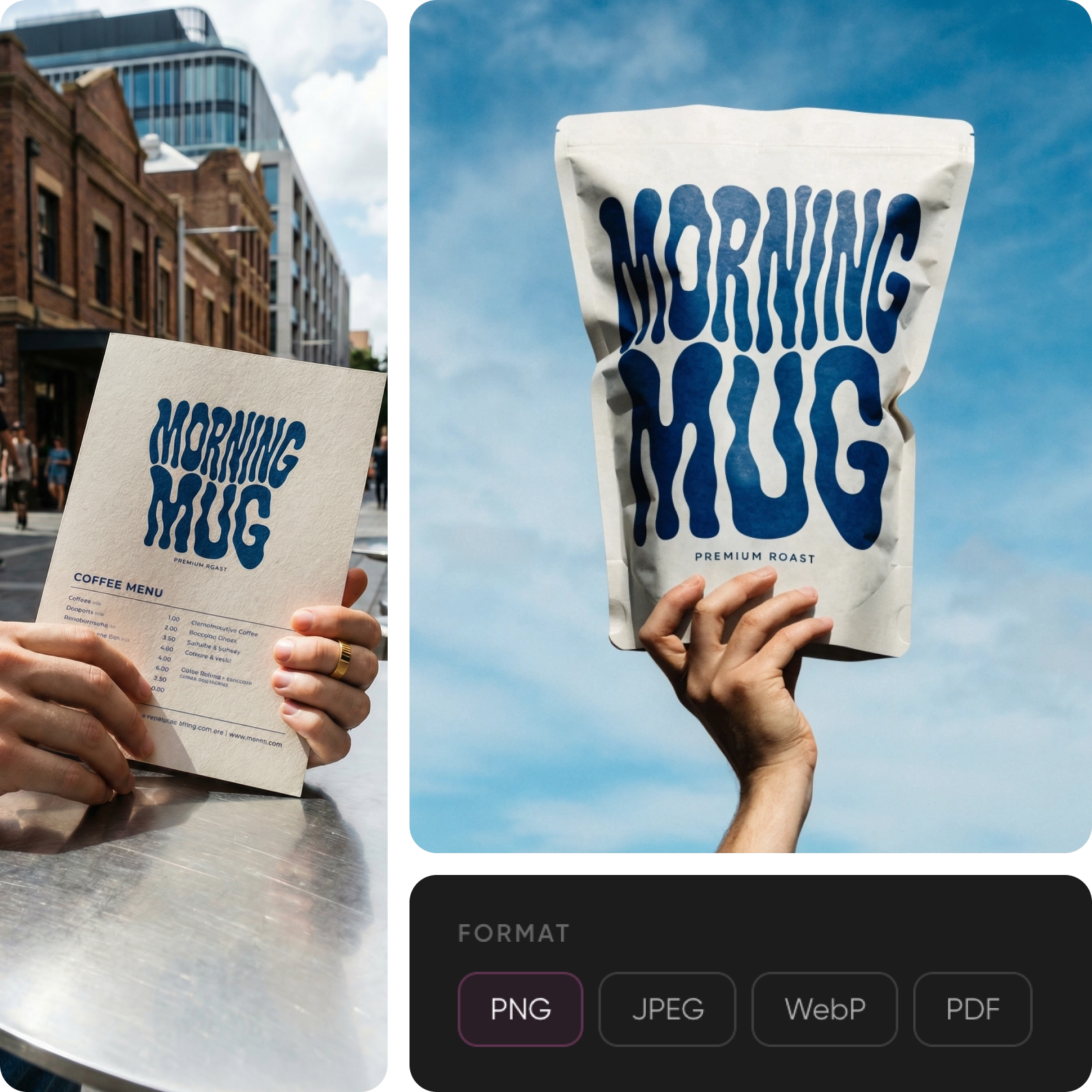
Flux Kontext Max is built around design taste, not just prompt accuracy. It makes intentional decisions about composition, lighting, and color that make output feel art-directed. It’s also the only model that generates real editable SVG vector files and renders readable text for signage and packaging.
What output formats does Flux Kontext Max support?
Flux Kontext Max supports PNG, JPG, SVG (editable vectors with structured layers), PDF, TIFF, and Lottie exports. Raster output ranges from 1024×1024 (standard) to 2048×2048 (Pro).
How is Picsart integrating Flux Kontext Max?
Picsart is integrating Flux Kontext Max into its AI Image Generator and creative tools, with Kontext Mode available exclusively on Picsart as the first launch partner. Creators can generate, explore, and export design-quality images directly within the platform.
Do I need design skills to use Flux Kontext Max?
No. Flux Kontext Max’s built-in design taste means even simple prompts produce professional-quality output with balanced composition and cohesive color. Kontext Mode further simplifies the process by letting you compare directions visually rather than rewriting prompts.
Can I use images created with Flux Kontext Max for commercial projects?
Yes. Images generated through Picsart’s tools powered by Flux Kontext Max can be used for marketing, branding, social media, packaging, and other commercial applications, subject to Picsart’s terms of use.