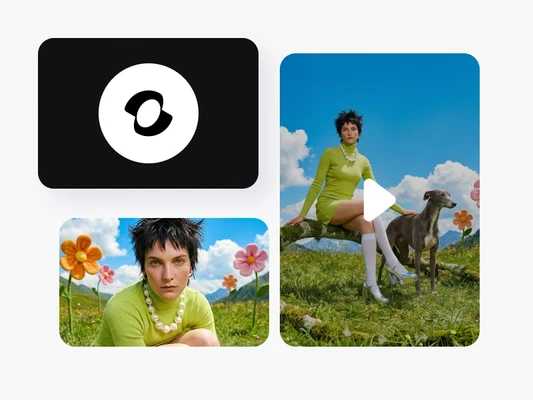
Cinematic motion, zero Limit
What you can create with Pika Frames
Define start and end images as anchor points, and let the AI generate smooth, controlled motion between them with predictable, high-quality results.

Pika Frames FAQ
What is Pika Frames?
How does Picsart use Pika Frames?
Picsart has integrated Pika Frames into its AI Video Generator, allowing users to create keyframe-controlled video content directly within the platform.
What makes Pika Frames different from other video models?
Pika Frames uniquely uses keyframe-based control instead of relying solely on text prompts. Creators upload anchor images and the AI interpolates motion between them, delivering predictable, deterministic results.
How many keyframes can I use?
Pika Frames supports up to 5 keyframes per sequence, with customizable transition durations from 1 to 10 seconds between each keyframe pair.
Do I need video editing skills to use Pika Frames?
No. Pika Frames works within Picsart’s AI Video Generator with an intuitive interface. Simply upload your anchor images and the AI handles the motion generation.
Is Pika Frames free to use in Picsart?
Access depends on the specific tool and subscription plan. Pika Frames is part of the AI models used across Picsart’s platform, with availability varying by feature and tier.
Can I use videos created with Pika Frames for commercial projects?
Yes. Videos generated through Picsart’s tools powered by Pika Frames can be used for marketing, social media, brand content, and other commercial applications, subject to Picsart’s terms of use.