
What you can create with Seedream 4.5
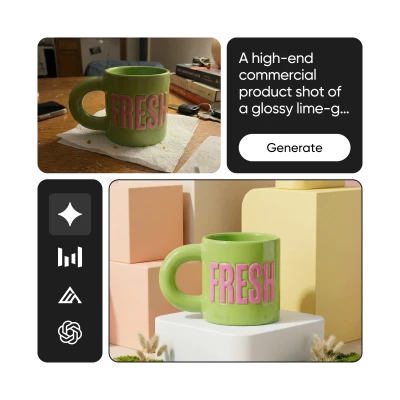
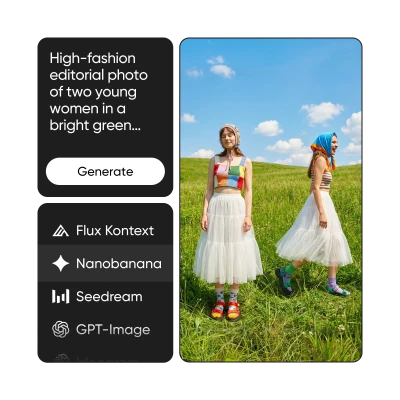
Create visually stunning images with rich colors, fine textures, and artistic quality that stands out, all from natural language prompts.
Seedream 4.5 FAQ
What is Seedream 4.5?
How does Picsart use Seedream?
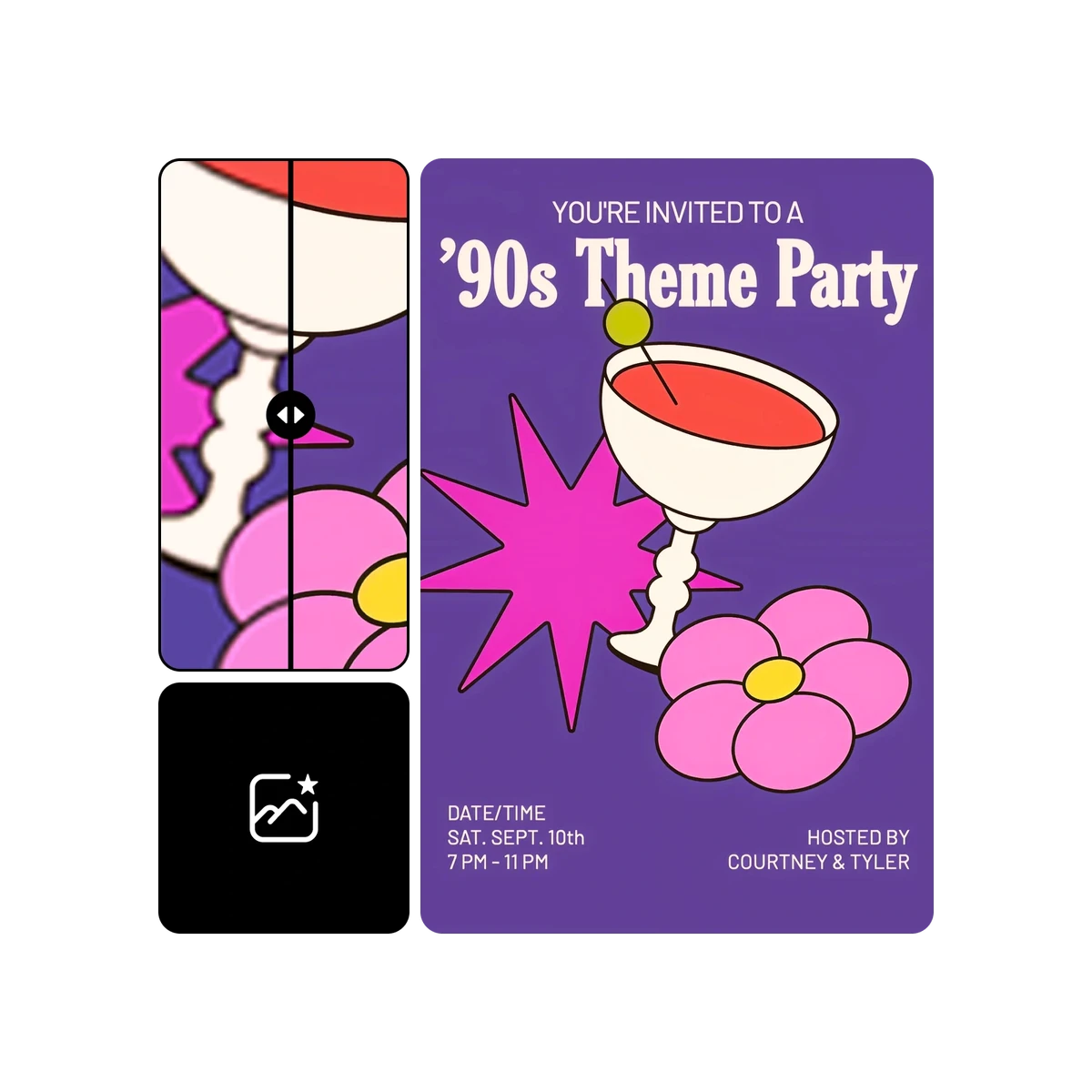
Picsart has integrated Seedream into its AI Image Editor, allowing users to generate and refine high-quality images directly within the editing experience without needing to interact with the model itself.
Do I need design experience to use Seedream 4.5?
No. Seedream works behind the scenes within Picsart’s AI Image Editor. The tools are built for creators of all levels, from beginners to professionals, with no technical expertise required.
Is Seedream 4.5 free to use in Picsart?
Access depends on the specific tool and subscription plan. Seedream is part of the AI models used across Picsart’s platform, with availability varying by feature and tier.
What makes Seedream 4.5 different from other image generation models?
Seedream 4.5 is built with a focus on aesthetic quality. It excels at producing images with rich color palettes, fine-grained textures, and strong compositional awareness — giving output a distinctive, polished visual character.
Which Picsart tools use Seedream?
Seedream is integrated into Picsart’s AI Image Editor and is part of the AI models powering the broader creative platform. Picsart integrates AI at the tool level — enabling image generation, editing, and enhancement seamlessly.
Can I use images created with Seedream 4.5 for commercial projects?
Yes. Images generated through Picsart’s tools powered by Seedream can be used for marketing, social media, brand content, and other commercial applications, subject to Picsart’s terms of use.