Cinematic motion, zero Limit
What you can create with Sora 2
Generate videos with synchronized dialogue, sound effects, and ambient audio creating complete audiovisual content from a single prompt.
Sora 2 FAQ
What is Sora 2?
How does Picsart use Sora 2?
Picsart has integrated Sora 2 into its AI Video Generator, allowing users to create cinematic video content with native audio directly within the platform.
What makes Sora 2 different from other video models?
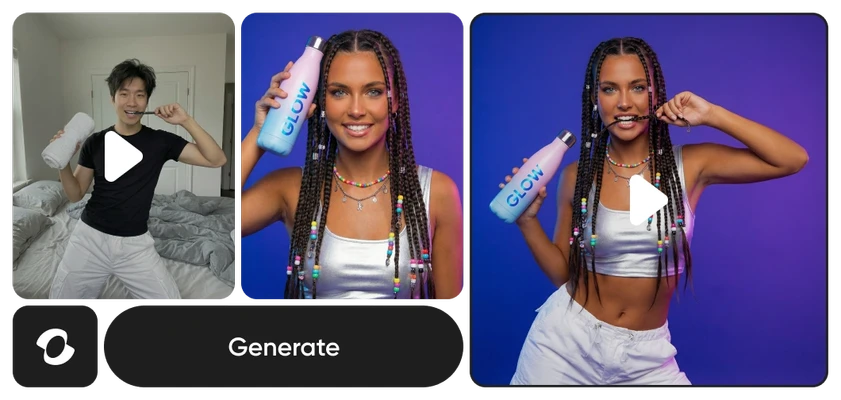
Sora 2 uniquely generates synchronized audio alongside video including dialogue and sound effects. It also features real-world injection, letting creators place real subjects into AI-generated scenes with accurate appearance and voice.
Do I need video editing skills to use Sora 2?
No. Sora 2 works behind the scenes within Picsart’s AI Video Generator. The tools are built for creators of all levels with no technical experience required.
Is Sora 2 free to use in Picsart?
Access depends on the specific tool and subscription plan. Sora 2 is part of the AI models used across Picsart’s platform, with availability varying by feature and tier.
What resolution does Sora 2 support?
Sora 2 generates video at up to 1080p resolution with 24 or 30 fps frame rates, producing clips up to 20 seconds in duration with synchronized audio.
Can I use videos created with Sora 2 for commercial projects?
Yes. Videos generated through Picsart’s tools powered by Sora 2 can be used for marketing, social media, brand content, and other commercial applications, subject to Picsart’s terms of use.