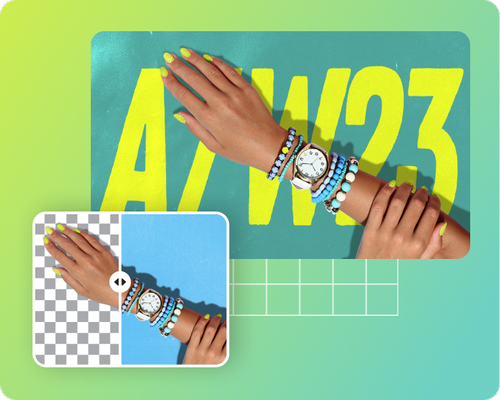
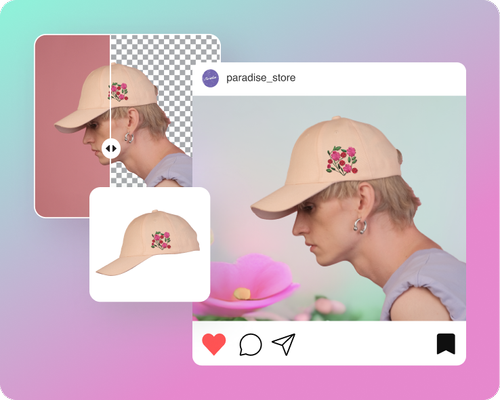
مزيل الخلفية مجاناً
 Pick an image or a video
By uploading a file, you agree to Picsart’s Terms of Use and Privacy Policy.

تجربة مستخدم بديهية
لا تتطلب خبرة في التحرير. فقط ارفع صورتك وامسح الخلفية بضغطة زر.

إزالة الخلفية تلقائيًا
يقوم مزيل الخلفية المعتمد على الذكاء الاصطناعي بإزالة الخلفية بدقة بينما يحافظ على الكائن الرئيسي.

تصدير عالي الدقة
احفظ الصور المحررة بدقة عالية دون أي فقدان للجودة. مثالية للاستخدام الرقمي والمطبوع.
كيفية إزالة الخلفيات في ثوانٍ
تحميل صورة
استخدم زر تصفح الملفات لتبدأ.
إزالة خلفية الصورة
تنزيل أو تخصيص
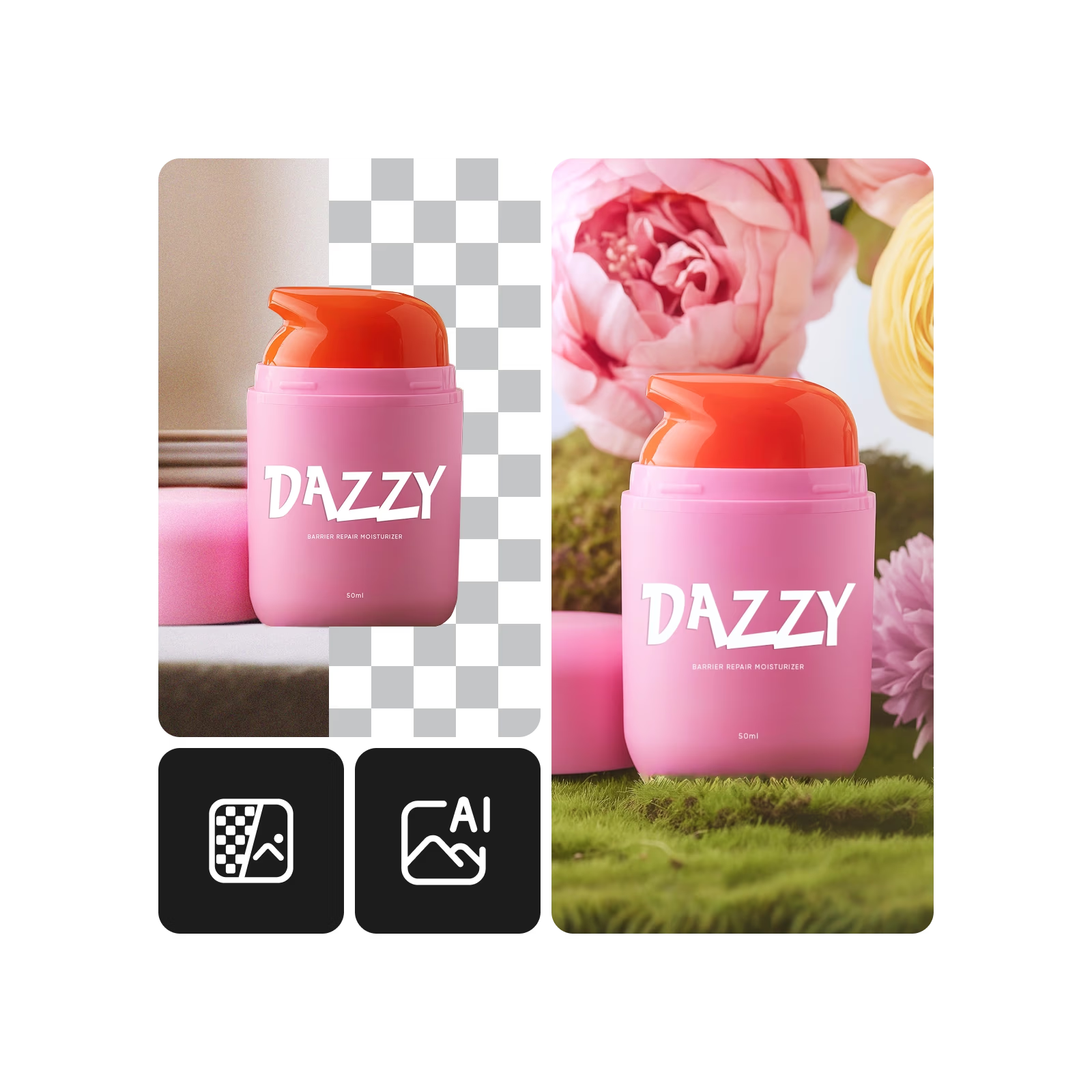
كيفية إزالة الخلفية باستخدام الذكاء الاصطناعي في ثوانٍ
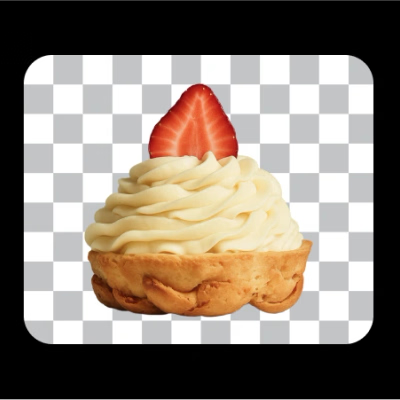
Leave the background transparent
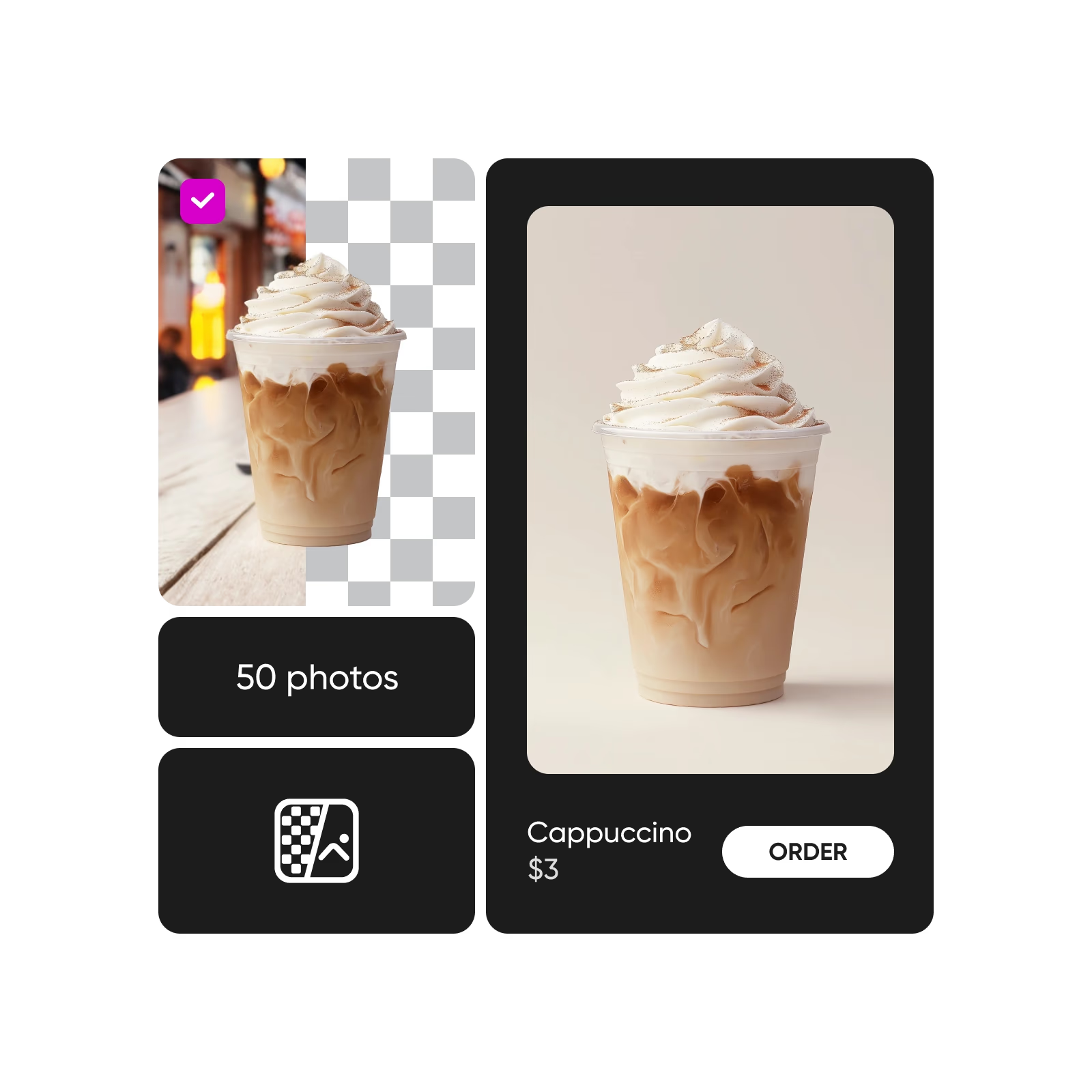
After you’ve erased the background, you can leave it transparent to give your visual extra versatility.

Try on a different background
If you’re looking to spice things up, a new backdrop is just the way to go.
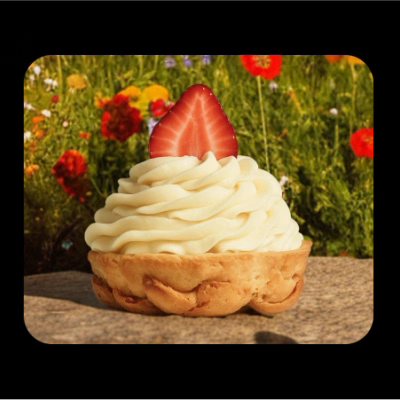
Generate a new background
Spice up your image with background presets - textures, gradients, photos and themed scenes ready to apply in one tap.

Swap the background color
Add color with solid or gradient backgrounds - white, black or pastels - while keeping your subject in focus and workflow smooth.

Blur the background
Soften the background with a blur effect to highlight your subject and reduce distractions in portraits or product shots.

Add a clean, white background
Create a clean, distraction-free look with a white background - perfect for showcasing products, portraits or official documents.

Your all-in-one BG Remover for every image type
DIY a studio-level portrait for your LinkedIn profile picture, Discord avatar, or even passport photos with the online background remover.

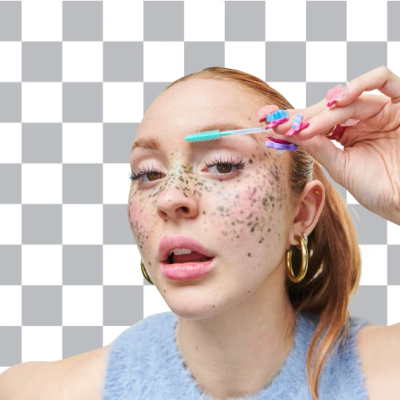

Tools that go well with background removal

Background eraser reviews
Background Remover FAQ
What does the Background Remover do?
What are the benefits of removing the background from an image?
- You can create a professional and polished look for products or marketing purposes.
- You can use your image in many scenarios because the subject is cut out and easily transferable.
- Highlight the main subject to draw attention.
- Create visual consistency for your brand or website.
Is Background Remover free?
You can try the Background Remover free of charge for 7 days by getting a trial to Picsart’s subscription plan.
Can I remove the image background without losing any quality?
Yes, the Picsart editor preserves the original quality of the photo. However, if you want to increase the quality you can use the built-in AI enhancer to upscale the resolution.
Can I integrate the Picsart Background Remover tool via API?
Yes! Get more info about Picsart’s Background Remover API offerings here.
Can I make my photo’s background transparent?
Yes! Just remove the background and leave it as it is and once you download it in a PNG format, the background will be transparent.