سهل الاستخدام للغاية! أضفت نصوصًا إلى صور منتجاتي في دقائق. المحرر بسيط جدًا، والخطوط تجعل متجري الإلكتروني يبدو احترافيًا من دون تكاليف تصميم إضافية.
Maria L.، صاحبة مشروع صغيرأضف نصًا إلى الصور باستخدام محرر النصوص المجاني من Picsart
عبّر عن شخصيتك بإضافة نص إلى صورك بخط يعجبك. اختر من بين مجموعة كبيرة من الخطوط المجانية التي تناسب أجواء تصميمك، أو حمّل خطوطك الخاصة! ضع النص وغيّر حجمه كما تشاء بكل سهولة.
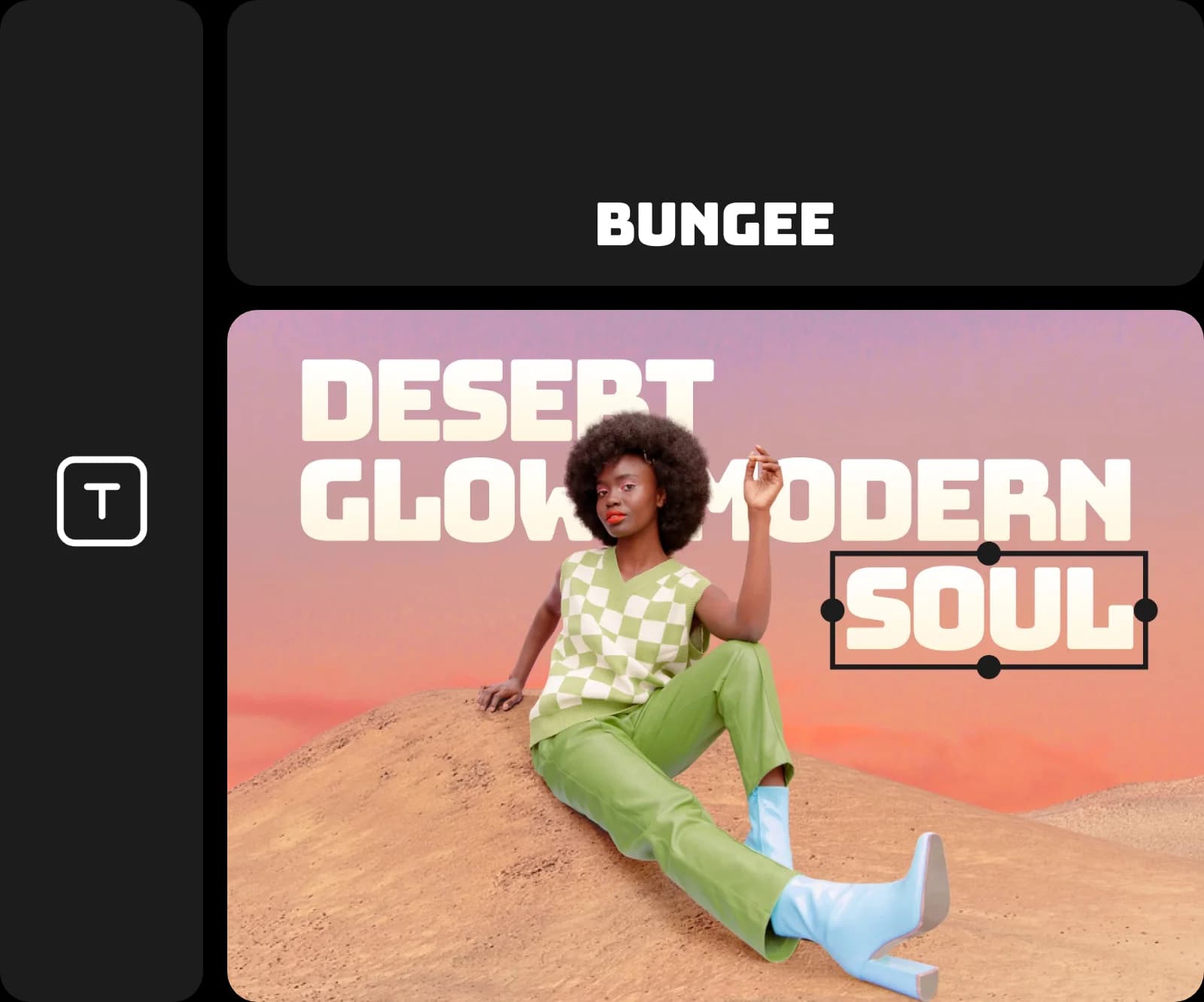
أضف نصًا إلى الصور مجانًا
أنشئ تصاميم لافتة في دقائق باستخدام محرر النصوص المجاني من Picsart. استخدمه لمشاريعك الشخصية أو واجباتك المدرسية أو تصاميمك الاحترافية؛ فإضافة النص إلى الصور بسيطة وسهلة. لا تحتاج إلى أي خبرة: اختر خطًا واكتب كلماتك وشاهد صورك تتحول إلى إبداعات متقنة مزينة بالنصوص.

After
محرر نصوص للتصاميم التسويقية والشعارات ومحتوى العلامة التجارية
يمنحك محرر النصوص من Picsart المرونة لإنشاء تصاميم لأي غرض. أضف شعارات بارزة إلى صور المنتجات، وصمّم مواد تحمل هوية علامتك التجارية لمتاجرك الإلكترونية، أو نسّق النصوص لحملاتك الإعلانية ومنشورات وسائل التواصل الاجتماعي. يمكن للشركات وصنّاع المحتوى والأفراد على حد سواء تصميم محتوى متقن وجذاب بسهولة.
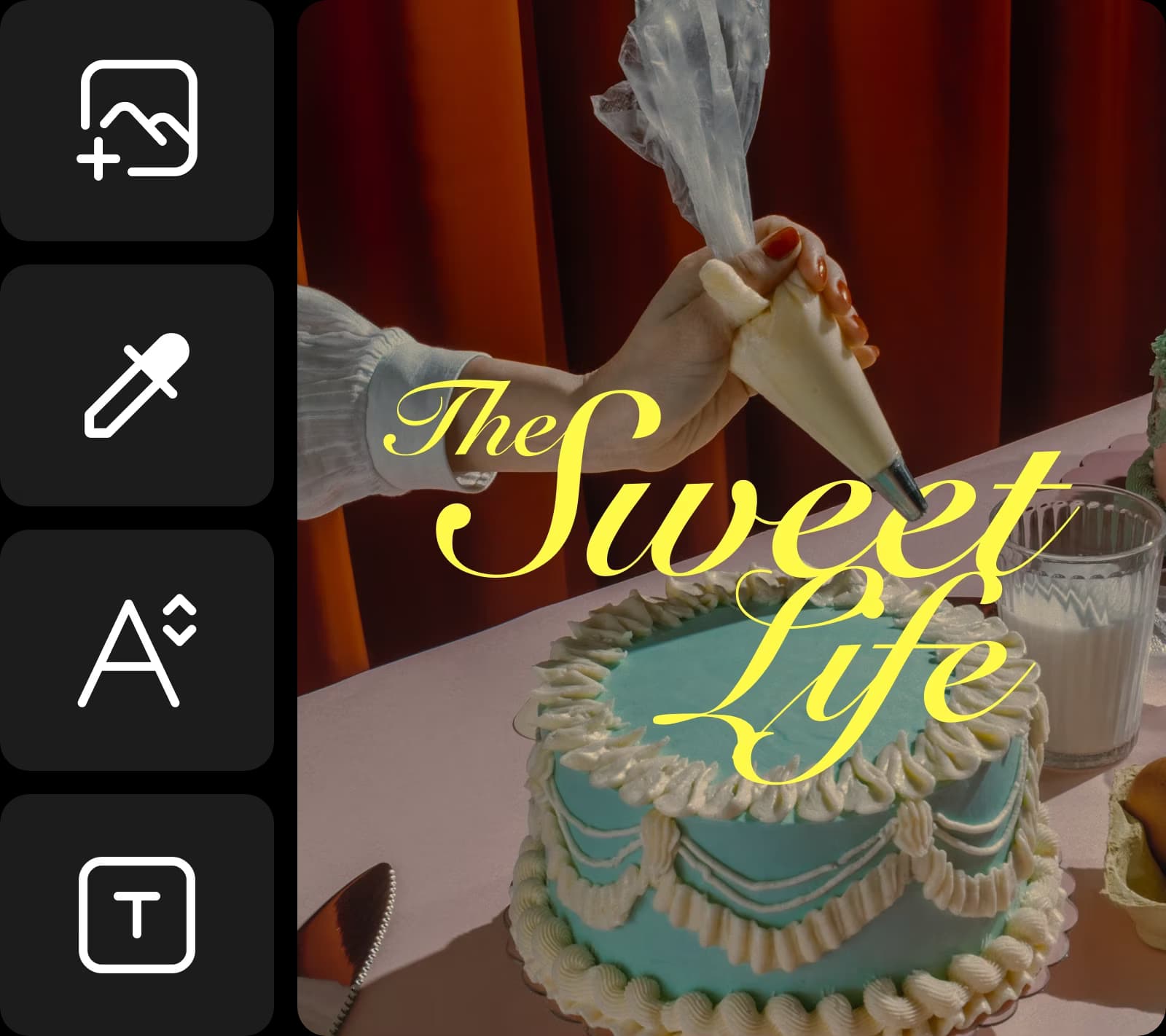
تصفّح مكتبة كبيرة من الخطوط
استفد من مجموعة متنوعة من الخطوط لتجربة أشكال مختلفة لنصوصك. تصفّح مكتبة كبيرة من الخطوط المدمجة في واجهة محرر الصور من Picsart. استخدم عائلات الخطوط الكلاسيكية، إلى جانب الخطوط العصرية والحديثة، لتحصل على المظهر الذي تريده.
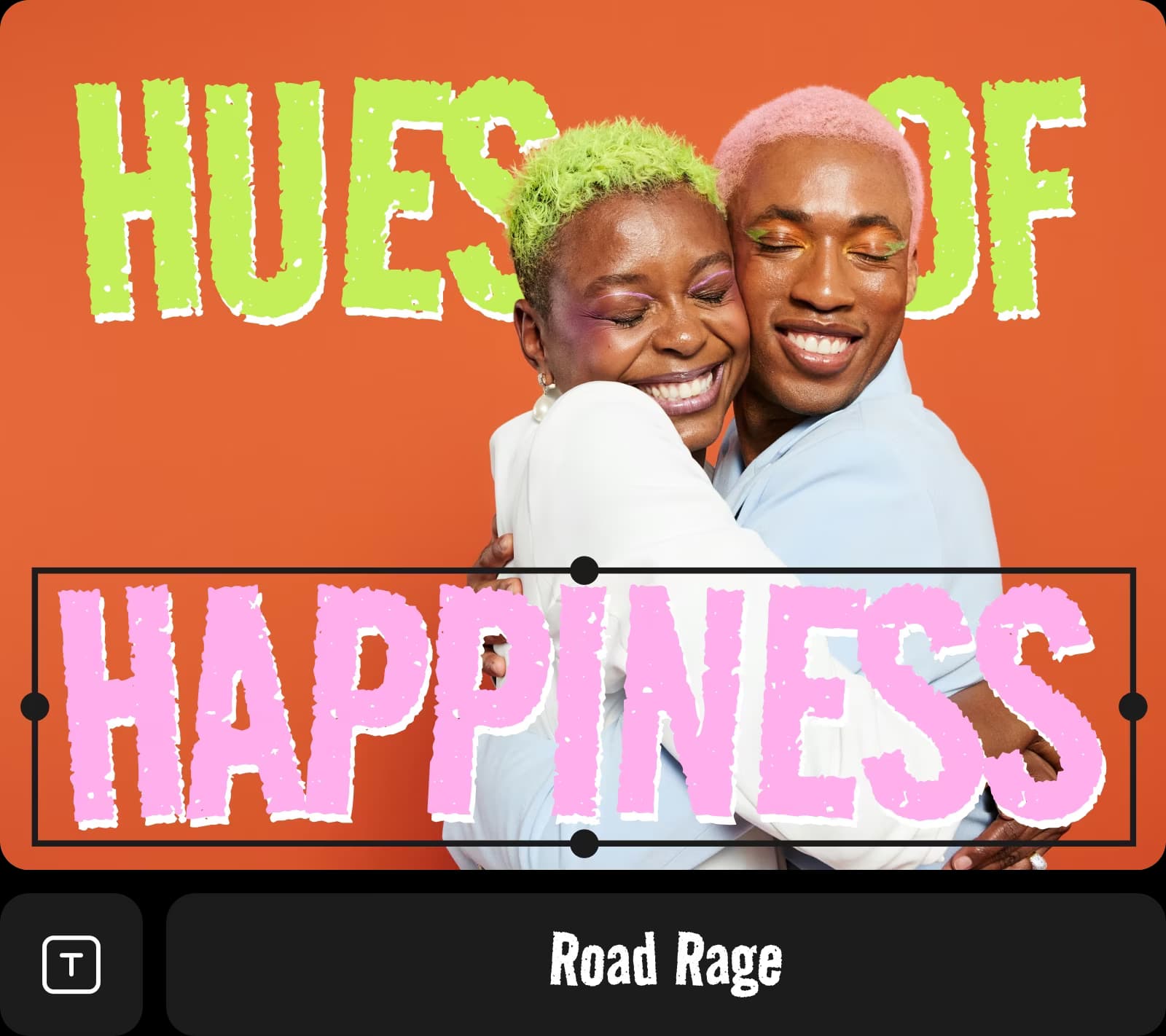
حمّل خطوطك
هل لديك خط معين في بالك؟ لا مشكلة. أضف خطوطك الخاصة إلى الصور بسهولة باستخدام أداة النص من Picsart لتحصل على المظهر الذي تريده. استورد ملفات الخطوط بصيغة .ttf إلى Picsart واستخدم خطوطك الأصلية في مشاريعك الإبداعية المستقبلية.
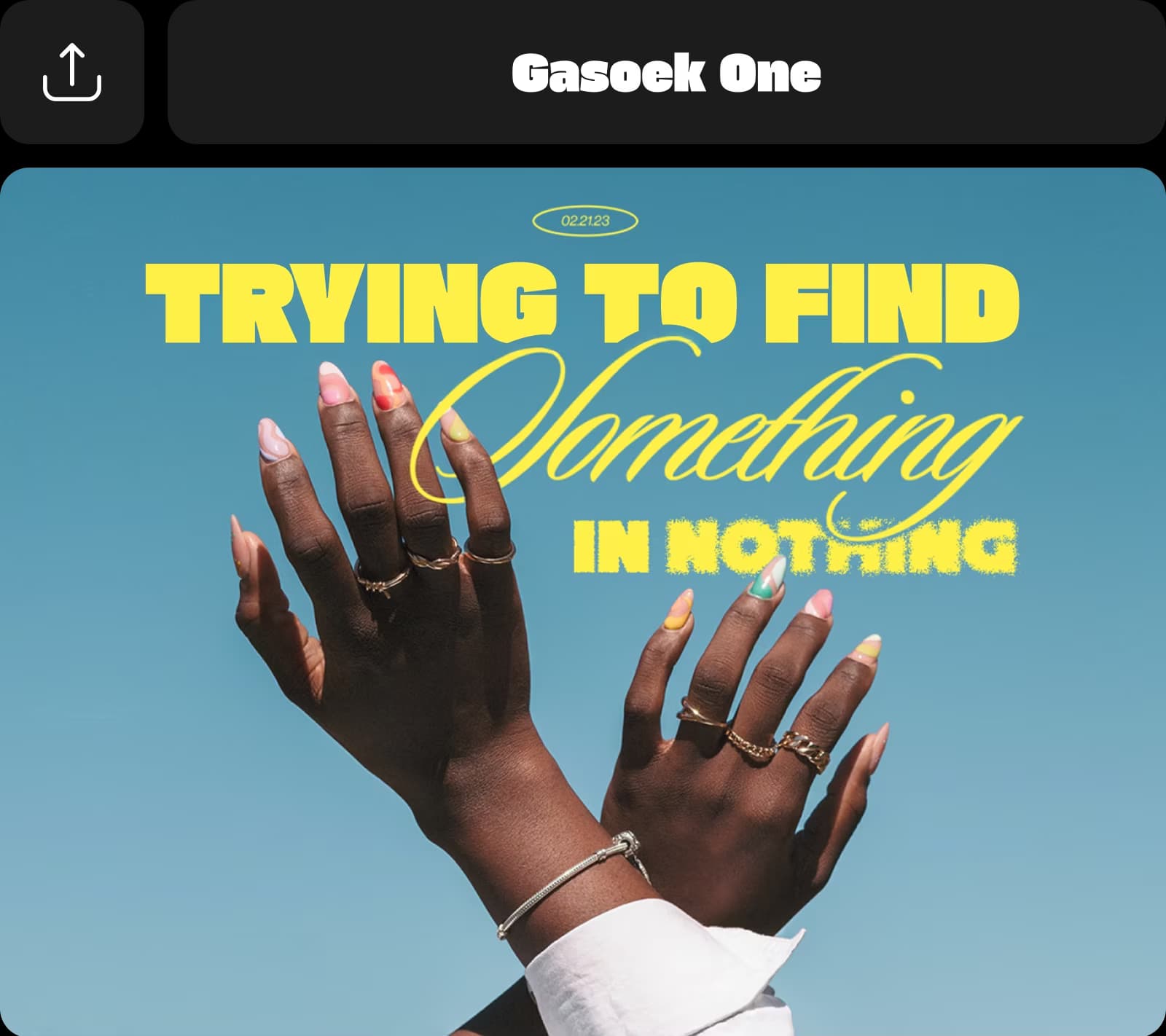
خصّص النصوص باحتراف
ارتقِ بتصاميمك النصية إلى مستوى جديد مع خيارات تخصيص احترافية. عدّل نصوصك بسهولة، واضبط الألوان بدقة باستخدام رمز اللون. أدر النصوص وأبرزها، وجرّب المسافات والمحاذاة.
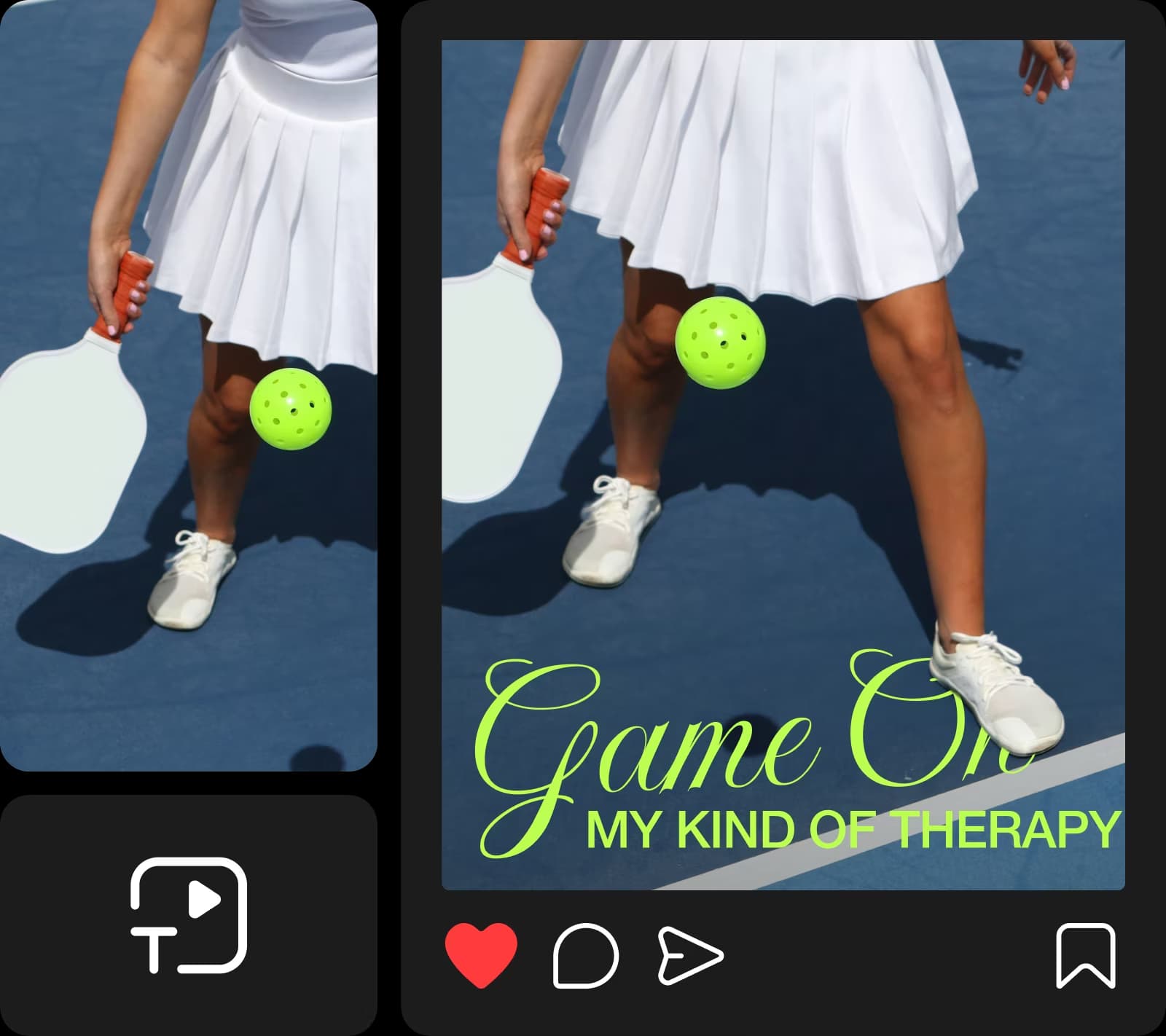
عبّر بصريًا على وسائل التواصل الاجتماعي
استخدم محرر النصوص من Picsart لتعزيز حضورك على وسائل التواصل الاجتماعي بتصاميم تعبّر أكثر من التعليقات التوضيحية. أضف نصًا إلى الصور لإيصال رسالتك بشكل جميل باستخدام خطوط ترتقي بمظهر ملصقات التخفيضات والصور المصغّرة للفيديوهات والمنشورات الملهمة وكل ما بينها!
المزيد من الأدوات لتجربتها
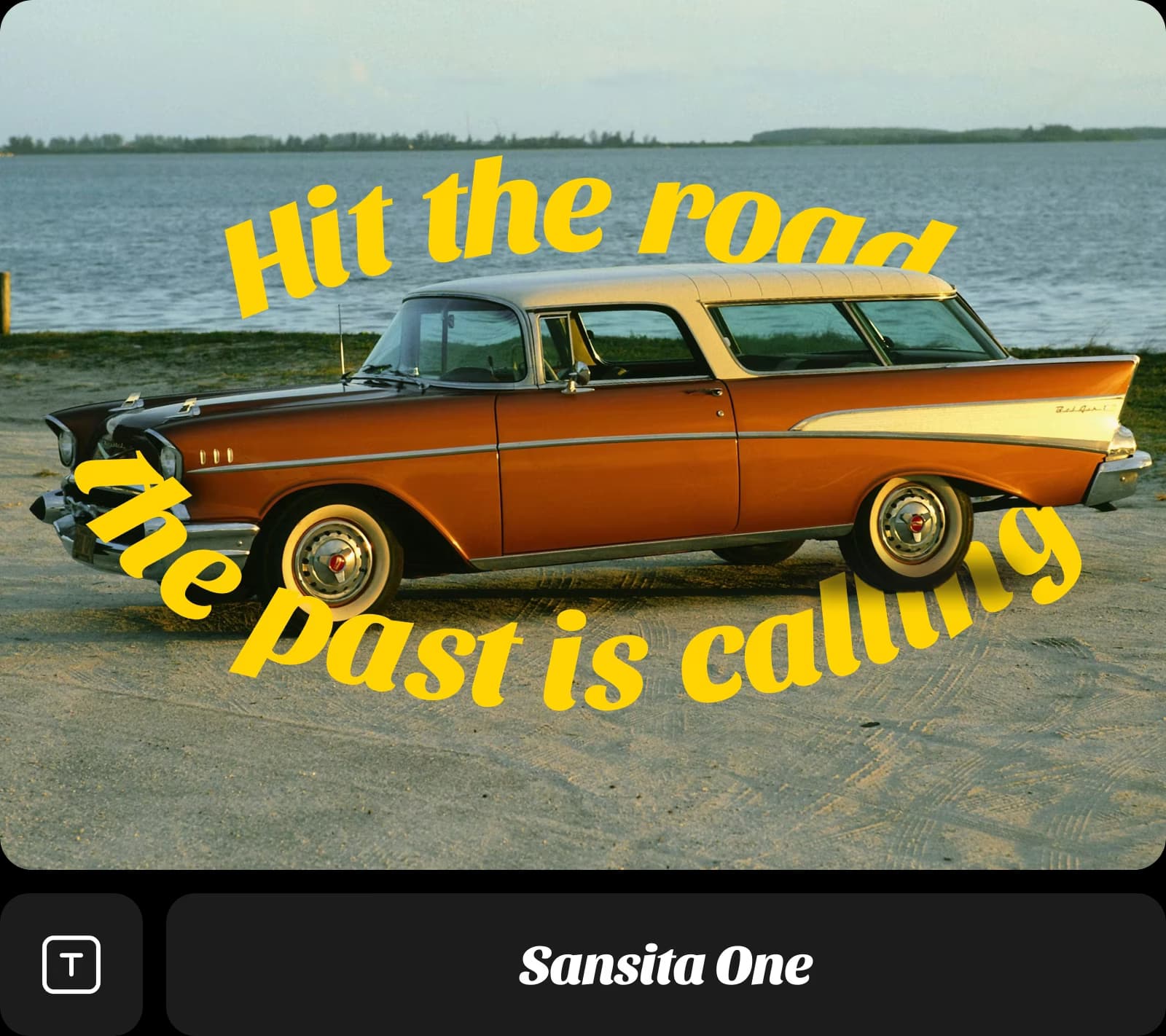
يقدم Picsart أكثر من مجرد أدوات أساسية لتحرير النصوص؛ فهو يتيح لك أدوات إبداعية تشجعك على التجربة. موّه صورة لإبراز كلماتك، أو أزل النصوص غير المرغوب فيها واستبدلها بشيء جديد، أو اجعل النص مقوسًا لإضفاء لمسة أنيقة. مع طرق التخصيص اللامحدودة، يمكنك جعل كل صورة فريدة بطابعك.
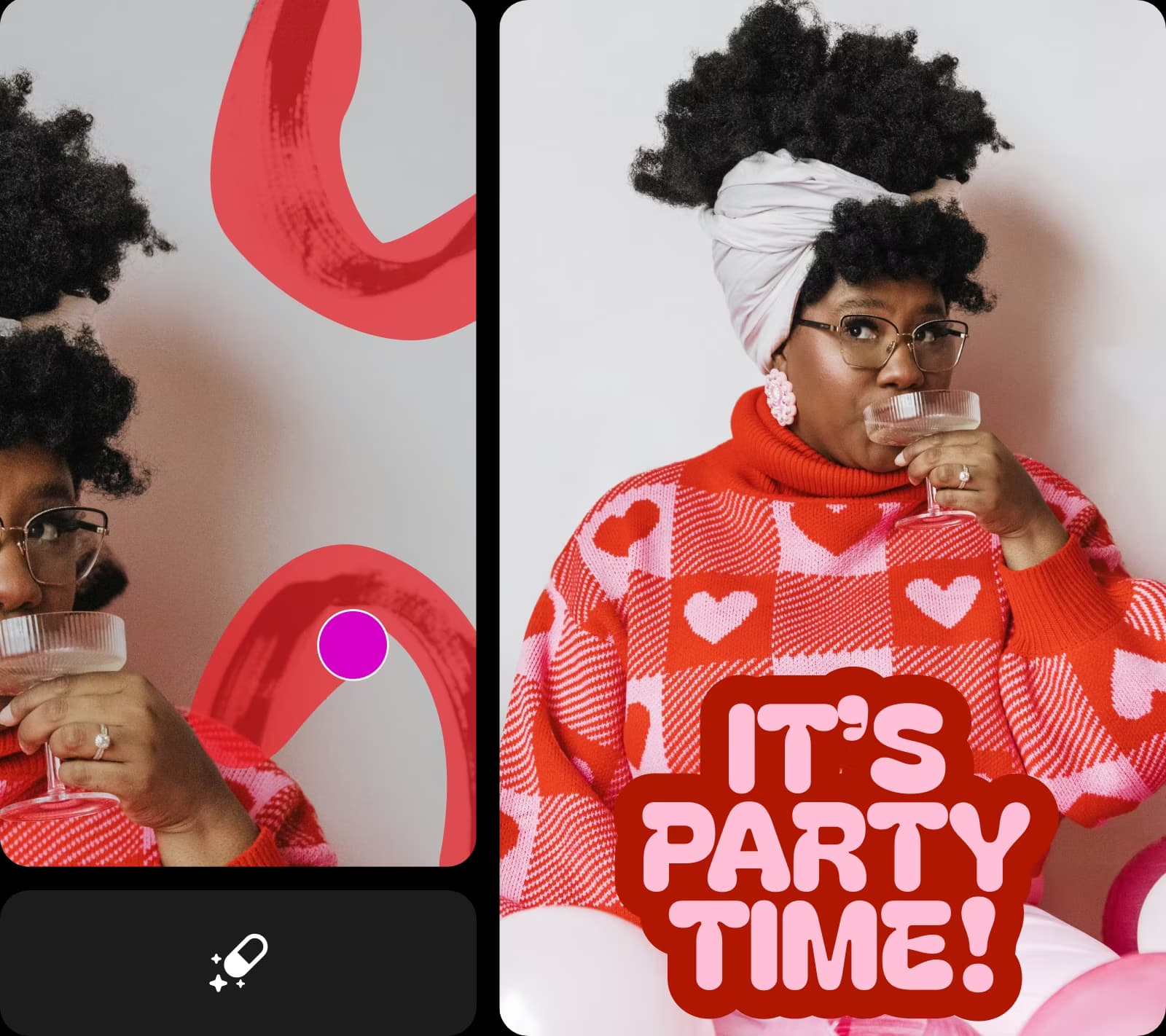
مثالي لوسائل التواصل الاجتماعي. أحب استخدام محرر النصوص لإنشاء منشورات Instagram بسرعة. تقويس النصوص وتجربة الأنماط تجعل محتواي متجددًا وممتعًا في كل مرة.
Jordan S.، صانع محتوىيوفر الكثير من الوقت. استخدمت أداتي تمويه الصور وإزالة النصوص لإعادة تصميم مواد حملات قديمة. تبدو إعلاناتي الآن متقنة، ولم أحتج إلى أي خبرة في التصميم.
Devon K.، مدير تسويقواصل رحلتك الإبداعية مع Picsart
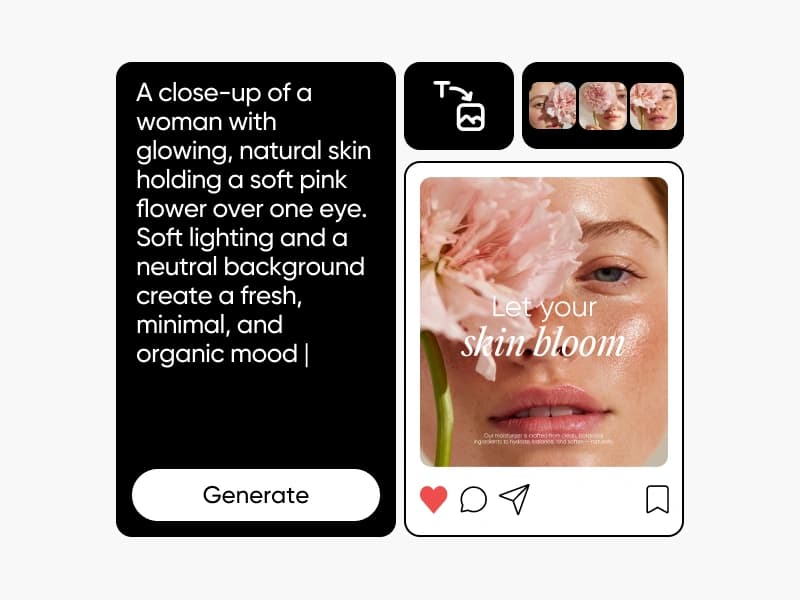
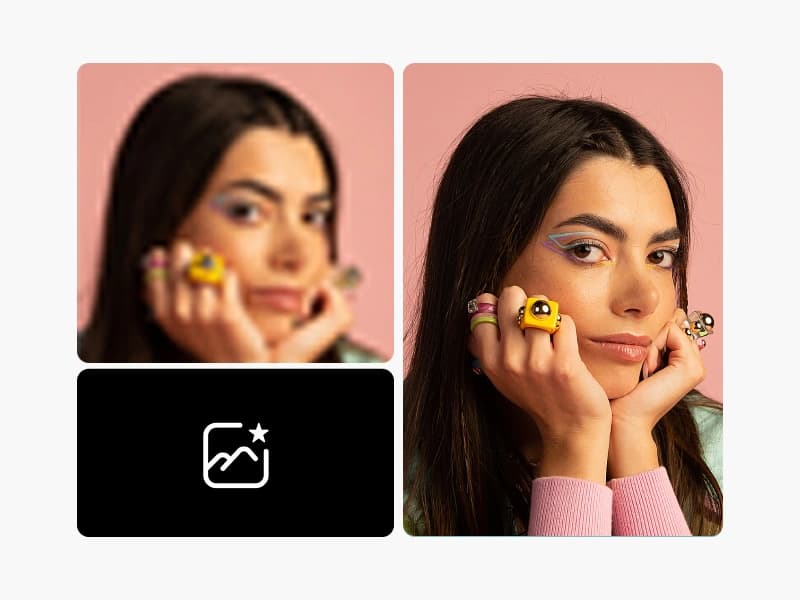
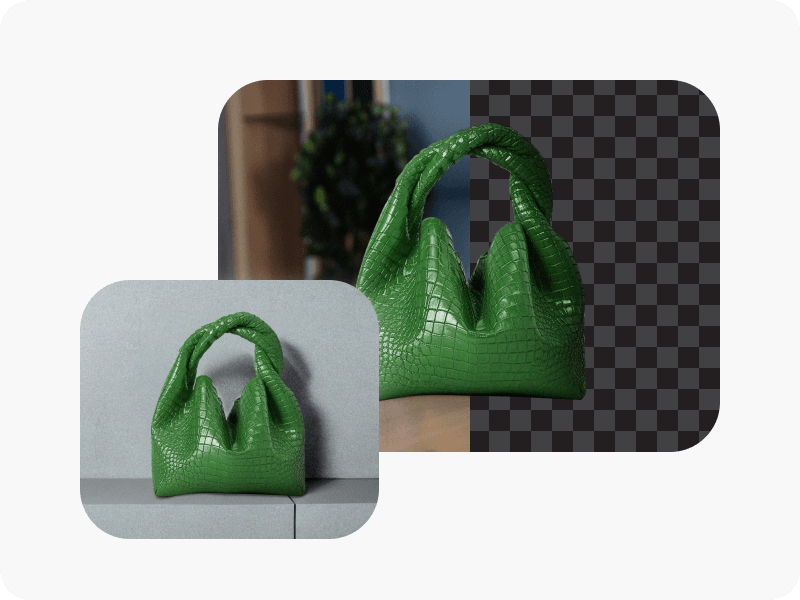

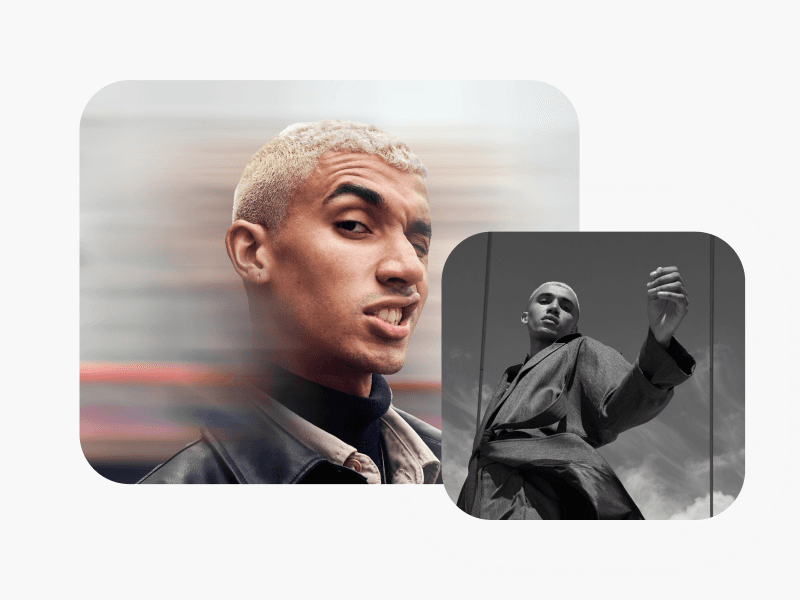
تعلّم أساسيات تحرير الصور
تعلّم كيفية إجراء تعديلات أكثر دقة بخطوات عملية.

الأسئلة الشائعة حول محرر نصوص الصور
إضافة نص إلى الصور باستخدام محرر النصوص من Picsart سهلة. ما عليك سوى النقر على زر Text في شريط الأدوات الأيسر أثناء تحرير الصورة، ثم اختيار نوع النص الذي تريد إضافته.
حرّر الصور لإنشاء محتوى متقن
SAVE UP TO 50%
Pro
Most popularAI tools for everyday creative work.
Billed yearly
Ultra
Most powerfulHeavy AI usage for creators & teams.
Billed yearly