White BG remover: Remove white backgrounds instantly
 Pick an image or a video
By uploading a file, you agree to Picsart’s Terms of Use and Privacy Policy.

Easily remove white backgrounds
Quickly remove white backgrounds to create versatile images for all of your design needs.

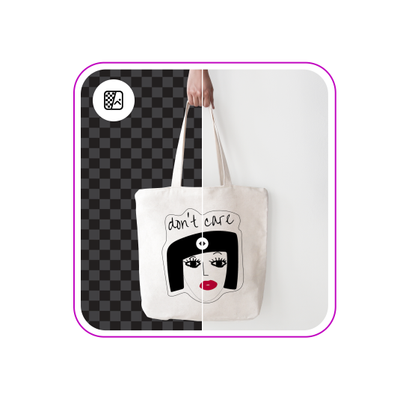
Instantly create transparent backgrounds
Give any picture a polished, professional look with a transparent background.

AI-assisted white BG remover
Automatically remove white backgrounds with an AI white BG remover.
How to remove a white background
Open the tool
Open the Background Remover tool and upload an image.
Remove background
Customize background
Download
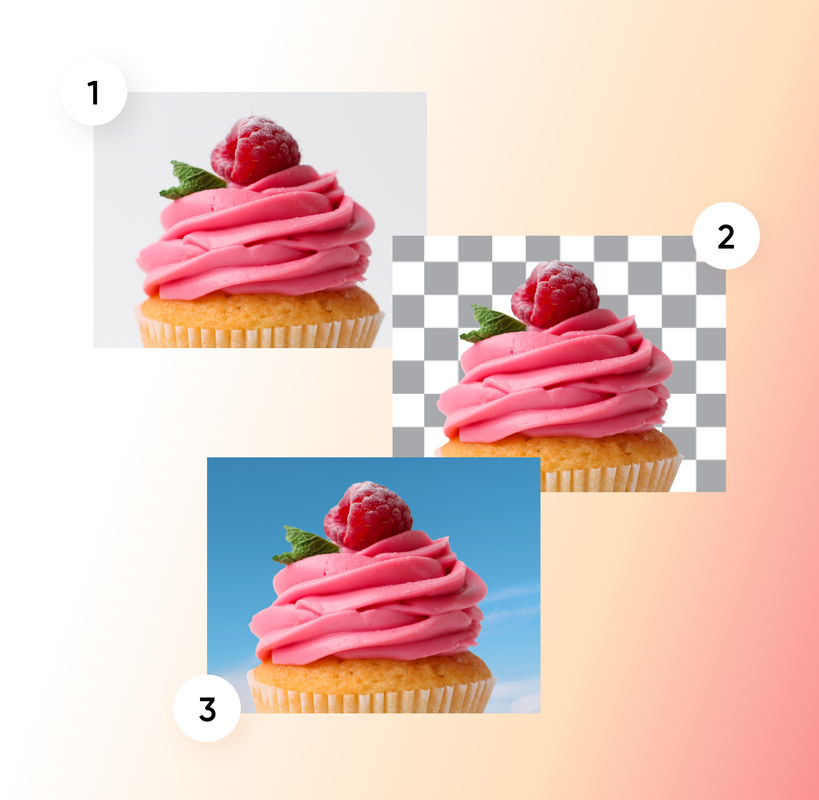
Transform your designs with a white background remover





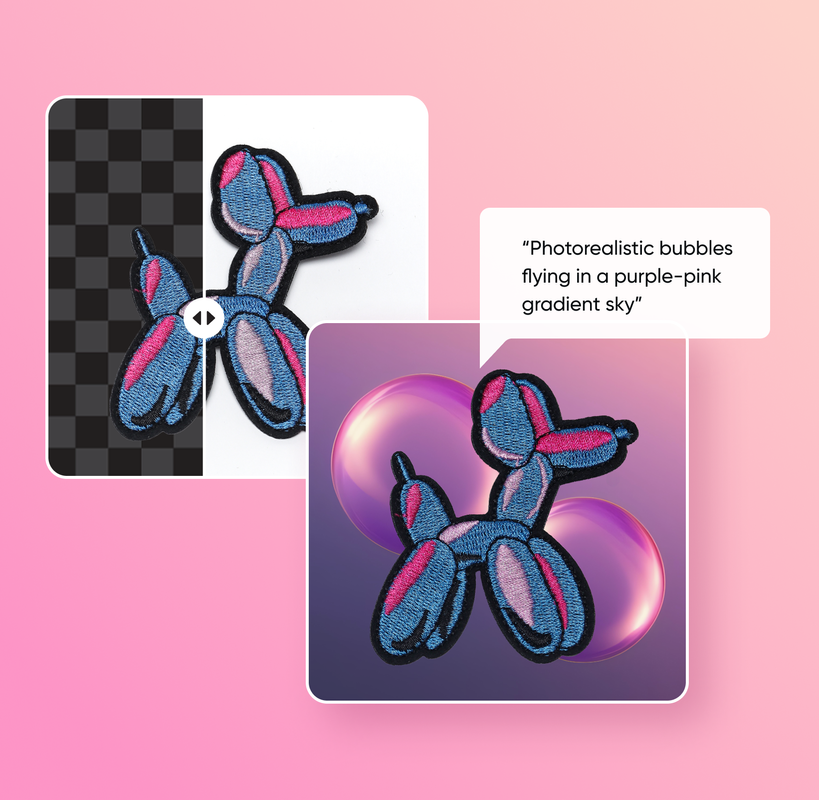
Discover more background editing tools
Try out other Background Remover tools and use cases.
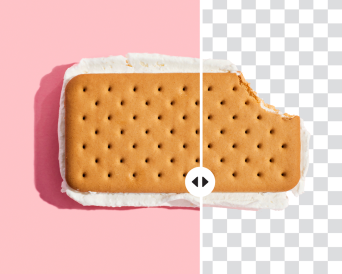
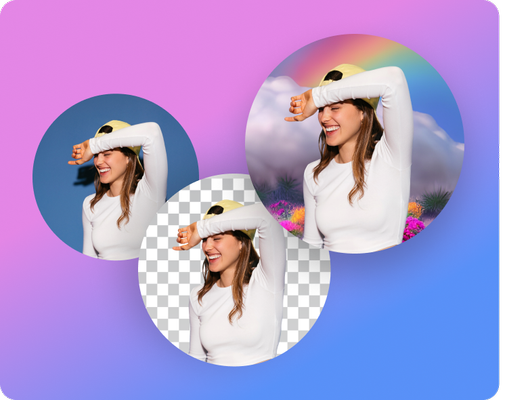
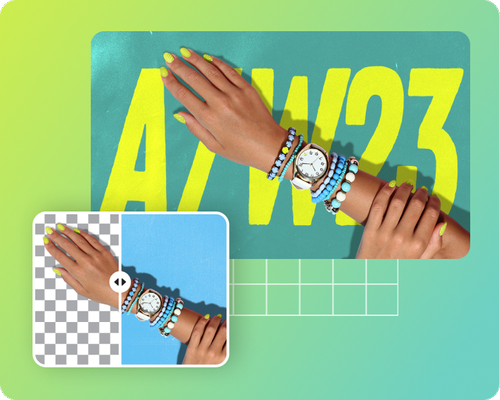
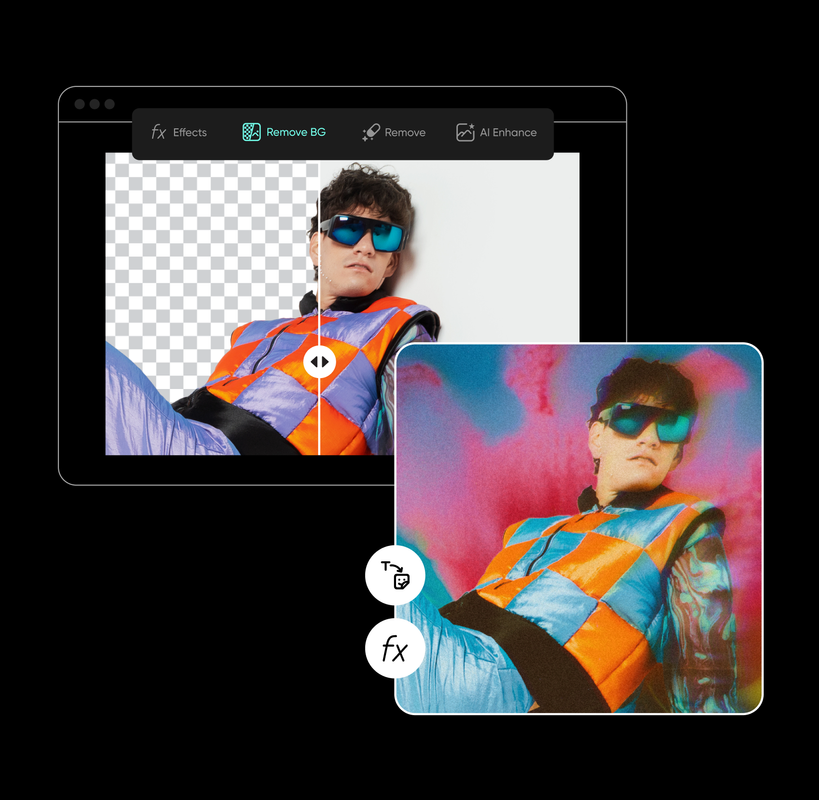
Elevate your photos with more AI editing tools
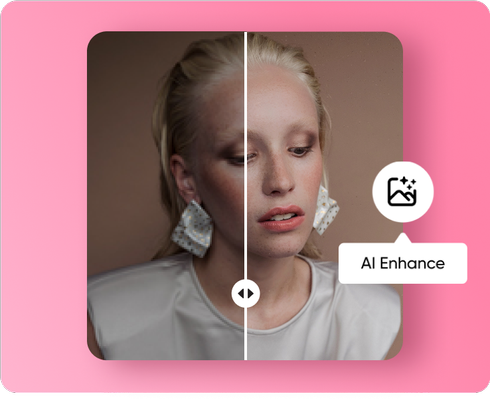
Elevate your photos with more AI editing tools

White background remover FAQ
What is the Picsart white background remover tool?
Is the white background remover tool free to use?
Picsart’s background removal tool requires a Picsart Pro membership to use.
Can I use the white BG remover without downloading any software?
Yes, you don’t need to download any software to remove white backgrounds from images with Picsart.
What types of images can I use with the white background remover?
You can use product pictures, signatures, brand logos, portraits, and any other image you might need to remove a white background from.
How accurate is the background removal process?
Picsart uses advanced AI for high precision and accuracy, so you can expect crisp edges and clean background removal.
What formats can I save the images in after background removal?
If you’re creating a transparent image, be sure to save your image in PNG format. Otherwise, you can save your image in any format after removing the background.


Clean up visuals for polished creator content
Pro
AI tools for everyday creative work.
- Access to all photo & video editing features
- Advanced background & object removal
- Parallel video generations with the world's most powerful AI video models
- Unlimited image generations with Flex.2 Klein
- 1-tap image enhancer
- Millions of stock photos & Getty video clips
- Selection of trendy fonts, text styles & stickers
- Thousands of premium templates
- Support for 3+ brand kits
- Bulk edit up to 50 images at once
- 100 GB of cloud storage
- Auto-generate content from your terminal or agent with the Picsart CLI
- Use Picsart inside Claude Code, Cursor, and ChatGPT via MCP — coming soon
- AI agents for multi-step workflows and batch generation — coming soon
Ultra
Heavy AI usage for creators & teams.
- Everything in Pro
- Early access to advanced AI features
- Leading AI models to design & automate workflows (Nano Banana, Veo 3, Seedance 2.0 & more)
- Parallel video generations with the world's most powerful AI video models
- Unlimited image generations with Flex.2 Klein
- Support for 10+ brand kits
- Add team seats
- Create ad variations and localize
- Track ads performance
- 2000 credits for API services
- Bulk edit up to 100 images at once
- 300 GB of cloud storage per seat
- Auto-generate content from your terminal or agent with the Picsart CLI
- Use Picsart inside Claude Code, Cursor, and ChatGPT via MCP — coming soon
- AI agents for multi-step workflows and batch generation — coming soon
Enterprise
Custom AI solutions for large organizations.
- Access to photo & video editor SDKs
- Mobile web SDK support
- Prepaid or pay-as-you-go creative APIs
- Embed professional-grade editing into your product or workflow
- Fully configurable editing experience
- White-label to match your brand
- Support for built-in marketing, e-commerce & printing use cases
- Bring your own assets: images, templates & fonts
- Enterprise-grade security, SLAs & support
- Dedicated account manager