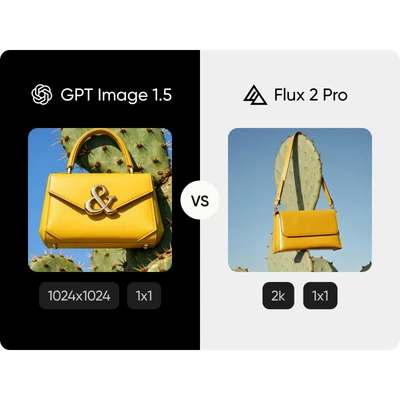
Feature comparison overview
Compare GPT Image 1.5 vs Flux 2 Pro side by side to understand how they differ in text rendering, speed, resolution, and creative flexibility.
GPT Image 1.5 vs Flux 2 Pro FAQ
Is GPT Image 1.5 better than Flux 2 Pro?
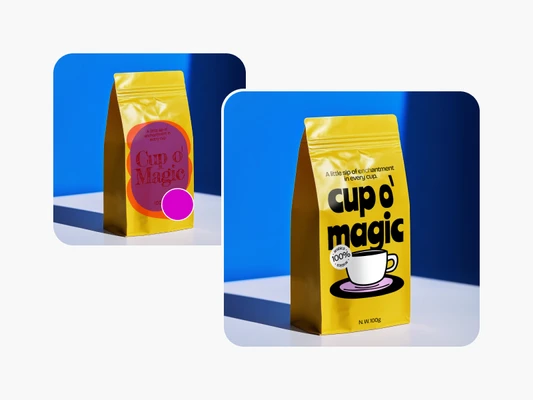
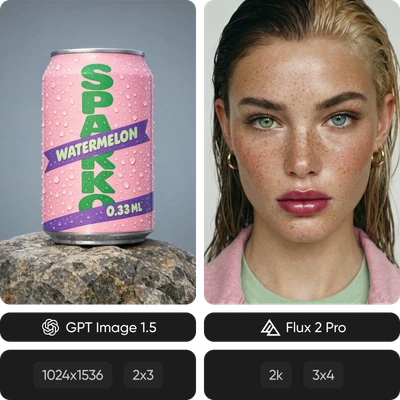
Which has better text rendering?
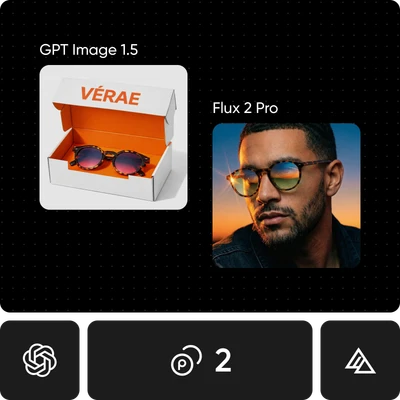
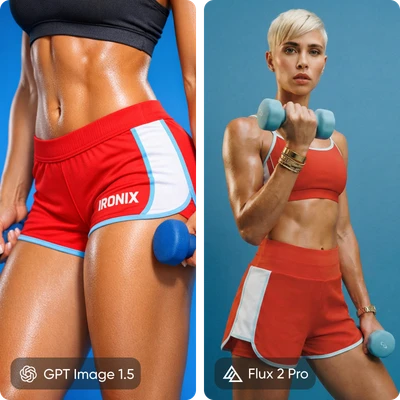
GPT Image 1.5 performs significantly better, with very high accuracy for text in images. It's the better choice for labels, logos, and any design that depends on clean, readable text.
Which is faster?
Flux 2 Pro is much faster, generating images in just a few seconds. GPT Image 1.5 takes longer but provides more controlled and predictable outputs.
Which generates higher resolution images?
Flux 2 Pro supports higher resolution output, producing images up to 4MP. GPT Image 1.5 generates lower-resolution images in comparison.
Can I fine-tune either model?
Flux 2 Pro supports fine-tuning through its open variants, allowing custom styles. GPT Image 1.5 does not support fine-tuning and is available through API-based access.
Which is cheaper?
Pricing is similar at standard quality. GPT Image 1.5 offers lower-cost options at basic tiers, while Flux 2 Pro becomes more cost-efficient at higher resolutions.
Which is better for product photography?
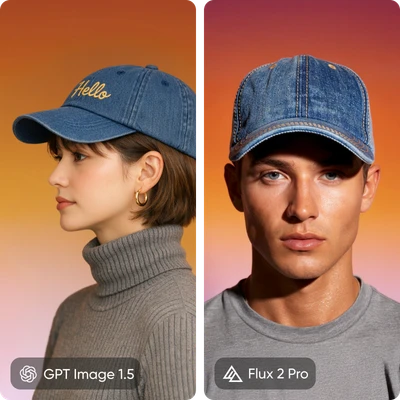
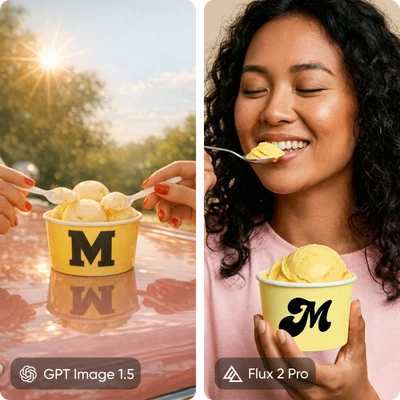
GPT Image 1.5 is better for products with text or branding. Flux 2 Pro is better for lifestyle or editorial product visuals where lighting and realism matter more.
Where can I try both?
You can try GPT Image 1.5 and Flux 2 Pro in Picsart AI Playground, where you can compare results side by side using the same prompt.