
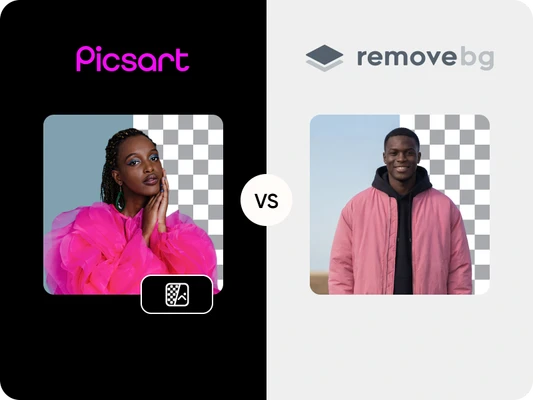
Picsart vs Remove.bg: background removal and workflow comparison
 Pick an image or a video
By uploading a file, you agree to Picsart’s Terms of Use and Privacy Policy.
Picsart vs Remove.bg FAQ
What is the main difference between Picsart and Remove.bg?
Which tool offers more precise background removal?
Both tools deliver accurate, edge-sensitive cutouts. Remove.bg specializes in highly consistent automation, while Picsart provides strong automatic removal plus refinement options for added control.
Is Picsart a good Remove.bg alternative?
Yes. Picsart is a strong Remove.bg alternative if you want background removal alongside editing, styling, and export tools in one workflow.
Which is easier for beginners?
Both are easy to use, offering quick automatic background removal. Picsart adds optional creative tools for those who want to refine or personalize their results.
Can I edit my image after removing the background?
Picsart allows full editing after the cutout, including shadows, borders, brightness and hue adjustments, blur, filters, and AI effects, plus the ability to upload your own background or use trend-updated presets. Remove.bg requires downloading and editing externally.
Which tool is better for social content workflows?
Picsart includes social-format canvas sizes, a large, creative preset library, and easy sharing to Meta, TikTok, print, and auto-save to Google Drive, making it ideal for creators producing share-ready content. Remove.bg does not include these workflow tools.
Does Remove.bg offer background blur?
No, it does not. But if you want to blur the background, that option is available in Picsart on mobile.
Picsart or Remove.bg: which one should I choose?
Choose Picsart if you want editing, styling, and background removal in one place. Choose Remove.bg if you only need quick, automated cutouts without additional editing.