Easily remove people from photos online
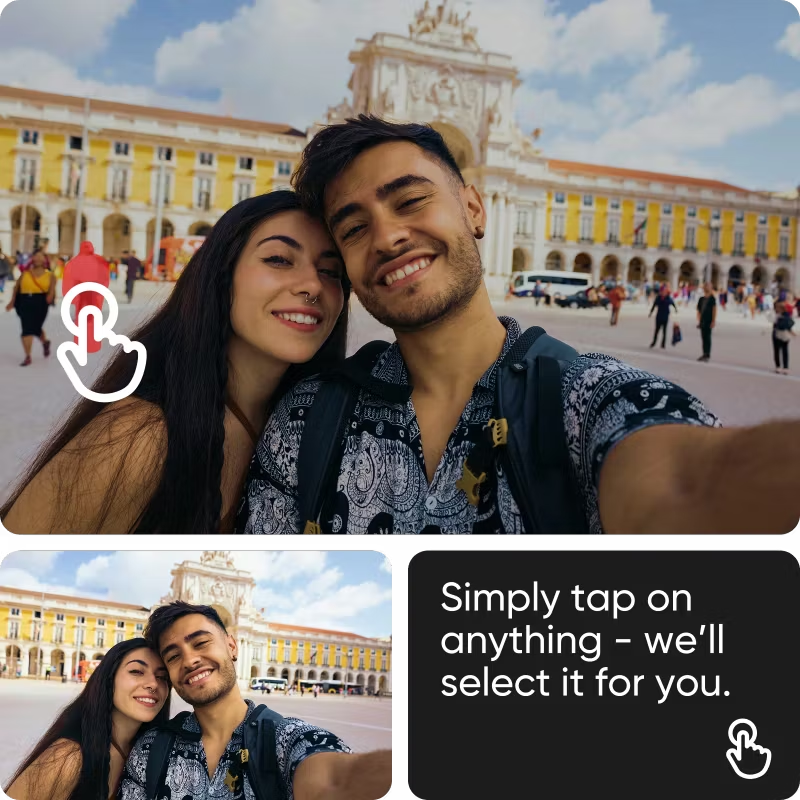
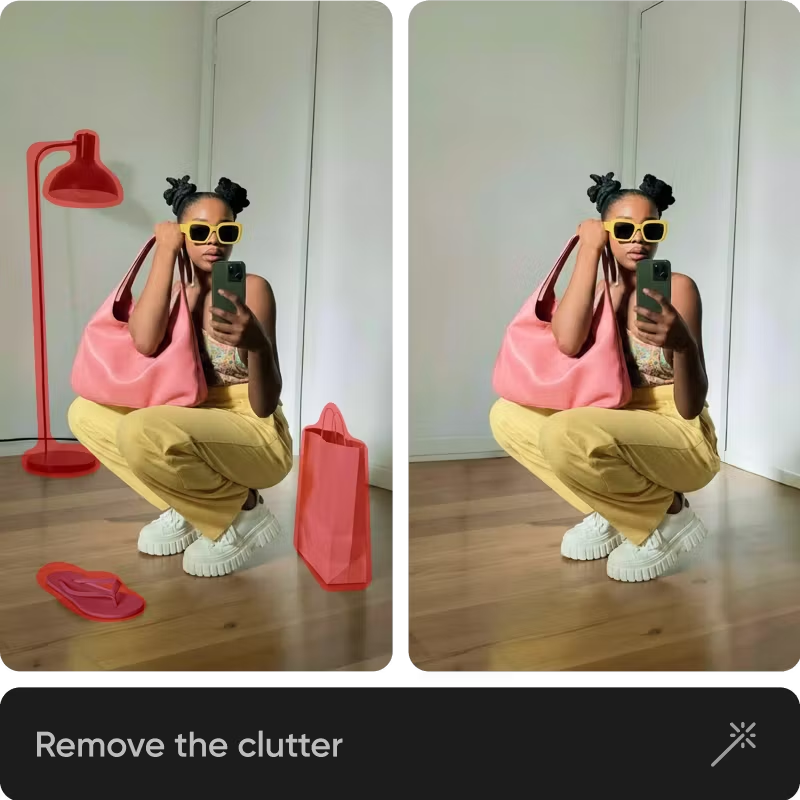
Вратете ја контролата над вашите фотографии и отстранете луѓе од позадината со AI отстранувачот на луѓе на Picsart. Отстранете лице од вашата фотографија онлајн за само неколку секунди.




Effortlessly achieve flawless visuals
Безпрекорно отстранете некого од сликите без да ја нарушите позадината.

Quickly edit people out of photos
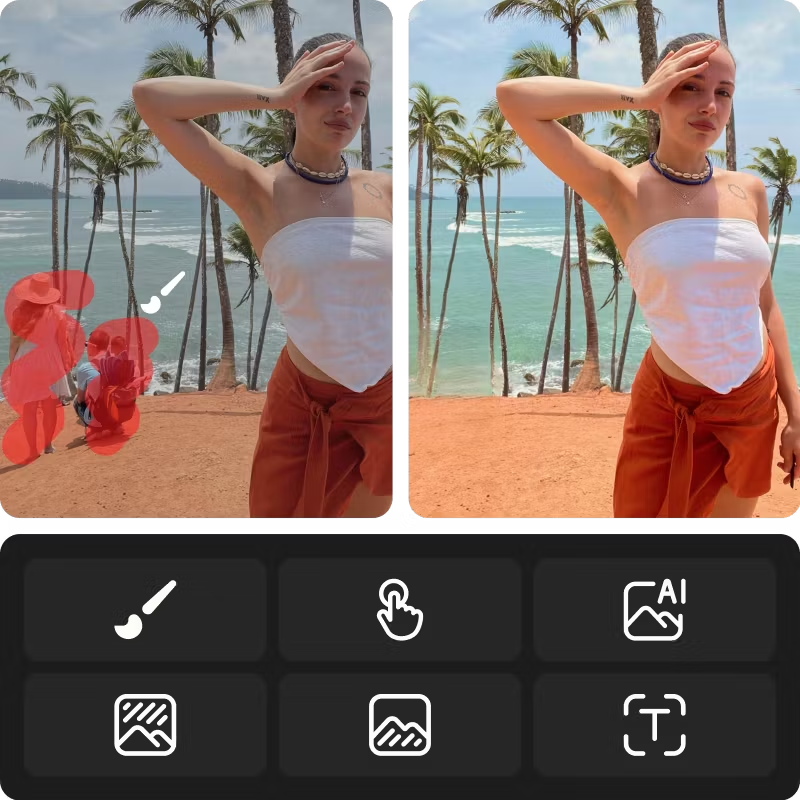
Инстантно отстранете луѓе од вашите фотографии без да трошите часови за уредување.

100% automatic people remover
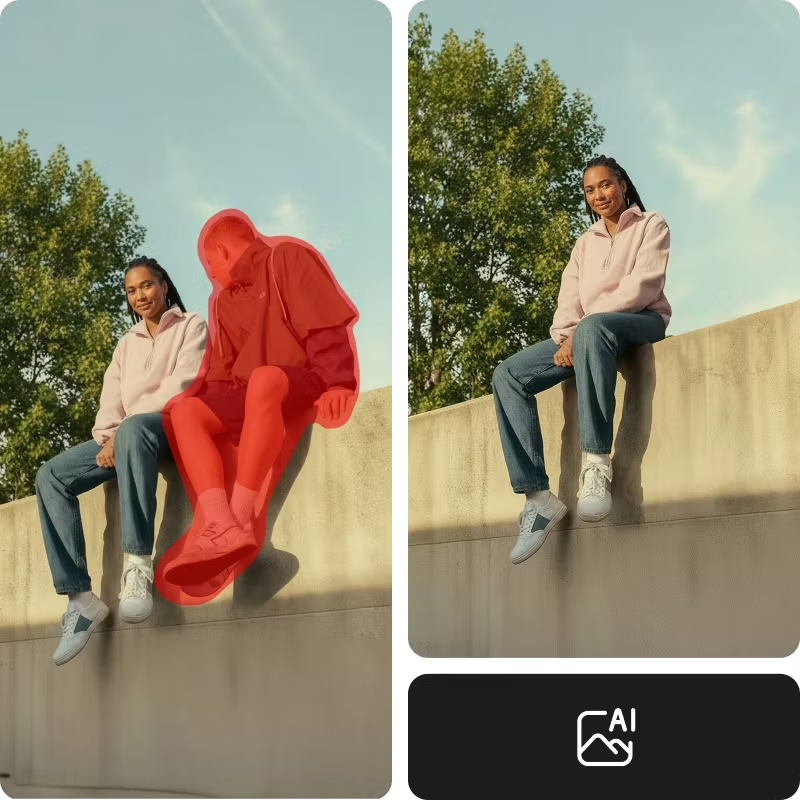
Нека AI отстрани лице од вашата слика за да можете да се фокусирате на поважните аспекти на уредувањето.
How to remove people from photos
Upload your image
Start by uploading the photo you want to edit. Your image opens instantly in the Picsart editor, ready for AI-powered cleanup.
Choose the remove tool
Refine with AI or presets
Apply and download
Perfect your photos for any purpose
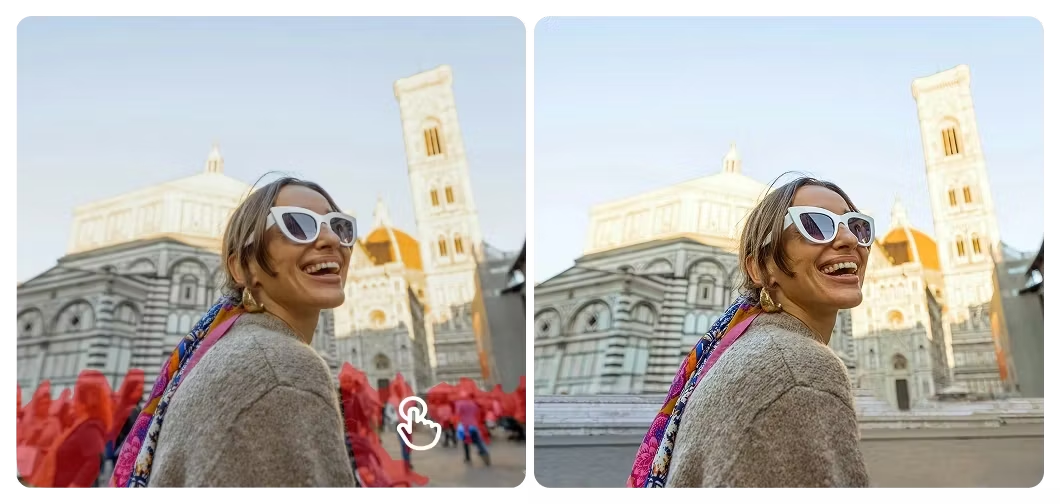
Remove tourists and passersby from your shots so landmarks stand out cleanly, just like you imagined them when you pressed the shutter.
Remove people from photos FAQ
How to remove a person from a photo?
Will the removed area look natural in the photo?
Absolutely! Picsart uses advanced AI to remove people from photos, so the removed area will look natural and authentic as if the people never existed.
Is any image editing experience required to use the AI people remover tool?
AI automatically removes people from photos, so no editing experience is required.
How to remove people from the background?
To edit people out of the background, simply brush over them and adjust your brush size as needed.
Can I use the AI people remover to remove other objects besides people?
Yes. You can also use Picsart’s Remove Object from Photo tool to remove objects, text, and other unwanted distractions.
Explore more editing tools


Исчистете ги фотографиите за полирана содржина на создавачите
Pro
AI tools for everyday creative work.
- Access to all photo & video editing features
- Advanced background & object removal
- Parallel video generations with the world's most powerful AI video models
- Unlimited image generations with Flex.2 Klein
- 1-tap image enhancer
- Millions of stock photos & Getty video clips
- Selection of trendy fonts, text styles & stickers
- Thousands of premium templates
- Support for 3+ brand kits
- Bulk edit up to 50 images at once
- 100 GB of cloud storage
- Auto-generate content from your terminal or agent with the Picsart CLI
- Use Picsart inside Claude Code, Cursor, and ChatGPT via MCP — coming soon
- AI agents for multi-step workflows and batch generation — coming soon
Ultra
Heavy AI usage for creators & teams.
- Everything in Pro
- Early access to advanced AI features
- Leading AI models to design & automate workflows (Nano Banana, Veo 3, Seedance 2.0 & more)
- Parallel video generations with the world's most powerful AI video models
- Unlimited image generations with Flex.2 Klein
- Support for 10+ brand kits
- Add team seats
- Create ad variations and localize
- Track ads performance
- 2000 credits for API services
- Bulk edit up to 100 images at once
- 300 GB of cloud storage per seat
- Auto-generate content from your terminal or agent with the Picsart CLI
- Use Picsart inside Claude Code, Cursor, and ChatGPT via MCP — coming soon
- AI agents for multi-step workflows and batch generation — coming soon
Enterprise
Custom AI solutions for large organizations.
- Access to photo & video editor SDKs
- Mobile web SDK support
- Prepaid or pay-as-you-go creative APIs
- Embed professional-grade editing into your product or workflow
- Fully configurable editing experience
- White-label to match your brand
- Support for built-in marketing, e-commerce & printing use cases
- Bring your own assets: images, templates & fonts
- Enterprise-grade security, SLAs & support
- Dedicated account manager