Free wanted poster maker: Design your own wanted poster
If you’re looking for creative ways to share information, look no further than wanted posters. Design wanted posters to spread the word about an upcoming event, create custom gag gifts, and more.
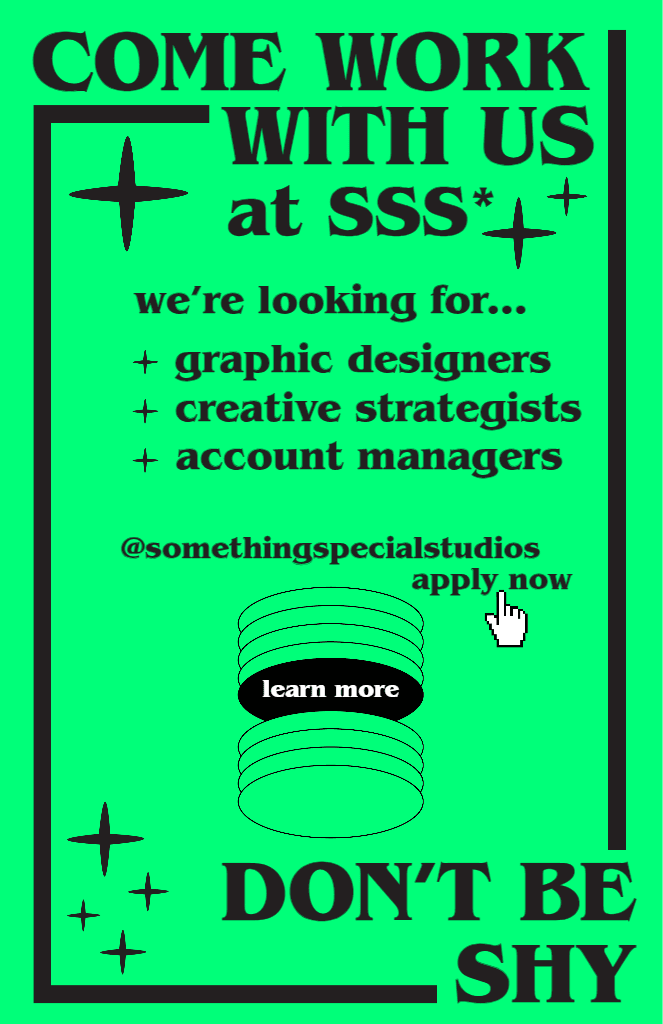
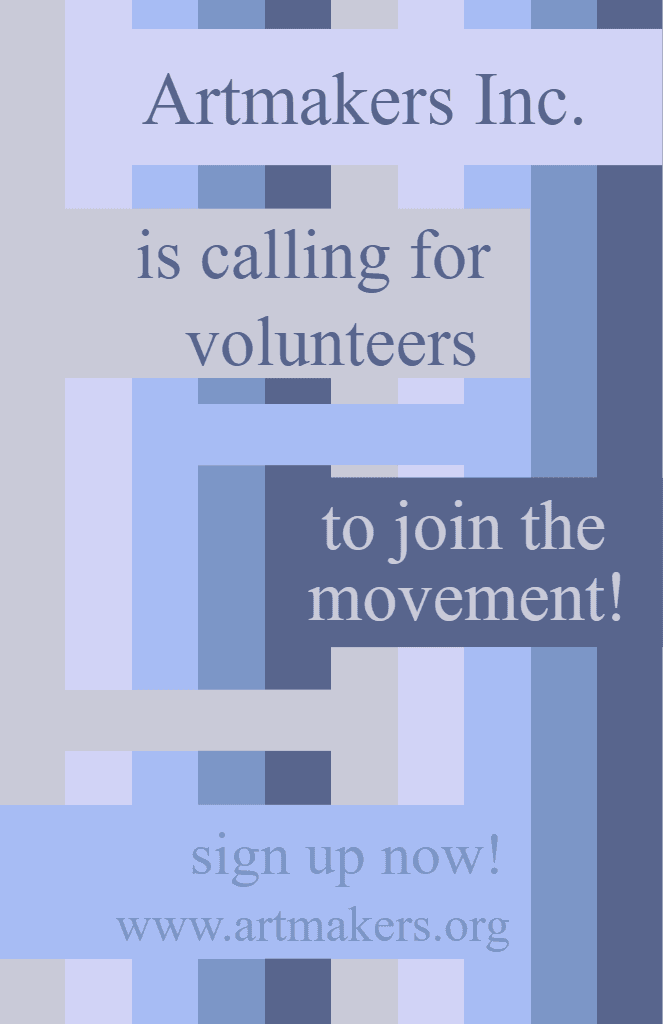
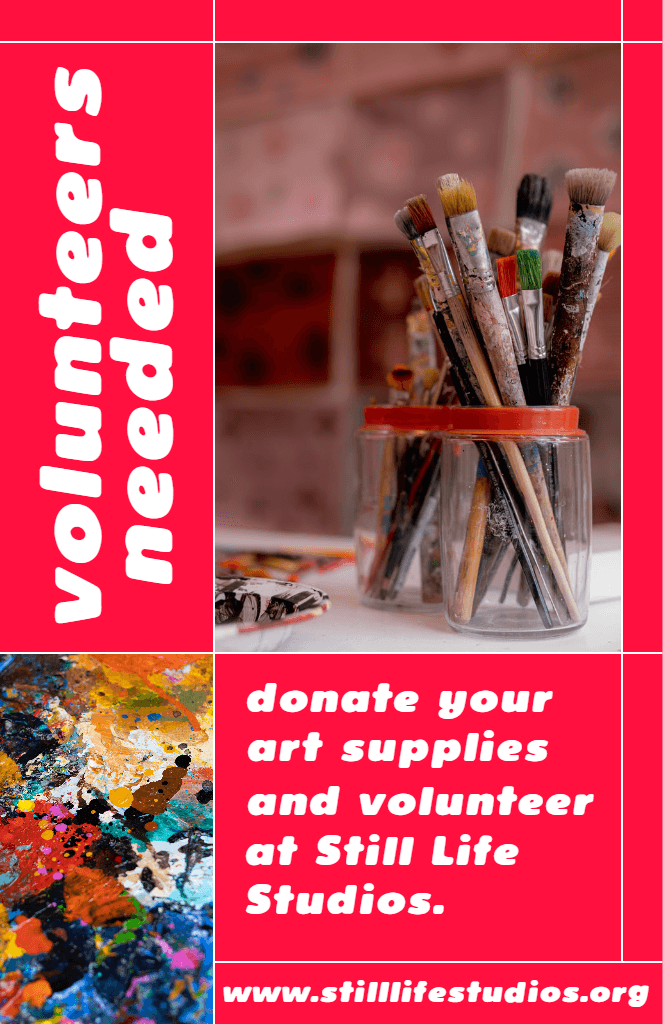
When most people see wanted posters, they usually think of old-school Western movies—but they’re so much more than that. Between captivating your ideal job candidates, calling for volunteers for your next event, and pranking your friends and family, you can easily create wanted posters for any occasion with the Picsart Wanted Poster Maker. Take your design skills to the next level with authentic, eye-catching posters to send the right message to your audience.

Make your own wanted posters for any occasion
Whether you’re creating custom stocking stuffers for coworkers or hiring for an open position, the Picsart Wanted Poster Maker can bring your creative vision to life. More people are using wanted posters to capture the attention of their ideal job candidates, spread information, and poke fun at loved ones—but there’s a catch: You’ll need an authentic design to get the right message across. You can even find templates perfect for posting notices about missing pets, lost-and-found announcements, crowdfunding initiatives, and more. All you’ll need are pictures of your friends, guests, or family, and our easy-to-use wanted poster creator can help you design wanted posters for any occasion.

Personalize your wanted posters with Picsart features
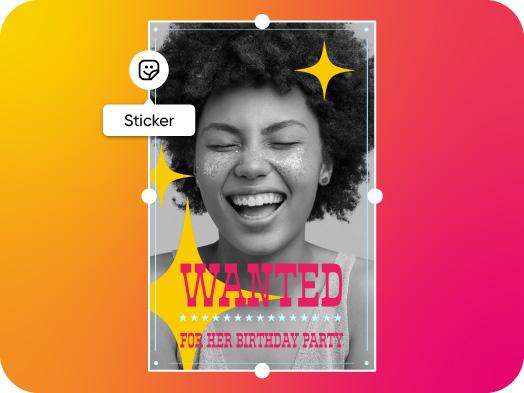
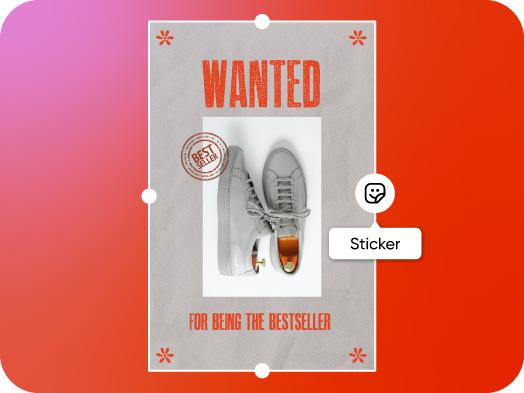
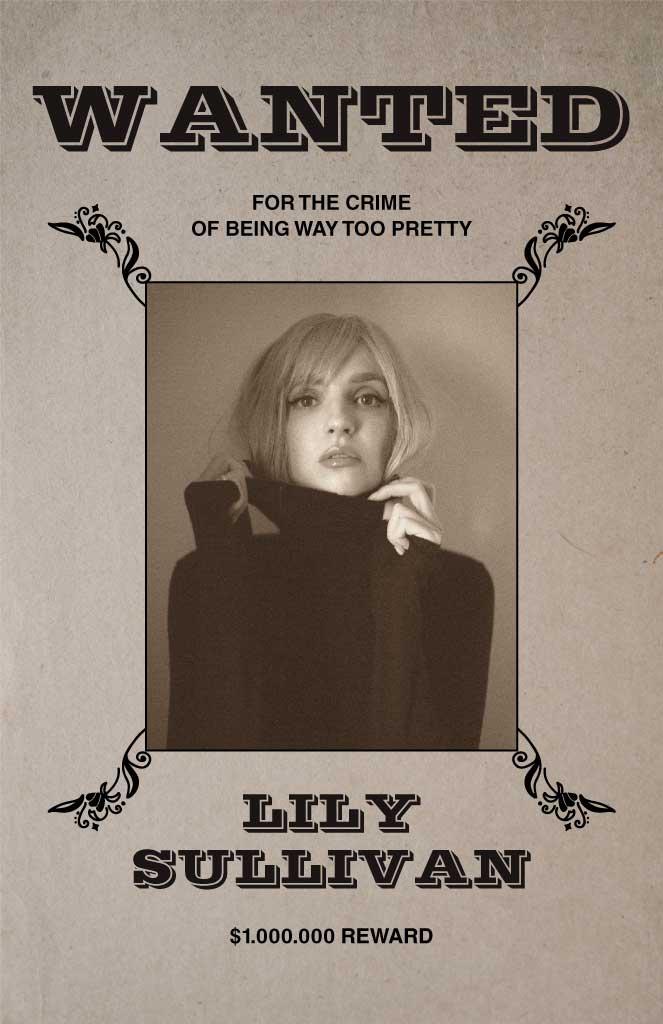
Want to take your poster design to the next level? If you’re looking to create a personalized wanted poster, the Picsart Wanted Poster Maker has everything you need to get started. Tap into our photo editor to add sepia and black-and-white filters to make your headshots look more authentic. To add some finishing touches, make sure to add stickers, bold typography, and textured backgrounds. Need some inspiration? Scroll through our extensive library of fully customizable wanted poster templates to find the perfect match for your artistic style. From there, you can edit the text, upload your own photos, and adjust different design elements to let your creativity shine.

Designing your wanted poster has never been easier
No matter what your goal is for your wanted poster, Picsart is proud to offer an easy-to-use and beginner-friendly poster maker platform to make the design process easy and stress-free. Available on desktops and mobile devices, you can simply drag and drop the menu to choose the design options you want for your chosen template, or upload images for your creations. You can also easily save your posters to come back for more editing later. Picsart makes designing a wanted poster as simple as possible, for any silly or serious purpose.

Download and share your wanted poster
Once you have finished creating and editing to your heart’s content, the next step is to get your creation out there. Picsart makes downloading and sharing your wanted posters easy, with just a couple quick clicks of the mouse or taps of your finger. Your design can be printed in high resolution with any traditional printer, or shared among the Picsart community with a custom hashtag to let others see your creation.
How to create a wanted poster?

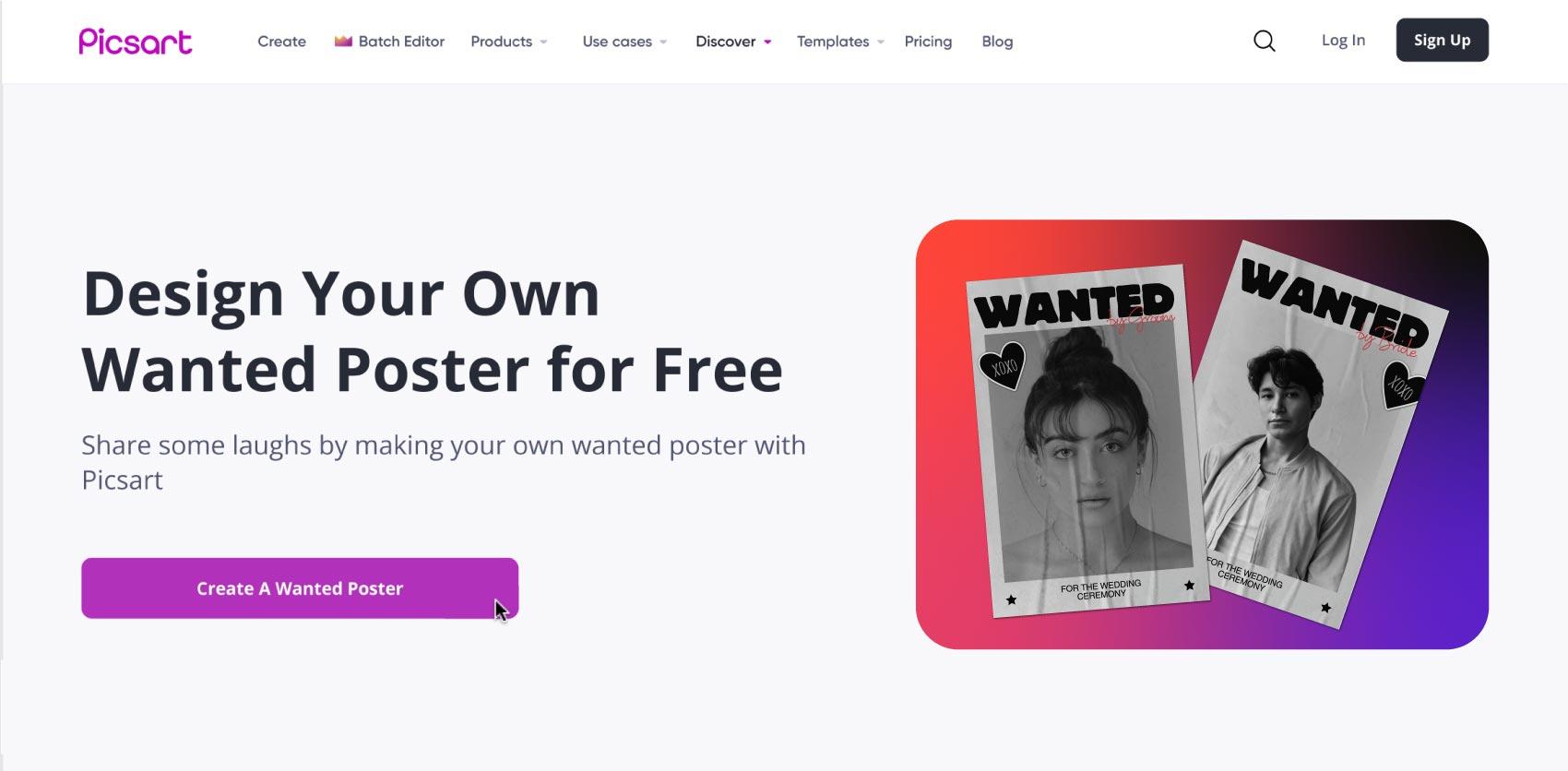
Click the Create A Wanted Poster button above to open the Picsart editor, where everything you need to design your custom wanted poster will be waiting.
Wanted Poster Maker FAQ
The Picsart Wanted Poster Maker is completely free, so you can create customized wanted posters to take your designs to the next level.
It’s simple. Either upload your preferred image into the Picsart wanted poster generator, or choose from one of our library of pre-made wanted poster templates, and start creating.
Picsart offers an extensive library of fully customizable wanted poster templates to help you kickstart your next project.
Yes, wanted posters are still in use by a variety of government agencies around the world. They aren’t just souvenir photos or party favors.
It’s simple. You can choose from a variety of templates and fonts that mimic real wanted posters, and then use Picsart graphic tools to adjust your poster until it’s perfect.
That depends entirely on you. Picsart offers a variety of popular and practical fonts, to let you easily compare and contrast to decide on which one strikes your fancy.
To add text to your wanted poster, click Text in the left panel toolbar, type in your text, and reposition it as needed.
Picsart Featured In
Design bold posters for content and events