
Easy-to-use
Adding text on images has never been easier thanks to our intuitive user experience.

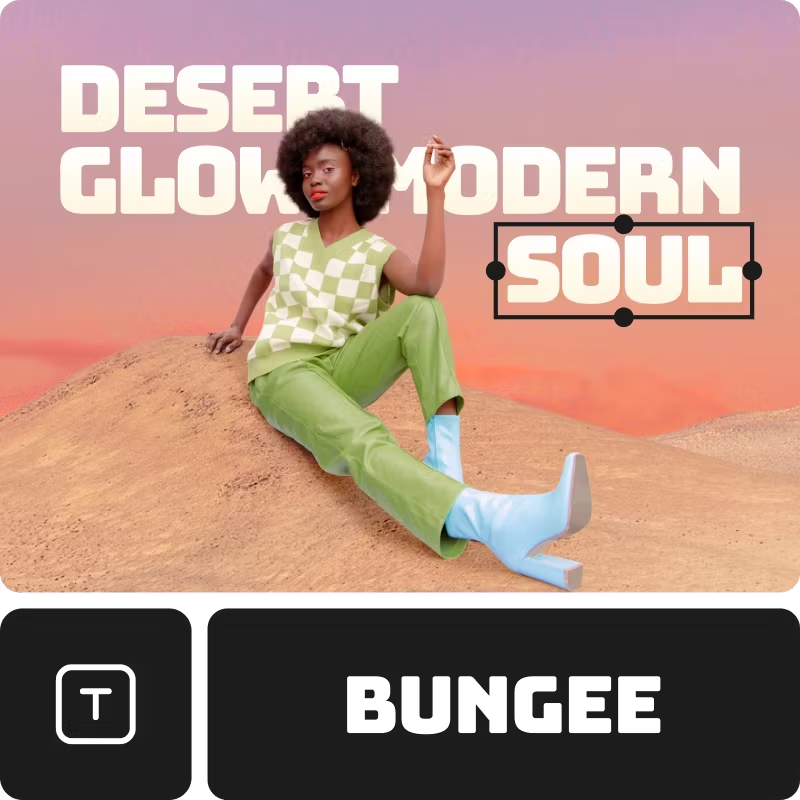
Trendy fonts
Match your text to your style with the photo text editor.

Upload your own fonts
Have something specific in mind? Easily upload your own font.
How to add text to photos
Create a project
Start a new project in Picsart to start adding text. Upload an image or use one of the templates to start.
Add text
Select font or upload your own
Download
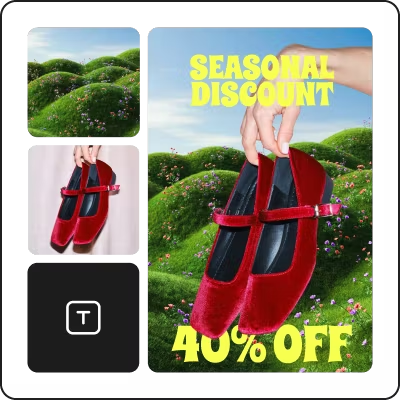

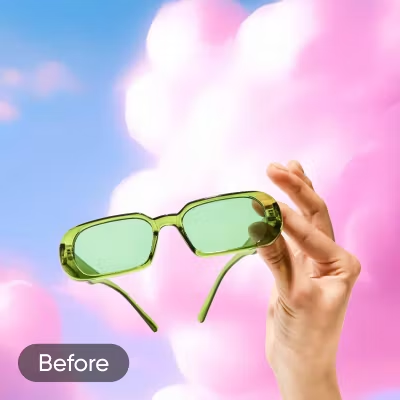
Continue your editing journey with Picsart
Photo Text Editor FAQs
How do I add text to my photo or image?
How can I choose the right font for my photo?
The Picsart Text Editor has multiple features that make it easy for creators to find the perfect font for their designs. If you have a specific font in mind, you can use the search bar to find it right away. Otherwise, all the fonts are displayed in thumbnails, so you can find something that visually matches your design with just a quick scroll.
Can I change the text color?
Of course. Once you click on a text in your design, you’ll find the Color button (shaped like a teardrop) in the top toolbar. Simply click it, then set the color you want.
Can I use custom fonts on my photo or image?
Yes, totally! Once you’re in the editor, you can use the Uploads button on the left toolbar to upload any custom font you’d like from your computer. You can also find all your uploaded custom fonts from the Uploads section in the editor.
Is the Picsart Text Editor free?
Yes, the Text tool in the Picsart online editor is completely free. While certain fonts and styles are available by subscribing to Picsart Gold, there’s a large collection of free fonts, plus the ability to upload your own custom fonts.
Edit photos for polished creator content
Pro
AI tools for everyday creative work.
- Access to all photo & video editing features
- Advanced background & object removal
- Parallel video generations with the world's most powerful AI video models
- Unlimited image generations with Flex.2 Klein
- 1-tap image enhancer
- Millions of stock photos & Getty video clips
- Selection of trendy fonts, text styles & stickers
- Thousands of premium templates
- Support for 3+ brand kits
- Bulk edit up to 50 images at once
- 100 GB of cloud storage
- Auto-generate content from your terminal or agent with the Picsart CLI
- Use Picsart inside Claude Code, Cursor, and ChatGPT via MCP — coming soon
- AI agents for multi-step workflows and batch generation — coming soon
Ultra
Heavy AI usage for creators & teams.
- Everything in Pro
- Early access to advanced AI features
- Leading AI models to design & automate workflows (Nano Banana, Veo 3, Seedance 2.0 & more)
- Parallel video generations with the world's most powerful AI video models
- Unlimited image generations with Flex.2 Klein
- Support for 10+ brand kits
- Add team seats
- Create ad variations and localize
- Track ads performance
- 2000 credits for API services
- Bulk edit up to 100 images at once
- 300 GB of cloud storage per seat
- Auto-generate content from your terminal or agent with the Picsart CLI
- Use Picsart inside Claude Code, Cursor, and ChatGPT via MCP — coming soon
- AI agents for multi-step workflows and batch generation — coming soon
Enterprise
Custom AI solutions for large organizations.
- Access to photo & video editor SDKs
- Mobile web SDK support
- Prepaid or pay-as-you-go creative APIs
- Embed professional-grade editing into your product or workflow
- Fully configurable editing experience
- White-label to match your brand
- Support for built-in marketing, e-commerce & printing use cases
- Bring your own assets: images, templates & fonts
- Enterprise-grade security, SLAs & support
- Dedicated account manager