
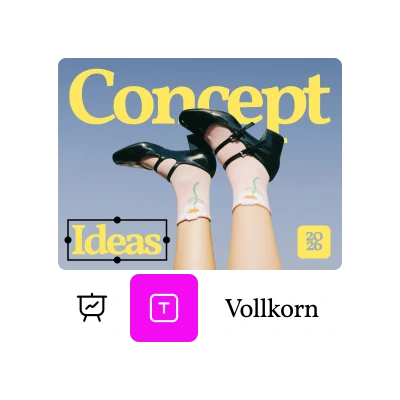
Create full presentations in seconds
Picsart’s AI Presentation Maker creates complete, well-designed slide decks from any topic prompt.
Plan, write, and design in one place
This presentation AI tool combines text creation, visual layout, and templates powered by AI.
Customize every slide your way
With Picsart’s AI Presentation Maker free tool, you can adjust colors, fonts, and visuals with ease.
How to generate a presentation with AI
Type your prompt and get started
Start by entering a short prompt - for example, “Marketing pitch deck for a new product launch.” This helps the AI understand your topic and the type of presentation you need.
Generate your presentation
Make quick edits if needed
Download your presentation or keep editing
Create any presentation with AI
Communicate strategies and insights with professionally designed slides.
Discover powerful AI presentation features
The AI presentation generator turns a single idea into a complete, ready-to-edit deck.
Use Presentation Templates crafted for clarity and impact.
Create full presentations in seconds without manual formatting.
Edit text, visuals, and layouts easily with the AI presentation maker free tool.
Presentation AI keeps every slide clean, cohesive, and professional.
Work seamlessly across any device without losing progress or quality.
The ai presentation creator enhances your slides with smart, eye-catching designs.
Download and share your presentation instantly in the format you prefer.
AI Presentation Maker FAQ
What is Picsart’s AI Presentation Maker?
How does the AI create presentation slides?
The AI analyzes your topic, structures your content, and designs visually balanced slides with layouts, text, and images - ready for editing.
Is the AI Presentation Generator free to use?
Yes, the AI Presentation Generator is free to use. You can create, edit, and download your presentations without cost.
Can I edit my AI-generated slides?
Absolutely. You can customize every slide using Picsart’s editor - adjust text, visuals, transitions, and branding elements to fit your style.
What can I use the AI Presentation Maker for?
You can use it for business reports, classroom projects, marketing decks, proposals, and any presentation where you want professional design in less time.