Instant calendars, powered by AI
The AI Calendar Generator transforms a simple prompt into a polished monthly or custom calendar - no setup, no templates, just smart layouts ready to edit.

Fully editable calendar templates
With the AI calendar maker, you can adjust fonts, colors, dates and layout elements to match your brand or personal style - every calendar is fully customizable.

One AI calendar tool, endless uses
From content planning to class schedules, this monthly calendar generator with AI creates custom layouts for any use case - fast, flexible and ready to edit.
How to generate a calendar
Open the editor
Launch the AI calendar generator to start your project.
Select your dates
Add your prompt
Generate and customize
Share or download your template
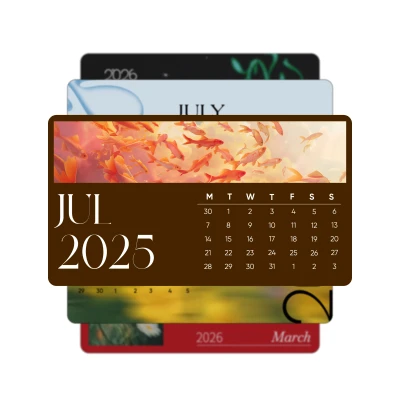
Everything you need to generate the perfect calendar
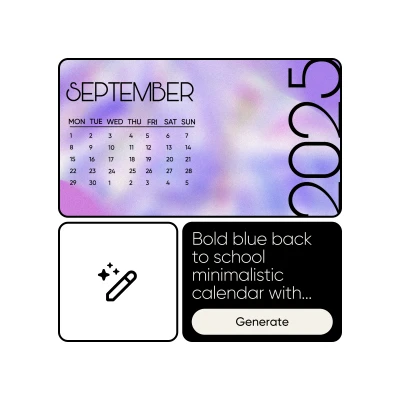
Describe your idea and the AI instantly turns it into a calendar - no template browsing required.
Generate layout-ready calendars in seconds, tailored to your input.
Smart AI designs calendars that match your tone, use case, and style preferences.
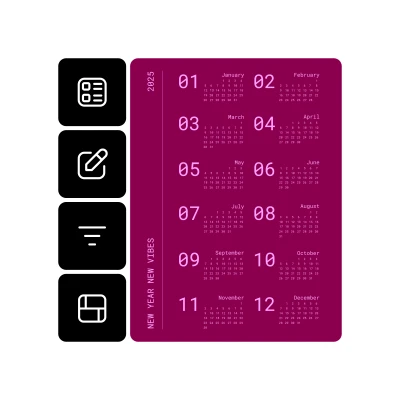
Make fast changes to dates, colors or layout - no need to start from scratch.
Update fonts, visuals and formats to suit your content, brand or mood.
Go from concept to fully editable calendar in one simple prompt.
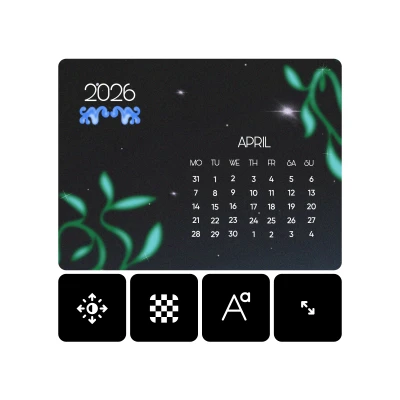
Move, resize, and style every element - your calendar, your way.
Download calendars in various formats to fit any project, platform or workflow.
AI Calendar Generator FAQ
What is an AI Calendar Generator?
How do I use the AI Calendar Generator?
Just open the editor, choose a calendar type, enter your prompt and select your time range. The tool creates a layout you can personalize in a few clicks in seconds.
Can I customize the calendar after it’s generated?
Yes! You can change fonts, colors, images and layout structure. For advanced edits, try the full AI Photo Editor to enhance visuals or make touch-ups.
Do I need design experience to use the AI calendar maker?
Not at all. The tool is built for everyone. Just describe what you need, and the AI handles the layout. You can customize everything with simple drag-and-drop tools.
How can I best use the calendar generator AI?
Use it to plan content, organize schedules, track goals or create printable calendars. It's perfect for marketers, students, teachers and anyone who needs quick, clean planning tools.