Free PNG Maker: Create transparent PNGs online
 PNG Maker
By uploading a file, you agree to Picsart’s Terms of Use and Privacy Policy.

AI-powered instant PNG creation
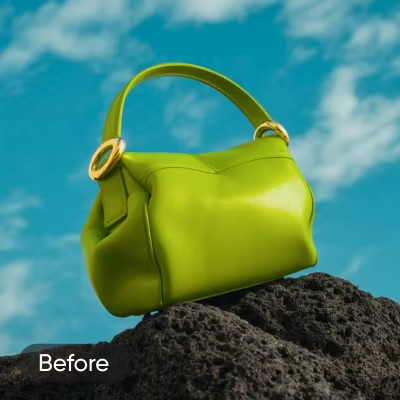
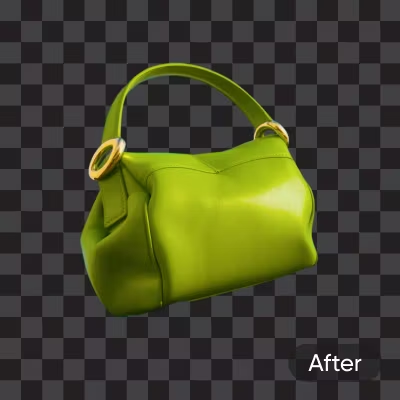
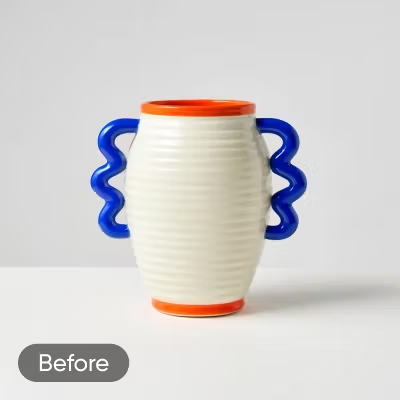
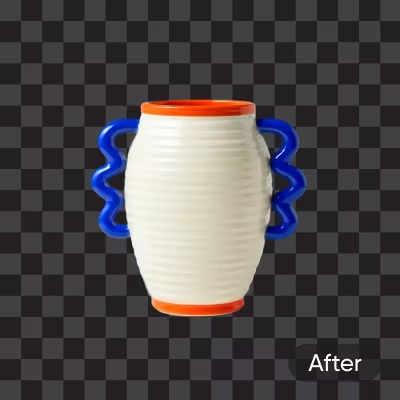
Let AI do the work- remove backgrounds and create transparent PNGs in seconds with pixel-perfect clarity.

Automatic JPEG to PNG conversion
Seamlessly convert a JPG or JPEG to PNG format without compromising quality.

Batch conversion
Convert up to 50 photos to transparent PNGs at once with Picsart’s batch editor.
How to make a PNG image
Upload your photo
Use the Browse files button and choose any photo you want to convert. Your picture opens right away - no setup needed.
Remove the background
Download or customize

Practical ways to use PNGs
Show off vehicles without distractions. Create transparent car PNGs for catalogs, ads, or design mockups - AI removes backgrounds so every detail shines.
All you need in one comprehensive PNG-making toolset
Quickly remove backgrounds and create transparent PNGs with AI precision.
Convert JPEGs to PNGs quickly without losing quality.
Edit and convert up to 50 images at once for faster workflows.
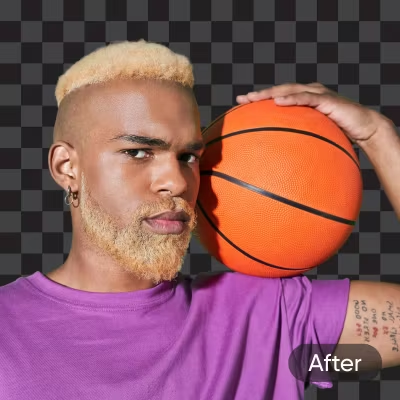
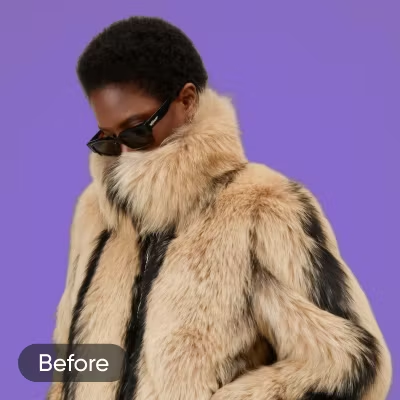
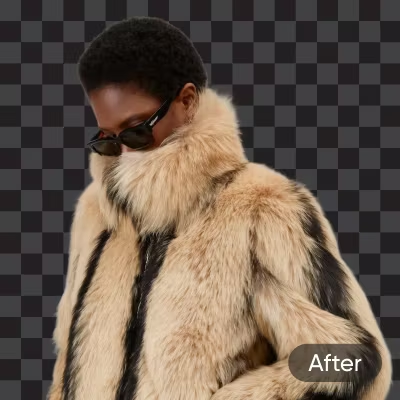
Accurately isolate subjects, preserving fine details like hair and fur.
Access background changers, object removers, and more in one platform.
Enhance PNGs with color adjustments, text, and effects.
Create professional visuals for e-commerce and social media.
Enjoy a simple, free drag-and-drop interface for all users.
PNG maker reviews
PNG Maker FAQ
What is a transparent PNG?
How does the Picsart transparent PNG Maker work?
The Picsart PNG Maker uses AI-powered technology to automatically identify the subject and remove the background from your image. It can handle a wide range of image types and complexities, ensuring you get a high-quality transparent PNG every time.
Can I batch-create PNG images with transparency?
Yes! The Picsart batch editor allows you to convert up to 50 images to PNG format simultaneously. Simply upload your images, select the PNG option, and let Picsart do the rest.
How to remove a white background from a PNG?
Just use the button above to upload your image and that’s it! Picsart will remove the white background automatically.
Can I edit the transparent PNG after it's created?
Yes, you can further edit your transparent PNG using Picsart’s extensive range of built-in AI photo editing tools. Enhance image quality, adjust colors, add text, apply effects, and so much more.
What are the benefits of using a PNG Maker?
The main benefit is that the PNG Maker removes the background automatically and, in Picsart’s case, precisely. So you can get that transparent background that allows you to freely superimpose your image on other visuals.
Can I use the Picsart PNG Maker for free?
Yes, our PNG Maker is available for free.
More Picsart tools to love
Create transparent visuals for every project
Pro
AI tools for everyday creative work.
- Access to all photo & video editing features
- Advanced background & object removal
- Parallel video generations with the world's most powerful AI video models
- Unlimited image generations with Flex.2 Klein
- 1-tap image enhancer
- Millions of stock photos & Getty video clips
- Selection of trendy fonts, text styles & stickers
- Thousands of premium templates
- Support for 3+ brand kits
- Bulk edit up to 50 images at once
- 100 GB of cloud storage
- Auto-generate content from your terminal or agent with the Picsart CLI
- Use Picsart inside Claude Code, Cursor, and ChatGPT via MCP — coming soon
- AI agents for multi-step workflows and batch generation — coming soon
Ultra
Heavy AI usage for creators & teams.
- Everything in Pro
- Early access to advanced AI features
- Leading AI models to design & automate workflows (Nano Banana, Veo 3, Seedance 2.0 & more)
- Parallel video generations with the world's most powerful AI video models
- Unlimited image generations with Flex.2 Klein
- Support for 10+ brand kits
- Add team seats
- Create ad variations and localize
- Track ads performance
- 2000 credits for API services
- Bulk edit up to 100 images at once
- 300 GB of cloud storage per seat
- Auto-generate content from your terminal or agent with the Picsart CLI
- Use Picsart inside Claude Code, Cursor, and ChatGPT via MCP — coming soon
- AI agents for multi-step workflows and batch generation — coming soon
Enterprise
Custom AI solutions for large organizations.
- Access to photo & video editor SDKs
- Mobile web SDK support
- Prepaid or pay-as-you-go creative APIs
- Embed professional-grade editing into your product or workflow
- Fully configurable editing experience
- White-label to match your brand
- Support for built-in marketing, e-commerce & printing use cases
- Bring your own assets: images, templates & fonts
- Enterprise-grade security, SLAs & support
- Dedicated account manager