Bezplatný odstraňovač pozadí
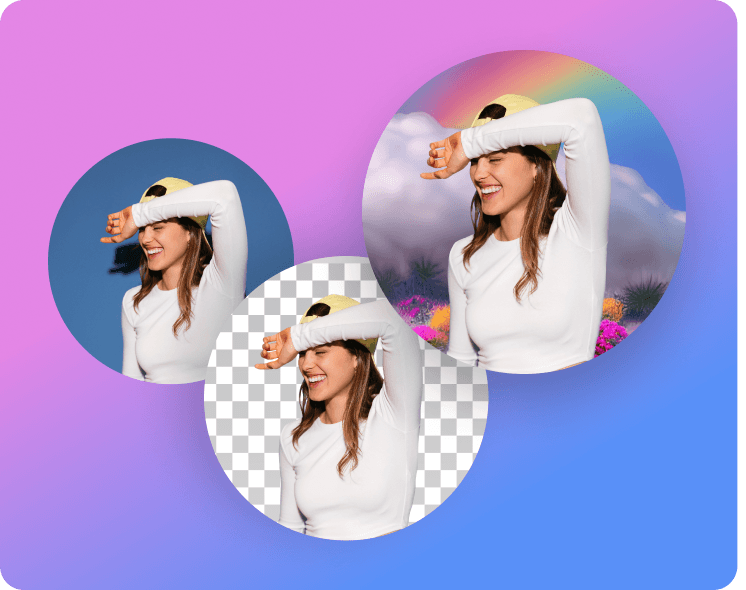
Odstraňujte pozadí z fotografií rychle a přesně pomocí AI-poháněného nástroje na odstranění pozadí od Picsart.
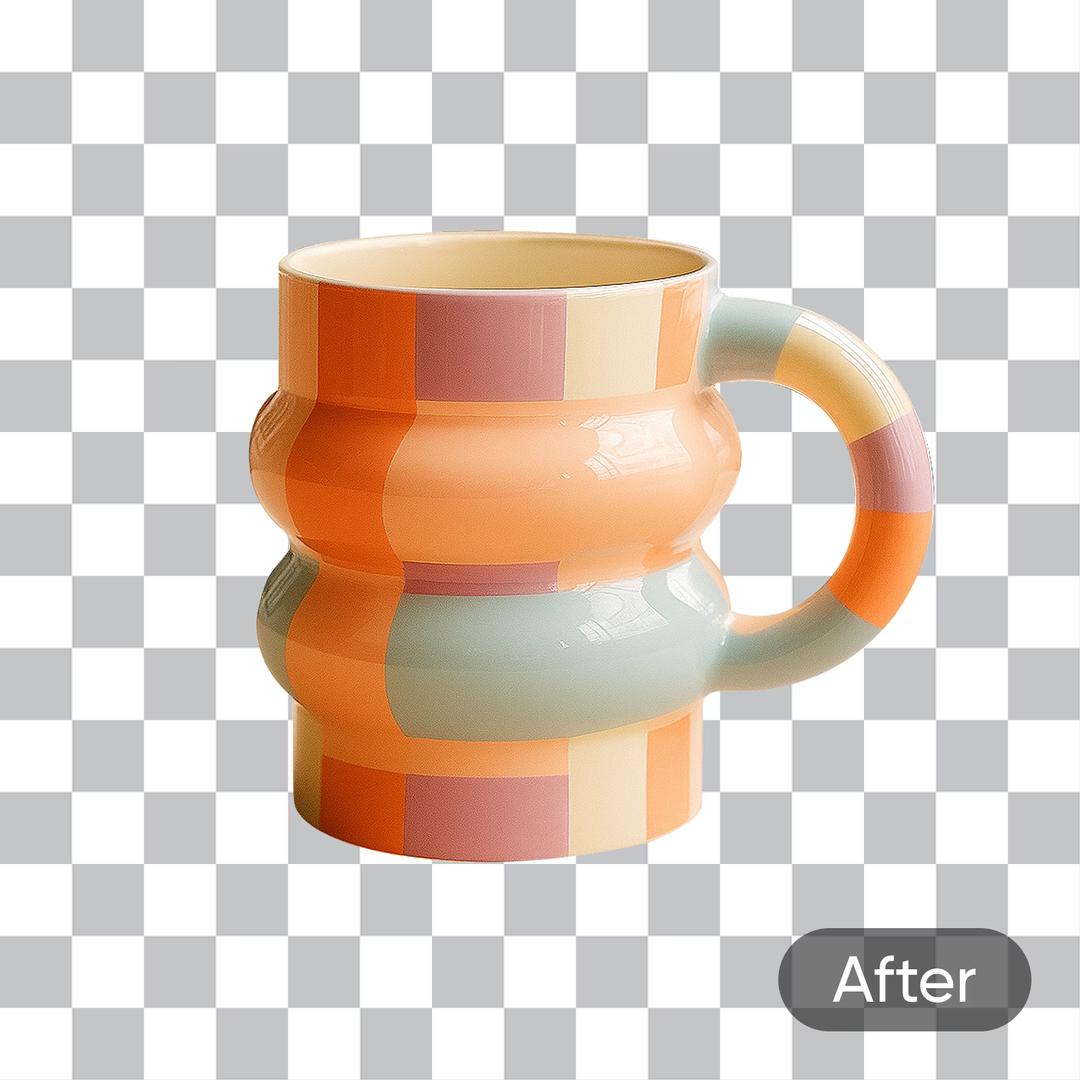
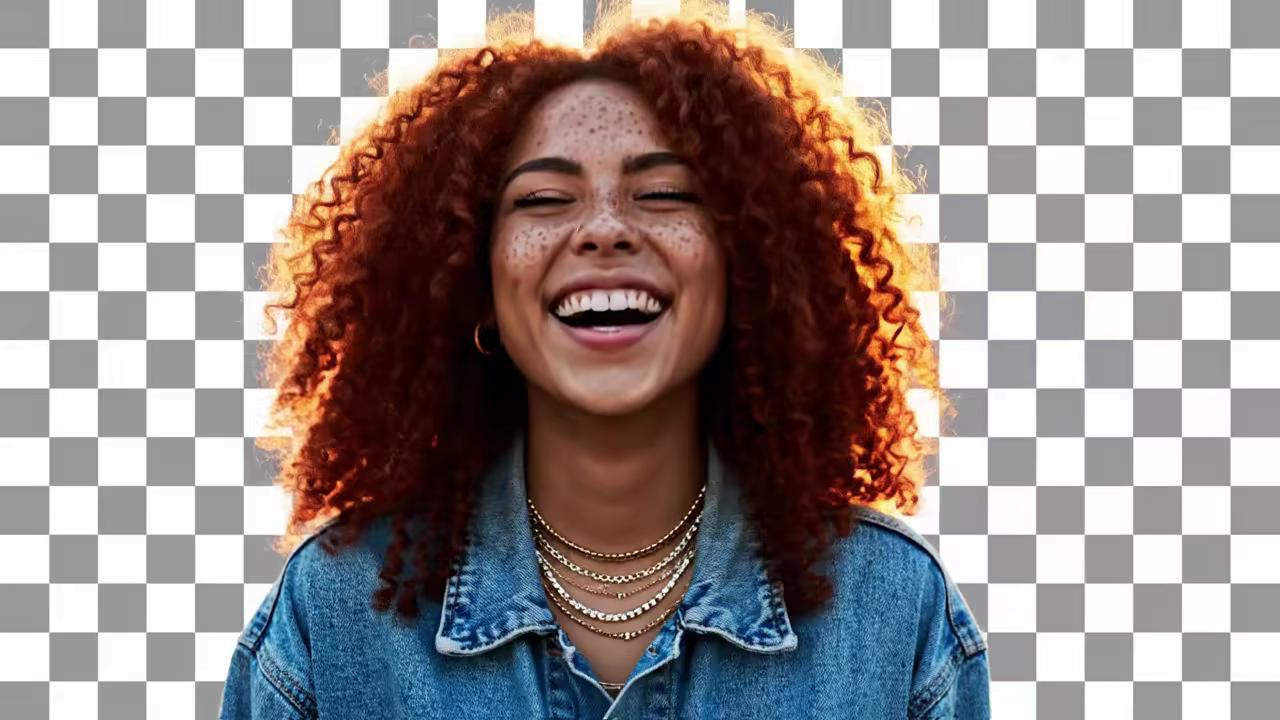
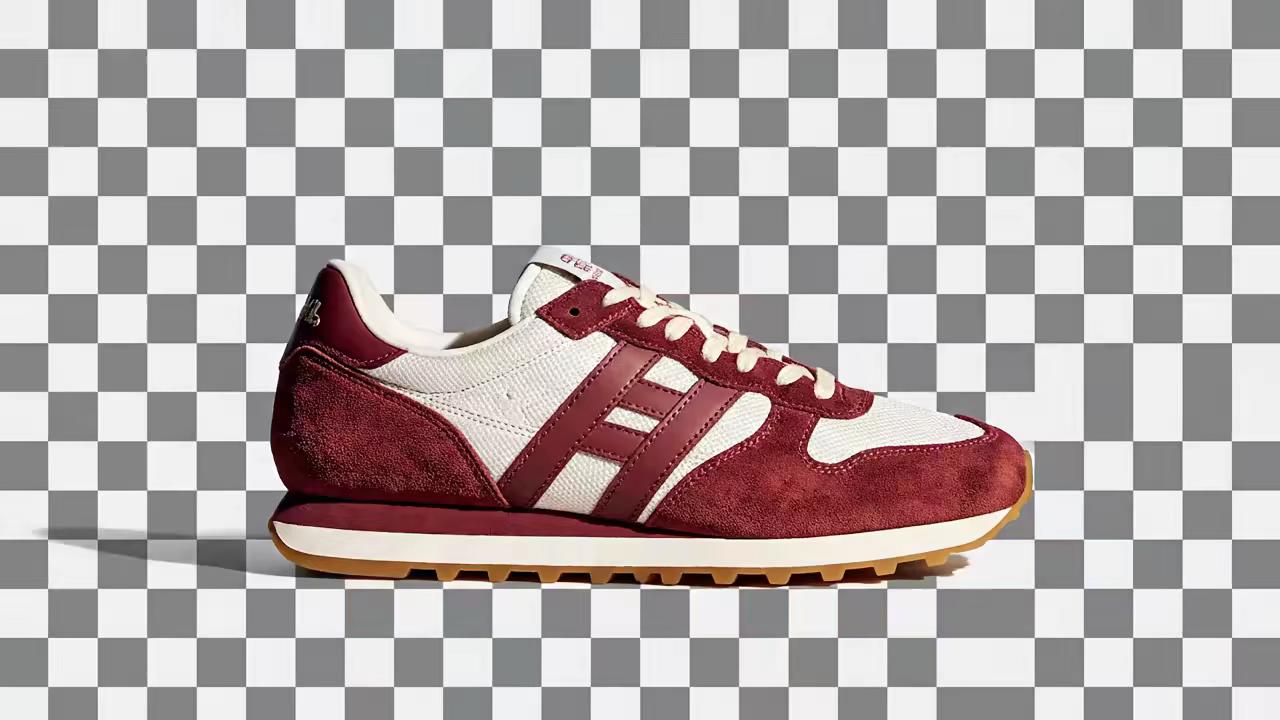
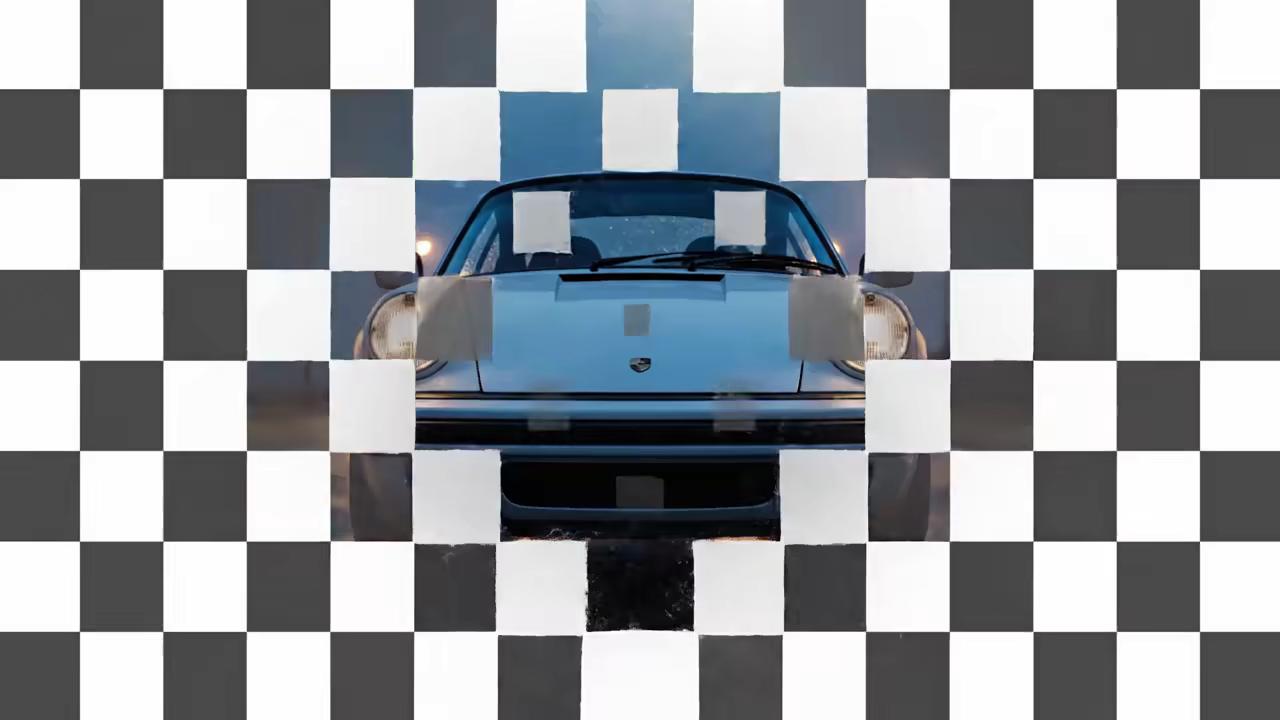
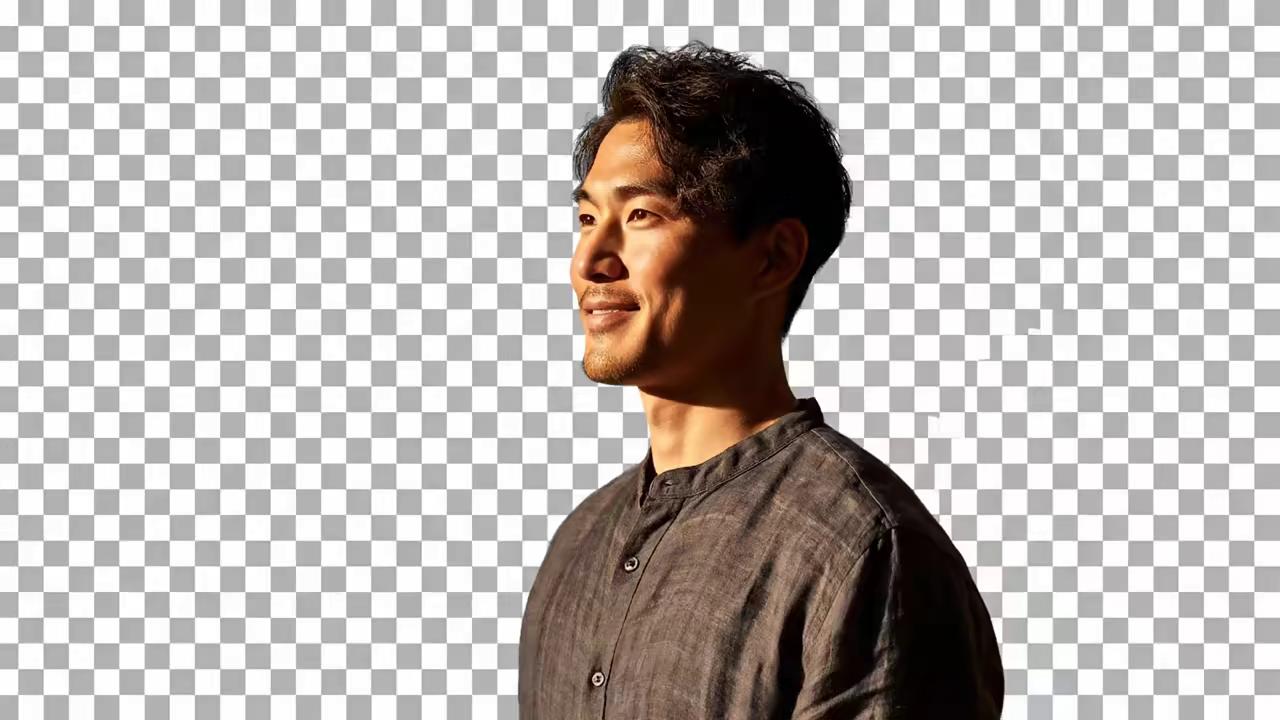
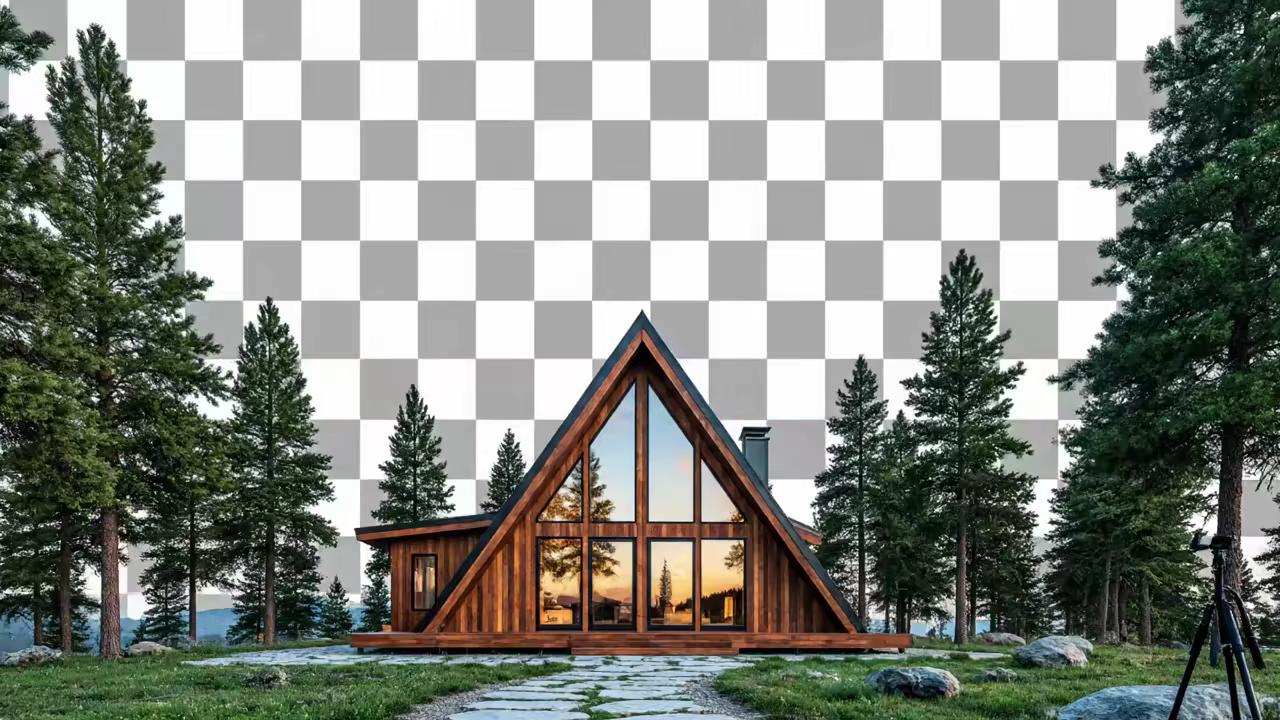
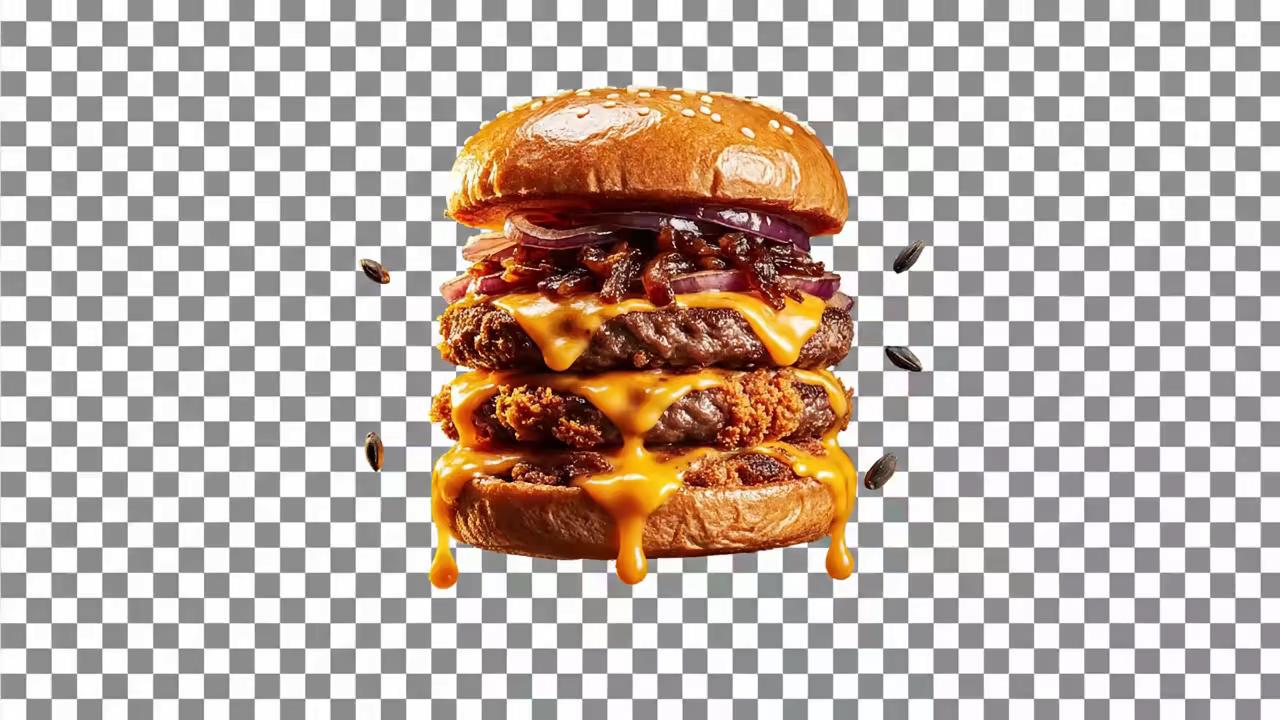
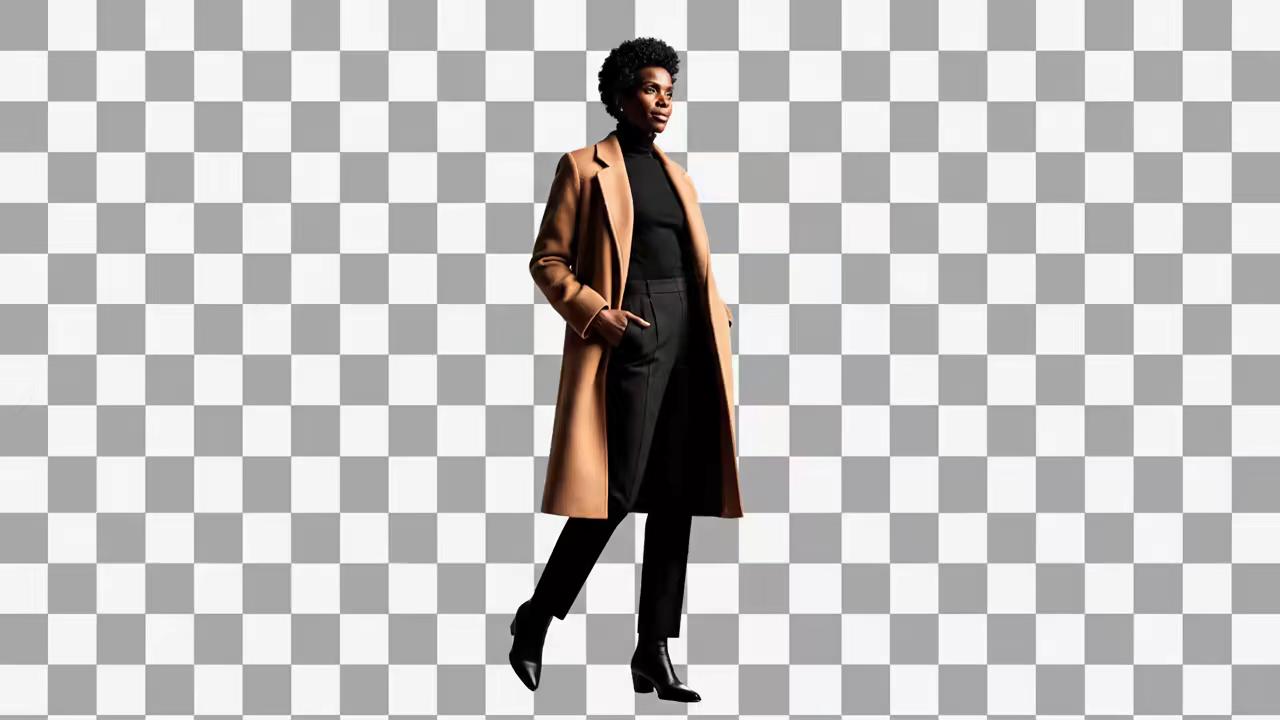




Intuitivní uživatelské prostředí
Není potřeba zkušenost s úpravami. Stačí nahrát obrázek a kliknutím odstranit pozadí.

Automatizované odstranění pozadí
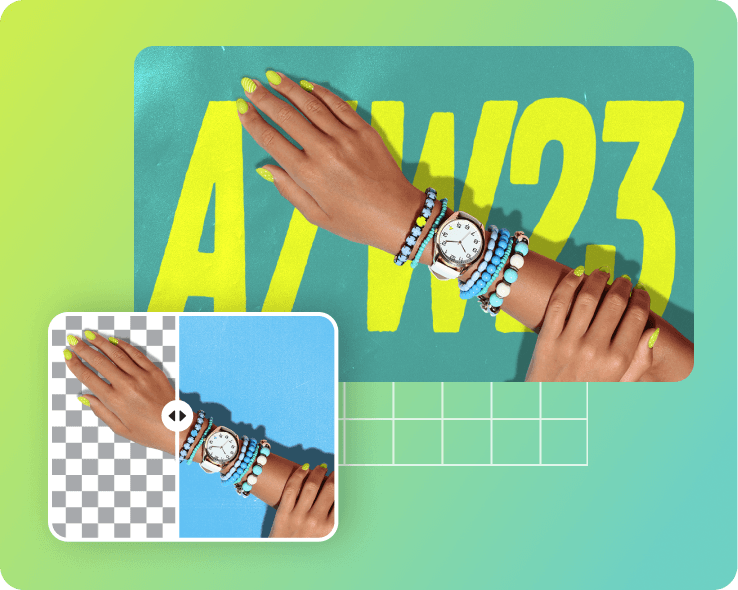
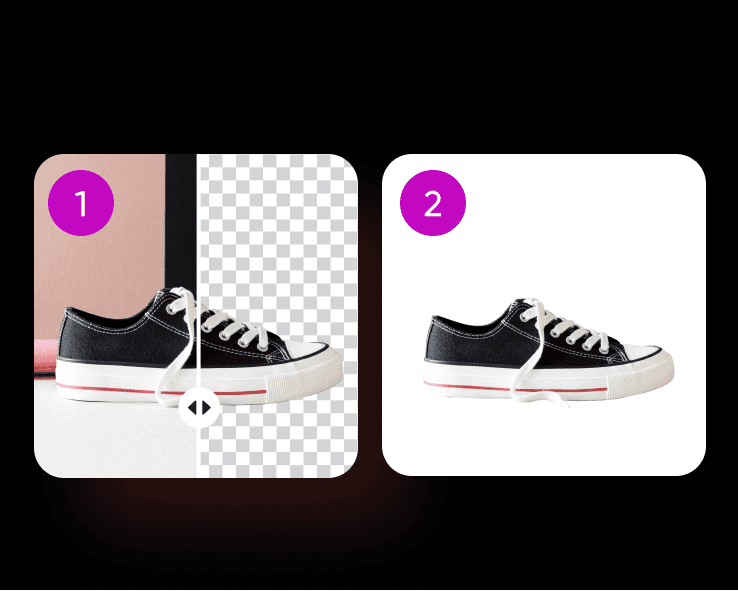
AI-poháněný odstraňovač pozadí přesně odstranit pozadí a zachovat subjekt.

Export v vysokém rozlišení
Uložte upravené obrázky v vysokém rozlišení bez ztráty kvality. Ideální pro digitální a tiskové použití.
Jak odstranit pozadí za sekundy
Nahrajte fotografii
Kliknutím na tlačítko Procházet soubory můžete začít.
Odstranit pozadí obrázku
Stáhnout nebo přizpůsobit
Více než 700 milionů pozadí odstraněno pomocí Picsart
Picsart pohání miliony úprav každý den, což jej činí tvůrčím centrem pro uživatele různých odvětví a zájmů. Vynikajícím uživatelsky přívětivým nástrojem je Odstraňovač pozadí, který se používá v již více než 700 milionech úprav. Podporovaný AI-pohánějícími funkcemi, přesně detekuje subjekt a odstraní pozadí v řádu sekund. Navržen pro snadné použití, je ideální pro vytváření čistých fotografií produktů, návrh poutavých vizuálů nebo výměnu nových pozadí - rychle a jednoduše.
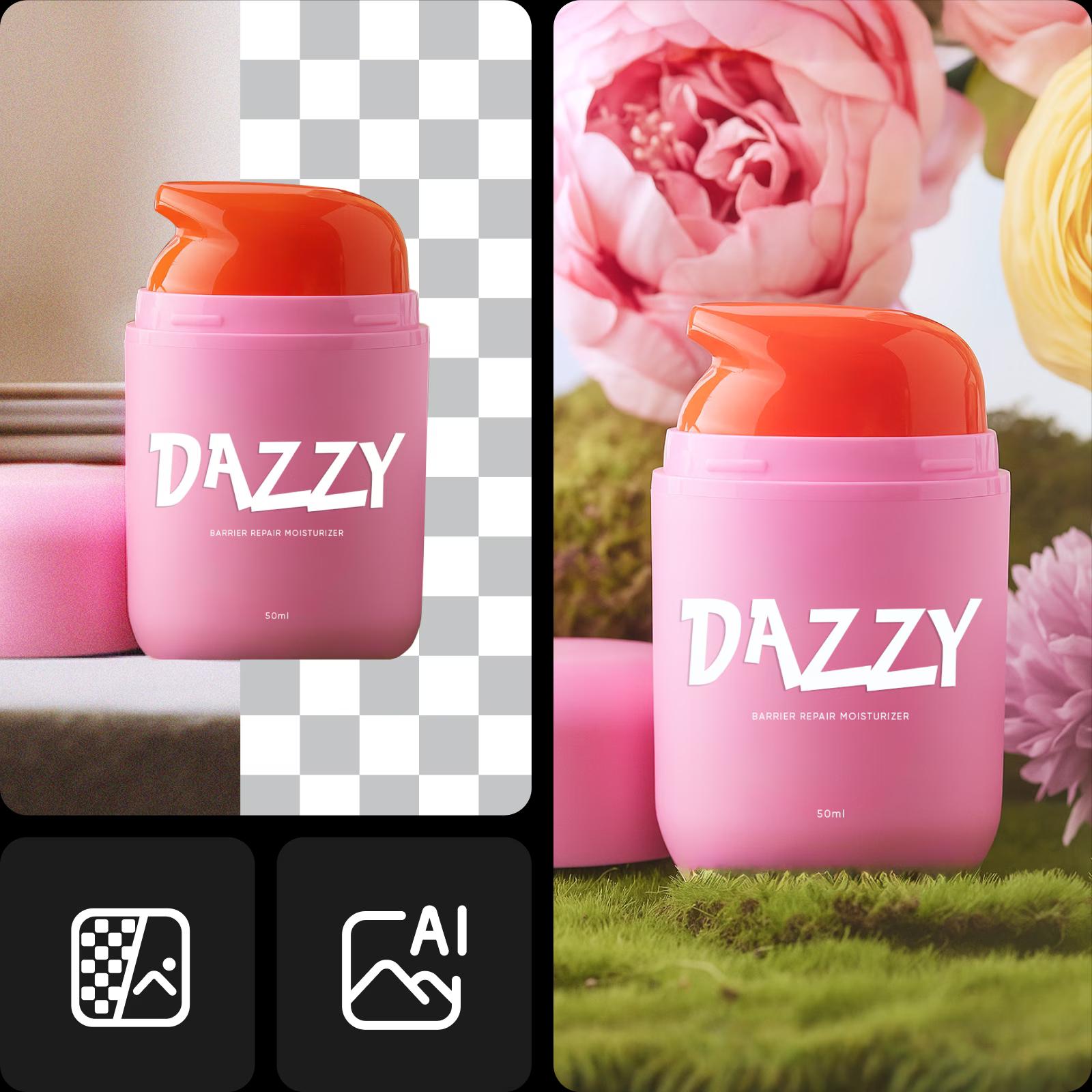
Pozadí odstraněno, co dál?
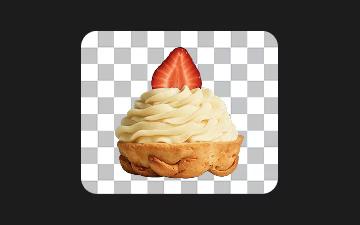
Nechte pozadí průhledné
Po odstranění pozadí můžete ponechat jej průhledný a dát své vizualizaci extra všestrannost.
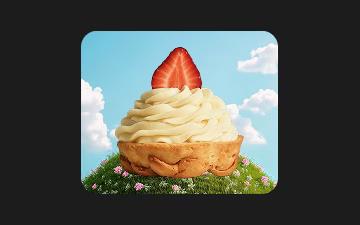
Zkuste jiné pozadí
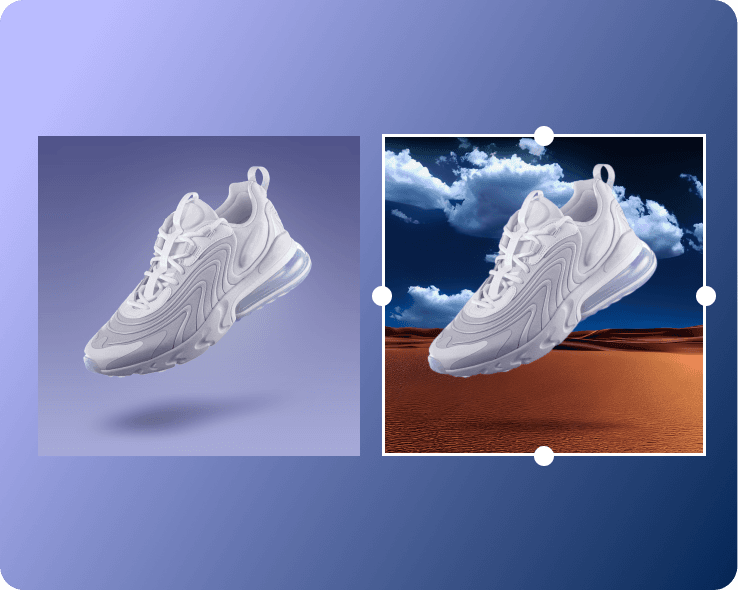
Chcete-li situaci oživit, nové pozadí je tím správným způsobem.
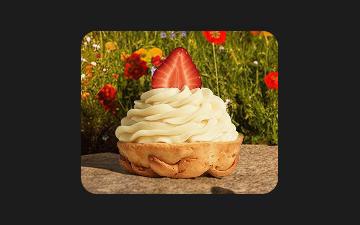
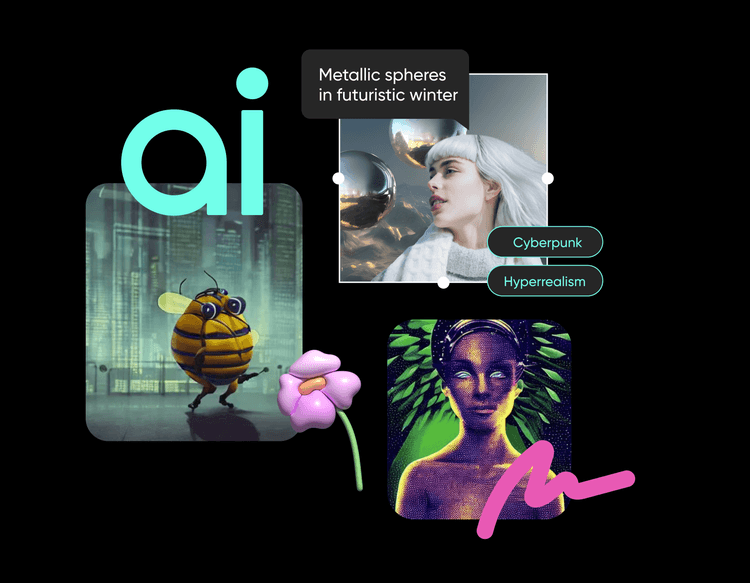
Vygenerovat nové pozadí
Oživte svůj obrázek předvolbami pozadí - textury, gradienty, fotografie a tematické scény připravené k použití jedním kliknutím.
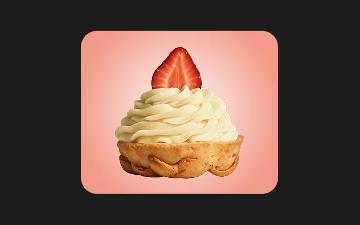
Vyměňte barvu pozadí
Přidejte barvu se solidními nebo přechodovými pozadími - bílou, černou nebo pastelové - při zachování zaměření na subjekt a hladkém pracovním postupu.
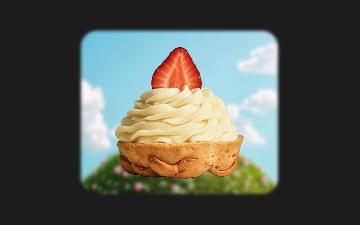
Rozostřete pozadí
Zmírněte pozadí efektem rozostření a zdůrazněte svůj subjekt a snižte rozptylování v portrétních nebo produktových fotografiích.
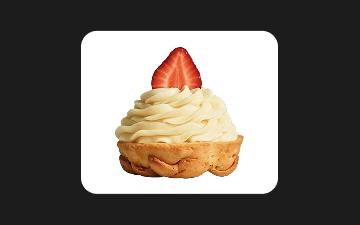
Přidejte čisté bílé pozadí
Vytvořte čisté, bez rozptylujícího pozadí s bílým pozadím - ideální pro prezentaci produktů, portrétů nebo oficiálních dokumentů.
Odstraňujte pozadí s AI za sekundy
Snadno odstraňujte pozadí z jakéhokoli obrázku pomocí AI-pohánějícího Odstraňovače pozadí od Picsart. Ideální pro produktové fotografie, portréty a příspěvky na sociálních médiích, poskytuje čisté, profesionální výsledky za sekundy. Nejsou potřebné dovednosti v designu - stačí nahrát obrázek a nechat AI pracovat v uživatelsky přívětivém rozhraní navržené pro jednoduchost a přesnost.

Vaš všestranný odstraňovač pozadí pro každý typ obrázku
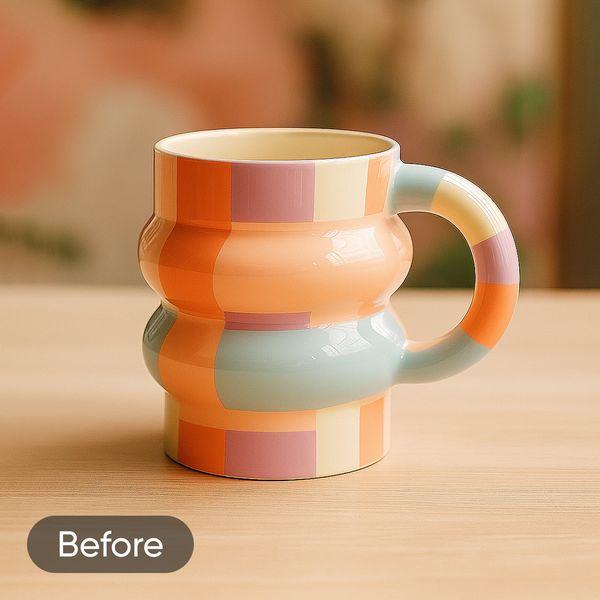
Vytvořte portét na úrovni studia pro váš profilový obrázek LinkedIn, avatar Discord nebo dokonce pas fotografie pomocí online odstraňovače pozadí.


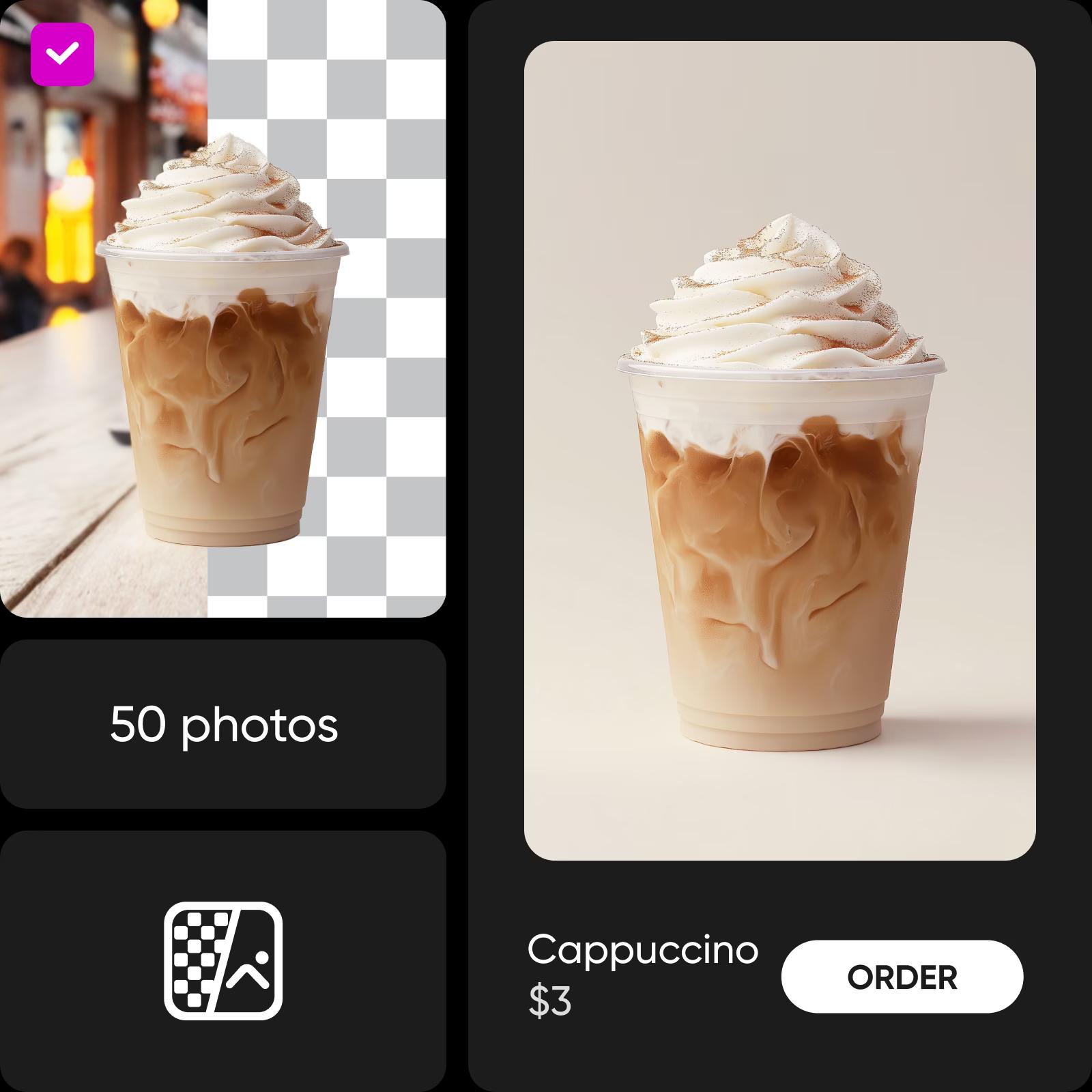
Odstraňujte pozadí v dávce
Upravujete velký počet fotografií? AI-pohánějící nástroje v Dávkovém odstraňovači pozadí od Picsart vám umožňují zpracovat až 50 fotografií najednou. Uživatelsky přívětivé rozhraní zjednodušuje organizaci, zatímco AI-pohánějící funkce zaručují konzistenci a kvalitu.
Odstraňujte pozadí z videí
Dejte svým videím další všestrannost s video Odstraňovačem pozadí od Picsart. Nyní můžete odstraňovat pozadí z videí online! Není potřeba komplikované programy, které zpomalují váš přístroj. Odstraňujte pozadí z videí přímo z karty prohlížeče a přístupte k dalším nástrojům pro úpravy zabudovaným v jednom vhodném rozhraní. Intuitivní rozhraní vám umožní rychle vyladit výsledky, zatímco uživatelsky přívětivý nástroj udržuje úpravy hladké a příjemné pro tvůrce na jakékoli úrovni.
Nástroje, které se skvěle hodí k odstranění pozadí
Recenze na odstraňovač pozadí
Odstraňovač pozadí jednoduše: Kurz úpravy fotografií pro čisté řezy
Chcete se naučit, jak odstranit pozadí jako profesionál? Tento kurz na úpravu fotografií představuje jednu z nejužitečnějších fotografických úprav - odstranění pozadí - a ukazuje, jak jej bezpečně provádět pomocí online nástrojů od Picsart.
Otázky a odpovědi k odstraňovači pozadí
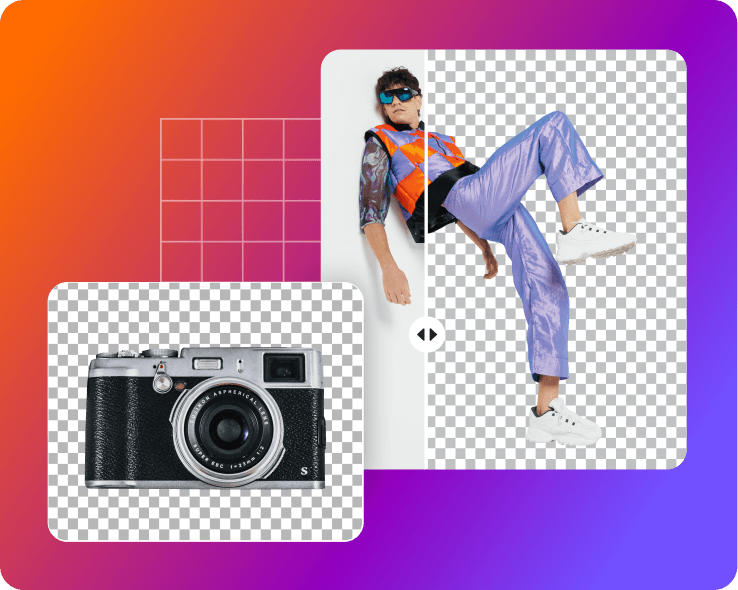
Nástroj Odstraňovač pozadí používá algoritmy umělé inteligence (AI) k analýze pixelů v obrázku. Rozlišuje popředí (hlavní subjekt) a pozadí. Nástroj poté odstraní pixely pozadí a zachová hrany a detaily popředí. Obrázek si můžete stáhnout s průhledným pozadím nebo nahradit pozadí něčím novým.
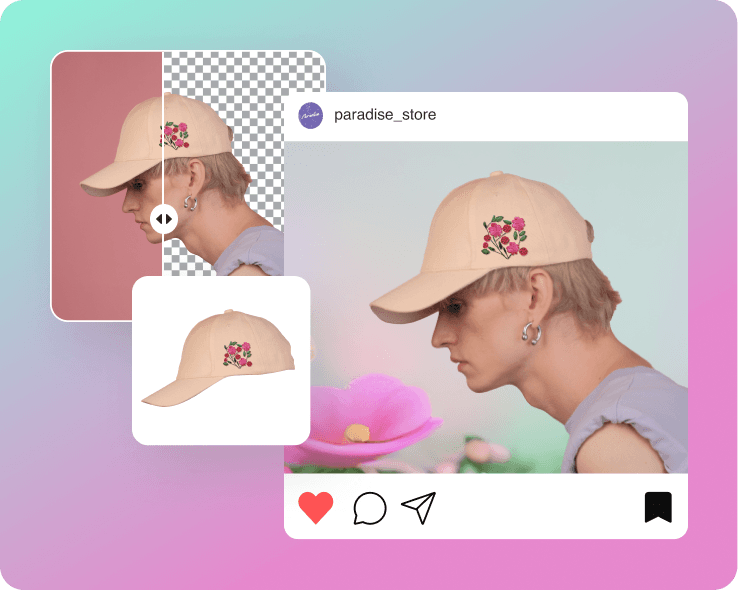
- Můžete vytvořit profesionální a vyleštěný vzhled pro produkty nebo marketingové účely.
- Svůj obrázek můžete použít v mnoha scénářích, protože je subjekt vystřižený a snadno přenosný.
- Zdůrazněte hlavní subjekt, abyste přilákali pozornost.
- Vytvořte vizuální konzistenci pro vaši značku nebo web.
Odstraňovač pozadí si můžete vyzkoušet zdarma po dobu 7 dnů získáním zkušebního přístupu k plánu předplatného Picsart.
Ano, editor Picsart zachovává původní kvalitu fotografie. Pokud však chcete zvýšit kvalitu, můžete použít vestavěný AI zlepšovač k navýšení rozlišení.
Ano! Získejte více informací o nabídkách API Odstraňovače pozadí Picsart zde.
Ano! Stačí odstranit pozadí a nechat jej tak, jak je, a až si jej stáhnete ve formátu PNG, pozadí bude průhledné.
Online odstraňovač pozadí pro všechny