AI Image
AI Video
Library
Solutions
Community
MCP & CLI
Pricing
  1. Home
  2. Trình tạo logo

Trình tạo logo: Tạo logo chất lượng cao với AI

Xây dựng nhận diện thương hiệu chuyên nghiệp và độc đáo cho doanh nghiệp nhỏ hoặc dự án bên lề của bạn với trình tạo logo AI của Picsart. Chỉ cần nhập tên thương hiệu, chọn bộ màu và phong cách, hoặc thậm chí tải lên ví dụ logo, và để Picsart tạo logo chất lượng cao trong vài giây. Trình tạo logo thậm chí sẽ kết hợp hiệu quả tên thương hiệu của bạn vào thiết kế để tối đa hóa nhận diện thương hiệu.

Tạo logo
Trình tạo logo AI của Picsart
Tạo logo tức thì

Tạo logo tức thì

Tạo logo từ đầu trong vài giây với AI.

Tạo logo dựa trên ví dụ

Tạo logo dựa trên ví dụ

Tải lên các logo yêu thích của bạn lên trình tạo logo để nhận kết quả có phong cách tương tự.

Logo dựa trên tên

Logo dựa trên tên

AI sẽ thành thạo triển khai tên thương hiệu của bạn vào thiết kế logo mới tạo.

Cách tạo logo

1

Mở trình tạo logo AI

Sử dụng nút Bắt đầu tạo để bắt đầu.

2

Nhập thông tin thương hiệu

3

Chọn ví dụ

4

Tạo bản xem trước logo

5

Tải xuống

Tạo logo độc đáo với chi phí và công sức tối thiểu bằng trình tạo logo

Tạo logo cho dự án bên lề hoặc doanh nghiệp nhỏ chưa bao giờ dễ dàng hơn! Tạo thiết kế logo dễ nhận biết và dễ nhớ mà không cần thuê designer hoặc trở thành một người. Không chắc cách mô tả tầm nhìn logo của bạn? Chỉ cần tải lên logo ví dụ lên trình tạo logo AI để tiết kiệm thêm thời gian cho việc nhập lệnh.

Tạo logo với chi phí tối thiểu

Biến đổi nhận diện thương hiệu của bạn trong vài giây

Nhờ các mô hình AI được đào tạo tỉ mỉ, trình tạo logo AI của Picsart có khả năng tạo thiết kế logo cho nhiều loại doanh nghiệp khác nhau. Cho dù bạn đang tạo logo cho cửa hàng thời trang Etsy nhỏ, thương hiệu bánh tự chế, hay phòng khám thú y, AI rút ra từ cơ sở kiến thức rộng lớn để tạo kết quả phù hợp.
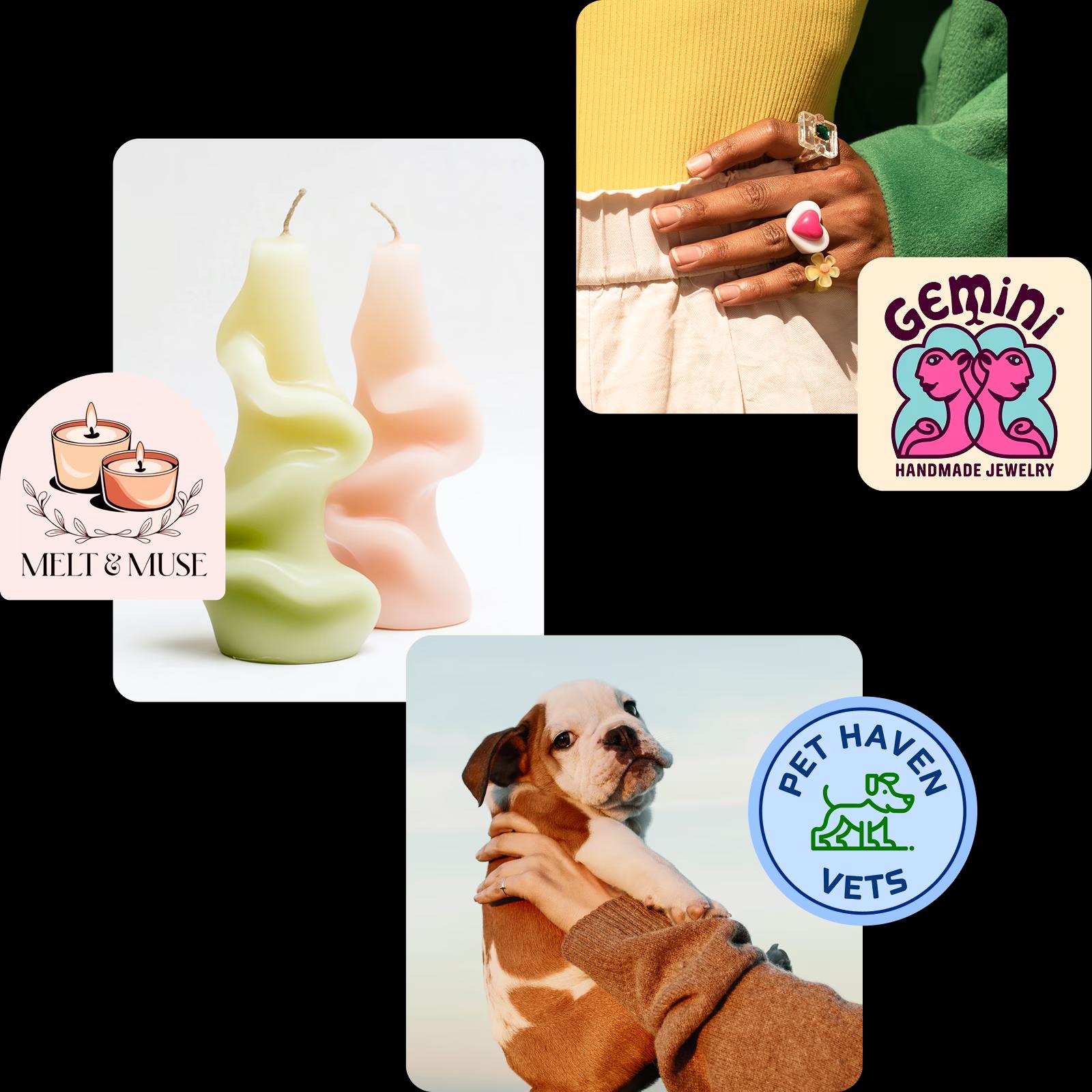
Trình tạo logo cho mọi loại doanh nghiệp

Tạo logo AI cho nhiều ngành công nghiệp
Logo được AI tạo cho doanh nghiệp nhỏ 1
Logo được AI tạo cho doanh nghiệp nhỏ 2
Logo được AI tạo cho doanh nghiệp nhỏ 3

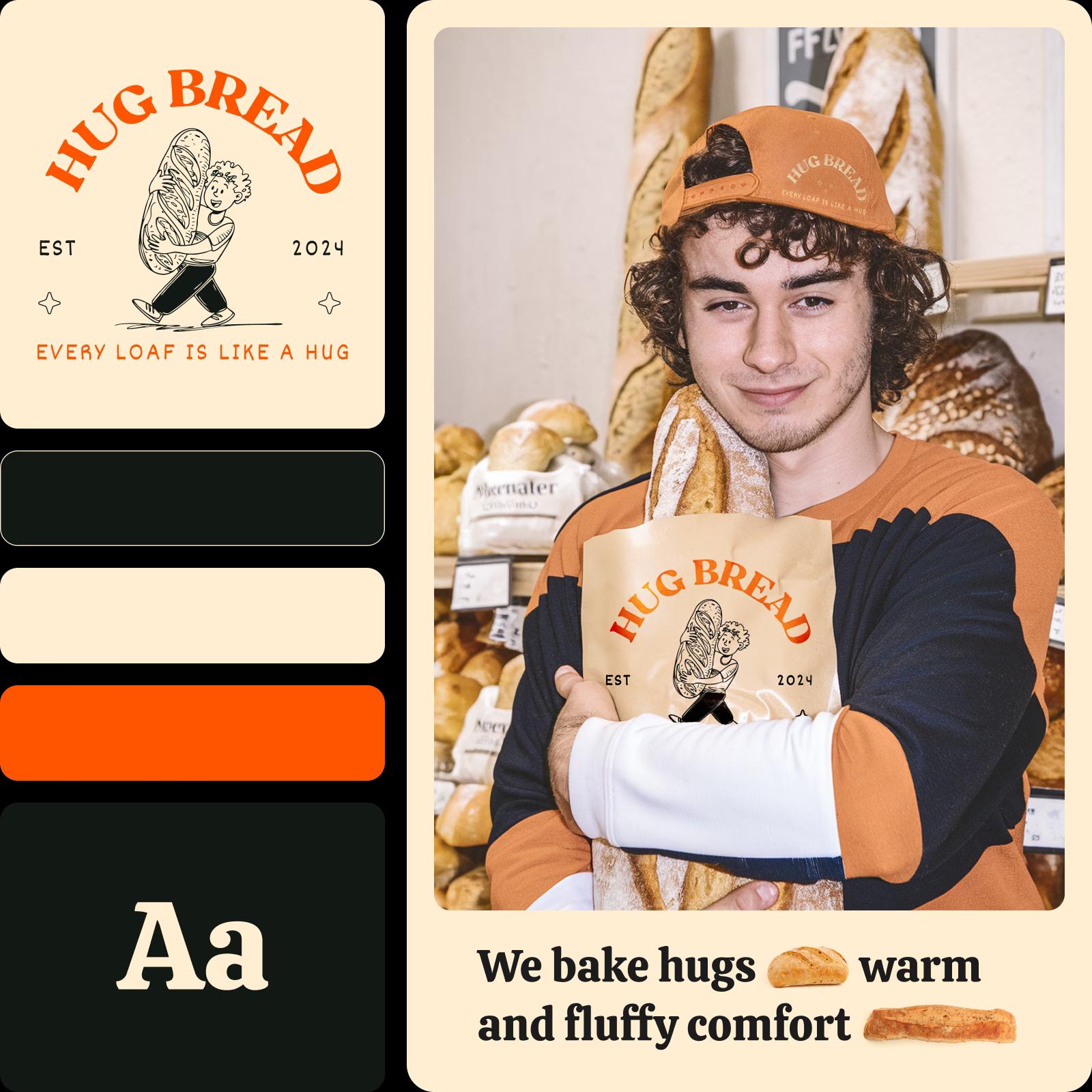
Xây dựng bộ nhận diện thương hiệu dựa trên logo AI của bạn

Tiếp tục momentum sáng tạo bằng cách giao cho AI tạo bộ nhận diện thương hiệu. Để Picsart xây dựng nhận diện thương hiệu mạch lạc bằng cách cung cấp cho bạn bảng màu chính, phông chữ thương hiệu và biến thể logo. Không thích màu sắc hoặc lựa chọn phông chữ? Sử dụng phiên bản ban đầu làm điểm khởi đầu nâng cao và dễ dàng điều chỉnh bộ để phù hợp với tầm nhìn của bạn. Sau khi hoàn tất, bạn sẽ có thể chọn các mẫu được tự động điều chỉnh theo bộ nhận diện thương hiệu của bạn.
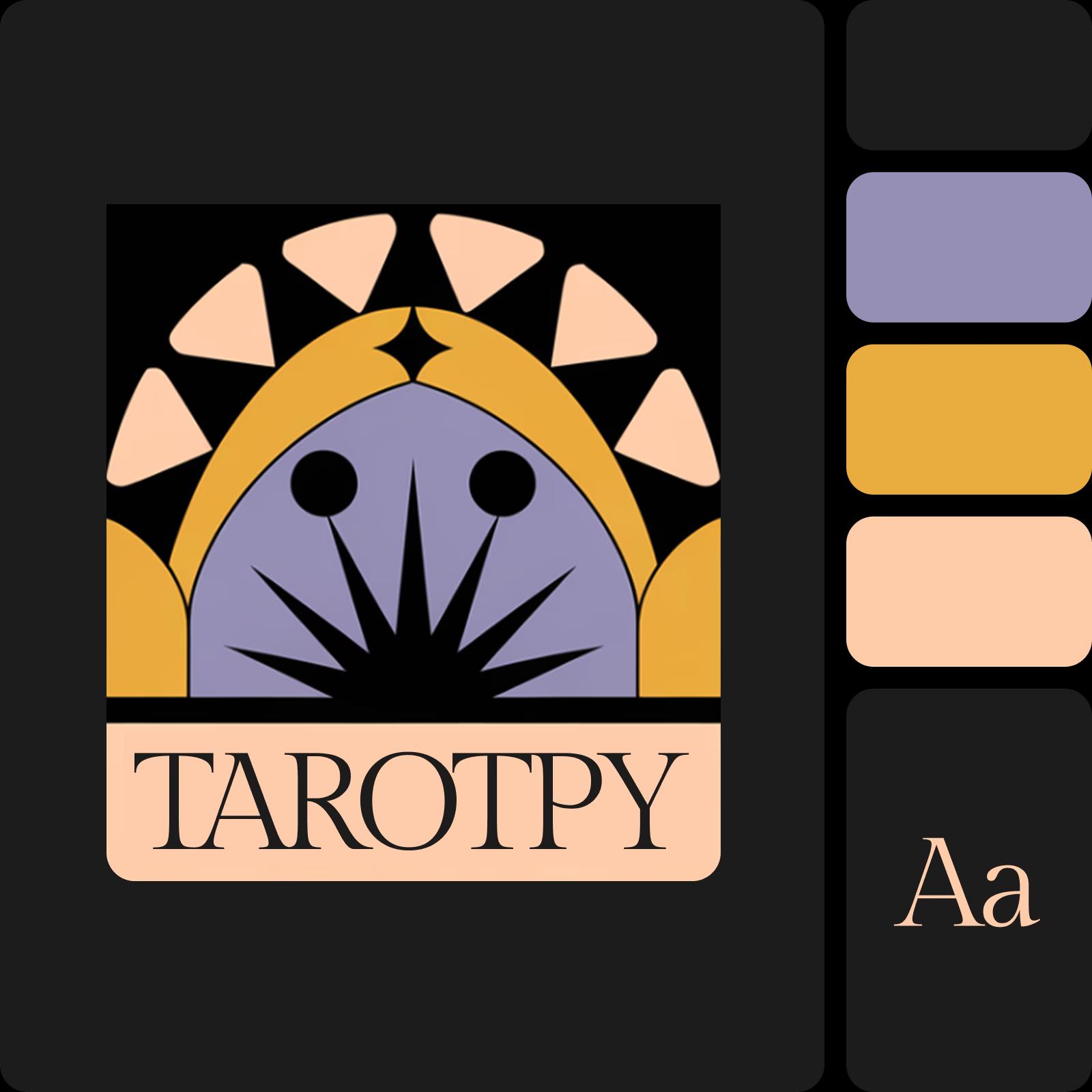
Logo AI và bộ nhận diện thương hiệu

Tùy chỉnh logo của bạn với AI

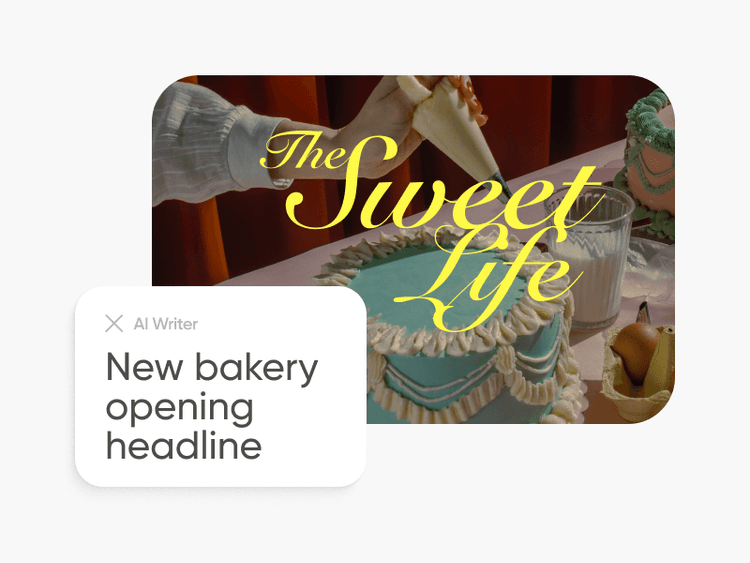
Tận dụng trình chỉnh sửa ảnh được hỗ trợ bởi AI để dễ dàng chỉnh sửa logo AI của bạn. Tạo mockup nhanh chóng và ảnh sản phẩm với trình tạo hình ảnh AI từ văn bản và chèn logo mới tạo của bạn. Bạn cũng cần bản sao cho các hình ảnh đó? Dễ dàng tạo bản sao với Trình viết AI. Hoặc sử dụng trình xóa đối tượng được hỗ trợ bởi AI để nhanh chóng xóa các phần tử không mong muốn từ logo được AI tạo của bạn với độ chính xác phẫu thuật.
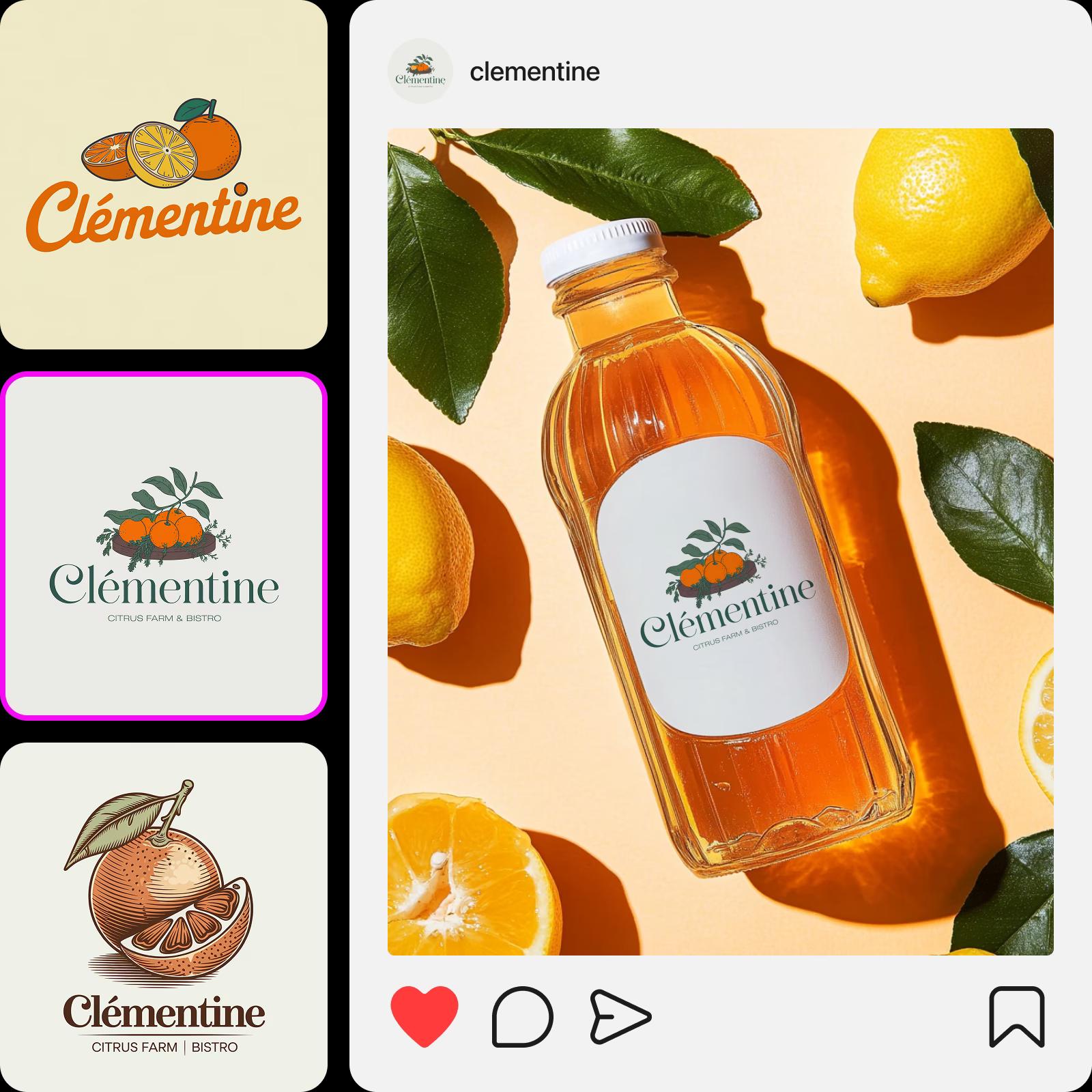
tùy chỉnh logo với AI

Trình tạo logo toàn diện cho nhận diện thương hiệu DIY hoàn hảo

Tìm tất cả các công cụ cần thiết để tạo logo và nhận diện thương hiệu trong một giao diện thuận tiện.

Mô tả tầm nhìn của bạn

Có ý tưởng logo cụ thể trong đầu? Mô tả nó bằng vài từ và để AI hình dung nó.

Tải lên ví dụ logo

Nhập các logo mẫu vào trình tạo logo mà bạn thích để nhận kết quả có phong cách tương tự.

Kết quả phù hợp với ngành

Tạo thiết kế logo thể hiện ngay lập tức lĩnh vực kinh doanh của bạn.

Chọn bảng màu

Kiểm soát các màu được sử dụng trong thiết kế logo của bạn.

Kết quả tức thì

Chỉ cần vài giây để tạo logo với Picsart.

Thiết kế độc đáo

Dễ dàng tạo thiết kế logo dễ nhận biết mà bạn sẽ tự hào đặt trên tài liệu quảng cáo và bao bì.

Tạo kết quả tương tự

Không thích phiên bản ban đầu? Sử dụng tính năng "Khám phá phong cách tương tự" để tạo thêm biến thể.

Xuất chất lượng cao

Tải xuống logo của bạn với độ phân giải rõ ràng và thân thiện với máy in.

Tiếp tục hành trình sáng tạo của bạn với Picsart

Truy cập bộ công cụ chỉnh sửa ảnh và thiết kế đầy đủ được tích hợp vào một giao diện dễ sử dụng.
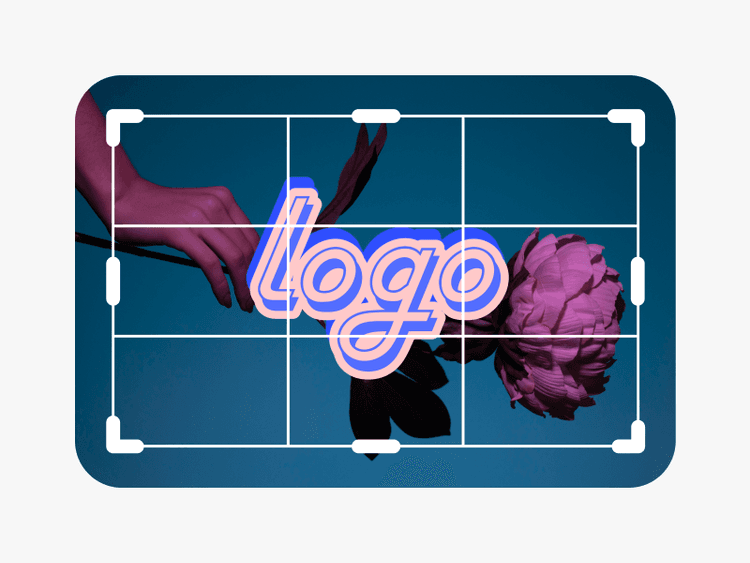
trình chỉnh sửa ảnh toàn diện

Trình chỉnh sửa ảnh

Tăng cường quá trình chỉnh sửa của bạn bằng các công cụ được hỗ trợ bởi AI.

Trình tạo collage trực tuyến từ Picsart

Trình tạo collage

Dễ dàng kết hợp hình ảnh cho phương tiện truyền thông xã hội, bảng tầm nhìn và hơn thế nữa.

Công cụ AI Replace của Picsart

AI Replace

Thay thế bất kỳ đối tượng nào bằng thứ khác, tất cả từ mô tả văn bản đơn giản. Biến ghế thành voi? Bùm. (Chúng tôi gần như gọi nó là AI Genie.)

xóa đối tượng

Trình xóa đối tượng

Không còn ảnh bị hỏng! Loại bỏ văn bản và nền không mong muốn chỉ bằng một vài cú nhấp chuột.

trình nâng cao hình ảnh AI

Trình nâng cao ảnh

Trình chỉnh sửa ảnh Picsart toàn diện tự hào có bộ công cụ AI đầy đủ giúp trải nghiệm chỉnh sửa ảnh và tạo hình ảnh nhanh chóng và liền mạch.

công cụ xóa nền trong trình chỉnh sửa ảnh Picsart

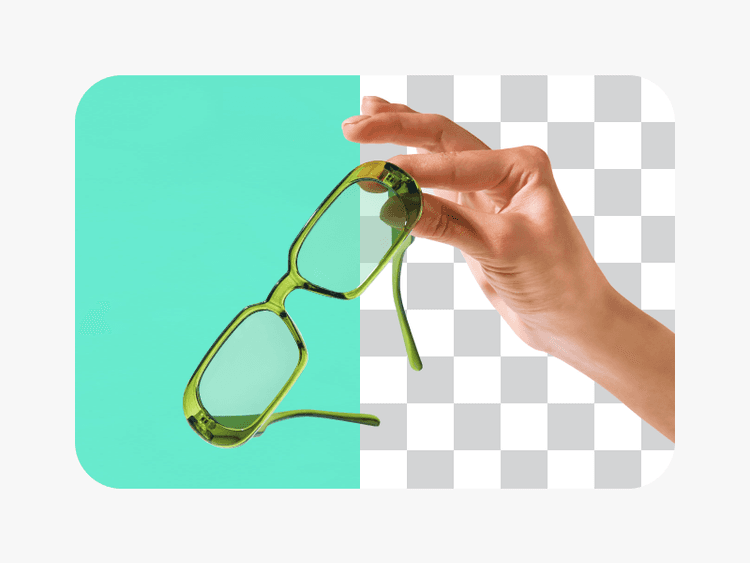
Trình xóa nền

Xóa nền một cách thành thạo với AI hoặc làm cho nó trong suốt.

trình chỉnh sửa nền

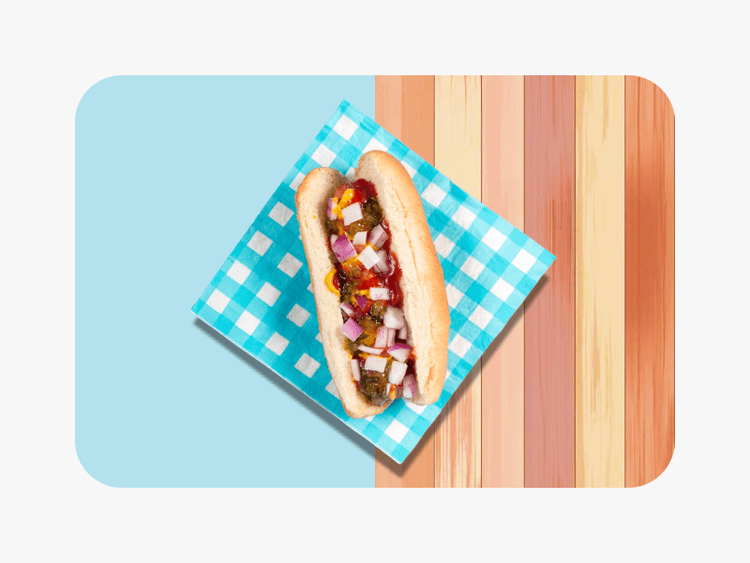
Trình chỉnh sửa nền

Thay đổi nền hoặc loại bỏ nó hoàn toàn.

Bộ sưu tập hiệu ứng ảnh và bộ lọc của Picsart

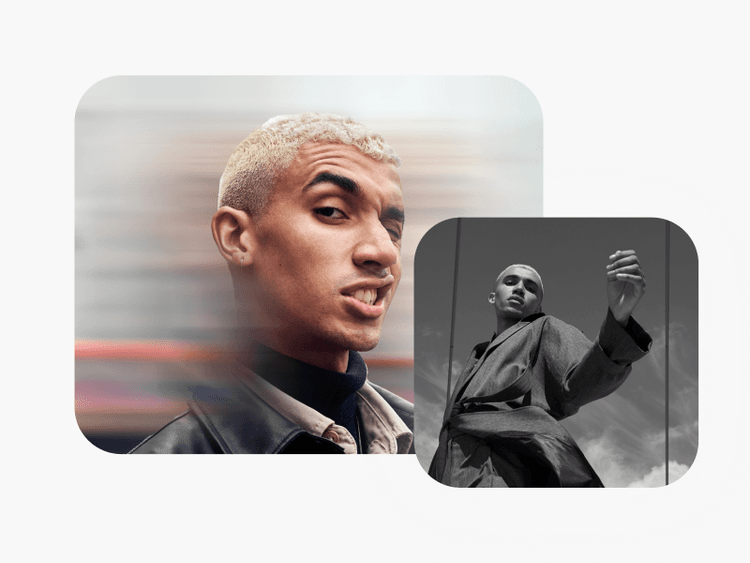
Hiệu ứng ảnh

Thêm phong cách với các hiệu ứng ảnh bắt mắt và bộ lọc thẩm mỹ.

Thêm văn bản vào ảnh với Picsart

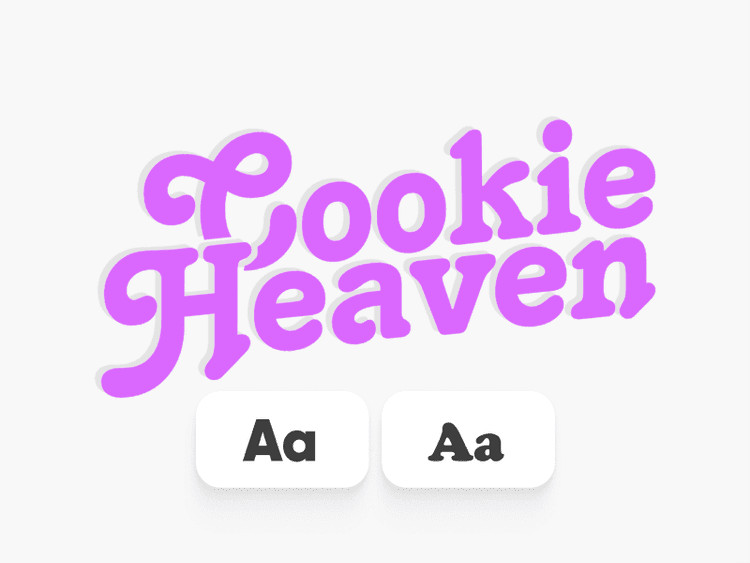
Thêm văn bản vào hình ảnh của bạn

Bổ sung hình ảnh của bạn bằng thư viện phông chữ miễn phí rộng lớn.

tạo hình ảnh từ đầu với AI

Trình tạo hình ảnh AI từ văn bản

Nhập tầm nhìn của bạn và để AI biến lời nói của bạn thành hình ảnh hấp dẫn.

tạo nghệ thuật với AI

Trình tạo nghệ thuật AI

Tạo nghệ thuật bắt mắt trong vài giây với AI.

công cụ tạo nội dung AI

Trình viết AI

Tìm lời lẽ phù hợp trong vài giây với sự trợ giúp của AI.

Câu hỏi thường gặp về trình tạo logo AI

Trình tạo logo AI sử dụng các thuật toán nâng cao để phân tích các phần tử thiết kế khác nhau và xu hướng, cho phép nó tạo logo phù hợp với nhu cầu độc đáo của các ngành công nghiệp khác nhau. Cho dù bạn ở lĩnh vực công nghệ, luật pháp, thiết kế hay chăm sóc sức khỏe, AI hiểu những điều tinh tế cần thiết để tạo ra thiết kế logo chuyên nghiệp và phù hợp được điều chỉnh cho doanh nghiệp của bạn.

Ở một mức độ nhất định, có. Bạn có thể sử dụng các công cụ chỉnh sửa có sẵn trên Picsart để thực hiện các điều chỉnh đối với logo được AI tạo của bạn như xóa phần tử bằng trình xóa đối tượng AI hoặc sử dụng các hiệu ứng và lớp phủ để tùy chỉnh giao diện. Tuy nhiên, bạn không thể làm những điều như sắp xếp lại các phần tử của logo hoặc thay đổi màu sắc của nó sau khi nó được tạo. Để thực hiện các thay đổi lớn, bạn luôn có thể quay lại màn hình tạo và cập nhật lệnh cũng như các lựa chọn ban đầu khác để nhận kết quả phù hợp hơn. Bạn cũng có tùy chọn sử dụng trình tạo logo để xây dựng thứ gì đó từ đầu bằng thư viện rộng lớn các hình dạng, nhãn dán và tài sản khác có sẵn trong Picsart.

Bạn có thể lưu logo được AI tạo của bạn ở định dạng PNG, JPG và PDF.

Không hề. Bạn không cần bất kỳ kinh nghiệm thiết kế nào để tạo logo bằng trình tạo logo AI.

Có, trình tạo logo của Picsart miễn phí sử dụng để tạo logo hạn chế. Để sử dụng không giới hạn, bạn sẽ cần mua gói đăng ký hoặc tín dụng.

Chỉ cần vài giây để tạo logo với AI. Nếu bạn đang xây dựng từ đầu, thời gian sẽ khác nhau. Bạn có thể sử dụng các mẫu logo được soạn thảo chuyên biệt của Picsart để tăng tốc độ quá trình này.

As Seen in

  • boredpanda
  • COSMOPOLITAN
  • UPROXX
  • yahoo! news

Logo chỉ là bước đầu - khám phá thêm nhiều điều! 

Tạo logo PNGDuyệt mẫu logoXóa nền logoThử logo kiểu chữKhám phá nhận diện thương hiệuTạo logo trònThiết kế logo kinh doanhThêm văn bản vào thiết kếTạo tài sản AITạo bộ nhận diện thương hiệuThử tạo ảnh AIChỉnh sửa thiết kế trực tuyến

Get the free app

Download on the App StoreGET IT ON Google PlayGet it from Microsoft
Pinterest
AICPA SOC

Explore

  • AI Image Generator
  • AI Video Generator
  • AI Playground
  • AI Image Models
  • AI Video Models
  • AI Photo Editor
  • Templates
  • Design Tools

Solutions

  • For Enterprise
  • For Developers
  • For Google Drive
  • For specific Industries
  • Quicktools
  • AI Avatar
  • Pricing

Company

  • Support
  • Careers
  • About us
  • Earn with Picsart
  • Blog
  • Press Center
Terms of UsePrivacy PolicyDo Not SellInternet-Based AdvertisingCommunity GuidelinesDMCASecurity PolicyAccessibility
© 2026 PicsArt, Inc.

Tạo ý tưởng logo với các mô hình hình ảnh AI

Sử dụng các mô hình hình ảnh để khám phá các khái niệm logo, nhãn hiệu và hướng trực quan.

GPT Image 2New
Next-gen GPT image model with arbitrary output dimensions and multi-image input.Reference inputImage generationSee model
Nano Banana 2New
Fast 4K generation with accurate text and search-grounded accuracy.4KFast generationImage generationSee model
Nano Banana ProNew
Top-tier 4K images with precise multilingual text rendering.4KPro qualityImage generationSee model
Flux 2 FlexNew
Adaptable generation across varied visual styles at 2K.Image generationSee model
Seedream 5.0 Lite
Speedy 3K output with negative prompt and dual-image input support.Reference inputFast generationImage generationSee model
Kling 3.0 Image
Cinematic visuals with up to 4K resolution and 10 reference images.Reference input4KCinematicSee model
Kling O1 Image
O1-architecture image generation with multi-reference support.Reference inputCinematicImage generationSee model
Kling V2 New Image
Latest V2 image generation with optional restyle via image reference.Reference inputCinematicImage generationSee model
Hunyuan V3
Infographic-friendly generation with readable text and cfg control.Image generationSee model
Luma UNI-1
Luma UNI-1 — agentic image generation and editing with up to 9 reference images.Reference inputCinematicImage generationSee model
Luma UNI-1 Max
Luma UNI-1 Max — higher-quality UNI-1 variant with the same multi-reference editing controls.Reference inputCinematicImage generationSee model
Seedream 5.0 Pro
Top-tier single-image generation with up to 10 reference images and 2K detail.Reference inputPro qualityImage generationSee model
GPT Image 2New
Next-gen GPT image model with arbitrary output dimensions and multi-image input.Reference inputImage generationSee model
Nano Banana 2New
Fast 4K generation with accurate text and search-grounded accuracy.4KFast generationImage generationSee model
Nano Banana ProNew
Top-tier 4K images with precise multilingual text rendering.4KPro qualityImage generationSee model
Flux 2 FlexNew
Adaptable generation across varied visual styles at 2K.Image generationSee model
Seedream 5.0 Lite
Speedy 3K output with negative prompt and dual-image input support.Reference inputFast generationImage generationSee model
Kling 3.0 Image
Cinematic visuals with up to 4K resolution and 10 reference images.Reference input4KCinematicSee model
Kling O1 Image
O1-architecture image generation with multi-reference support.Reference inputCinematicImage generationSee model
Kling V2 New Image
Latest V2 image generation with optional restyle via image reference.Reference inputCinematicImage generationSee model
Hunyuan V3
Infographic-friendly generation with readable text and cfg control.Image generationSee model
Luma UNI-1
Luma UNI-1 — agentic image generation and editing with up to 9 reference images.Reference inputCinematicImage generationSee model
Luma UNI-1 Max
Luma UNI-1 Max — higher-quality UNI-1 variant with the same multi-reference editing controls.Reference inputCinematicImage generationSee model
Seedream 5.0 Pro
Top-tier single-image generation with up to 10 reference images and 2K detail.Reference inputPro qualityImage generationSee model
GPT Image 2New
Next-gen GPT image model with arbitrary output dimensions and multi-image input.Reference inputImage generationSee model
Nano Banana 2New
Fast 4K generation with accurate text and search-grounded accuracy.4KFast generationImage generationSee model
Nano Banana ProNew
Top-tier 4K images with precise multilingual text rendering.4KPro qualityImage generationSee model
Flux 2 FlexNew
Adaptable generation across varied visual styles at 2K.Image generationSee model
Seedream 5.0 Lite
Speedy 3K output with negative prompt and dual-image input support.Reference inputFast generationImage generationSee model
Kling 3.0 Image
Cinematic visuals with up to 4K resolution and 10 reference images.Reference input4KCinematicSee model
Kling O1 Image
O1-architecture image generation with multi-reference support.Reference inputCinematicImage generationSee model
Kling V2 New Image
Latest V2 image generation with optional restyle via image reference.Reference inputCinematicImage generationSee model
Hunyuan V3
Infographic-friendly generation with readable text and cfg control.Image generationSee model
Luma UNI-1
Luma UNI-1 — agentic image generation and editing with up to 9 reference images.Reference inputCinematicImage generationSee model
Luma UNI-1 Max
Luma UNI-1 Max — higher-quality UNI-1 variant with the same multi-reference editing controls.Reference inputCinematicImage generationSee model
Seedream 5.0 Pro
Top-tier single-image generation with up to 10 reference images and 2K detail.Reference inputPro qualityImage generationSee model
GPT Image 2New
Next-gen GPT image model with arbitrary output dimensions and multi-image input.Reference inputImage generationSee model
Nano Banana 2New
Fast 4K generation with accurate text and search-grounded accuracy.4KFast generationImage generationSee model
Nano Banana ProNew
Top-tier 4K images with precise multilingual text rendering.4KPro qualityImage generationSee model
Flux 2 FlexNew
Adaptable generation across varied visual styles at 2K.Image generationSee model
Seedream 5.0 Lite
Speedy 3K output with negative prompt and dual-image input support.Reference inputFast generationImage generationSee model
Kling 3.0 Image
Cinematic visuals with up to 4K resolution and 10 reference images.Reference input4KCinematicSee model
Kling O1 Image
O1-architecture image generation with multi-reference support.Reference inputCinematicImage generationSee model
Kling V2 New Image
Latest V2 image generation with optional restyle via image reference.Reference inputCinematicImage generationSee model
Hunyuan V3
Infographic-friendly generation with readable text and cfg control.Image generationSee model
Luma UNI-1
Luma UNI-1 — agentic image generation and editing with up to 9 reference images.Reference inputCinematicImage generationSee model
Luma UNI-1 Max
Luma UNI-1 Max — higher-quality UNI-1 variant with the same multi-reference editing controls.Reference inputCinematicImage generationSee model
Seedream 5.0 Pro
Top-tier single-image generation with up to 10 reference images and 2K detail.Reference inputPro qualityImage generationSee model
GPT Image 2New
Next-gen GPT image model with arbitrary output dimensions and multi-image input.Reference inputImage generationSee model
Nano Banana 2New
Fast 4K generation with accurate text and search-grounded accuracy.4KFast generationImage generationSee model
Nano Banana ProNew
Top-tier 4K images with precise multilingual text rendering.4KPro qualityImage generationSee model
Flux 2 FlexNew
Adaptable generation across varied visual styles at 2K.Image generationSee model
Seedream 5.0 Lite
Speedy 3K output with negative prompt and dual-image input support.Reference inputFast generationImage generationSee model
Kling 3.0 Image
Cinematic visuals with up to 4K resolution and 10 reference images.Reference input4KCinematicSee model
Kling O1 Image
O1-architecture image generation with multi-reference support.Reference inputCinematicImage generationSee model
Kling V2 New Image
Latest V2 image generation with optional restyle via image reference.Reference inputCinematicImage generationSee model
Hunyuan V3
Infographic-friendly generation with readable text and cfg control.Image generationSee model
Luma UNI-1
Luma UNI-1 — agentic image generation and editing with up to 9 reference images.Reference inputCinematicImage generationSee model
Luma UNI-1 Max
Luma UNI-1 Max — higher-quality UNI-1 variant with the same multi-reference editing controls.Reference inputCinematicImage generationSee model
Seedream 5.0 Pro
Top-tier single-image generation with up to 10 reference images and 2K detail.Reference inputPro qualityImage generationSee model
GPT Image 2New
Next-gen GPT image model with arbitrary output dimensions and multi-image input.Reference inputImage generationSee model
Nano Banana 2New
Fast 4K generation with accurate text and search-grounded accuracy.4KFast generationImage generationSee model
Nano Banana ProNew
Top-tier 4K images with precise multilingual text rendering.4KPro qualityImage generationSee model
Flux 2 FlexNew
Adaptable generation across varied visual styles at 2K.Image generationSee model
Seedream 5.0 Lite
Speedy 3K output with negative prompt and dual-image input support.Reference inputFast generationImage generationSee model
Kling 3.0 Image
Cinematic visuals with up to 4K resolution and 10 reference images.Reference input4KCinematicSee model
Kling O1 Image
O1-architecture image generation with multi-reference support.Reference inputCinematicImage generationSee model
Kling V2 New Image
Latest V2 image generation with optional restyle via image reference.Reference inputCinematicImage generationSee model
Hunyuan V3
Infographic-friendly generation with readable text and cfg control.Image generationSee model
Luma UNI-1
Luma UNI-1 — agentic image generation and editing with up to 9 reference images.Reference inputCinematicImage generationSee model
Luma UNI-1 Max
Luma UNI-1 Max — higher-quality UNI-1 variant with the same multi-reference editing controls.Reference inputCinematicImage generationSee model
Seedream 5.0 Pro
Top-tier single-image generation with up to 10 reference images and 2K detail.Reference inputPro qualityImage generationSee model