1. Home
  2. Xóa Vật Thể

Xóa các vật thể, văn bản, khiếm khuyết và watermark không mong muốn khỏi ảnh trực tuyến

Lấy lại quyền kiểm soát hình ảnh của bạn khỏi các vật thể xâm nhập với công cụ xóa vật thể của Picsart. Để AI xóa bất kỳ vật thể, văn bản, khiếm khuyết, hoặc watermark khỏi ảnh của bạn và làm cho nó trông như không có gì đã từng ở đó.

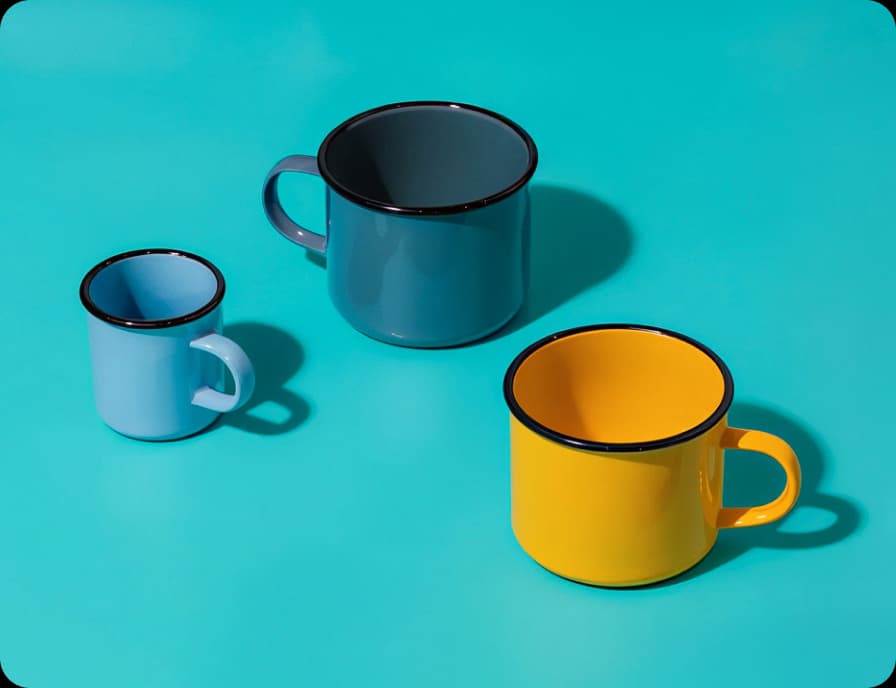
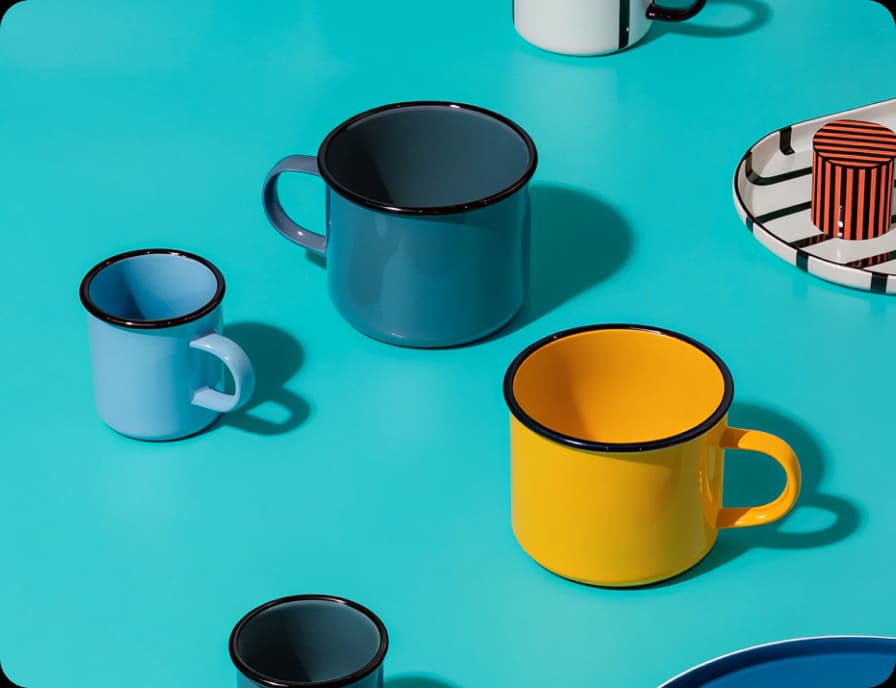
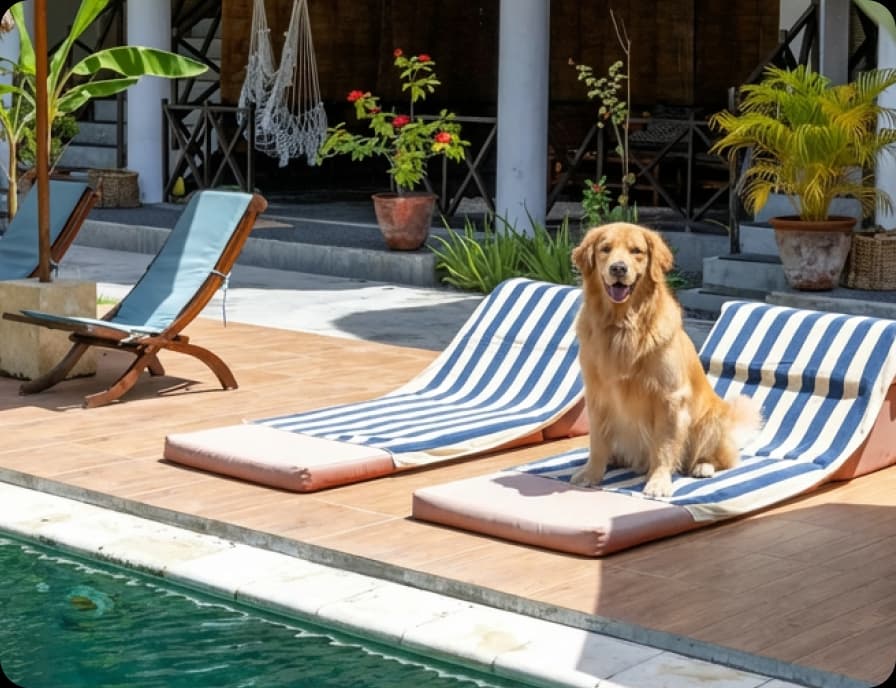
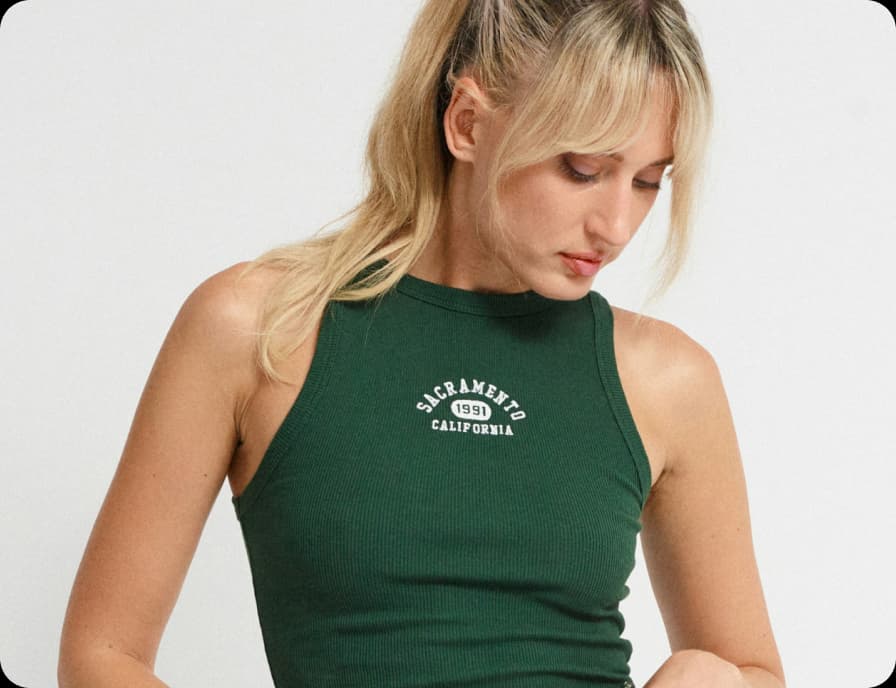
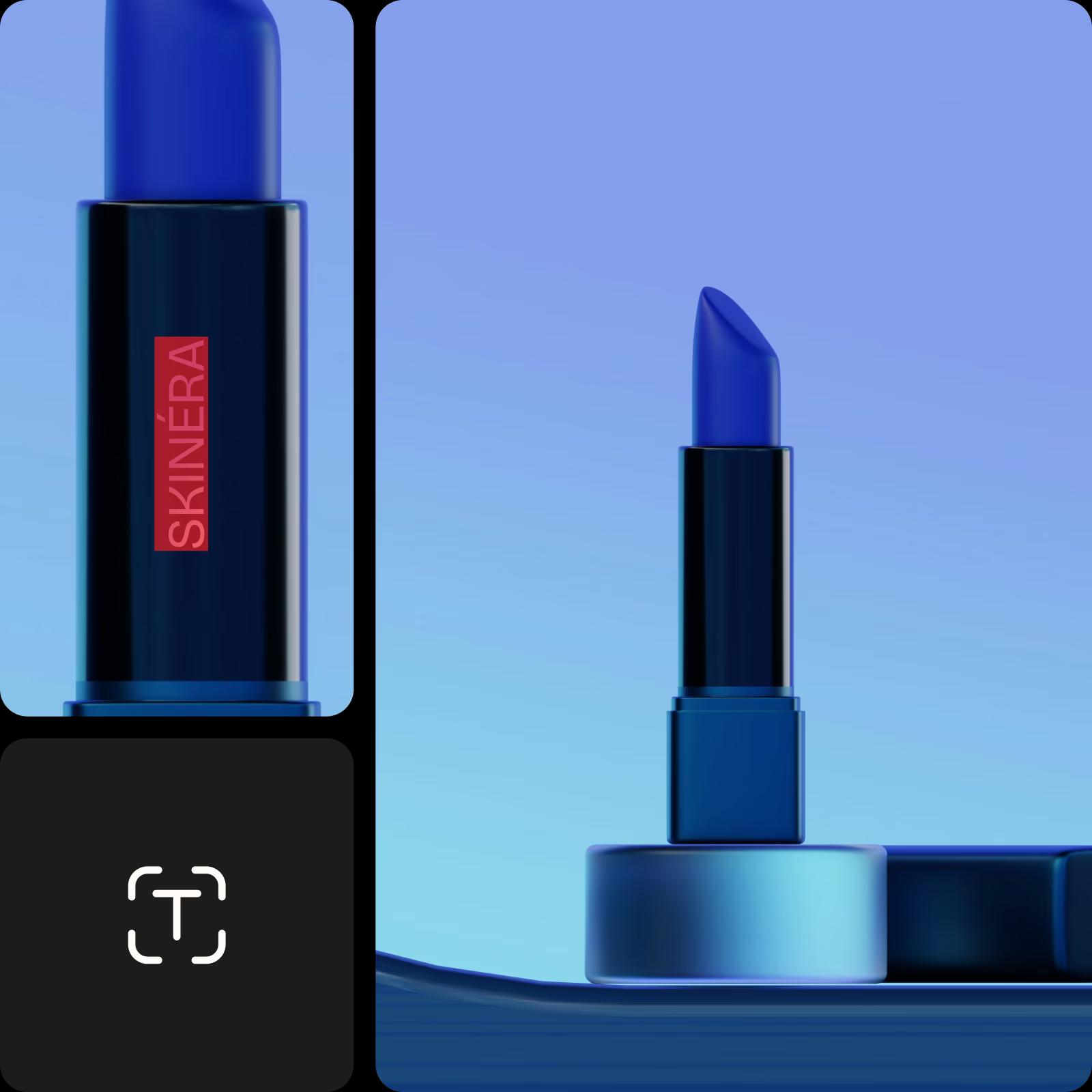
xóa hình ảnh khỏi sản phẩm
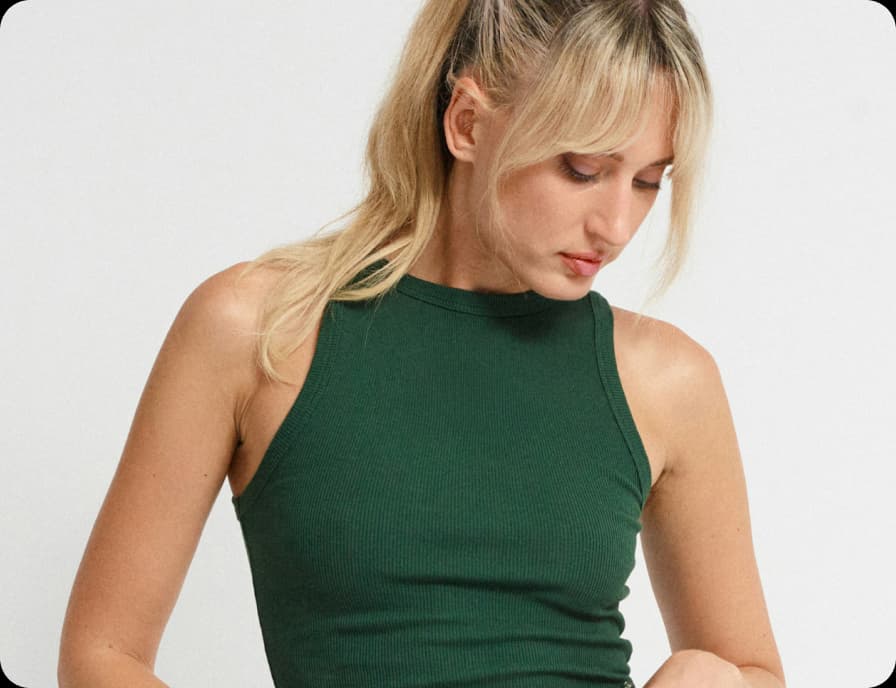
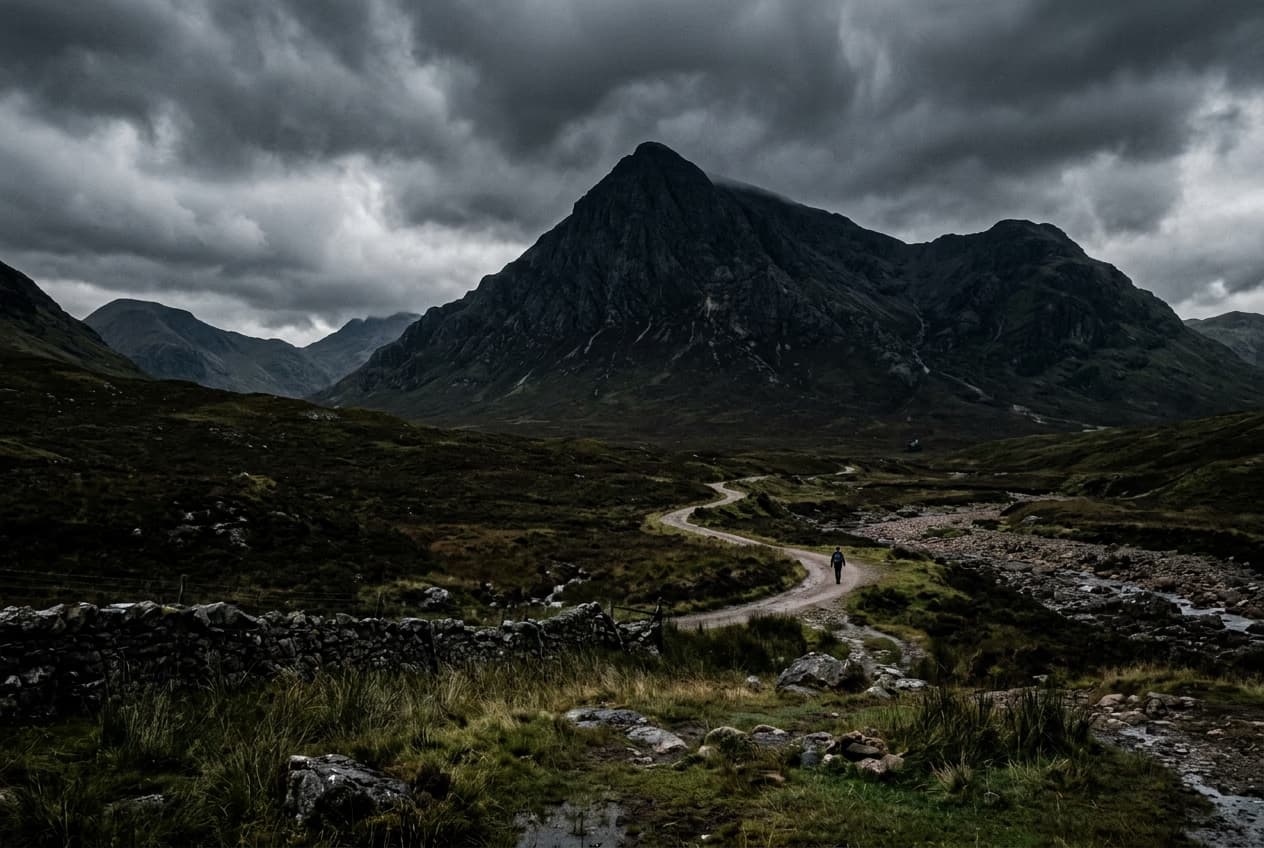
vật thể đã xóa khỏi hình ảnh
người đang nhảy múa
4.9/5
(1,379 reviews)
ExcellentTrustpilot
Khám phá thêm các công cụ để cải thiện hình ảnh của bạn
Xóa văn bản khỏi ảnhLoại bỏ người khỏi ảnhLàm sạch hình ảnhChỉnh sửa văn bản trong ảnhXóa vật thể khỏi videoThử chỉnh sửa ảnh AITăng cường ảnh với AIXóa phông nền hình ảnhChỉnh sửa ảnh trực tuyếnChỉnh sửa nhiều ảnhKhám phá công cụ hình ảnh nhanhTạo nội dung thay thế

Use Picsart anywhere

Install the app, or bring Picsart into the AI workspaces your team already uses.

Use Picsart with

  • ChatGPT / Codex
  • Claude
  • Terminal
  • Cursor
  • OpenClaw
  • Hermes

Download the app

Download on the App StoreGET IT ON Google PlayGet it from Microsoft

Follow Picsart

Pinterest
AICPA SOC

Create

  • AI Image Generator
  • AI Video Generator
  • AI Playground
  • Flow
  • AI Photo Editor
  • AI Video Editor
  • AI Agents
  • Content Library
  • AI Models

Creators

  • Earn with Picsart
  • Earn campaigns
  • Clipping
  • For Brands
  • Video Studio
  • Tutorials
  • Challenges

Connect

  • ChatGPT / Codex
  • MCP setup
  • Command line
  • Developers
  • Google Drive

Business

  • Pricing
  • Enterprise
  • Industries
  • Quicktools

Company

  • Support
  • Careers
  • About us
  • Blog
  • Press Center
Terms of UsePrivacy PolicyInternet-Based AdvertisingCommunity GuidelinesDMCASecurity PolicyAccessibility
© 2026 PicsArt, Inc.
lựa chọn ứng dụng tốt nhất của applehơn 10 triệu nền đã xóalựa chọn ứng dụng tốt nhất của Google
biểu tượng công cụ xóa AI

Công cụ xóa vật thể AI

Khi bạn xóa một vật thể, AI sẽ thay thế phần đó của ảnh bằng một hình ảnh được tạo ra tùy chỉnh. 

biểu tượng xóa dễ dàng

Công cụ xóa vật thể dễ sử dụng

Không thể dễ dàng hơn thế. Chỉ cần chải qua vật thể không mong muốn và nó sẽ biến mất!

Biểu tượng tải xuống

Tải xuống chất lượng cao

Xuất các chỉnh sửa của bạn với chất lượng sắc nét rõ ràng.


Cách xóa vật thể trong vài giây

1

Tải ảnh của bạn lên

Chọn ảnh bạn muốn xóa vật thể khỏi.

2

Chọn và xóa vật thể

3

Tùy chỉnh

4

Tải xuống

Xóa bất kỳ vật thể nào khỏi ảnh với AI

Dễ dàng xóa các yếu tố không mong muốn khỏi ảnh của bạn trong vài giây bằng cách sử dụng AI tiên tiến. Có người đi qua ở phía nền, sự lộn xộn trên bàn hay thứ gì đó khác làm hỏng bức ảnh hoàn hảo của bạn? Chỉ cần đánh dấu khu vực với bàn chải xóa trong Trình chỉnh sửa Picsart. AI sẽ hòa trộn mượt mà với nền xung quanh - không cần kỹ năng chỉnh sửa. 

Công cụ xóa vật thể đang hoạt động

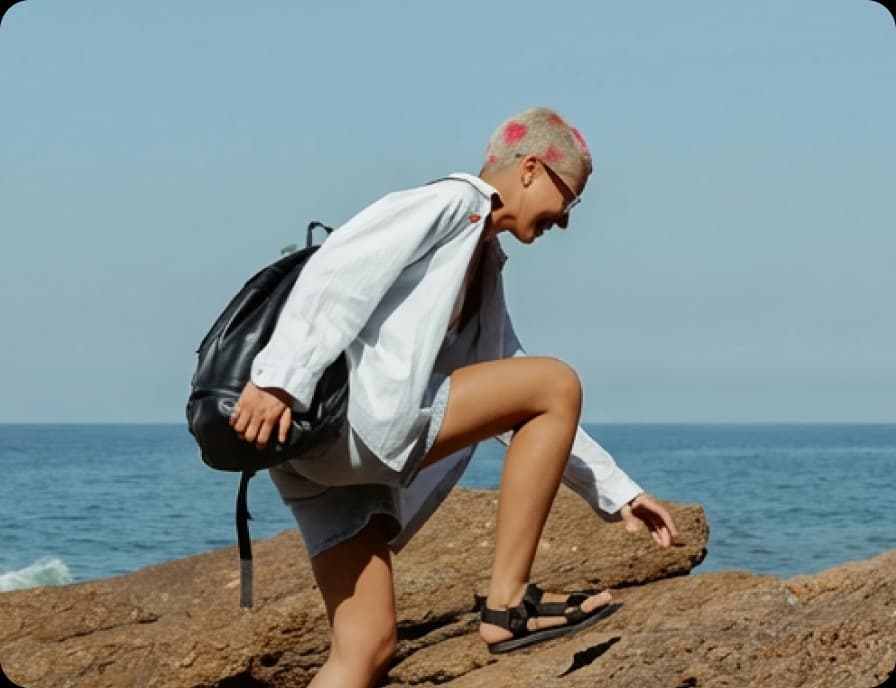
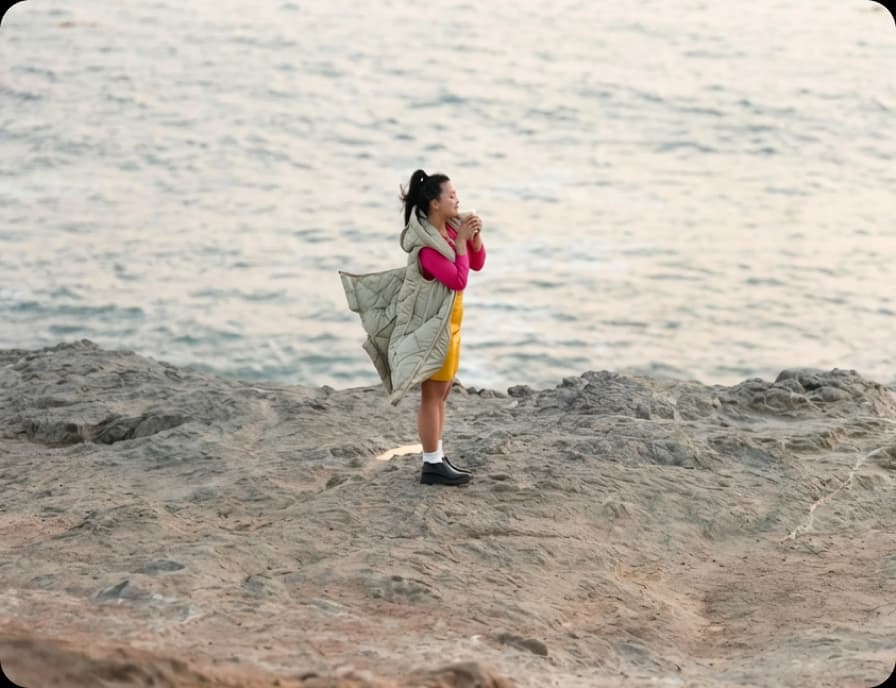
Nguyên bản
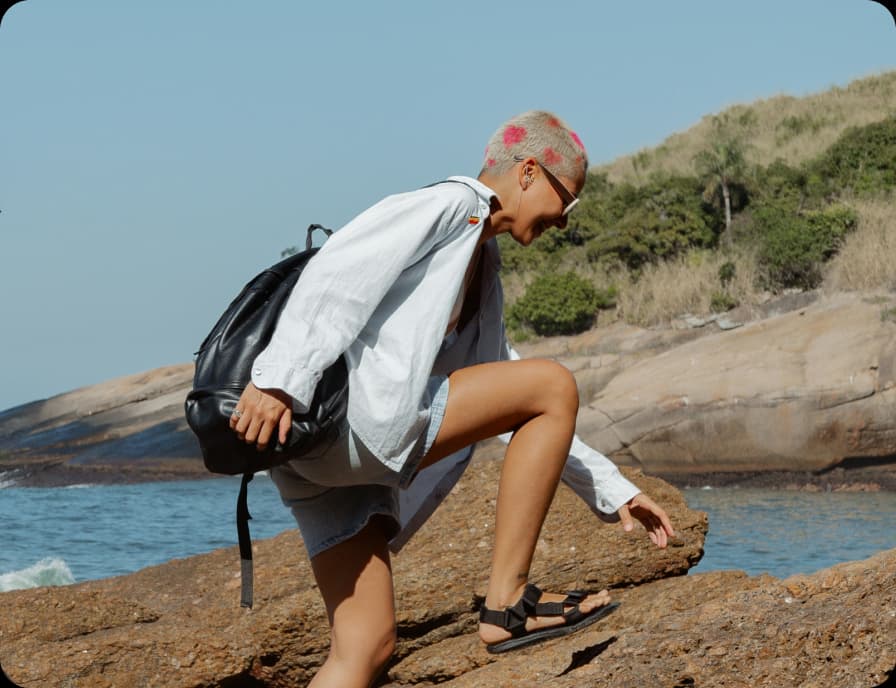
Nguyên bản
Vật thể không mong muốn đã chọn
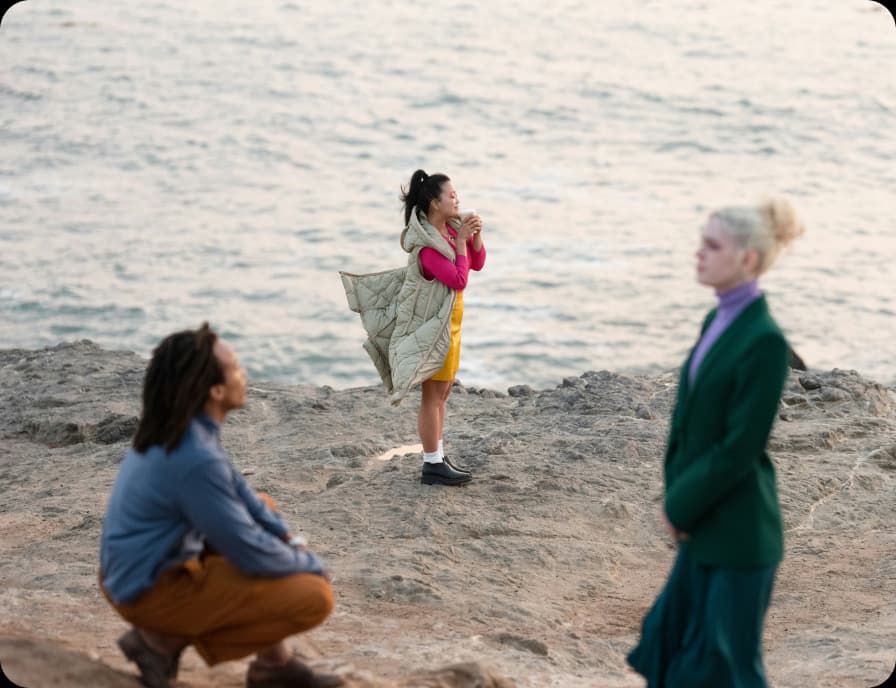
Vật thể không mong muốn đã xóa

Xóa vật thể không mong muốn

Xóa bất kỳ thứ gì khỏi hình ảnh của bạn với sự kiểm soát thông minh, linh hoạt. Công cụ Xóa Vật Thể AI của Picsart cho phép bạn lựa chọn từ các tùy chọn thông minh - chải, nền, tiền cảnh, phát hiện văn bản, và công cụ hỗ trợ AI, để mọi chỉnh sửa phù hợp với bối cảnh của bạn. Một hoạt hình demo nhanh cho thấy cách hoạt động trước khi bạn bắt đầu, giúp dễ chọn, xóa, và làm tinh khiết với kết quả tự nhiên trong vòng vài giây.

Xóa vật thể khỏi ảnh

Sử dụng AI để chọn nền hoặc tiền cảnh

Sự lộn xộn trong nền có thể gây mất tập trung khỏi những gì quan trọng nhất trong bức ảnh. Với công cụ Xóa Vật Thể của Picsart, sử dụng sự lựa chọn nền hoặc tiền cảnh hỗ trợ AI để xóa đi nội thất, dây cáp, hoặc vật thể ngẫu nhiên chỉ trong vài bước. Chọn những gì bạn muốn loại bỏ, và AI tự nhiên xây dựng lại khung cảnh - giữ cho tiêu điểm vào chính nơi thuộc về nó.

Xóa vật thể không mong muốn bằng cách chải

Nhanh chóng xóa bất kỳ thứ gì bằng cách chải trực tiếp qua nó. Công cụ chải cho phép bạn kiểm soát trực tiếp, vì vậy bạn có thể chải qua con người, vật thể, hoặc các điểm phân tán đúng nơi bạn muốn chúng biến mất. Điều chỉnh kích thước bàn chải để chính xác, quét qua khu vực, và để AI điền vào nền với kết quả sạch sẽ và tự nhiên hoà quyện một cách liền mạch.

Xóa văn bản tự động với phát hiện

Văn bản, chú thích hoặc logo không mong muốn không cần phải làm thủ công nữa. Với Phát hiện văn bản, công cụ tự động tìm thấy các phần tử văn bản trong hình ảnh của bạn, vì vậy bạn có thể chọn và xóa chúng chỉ bằng một cú nhấp chuột. AI xây dựng lại nền ngay lập tức, làm cho việc dọn dẹp ảnh hoặc chuẩn bị thiết kế để tái sử dụng trở nên dễ dàng mà không cần bắt đầu lại từ đầu.

Dọn dẹp chi tiết chỉ với một cú nhấp chuột

Các điểm phân tán nhỏ cộng dồn, nhưng việc loại bỏ chúng không cần phải là công việc mệt mỏi. Sử dụng lựa chọn hỗ trợ AI để nhanh chóng nhận diện và xóa dây cáp, sự hỗn độn, bóng tối, hoặc các vật thể nền với nỗ lực tối thiểu. AI hiểu cảnh và điền vào các khoảng trống một cách tự nhiên, vì vậy bạn có thể dọn dẹp ảnh nhanh hơn - không cần phải chải thủ công. Chỉ cần chọn, xóa, và tiếp tục tiến tới một hình ảnh rõ ràng hơn đã sẵn sàng cho nội dung, sản phẩm, hoặc lưu giữ.

Làm cho hình ảnh của bạn sẵn sàng thương hiệu

Dọn dẹp nội dung mang thương hiệu nhanh chóng - xóa watermark, logo hoặc lớp phủ văn bản khỏi ảnh sản phẩm, thiết kế mẫu thử, UGC hoặc hình ảnh quảng cáo. Không cần phải chụp lại hoặc dựa vào phần mềm phức tạp. Chỉ cần làm nổi bật dấu hiệu và công cụ xóa vật thể sẽ xóa nó trong vài giây để có một lớp hoàn thiện sạch sẽ và bóng bẩy.

Làm cho hình ảnh của bạn sẵn sàng thương hiệu

Mô tả chỉnh sửa cho AI với các lời nhắc đơn giản

Thích chỉnh sửa bằng từ thay vì công cụ? Sử dụng Mô tả thay đổi cho AI để cho trình chỉnh sửa biết bạn muốn loại bỏ gì. Nhập lời nhắc ngắn mô tả vật thể, văn bản hoặc chi tiết bạn muốn xóa, và AI sẽ áp dụng chỉnh sửa trong vài giây. Mọi tính năng - chải, phát hiện văn bản, chọn bấm-để-chọn, và loại bỏ nền hoặc tiền cảnh - đều có thể kích hoạt qua các lời nhắc. Khám phá các công cụ để xem điều nào hoạt động tốt nhất cho hình ảnh của bạn, sau đó sử dụng các mô tả AI để áp dụng chỉnh sửa nhanh hơn và trực quan hơn.

Tiếp tục hành trình chỉnh sửa của bạn với Picsart

Đừng giới hạn bản thân với công cụ xóa vật thể. Sử dụng các công cụ chỉnh sửa ảnh AI khác của Picsart để hoàn thiện hình ảnh của bạn. 

công cụ chỉnh sửa ảnh

Trình chỉnh sửa ảnh

Điều chỉnh lại hình ảnh của bạn bằng phông chữ hợp thời, bộ lọc và hiệu ứng, nhãn dán và nhiều hơn nữa. 

trình tạo hình ảnh AI

Trình tạo hình ảnh AI

Gõ ý tưởng của bạn và để AI biến từ ngữ của bạn thành hình ảnh thú vị. 

trình thay đổi phông nền

Thay đổi Phông nền

Thay đổi phông nền hoặc xóa nó hoàn toàn.

công cụ xóa phông nền của Picsart

Xóa Phông nền

Xóa phông nền một cách thành thạo với AI hoặc làm cho nó trong suốt.

bộ sưu tập hiệu ứng và bộ lọc ảnh của Picsart

Hiệu ứng ảnh

Thay đổi cảm giác của hình ảnh của bạn với các hiệu ứng và bộ lọc ảnh bắt mắt.

Tạo ảnh ghép

Tạo ảnh ghép

Dễ dàng kết hợp hình ảnh cho mạng xã hội, bảng tầm nhìn, và nhiều hơn nữa.

AI tăng cường hình ảnh

AI Tăng cường Hình ảnh

Nâng cao độ phân giải của nhiều hình ảnh cùng một lúc với AI.

trình chỉnh sửa văn bản

Trình chỉnh sửa văn bản

Bổ sung hình ảnh của bạn với thư viện phông chữ miễn phí rộng lớn.

thay đổi kích thước ảnh

Thay đổi kích thước ảnh

Cắt ảnh của bạn để phù hợp một cách dễ dàng và trong vòng vài giây.

tạo nghệ thuật với AI

trình tạo nghệ thuật AI

Tạo ra nghệ thuật bắt mắt trong vài giây với AI.

Câu hỏi thường gặp về xóa vật thể khỏi ảnh

Picsart làm điều đó trở nên dễ dàng. Chỉ cần tải lên ảnh mà bạn muốn chỉnh sửa vào Trình chỉnh sửa Ảnh của Picsart, và sau đó sử dụng công cụ xóa để nhắm mục tiêu và xóa vật thể khỏi ảnh của bạn.

Đầu tiên, chọn ảnh bạn muốn chỉnh sửa và tải nó lên Trình chỉnh sửa Ảnh của Picsart. Sau đó, sử dụng công cụ xóa vật thể để chọn người bạn muốn xóa và để Picsart thực hiện phần còn lại.

Có, trình chỉnh sửa của Picsart có thể làm điều này. Chỉ cần tải lên hình ảnh bạn cần chỉnh sửa, và sử dụng công cụ Xóa Vật Thể của Picsart để xóa watermark khỏi hình ảnh chỉ với vài cú nhấp chuột.

Bắt đầu bằng cách tải lên hình ảnh bạn muốn chỉnh sửa vào Trình chỉnh sửa Ảnh của Picsart. Sau đó, chọn phần tử văn bản hoặc logo trên hình ảnh mà bạn muốn xóa bằng công cụ Xóa Vật Thể và xóa nó.

Trình chỉnh sửa của Picsart cho phép bạn xóa người, watermark, logo, văn bản và thậm chí là các khiếm khuyết da khỏi bất kỳ hình ảnh nào.


Mới nhất trong công cụ xóa vật thể

Cách xóa vật thể, văn bản và người khỏi ảnh

Giới thiệu AI Thay thế và AI Nền: công cụ để tùy chỉnh cảnh và vật thể trong hình ảnh

Cách xóa người khỏi ảnh chỉ với vài cú nhấp chuột

PricingSave big

Tạo xóa vật thể khỏi ảnh với các mô hình hình ảnh AI

Sử dụng các mô hình hình ảnh để biến đổi việc xóa vật thể khỏi ảnh thành những hình ảnh tinh tế, ý tưởng thiết kế, và tài sản sẵn sàng chỉnh sửa.

GPT Image 2New
Next-gen GPT image model with arbitrary output dimensions and multi-image input.Reference inputImage generationSee model
Nano Banana 2New
Nano Banana ProNew
FLFlux 2 FlexNew
SESeedream 5.0 Lite
KLKling 3.0 Image
KLKling O1 Image
HUHunyuan V3
LULuma UNI-1
LULuma UNI-1 Max
SESeedream 5.0 Flash
SESeedream 5.0 Pro
GPT Image 2New
GPT Image 2New
GPT Image 2New
GPT Image 2New
GPT Image 2New
Fast 4K generation with accurate text and search-grounded accuracy.4KFast generationImage generationSee model
Top-tier 4K images with precise multilingual text rendering.4KPro qualityImage generationSee model
Adaptable generation across varied visual styles up to 4K.4KImage generationSee model
Speedy 3K output with negative prompt and dual-image input support.Reference inputFast generationImage generationSee model
Cinematic visuals with up to 4K resolution and 10 reference images.
Reference input4KCinematic
See model
O1-architecture image generation with multi-reference support.
Reference inputCinematicImage generation
See model
Infographic-friendly generation with readable text and cfg control.
Image generation
See model
Luma UNI-1 — agentic image generation and editing with up to 9 reference images.
Reference inputCinematicImage generation
See model
Luma UNI-1 Max — higher-quality UNI-1 variant with the same multi-reference editing controls.
Reference inputCinematicImage generation
See model
Fastest 5.0 tier — quick 2K generation with up to 10 reference images.
Reference inputFast generationImage generation
See model
Top-tier single-image generation with up to 10 reference images and 2K detail.
Reference inputPro qualityImage generation
See model
Next-gen GPT image model with arbitrary output dimensions and multi-image input.Reference inputImage generationSee model
Nano Banana 2New
Fast 4K generation with accurate text and search-grounded accuracy.4KFast generationImage generationSee model
Nano Banana ProNew
Top-tier 4K images with precise multilingual text rendering.4KPro qualityImage generationSee model
FLFlux 2 FlexNew
Adaptable generation across varied visual styles up to 4K.4KImage generationSee model
SESeedream 5.0 Lite
Speedy 3K output with negative prompt and dual-image input support.Reference inputFast generationImage generationSee model
KLKling 3.0 Image
Cinematic visuals with up to 4K resolution and 10 reference images.Reference input4KCinematicSee model
KLKling O1 Image
O1-architecture image generation with multi-reference support.Reference inputCinematicImage generationSee model
HUHunyuan V3
Infographic-friendly generation with readable text and cfg control.Image generationSee model
LULuma UNI-1
Luma UNI-1 — agentic image generation and editing with up to 9 reference images.Reference inputCinematicImage generationSee model
LULuma UNI-1 Max
Luma UNI-1 Max — higher-quality UNI-1 variant with the same multi-reference editing controls.Reference inputCinematicImage generationSee model
SESeedream 5.0 Flash
Fastest 5.0 tier — quick 2K generation with up to 10 reference images.Reference inputFast generationImage generationSee model
SESeedream 5.0 Pro
Top-tier single-image generation with up to 10 reference images and 2K detail.Reference inputPro qualityImage generationSee model
Next-gen GPT image model with arbitrary output dimensions and multi-image input.Reference inputImage generationSee model
Nano Banana 2New
Fast 4K generation with accurate text and search-grounded accuracy.4KFast generationImage generationSee model
Nano Banana ProNew
Top-tier 4K images with precise multilingual text rendering.4KPro qualityImage generationSee model
FLFlux 2 FlexNew
Adaptable generation across varied visual styles up to 4K.4KImage generationSee model
SESeedream 5.0 Lite
Speedy 3K output with negative prompt and dual-image input support.Reference inputFast generationImage generationSee model
KLKling 3.0 Image
Cinematic visuals with up to 4K resolution and 10 reference images.Reference input4KCinematicSee model
KLKling O1 Image
O1-architecture image generation with multi-reference support.Reference inputCinematicImage generationSee model
HUHunyuan V3
Infographic-friendly generation with readable text and cfg control.Image generationSee model
LULuma UNI-1
Luma UNI-1 — agentic image generation and editing with up to 9 reference images.Reference inputCinematicImage generationSee model
LULuma UNI-1 Max
Luma UNI-1 Max — higher-quality UNI-1 variant with the same multi-reference editing controls.Reference inputCinematicImage generationSee model
SESeedream 5.0 Flash
Fastest 5.0 tier — quick 2K generation with up to 10 reference images.Reference inputFast generationImage generationSee model
SESeedream 5.0 Pro
Top-tier single-image generation with up to 10 reference images and 2K detail.Reference inputPro qualityImage generationSee model
Next-gen GPT image model with arbitrary output dimensions and multi-image input.Reference inputImage generationSee model
Nano Banana 2New
Fast 4K generation with accurate text and search-grounded accuracy.4KFast generationImage generationSee model
Nano Banana ProNew
Top-tier 4K images with precise multilingual text rendering.4KPro qualityImage generationSee model
FLFlux 2 FlexNew
Adaptable generation across varied visual styles up to 4K.4KImage generationSee model
SESeedream 5.0 Lite
Speedy 3K output with negative prompt and dual-image input support.Reference inputFast generationImage generationSee model
KLKling 3.0 Image
Cinematic visuals with up to 4K resolution and 10 reference images.Reference input4KCinematicSee model
KLKling O1 Image
O1-architecture image generation with multi-reference support.Reference inputCinematicImage generationSee model
HUHunyuan V3
Infographic-friendly generation with readable text and cfg control.Image generationSee model
LULuma UNI-1
Luma UNI-1 — agentic image generation and editing with up to 9 reference images.Reference inputCinematicImage generationSee model
LULuma UNI-1 Max
Luma UNI-1 Max — higher-quality UNI-1 variant with the same multi-reference editing controls.Reference inputCinematicImage generationSee model
SESeedream 5.0 Flash
Fastest 5.0 tier — quick 2K generation with up to 10 reference images.Reference inputFast generationImage generationSee model
SESeedream 5.0 Pro
Top-tier single-image generation with up to 10 reference images and 2K detail.Reference inputPro qualityImage generationSee model
Next-gen GPT image model with arbitrary output dimensions and multi-image input.Reference inputImage generationSee model
Nano Banana 2New
Fast 4K generation with accurate text and search-grounded accuracy.4KFast generationImage generationSee model
Nano Banana ProNew
Top-tier 4K images with precise multilingual text rendering.4KPro qualityImage generationSee model
FLFlux 2 FlexNew
Adaptable generation across varied visual styles up to 4K.4KImage generationSee model
SESeedream 5.0 Lite
Speedy 3K output with negative prompt and dual-image input support.Reference inputFast generationImage generationSee model
KLKling 3.0 Image
Cinematic visuals with up to 4K resolution and 10 reference images.Reference input4KCinematicSee model
KLKling O1 Image
O1-architecture image generation with multi-reference support.Reference inputCinematicImage generationSee model
HUHunyuan V3
Infographic-friendly generation with readable text and cfg control.Image generationSee model
LULuma UNI-1
Luma UNI-1 — agentic image generation and editing with up to 9 reference images.Reference inputCinematicImage generationSee model
LULuma UNI-1 Max
Luma UNI-1 Max — higher-quality UNI-1 variant with the same multi-reference editing controls.Reference inputCinematicImage generationSee model
SESeedream 5.0 Flash
Fastest 5.0 tier — quick 2K generation with up to 10 reference images.Reference inputFast generationImage generationSee model
SESeedream 5.0 Pro
Top-tier single-image generation with up to 10 reference images and 2K detail.Reference inputPro qualityImage generationSee model
Next-gen GPT image model with arbitrary output dimensions and multi-image input.Reference inputImage generationSee model
Nano Banana 2New
Fast 4K generation with accurate text and search-grounded accuracy.4KFast generationImage generationSee model
Nano Banana ProNew
Top-tier 4K images with precise multilingual text rendering.4KPro qualityImage generationSee model
FLFlux 2 FlexNew
Adaptable generation across varied visual styles up to 4K.4KImage generationSee model
SESeedream 5.0 Lite
Speedy 3K output with negative prompt and dual-image input support.Reference inputFast generationImage generationSee model
KLKling 3.0 Image
Cinematic visuals with up to 4K resolution and 10 reference images.Reference input4KCinematicSee model
KLKling O1 Image
O1-architecture image generation with multi-reference support.Reference inputCinematicImage generationSee model
HUHunyuan V3
Infographic-friendly generation with readable text and cfg control.Image generationSee model
LULuma UNI-1
Luma UNI-1 — agentic image generation and editing with up to 9 reference images.Reference inputCinematicImage generationSee model
LULuma UNI-1 Max
Luma UNI-1 Max — higher-quality UNI-1 variant with the same multi-reference editing controls.Reference inputCinematicImage generationSee model
SESeedream 5.0 Flash
Fastest 5.0 tier — quick 2K generation with up to 10 reference images.Reference inputFast generationImage generationSee model
SESeedream 5.0 Pro
Top-tier single-image generation with up to 10 reference images and 2K detail.Reference inputPro qualityImage generationSee model

Dọn dẹp hình ảnh để nội dung sáng tạo được hoàn thiện

Pro

Most popular

AI tools for everyday creative work.

$15 $10.5/mo
Billed yearly
You save $54 with yearly
  • Access to all photo & video editing features
  • Advanced background & object removal
  • Parallel video generations with the world's most powerful AI video models
  • Unlimited image generations with Flex.2 Klein
  • 1-tap image enhancer
  • Millions of stock photos & Getty video clips
  • Selection of trendy fonts, text styles & stickers
  • Thousands of premium templates
  • Support for 3+ brand kits
  • Bulk edit up to 50 images at once
  • 100 GB of cloud storage
New features:
  • Auto-generate content from your terminal or agent with the Picsart CLI
  • Use Picsart inside Claude Code, Cursor, and ChatGPT via MCP — coming soon
  • AI agents for multi-step workflows and batch generation — coming soon

Ultra

Most powerful

Heavy AI usage for creators & teams.

$45 $24.5/mo
Billed yearly, per seat
You save $246 with yearly
  • Everything in Pro
  • Early access to advanced AI features
  • Leading AI models to design & automate workflows (Nano Banana, Veo 3, Seedance 2.0 & more)
  • Parallel video generations with the world's most powerful AI video models
  • Unlimited image generations with Flex.2 Klein
  • Support for 10+ brand kits
  • Add team seats
  • Create ad variations and localize
  • Track ads performance
  • 2000 credits for API services
  • Bulk edit up to 100 images at once
  • 300 GB of cloud storage per seat
New features:
  • Auto-generate content from your terminal or agent with the Picsart CLI
  • Use Picsart inside Claude Code, Cursor, and ChatGPT via MCP — coming soon
  • AI agents for multi-step workflows and batch generation — coming soon

Enterprise

Custom AI solutions for large organizations.

Custom credit volume
  • Volume discounts on credit rate
  • On-demand top-ups
Custom
Contact for pricing
  • Access to photo & video editor SDKs
  • Mobile web SDK support
  • Prepaid or pay-as-you-go creative APIs
  • Embed professional-grade editing into your product or workflow
  • Fully configurable editing experience
  • White-label to match your brand
  • Support for built-in marketing, e-commerce & printing use cases
  • Bring your own assets: images, templates & fonts
  • Enterprise-grade security, SLAs & support
  • Dedicated account manager

Học các bước chỉnh sửa hình ảnh cơ bản

Học cách làm sạch hơn với các bước thực tế.

Remove unwanted objects from photos with AI preview
Image editing

Remove unwanted objects from photos with AI

3 minBeginner

Replace objects in photos with AI-generated content preview
Image editing

Replace objects in photos with AI-generated content

4 minIntermediate
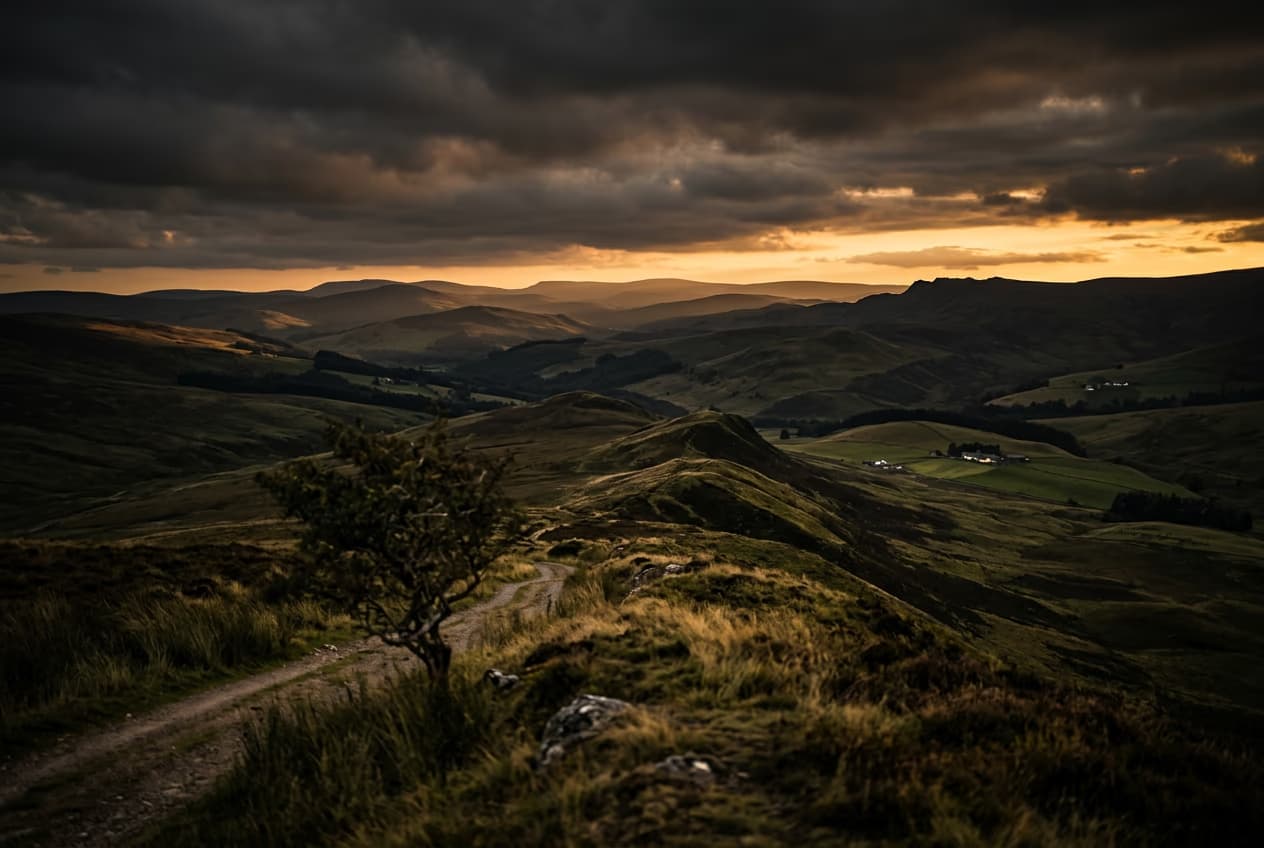
How to expand images beyond their borders with AI preview
Image editing

How to expand images beyond their borders with AI

4 minBeginner

Upscale low-resolution images to HD with AI preview
Image editing

Upscale low-resolution images to HD with AI

3 minBeginner
Edit any part of an image with text prompts preview
Image editing

Edit any part of an image with text prompts

4 minIntermediate
Xem tất cả các hướng dẫn