Create quality backgrounds for free with the AI Background generator
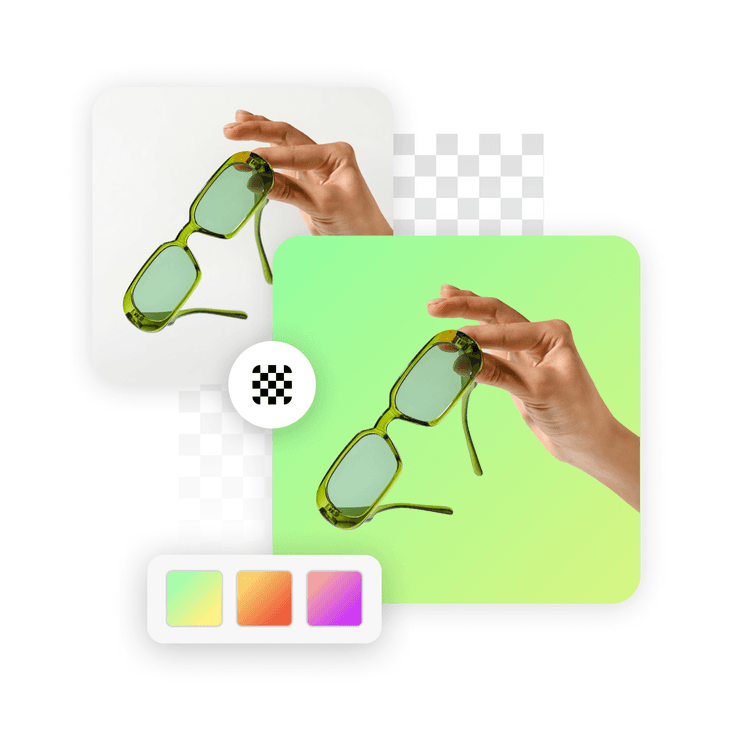
Tap into Picsart’s AI Background tool to generate high-quality, realistic, and customizable AI backgrounds
that are custom-tailored to your image subject.

Instant background generation
Get a new background in seconds with the AI background maker.

Variety of background styles
Unlimited ways to express your creativity with various background styles to choose from.

High-quality downloads
Export your AI-generated backgrounds in a crispy clear quality.
Instantly replace backdrops with custom AI Backgrounds
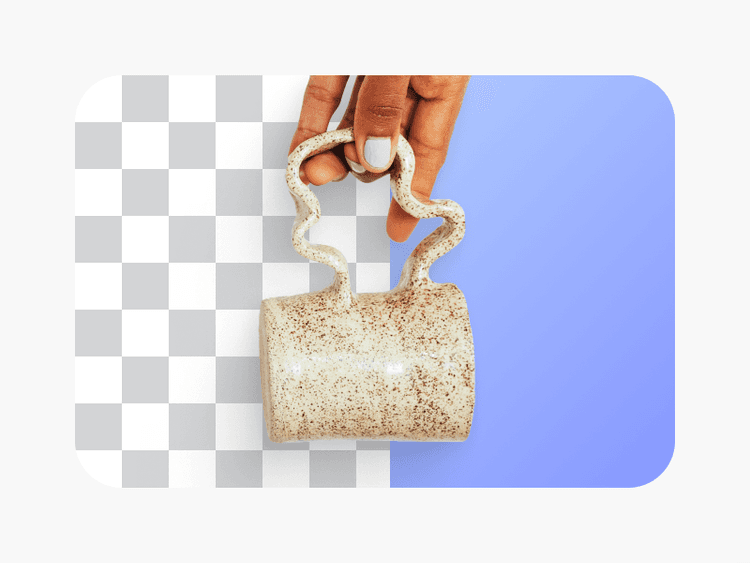
Sometimes you can spend hours searching for the right visual and still end up empty-handed. With AI, that’s a problem of the past. Now, it’s easy for everyone to create backgrounds from scratch without having to draw or manipulate anything manually. Just upload your image and describe a vision in a few words, and Picsart will make a background specifically to replace the existing one using generative AI.
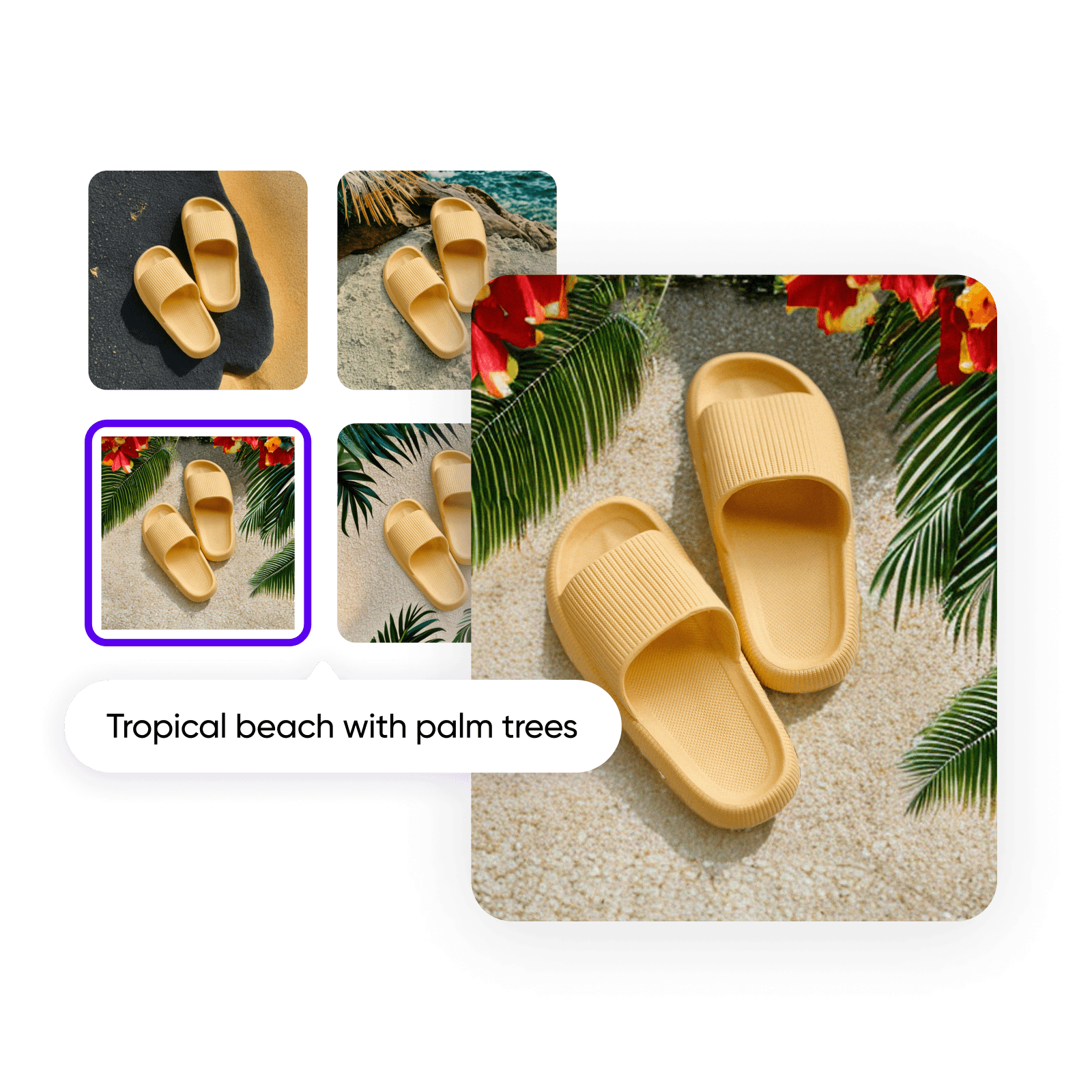
DIY studio-level visuals with custom AI Backgrounds
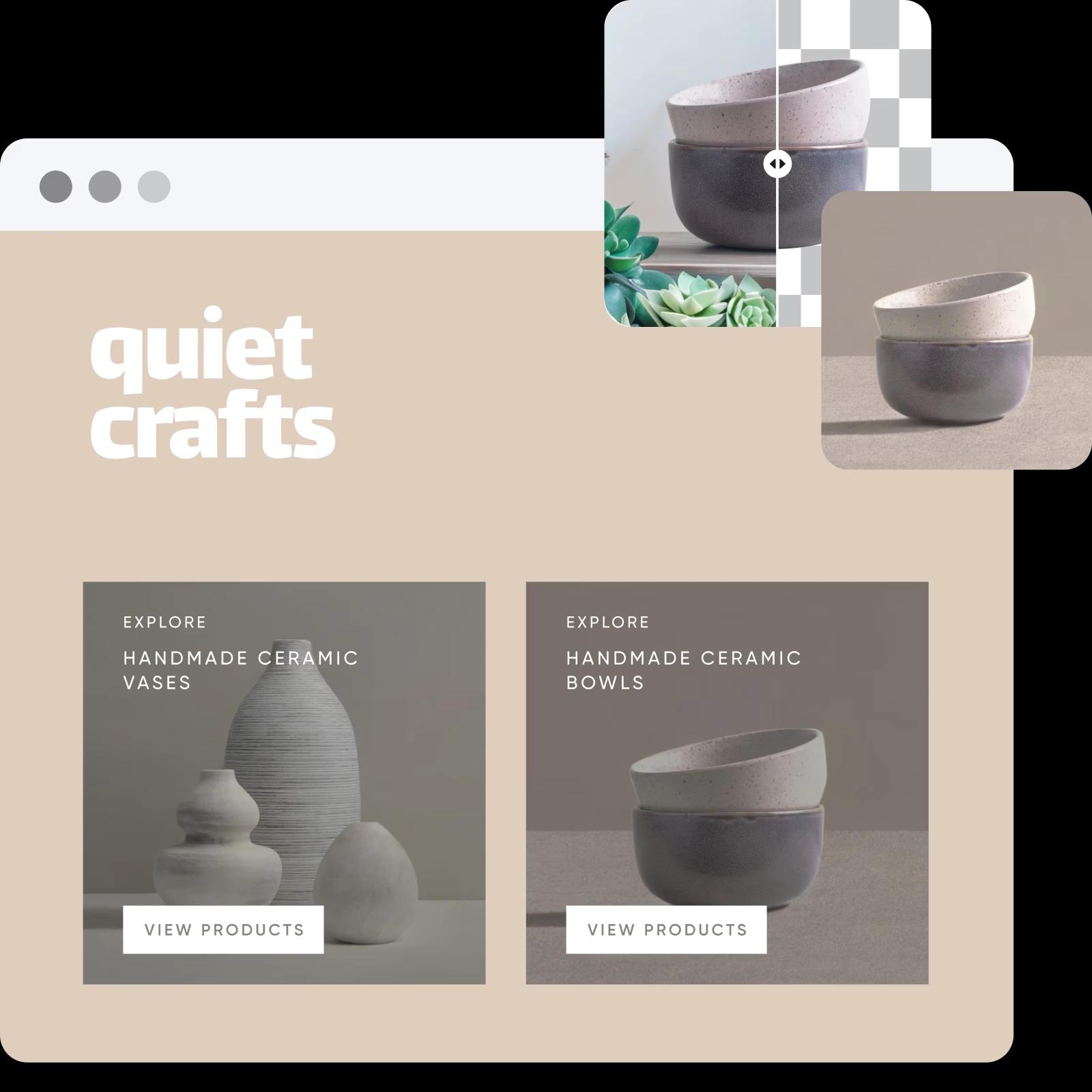
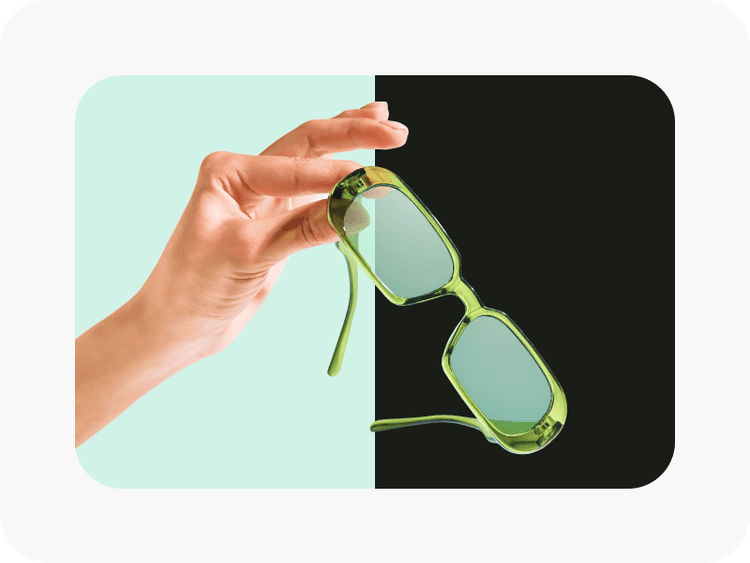
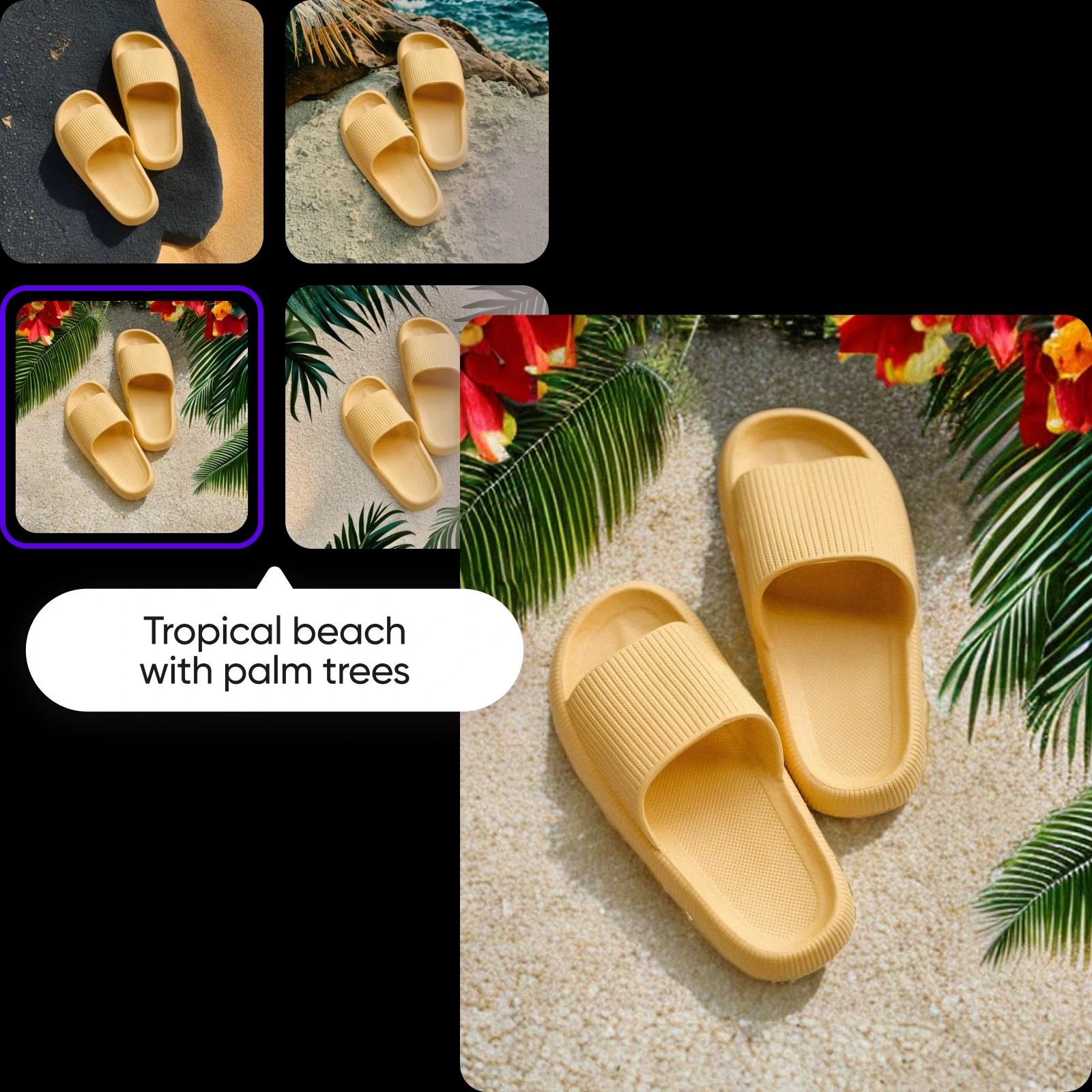
You don’t need expensive photoshoots and stock photography providers when you can create studio-level photos by just using your phone camera and Picsart. Turn casual photos into scroll-stopping product shots and promotional materials with an AI Background Generator. Create hyper-realistic and contextual backdrops of varying reusable styles to elevate your product photography, social media ads, portraits, and more.
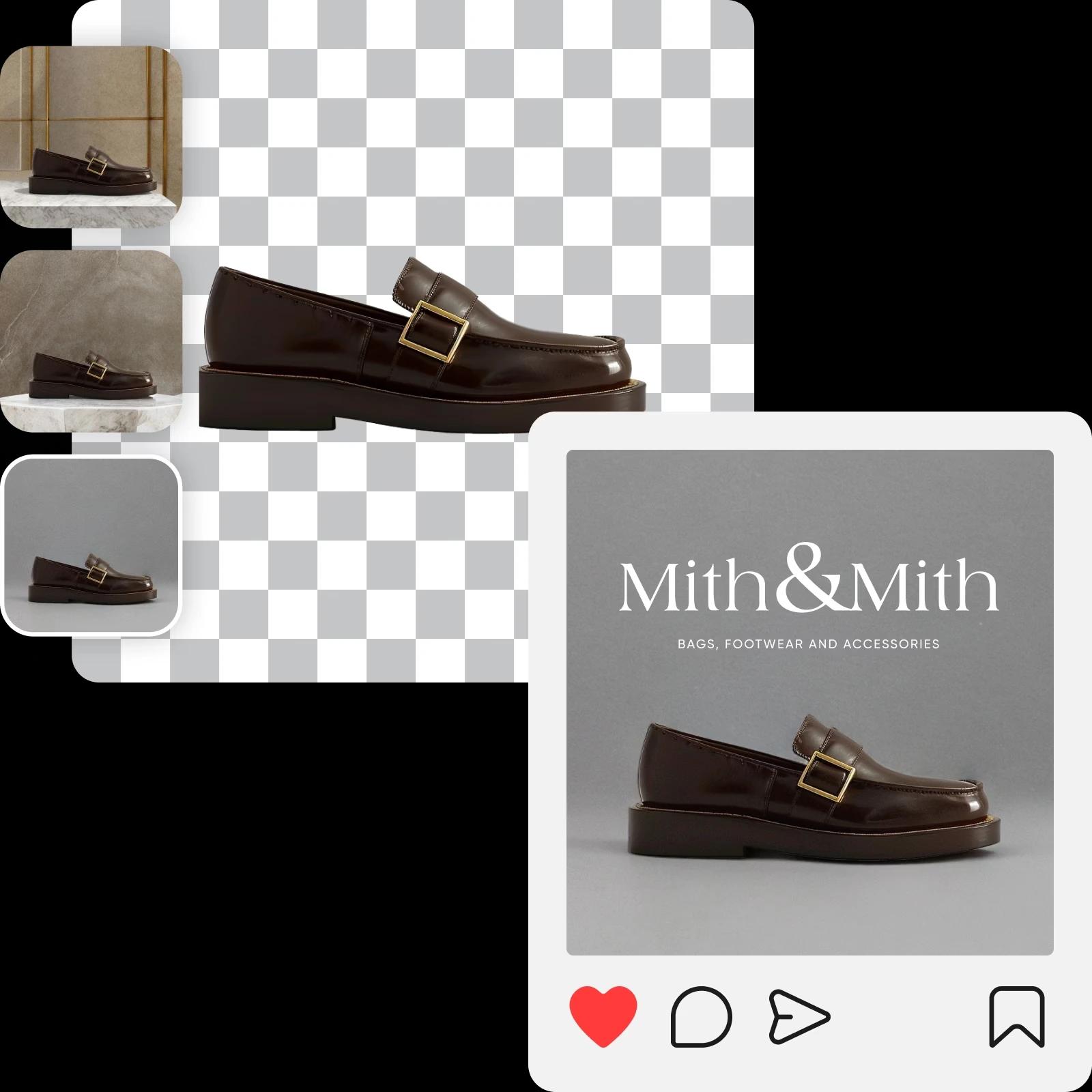
Get a peek at what’s possible with the background creator
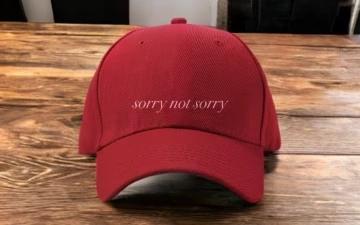
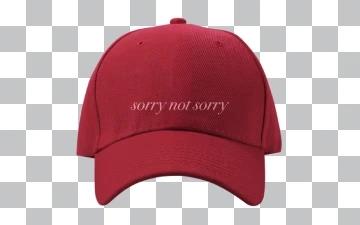
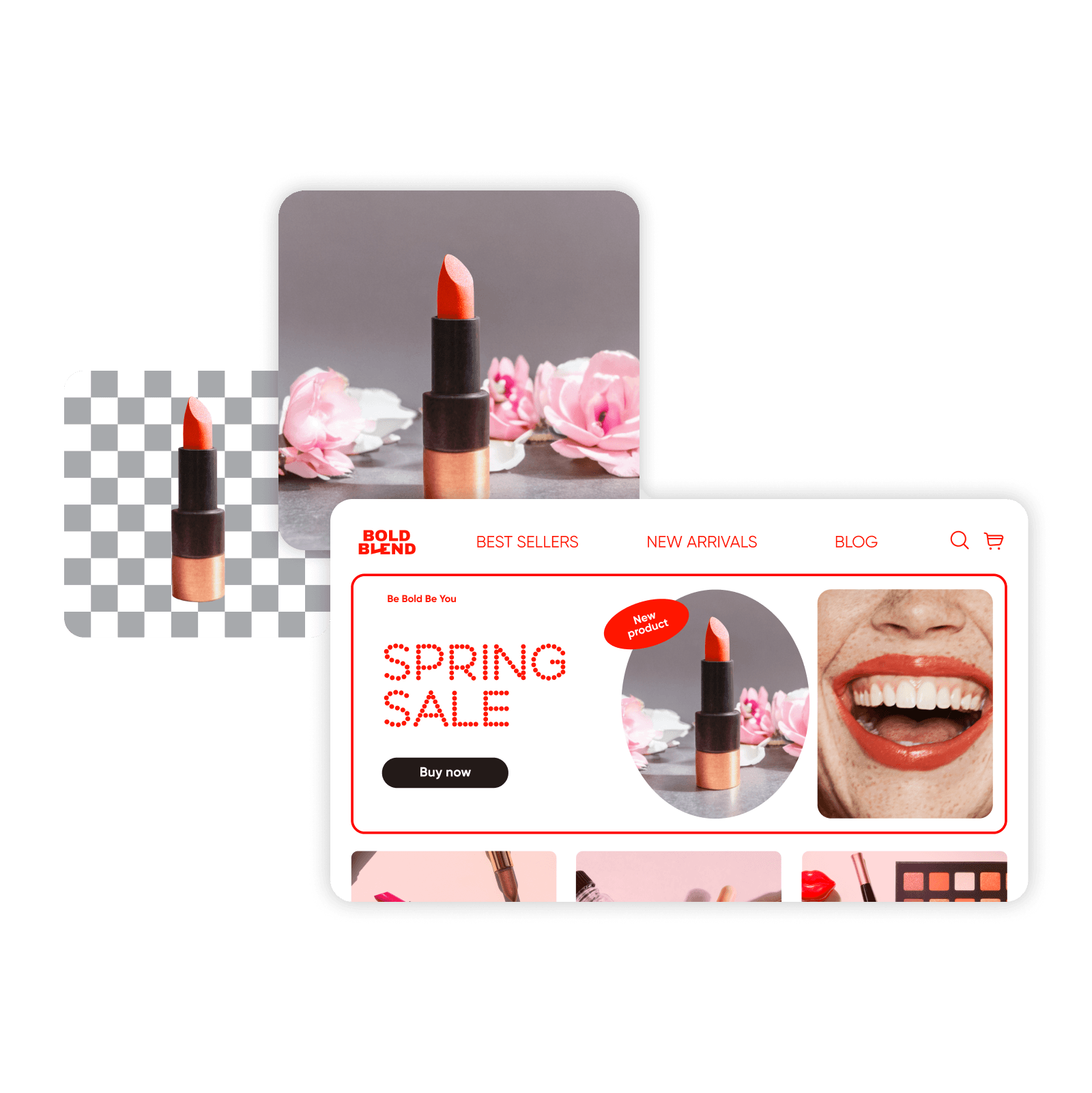
Save cost by crafting quality e-commerce shots with generated backgrounds
Physical product photoshoots tend to have lots of bells and whistles involved: photographers, lighting, camera equipment, set props, studio, etc. Skip all of it and save budget and time by using the Picsart AI Background changer to create quality backdrops for product shots. Leave it to AI to generate display sets that effectively showcase your product without taking away attention from what’s important.
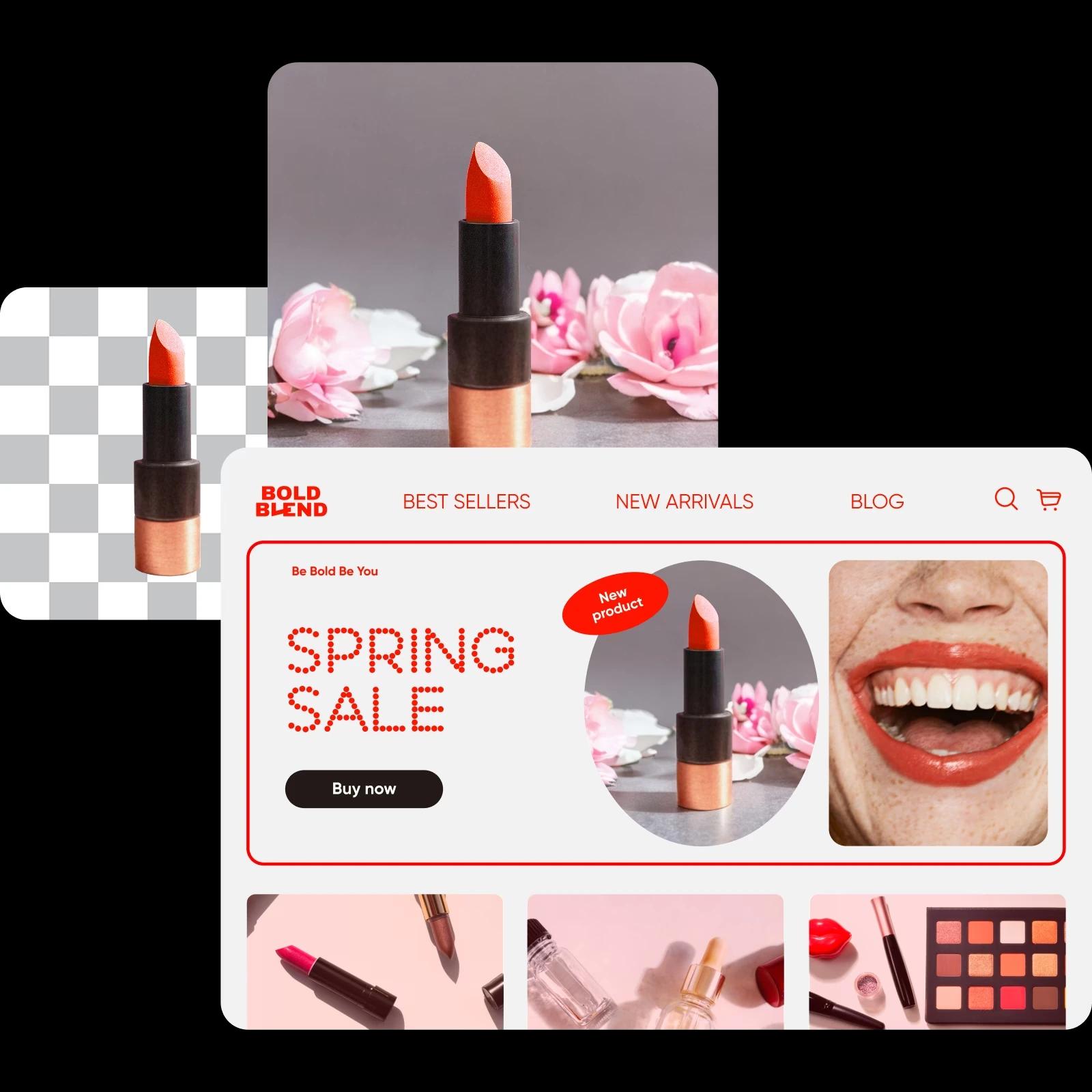
Get instant background suggestions for your product
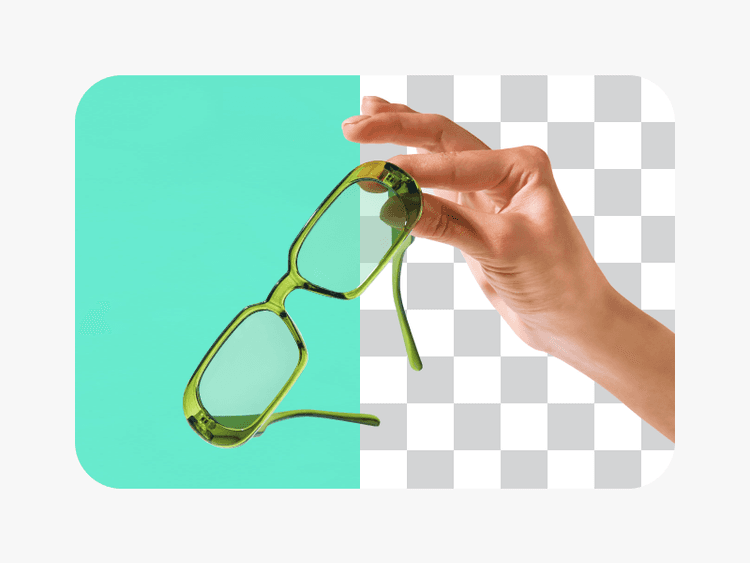
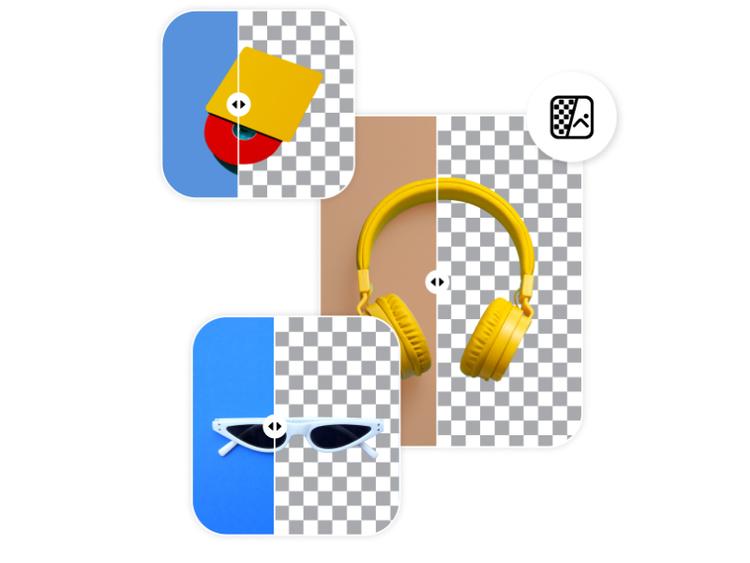
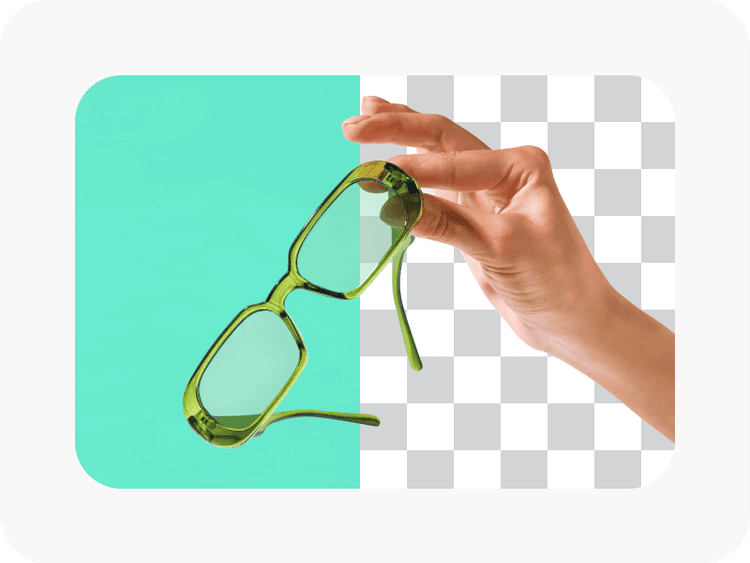
Speed up your visual content pipeline with instant auto-background suggestions. Get quality results without even typing anything in the prompt box. Just upload your product picture and let the background maker handle the rest. Spend significantly less time on your e-commerce product photography prep with automatic background removal and contextual background generation.
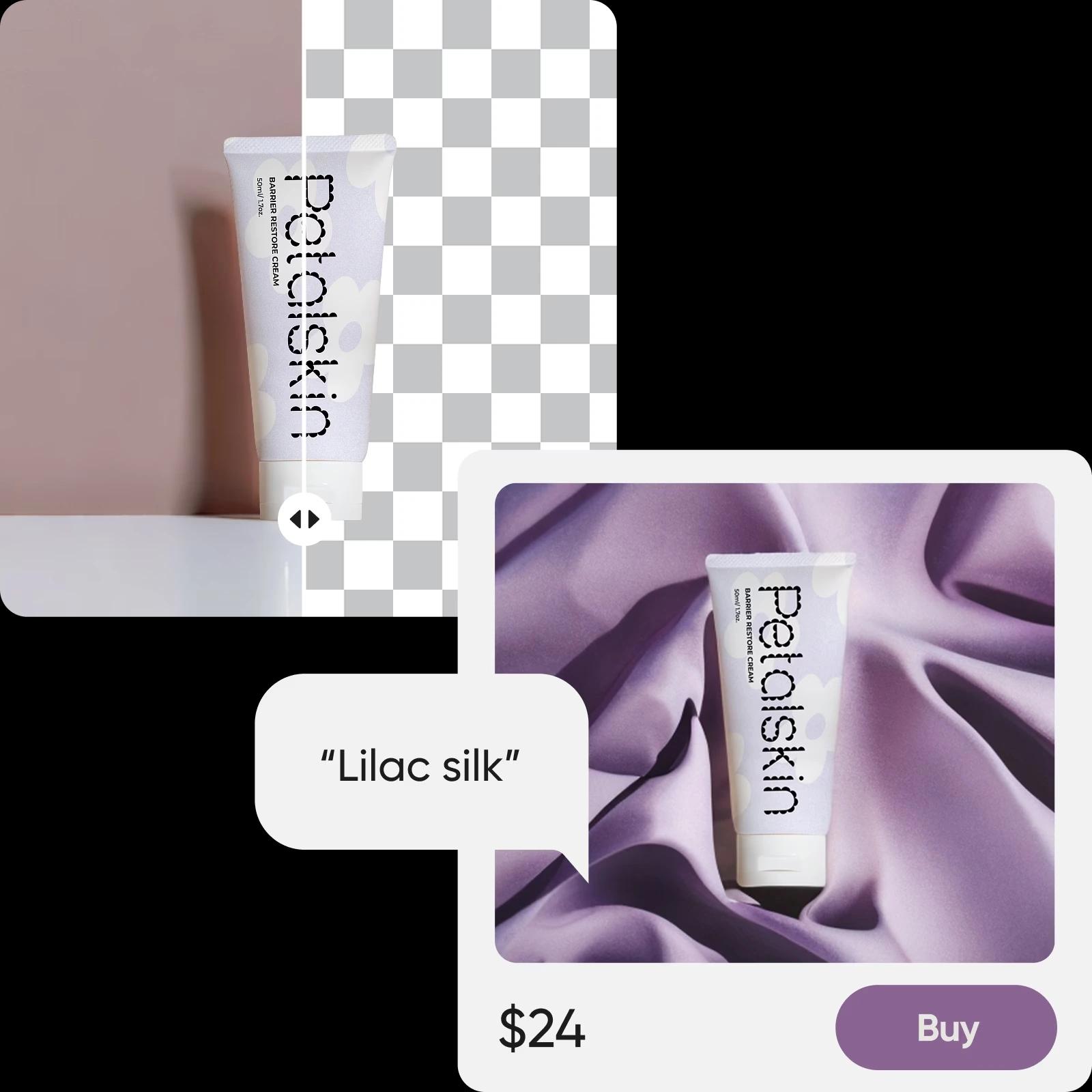
Generate AI backgrounds that go well with your branding
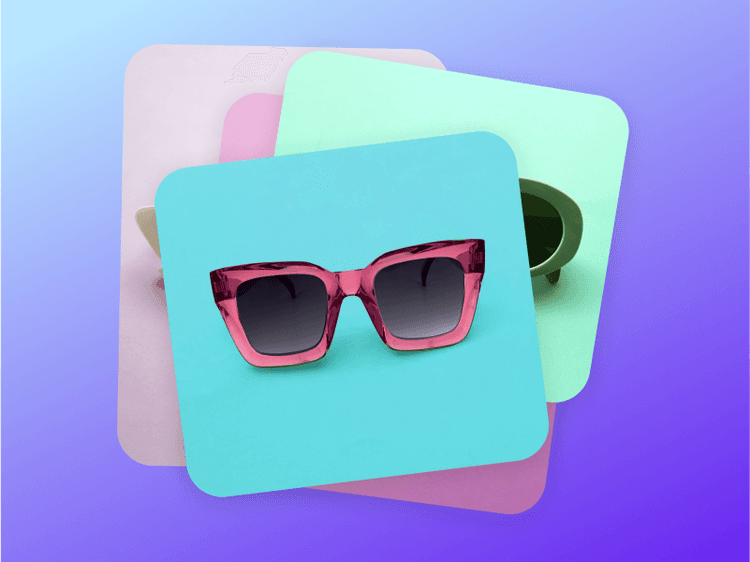
The sky’s the limit when it comes to creating backgrounds of different styles. Describe your brand style direction in the prompt box or use pre-generated options for instant results. Quickly sift through various styles for the same product photo to see what works best with your brand. Want an e-commerce shot on a product stand with a minimalistic pink background? Or something more casual like a dark marble kitchen countertop setting? AI can do it all.
Maintain a consistent style across product listings
Want to keep a harmonious look across your product visuals? Experiment with different AI background styles and once you find something that works for your brand, reuse the prompt on other images to speed up the process even more!
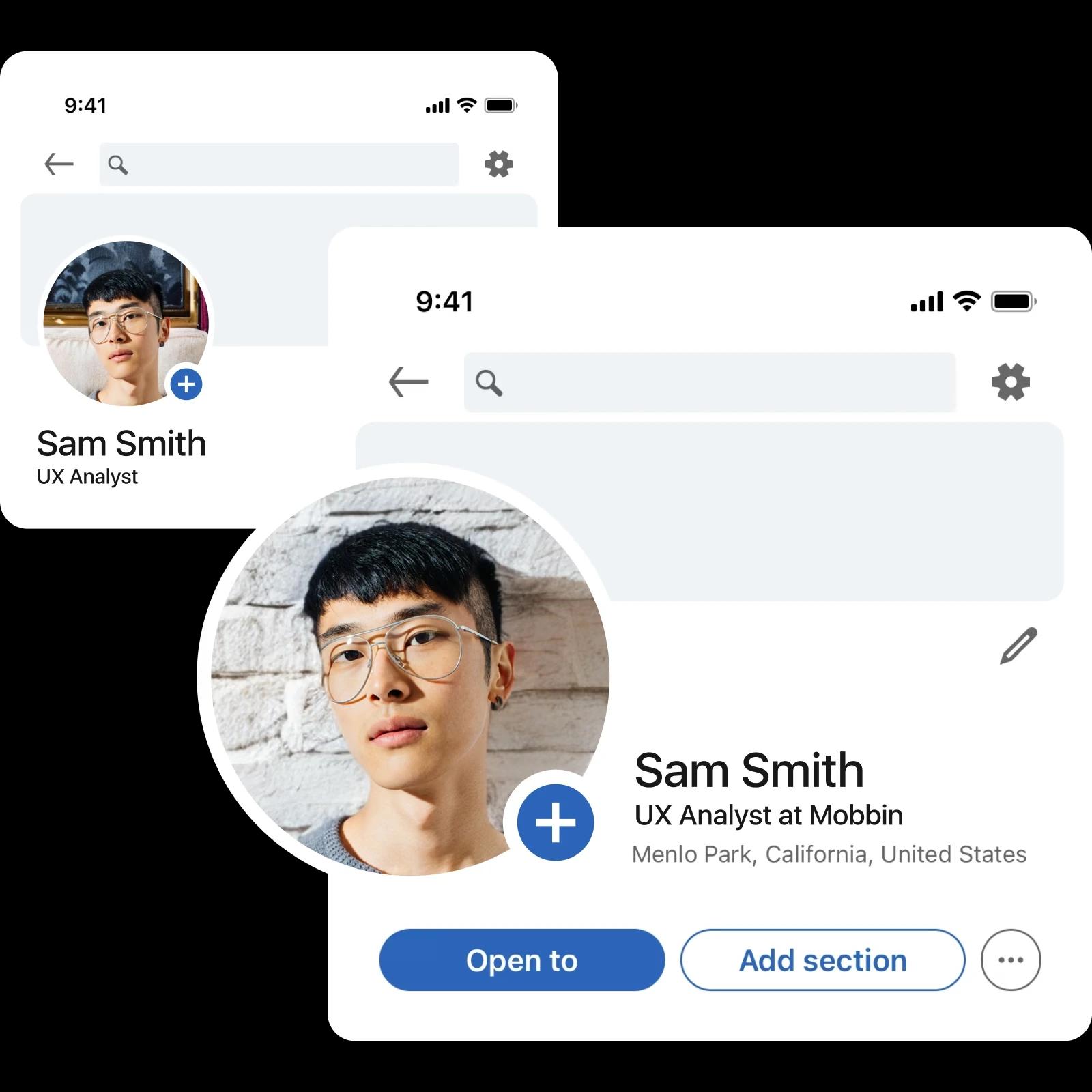
Create backgrounds for profile pictures
Look unique on the internet by creating backgrounds for your profile picture. Use AI Background as a custom photo background maker and get a fascinating backdrop for your portraits. Why not “pose” in front of van Gogh’s Starry Night? Or a plain studio environment background for a more polished and professional portrait to will win the recruiters’ hearts?
Discover Picsart’s Background tools
Go beyond AI-generated backgrounds with Picsart
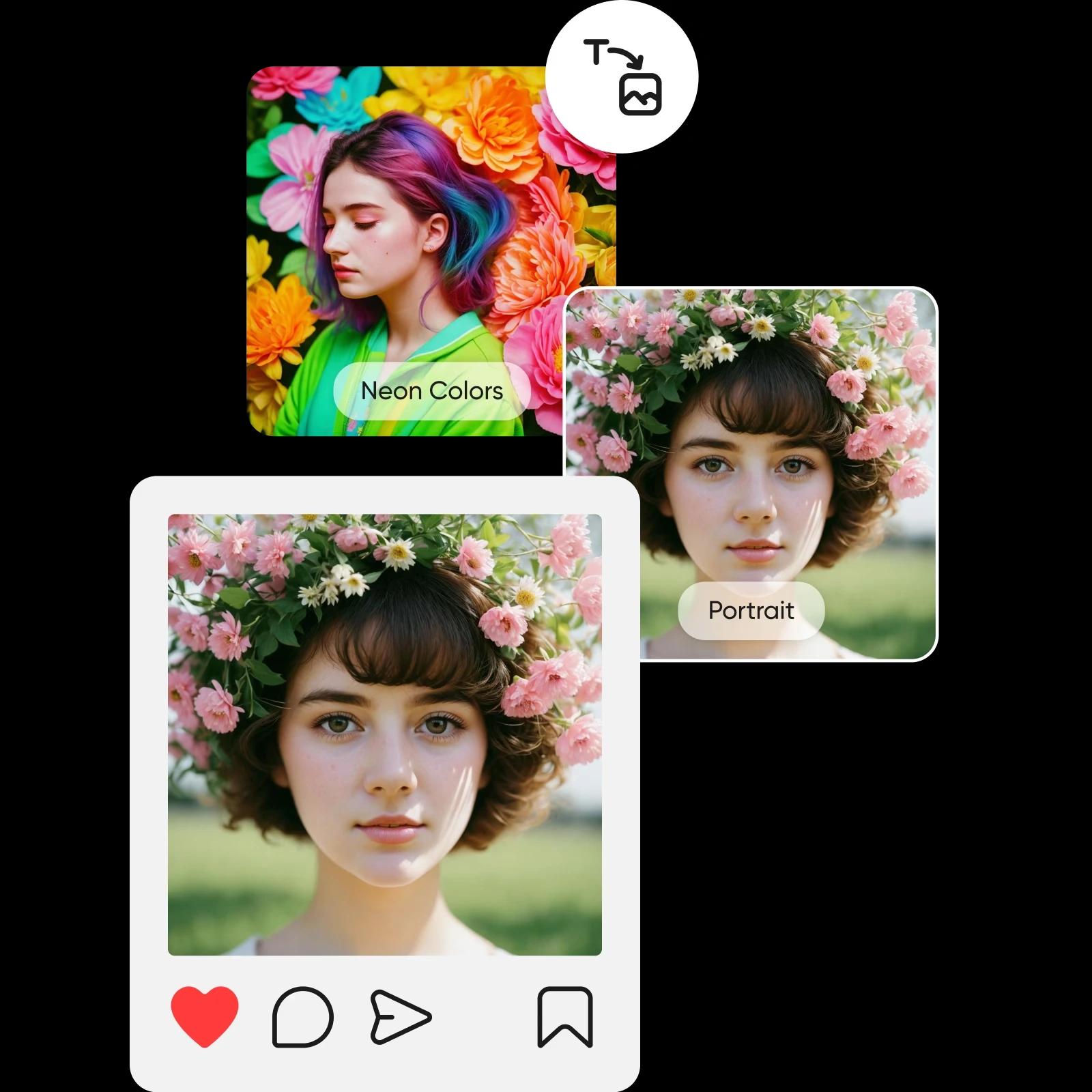
Supercharge your visual creation pipeline with AI-powered photo editing tools. Do anything from enhancing image quality to creating AI art, wallpapers, AI avatars, and more! All this built into one, convenient interface so you don’t have to jump between tools.
How to generate a background
Upload your image
Select the image you’d like to change the background of.
Pick a background style
Customize
Download
Create backgrounds for images with AI Background
Create visuals that stand out with a state-of-the-art background maker. Describe your vision in a couple of words and generate backgrounds based on the subject of the photo.
AI Background Generator FAQs
An AI background creator uses AI Image Generator technology to create custom AI-generated backdrops.
You can try the AI background generator for free with a limited amount of free generations. Afterwards, you'll need a Picsart subscription. For an up-to-date information, check the Pricing page.
On average, it takes 18-19 seconds to create AI-generated backgrounds, but this time may vary depending on your internet connection.
To bring your pictures to life with creative backgrounds, you’ll need to upload images below 4 MB.
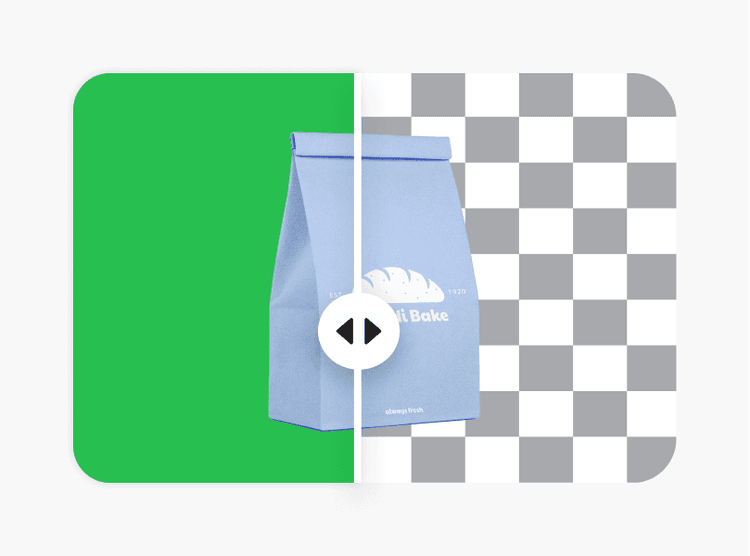
Yes, your image should have some transparency to generate backgrounds. Even minimal transparency will be enough.
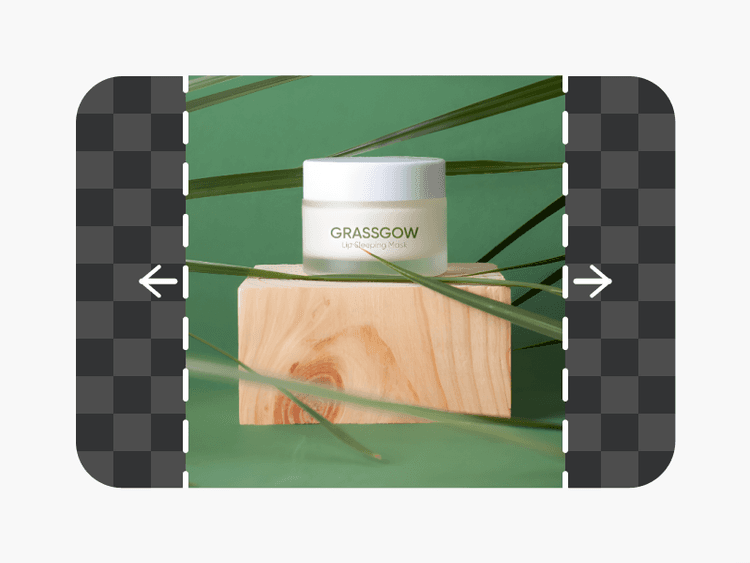
All file formats are supported. Picsart also makes images square, with a maximum size of 1024 x 1024 pixels.
See it in action in this Editing Lab episode
Follow along with this detailed tutorial from Picsart’s YouTube channel to master your editing skills. Start creating incredible visuals today with expert guidance that breaks down every step of the process.
Picsart in the press