Unpixelate Images online with Picsart
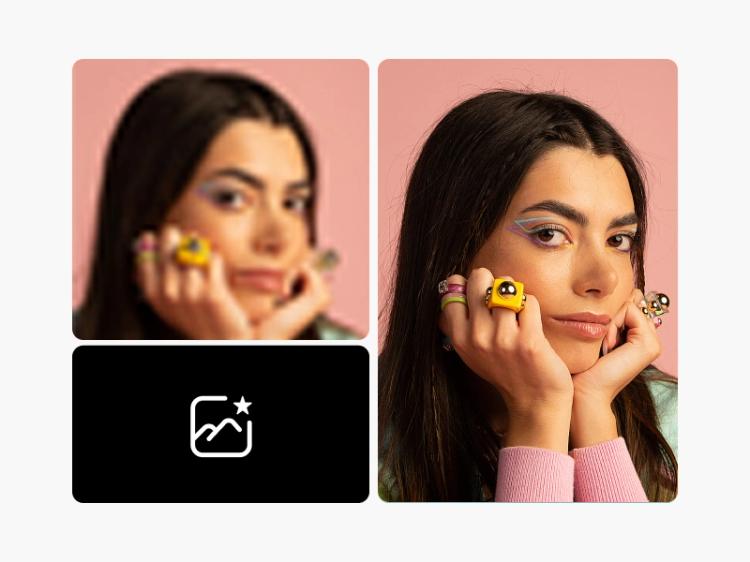
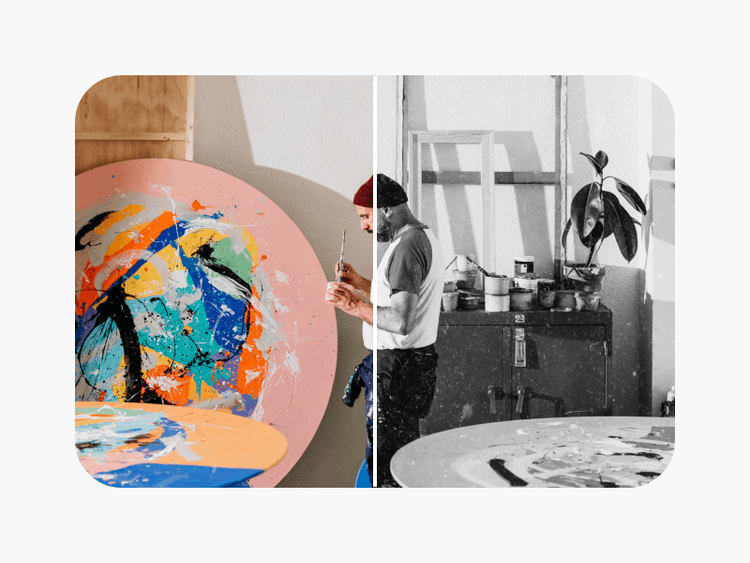
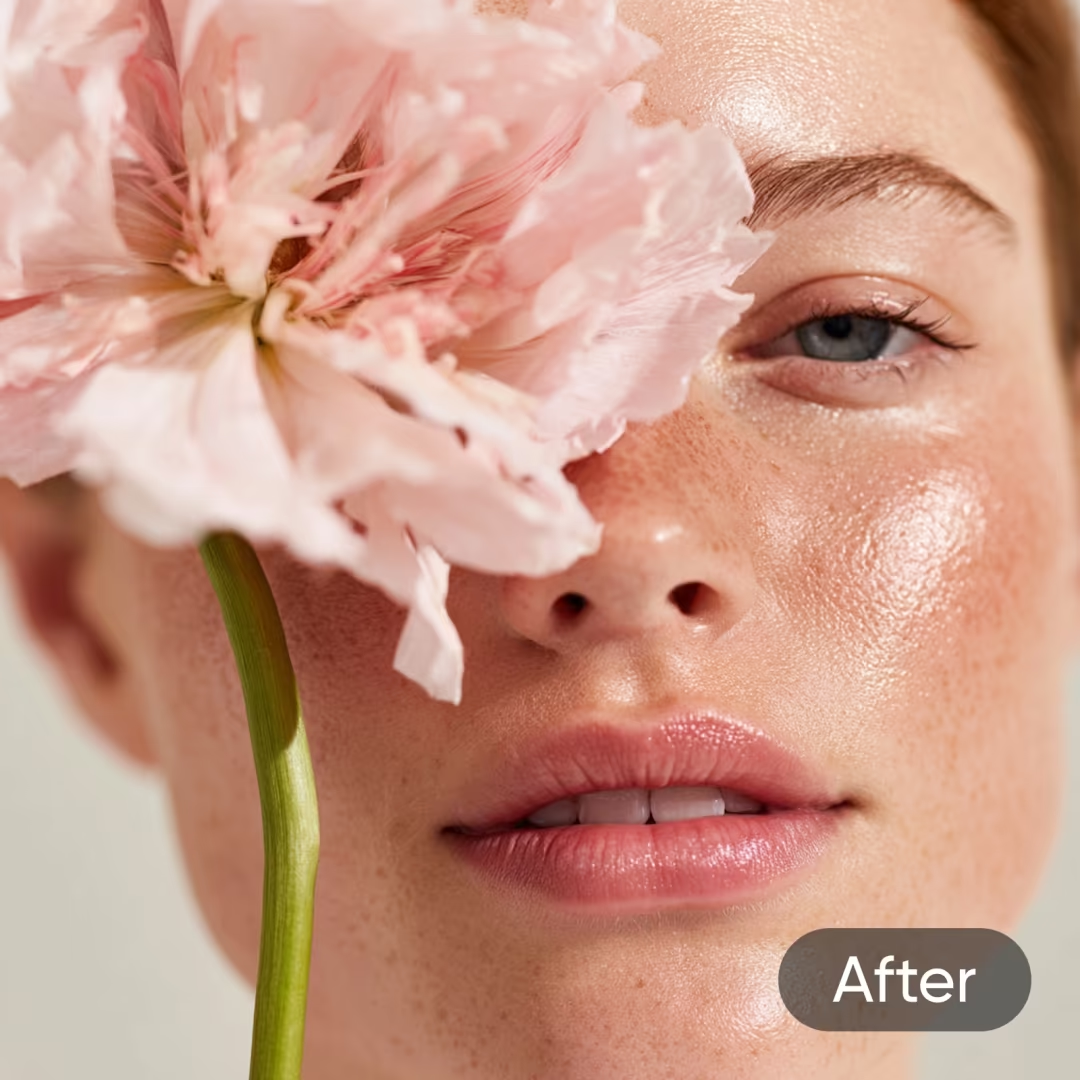
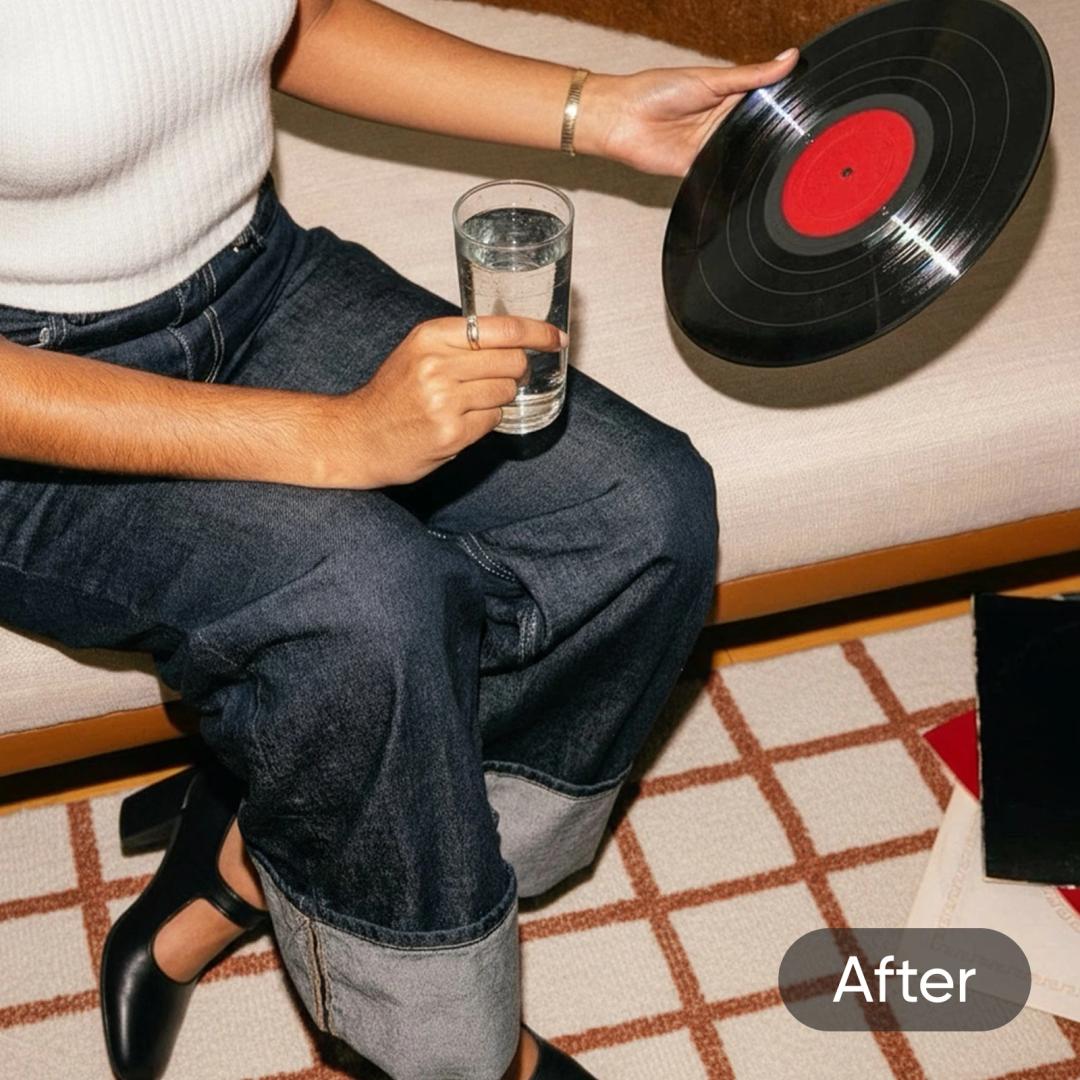
Unpixelate image files and polish up even the smallest details to a high shine with trailblazing AI technology in seconds - all in a single step.


Instant image depixelizer
Remove pixels from image files in a split second.

Batch depixelation
Quickly unpixelate multiple images in one go with Picsart’s Batch Editor.

AI-powered image clarity
Depixelate images automatically with Picsart’s state-of-the-art AI.
How to unpixelate an image
Upload an image
Use the Browse files button in the header to upload your image.
Preview the result
Customize further
Download
Upload and fix pixelated images fast
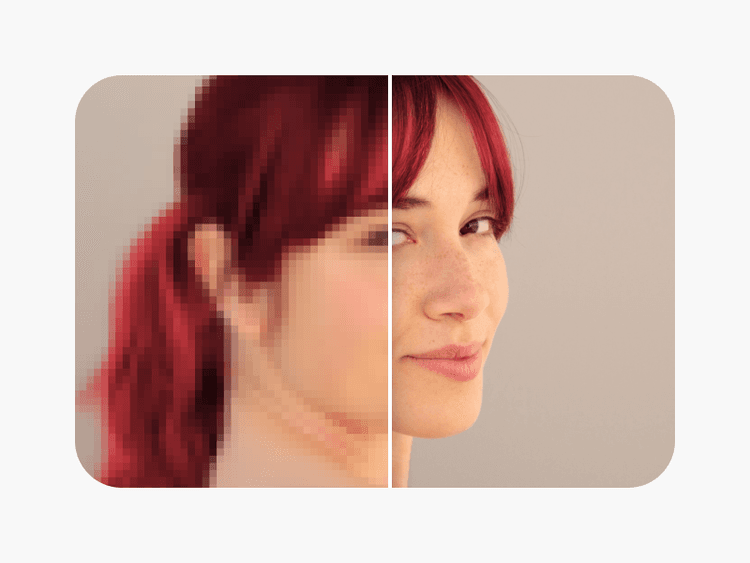
Remove pixels from image files and uncover the hidden details in your photos in an instant! Use Picsart's picture pixel remover to enhance photo quality and give your images new life with little to no effort on your end.


Enhance, restore and Unpixelate Images with AI
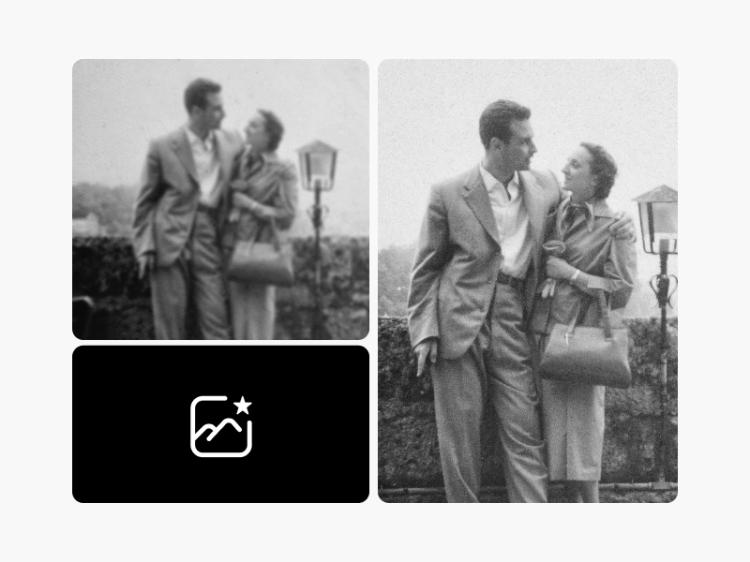
Picsart's AI-powered image depixelizer lets you improve resolution, sharpen images, and enhance the overall quality of your photos. The intuitive, fast-processing AI can detect and remove pixels from image files automatically. Unblur images and restore old family photos to relive your precious memories as if they were taken just yesterday.


Unpixelate Images in batch
Got a ton of old, pixelated family photos that you want to restore? Depixelate up to 50 of them easily with Picsart's Batch Editor. Simply upload your photos and let AI do its thing. It'll detect pixelated parts, reduce blurring, touch up details, and deliver your unpixelated image files!
Remove pixelation for e-commerce storefronts
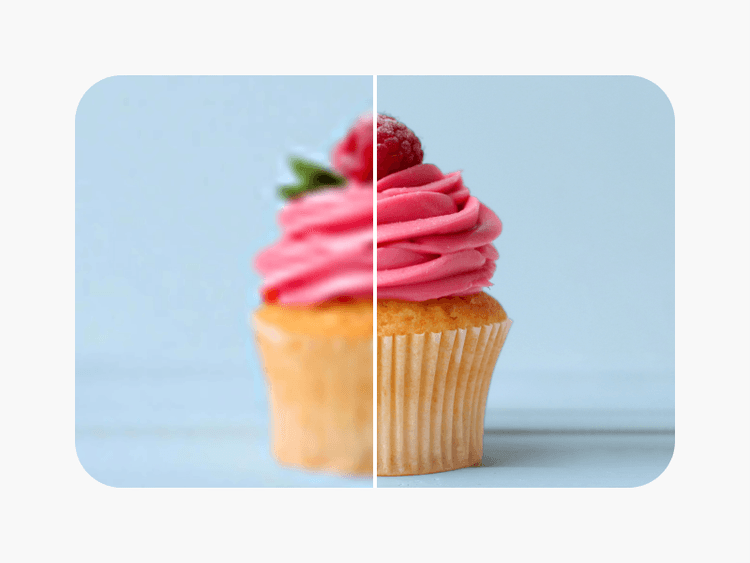
Enhance your e-commerce presence by unpixelating product photos with the image depixelizer tool, ideal for online stores, catalogs, and marketing material. Ensure a sharp product presentation and give your online storefront a professional look. Create striking before-and-after photos that bring your products and services to center stage.


Unpixelate Images for social media
Kick your social media presence up a notch with Picsart's depixelating tool. Raise the bar with first-rate posts, ads, and presentations. Remove pixelation in any image and get it ready for large-format advertising - without losing an inch of quality. Maximize the impact of your visuals with images that are crisp, clear, and unpixelated.
Keep finessing with Picsart’s AI photo editor
Access an all-inclusive set of tools with Picsart’s AI photo editor. Conveniently perform easy tweaks like flipping images, to more complex edits like expanding your image beyond its original borders with the image extender tool. All this and so much more, available to you in a convenient online interface that doesn’t require any downloads.
Pixel remover FAQ
By unpixelation or depixelation, we refer to the process of putting pixelated images back together and restoring them. Images can get pixelated for different reasons, whether intentional or unintentional.
The easiest way to unpixelate image files is using a tool like Picsart’s picture pixel remover. It’s AI-based, efficient, and saves time.
It takes a matter of seconds to unpixelate photos with Picsart. Exact times can vary depending on your internet speed.
Yes. Picsart’s tool can depixelate image batches that include up to 50 images.
Picsart’s tool allows you to unpixelate a picture with just 1 click through a user-friendly interface. It’s fast and easy to use.
More tools to love from Picsart