ஏ.ஐ. பட மாடல்களுடன் பேனர்களை உருவாக்கவும்
முகாமை பேனர்கள், சமூக தலைமைகள், மற்றும் துணிவான விளம்பர பிம்பங்களை உருவாக்க பட மாடல்களைக் க்கு.

தனிப்பயன் செய்யக்கூடிய பேனர் வடிவங்கள
ஏற்கனவே தயாரிக்கப்பட்ட அமைப்புகளைத் தேர்ந்தெடுக்கவும் மற்றும் விரைவாக ஒரு பேனரை வடிவமைக்க தனிப்பயன் விவரங்களைச் சேர்க்கவும்.

ஆயிரக்கணக்கான வடிவமைப்புப் பொருள்களுக்கான அணுகல்
உங்கள் பேனர் வடிவமைப்புகளை சிறந்த நேர் பின்னணிகள், பொத்தான்கள், மற்றும் மேலும் பலவுடன் வளப்படுத்தவும்.

எந்தவொரு சந்தர்ப்பத்திற்கும் பொருத்தமான பேனர்கள்
வலைப்பதிவு, விளம்பரங்கள், கர்ப்பகால நிகழ்வுகள், தொழில்முறை நிகழ்வுகள் - ஒரு வரிசையிலான டிஜிடல் மற்றும் அச்சு பயன்பாடுகளுக்கான பேனர்களை உருவாக்கவும்.
ஒரு பேனரை எவ்வாறு மானிக்க வேண்டும்
பேனர் தயாரிப்பாளர் திறக்கவும்
ஆசிரியரைத் திறந்துவைத்து பயன்படுத்த ஆரம்பிக்க ஐப்பொ அன்று கிளிக் செய்யவும்.
ஒரு வடிவமைப்பு தேர்வுசெய்க
தனிப்பயனாக்கவும்
படங்கள் மற்றும் உரைச் சேர்க்கவும்
பதிவிறக்கம்
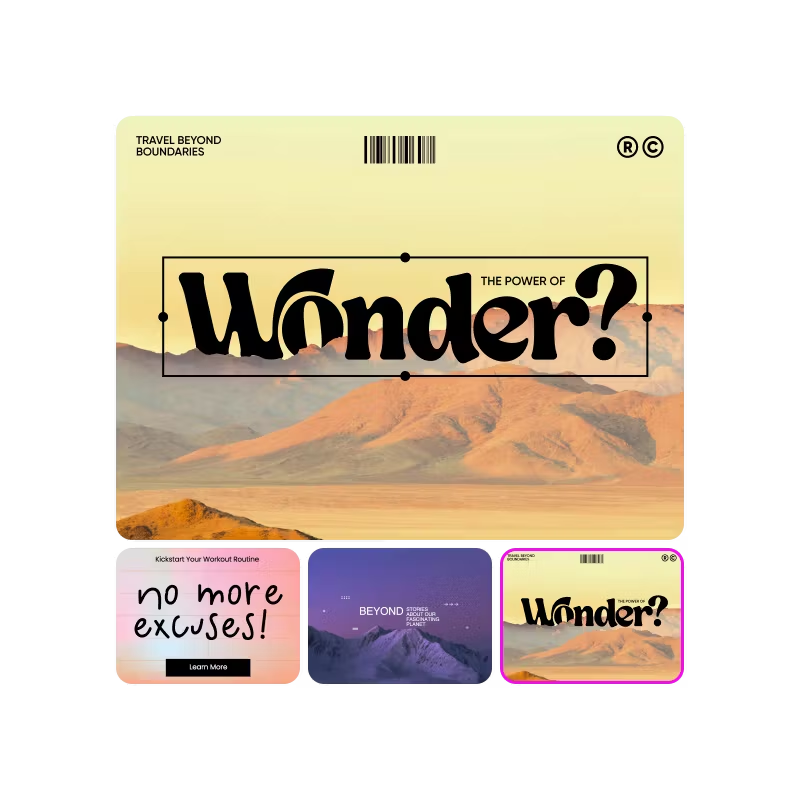
எல்லா தளத்திற்குமான பேனர்கள்
உங்கள் முகப்பு பக்கத்தில், நிலப்பகுதி பேஜ்களில் அல்லது பொருள்பேஜ்களில் வெறும் வரையில்லாமல் பேசும் பேனர்களுடன் கவனம் பெறுங்கள். ஒப்பந்தங்களை அறிவிக்கவும், புதிய வரவுகளை உறைப்புலிக்கும் அல்லது உங்கள் பிராண்டின் கதையைக் காண்பிக்கவும் நம்பிக்கையா...க்கமாகக் கூடிய, கிளிக் பற்றி பேனர்களாட்டீமைங்கள்.
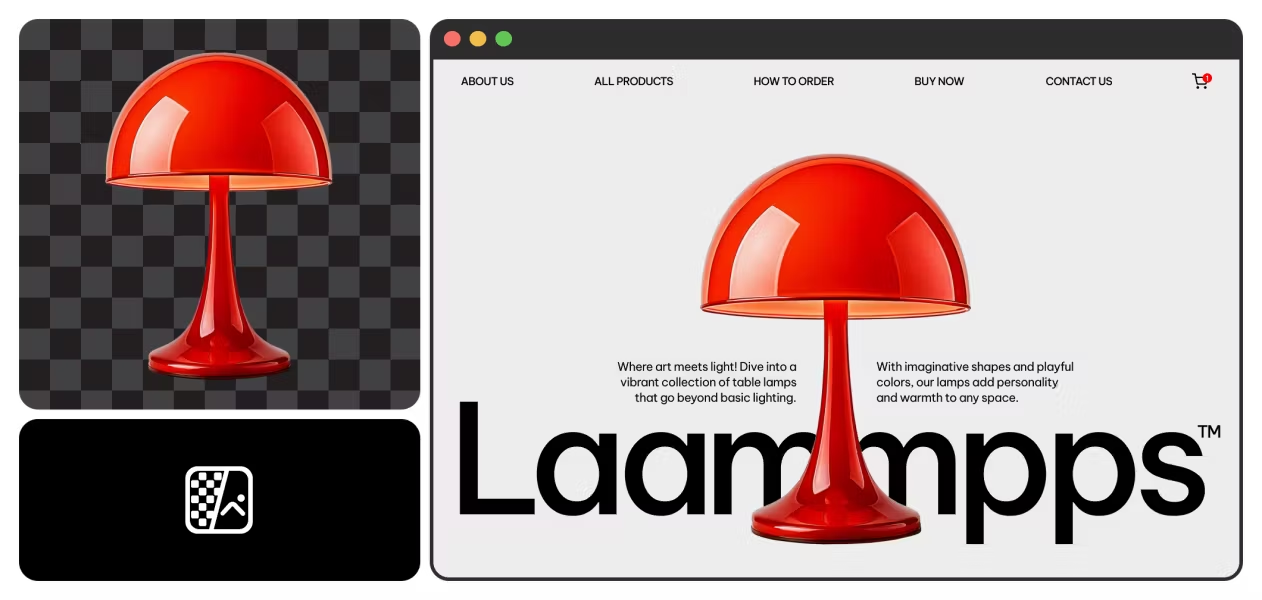
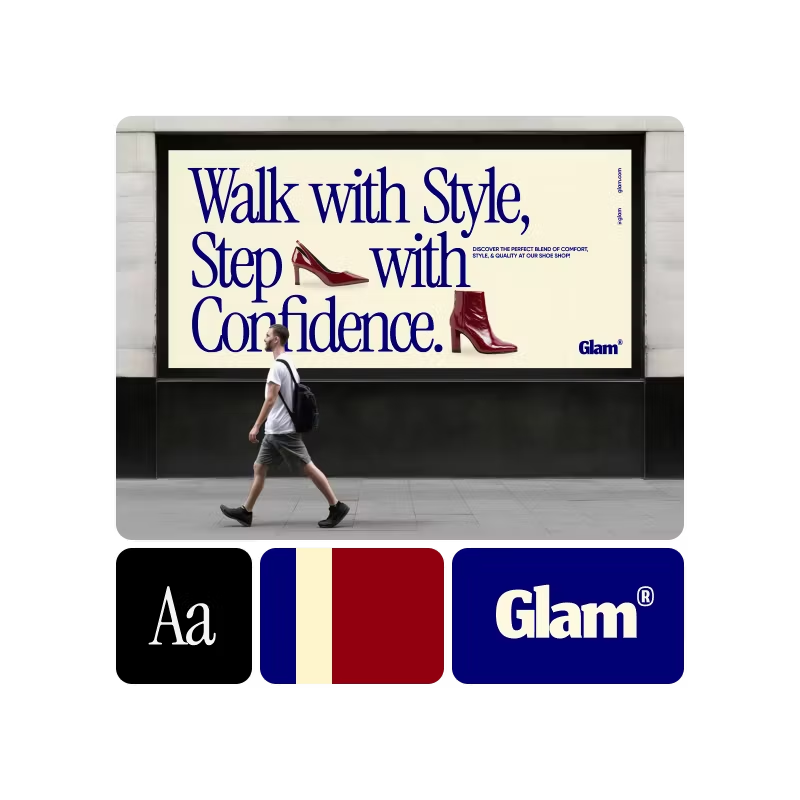
பானர் டெம்ப்ளேட்களுடன் உங்கள் வடிவமைப்பை ஆரம்பியுங்கள்
ஒவ்வொரு தளத்திற்கும் மற்றும் நோக்கத்திற்கும் வடிவமைக்கப்பட்ட தயாரான பானர் டெம்ப்ளேட்களை உலாவுக - சந்தைப்படுத்தல், நிகழ்ச்சிகள், விற்பனை, மற்றும் பல. ஒவ்வொன்றும் உங்கள் உரை, படங்கள் மற்றும் பிராண்டு வண்ணங்களுடன் விரைவாக அல்லக்கூடிய பானர்களை உருவாக்கும் முறையில் விரைவாக உள்ளமைப்பதரக்கூடியது.


பானர் தயாரிப்பாளர் கேள்வி பதில்கள்
ஒரு நல்ல பானரை என்ன செய்கிறது?
பானர் உருவாக்கியை பயன்படுத்த வடிவமைப்பு அனுபவம் தேவைப்படுமா?
மொத்தமாக இல்லை! திட்டமிட்ட அத்தனைக்கும் Picsart இல் பானரை அந்தமையில் உருவாக்குவது எவ்வாறு என்பதில் எடுத்துக்காட்டம் குறைந்த போது, எளிதில் அதன் அனைத்திற்கும் பயன்படுத்தக்கூடியதாக உள்ளது. இடைமுகம் எளிய பிழுவலையும் விடவும் கொடுக்கும் கருவிகளை கொண்டுள்ளது, அதிலும் அப்படியே புதிதான கருவிகள் தன்வரையா உள்ளமைக்கலாம். பல Picsart கருவிகளும் மற்றும் அம்சங்களும் அவற்றை எவ்வாறு பயன்படுத்துவது என்பதிலிருந்து விரைவில் புரிந்து கொள்ள எளிதாக உள்ளது.
என் பானர் வடிவமைப்பில் என்ன சேர்க்க வேண்டும்?
Decide what to include in a banner design by defining your goal. Is the banner promoting a product or event? Spreading awareness or brand recognition? Providing instructions or contact information?
The most important elements to include are a call to action and any information viewers need to follow through on the action. For example, if the goal is brand recognition, your banner should include a business name and a unique logo or brand photos. A tagline or brief text are useful for telling a story and generating interest in a product or service. Consider what message you want to convey and the action you want viewers to take, and work backwards from there.
Can I customize the banner dimensions?
Sure! When you edit a banner online in Picsart, it’s easy to change the dimensions by selecting Resize on the left sidebar. Create a custom size by adding the desired values in the dimension boxes, or choose one of the popular canvas sizes from the menu.
If you convert a design from a smaller to a larger size, you can use Picsart’s AI image extender to expand upon a small or lower-quality image so that it fits bigger canvases without distortion or loss of detail.
More tools to love


Design banners for brands, profiles, and campaigns
Pro
Alat AI untuk pekerjaan kreatif sehari-hari.
- Akses ke semua fitur pengeditan foto & video
- Penghapusan latar belakang & objek tingkat lanjut
- Pembuatan video paralel dengan model video AI paling kuat di dunia
- Pembuatan Gambar tak terbatas dengan Flex.2 Klein
- Peningkat gambar 1-ketuk
- Millions of stock photos & Getty video clips
- Pilihan font trendi, gaya teks & stiker
- Ribuan template premium
- Support for 3+ brand kits
- Bulk edit up to 50 images at once
- 100 GB of cloud storage
- 15+ creative AI agents that plan, execute, and deliver — across video, brand, localization, and more
- Buat konten secara otomatis dari terminal atau agen dengan Picsart CLI
- Use Picsart inside Claude Code, Cursor, and ChatGPT via MCP
Ultra
Penggunaan AI yang intensif untuk kreator & tim.
- 140+ leading AI video, image, and audio models (Kling 3.0, Nano Banana, Veo 3, Seedance 2.0 & more)
- Pembuatan video paralel dengan model video AI paling kuat di dunia
- Akses awal ke fitur AI canggih
- Pembuatan Gambar tak terbatas dengan Flex.2 Klein
- Opsi untuk membeli kredit tambahan yang tidak pernah kedaluwarsa
- Hingga 6,5 juta video stok Getty
- Bulk edit up to 100 images at once
- Support for 10+ brand kits
- Create ad variations & localize
- Lacak performa iklan
- Tambahkan kursi tim
- 300 GB of cloud storage per seat
- 15+ creative AI agents that plan, execute, and deliver — across video, brand, localization, and more
- Buat konten secara otomatis dari terminal atau agen dengan Picsart CLI
- Use Picsart inside Claude Code, Cursor, and ChatGPT via MCP