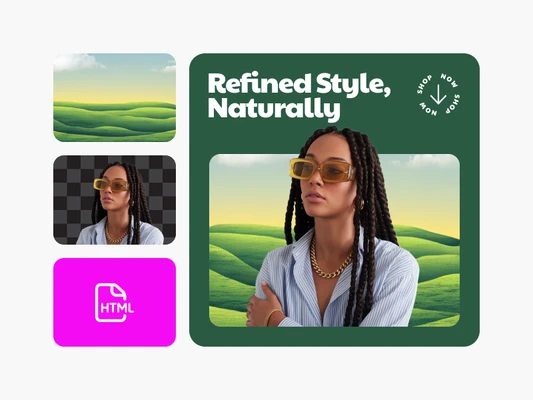
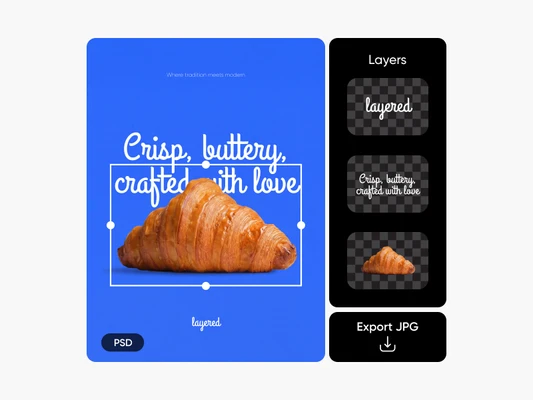
Publish instantly
Turn any design into a live, shareable portfolio website in seconds.

Skip technical steps
Remove hosting, templates, and configuration from your publishing process.

Share everywhere
Generate one link that works across email, social, and presentations.
How to publish a design portfolio website
Export your design
Complete your design and open the export menu.
Select publish as website
Add a title
Publish your page
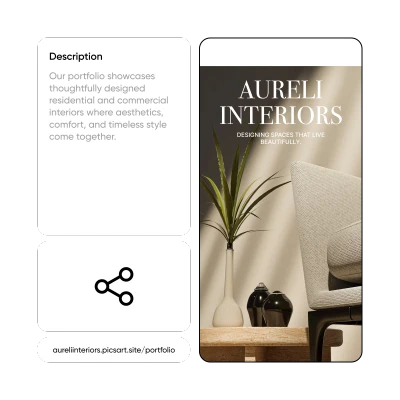
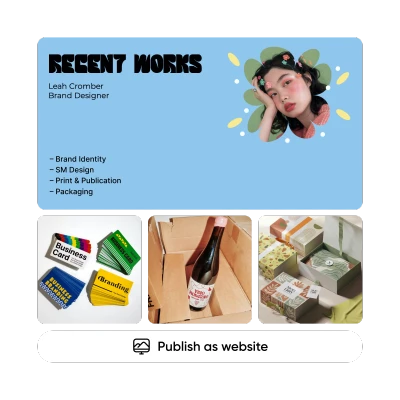
Share your work without limits
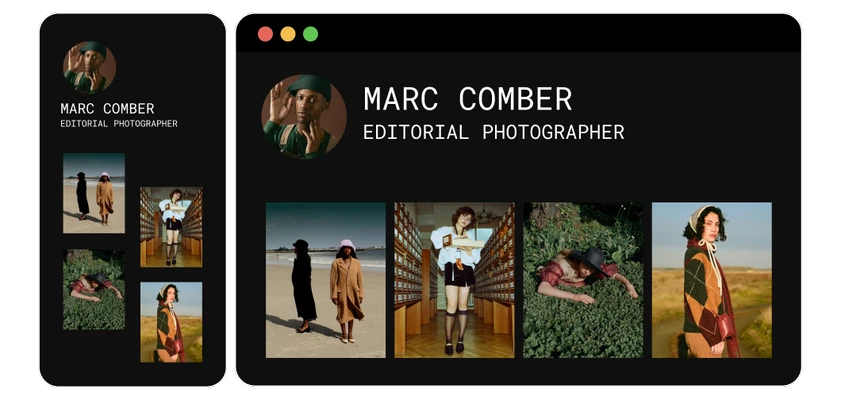
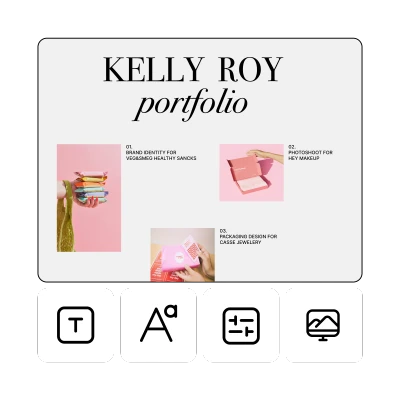
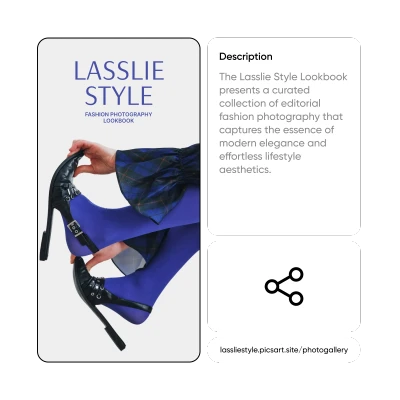
Create a focused design portfolio website from a single polished project.
FAQ Design portfolio website
Is Publish as Website the same as a website builder?
How do I create a design portfolio website?
Create your design in Picsart, open Export, and select Publish as Website. Add a title, confirm, and generate your live link. Your design instantly becomes a hosted design portfolio website you can share across email, social media, or client presentations.
Can I publish my portfolio without hosting?
Yes. Publish as Website hosts your page automatically. You don't need to buy a domain, manage servers, or use a separate portfolio website builder. Your design goes live as a shareable webpage the moment you publish.
Is Publish as Website free?
Yes. You can publish a portfolio online for free. There are no hosting fees or domain costs required to generate a live link for your design portfolio website.
Can I update my published page?
Yes. You can republish your updated design to the same link at any time. This allows you to refine your portfolio website design without changing the URL you've already shared.
What's the easiest way to share a portfolio online?
The easiest way is to generate a live link instead of sending files. Publish your design as a website and share one clean URL that works across email, messaging apps, social platforms, and presentations.
How do I turn a design into a shareable link?
Open Export and choose "Publish as Website." Add a title and confirm. The system instantly converts your design into a live webpage and generates a unique shareable link.
How do I share designs without emailing files?
Publish your design as a webpage and send the link instead of attachments. This keeps your work easy to access, mobile-optimized, and simple to review on any device.
Can I publish my mockup as a webpage?
Yes. Any completed design or mockup can be exported and published as a live webpage, creating an instant online portfolio website ready to share.