Create banners with AI image models
Use image models to build campaign banners, social headers, and bold promotional visuals.

Customizable banner templates
Choose a premade layout and add custom details to design a banner in a flash.

Access to thousands of design assets
Enrich your banner designs with expertly crafted backgrounds, buttons, frames, and more.

Banners perfect for any occasion
Blogs, ads, parties, business events—make banners for a range of digital and print applications.
How to make a banner
Open the banner maker
Select the Create now button to open the editor and get started.
Select a template
Customize
Add images and text
Download
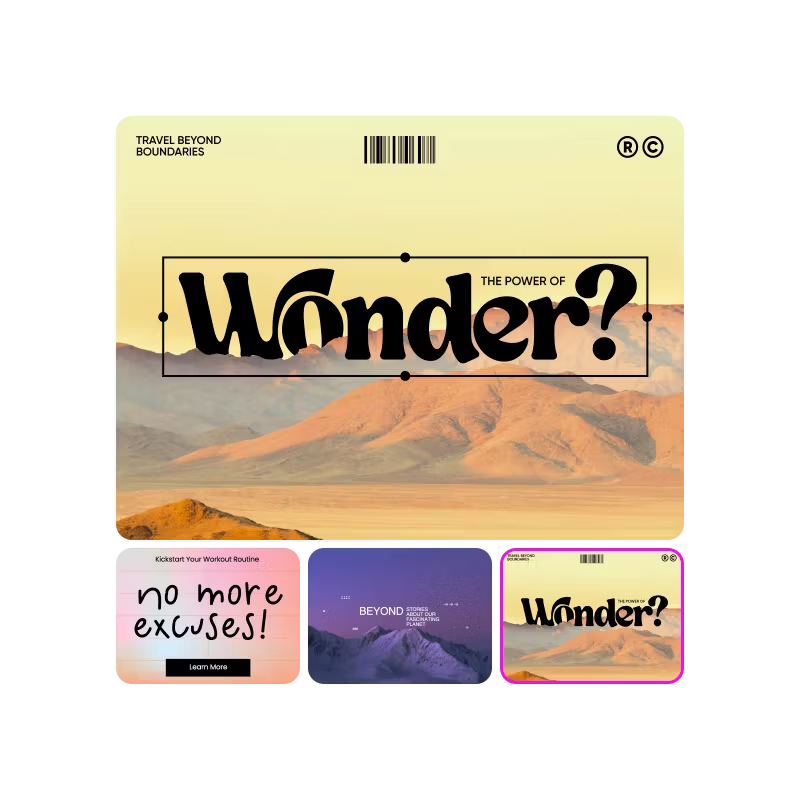
Banners made for every platform
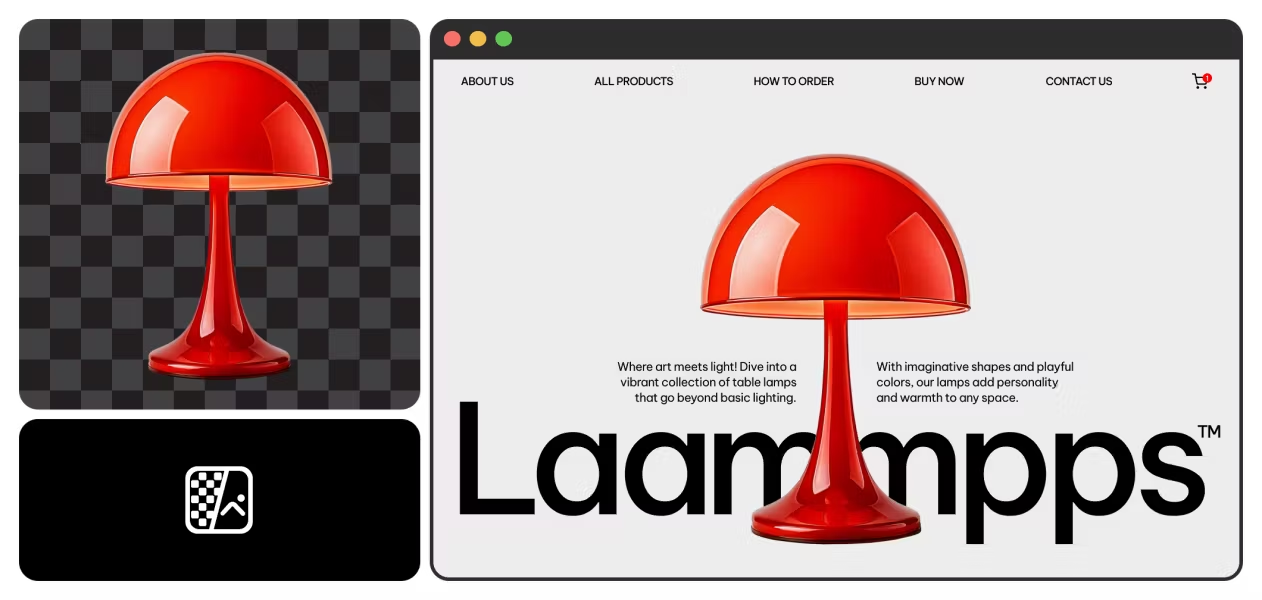
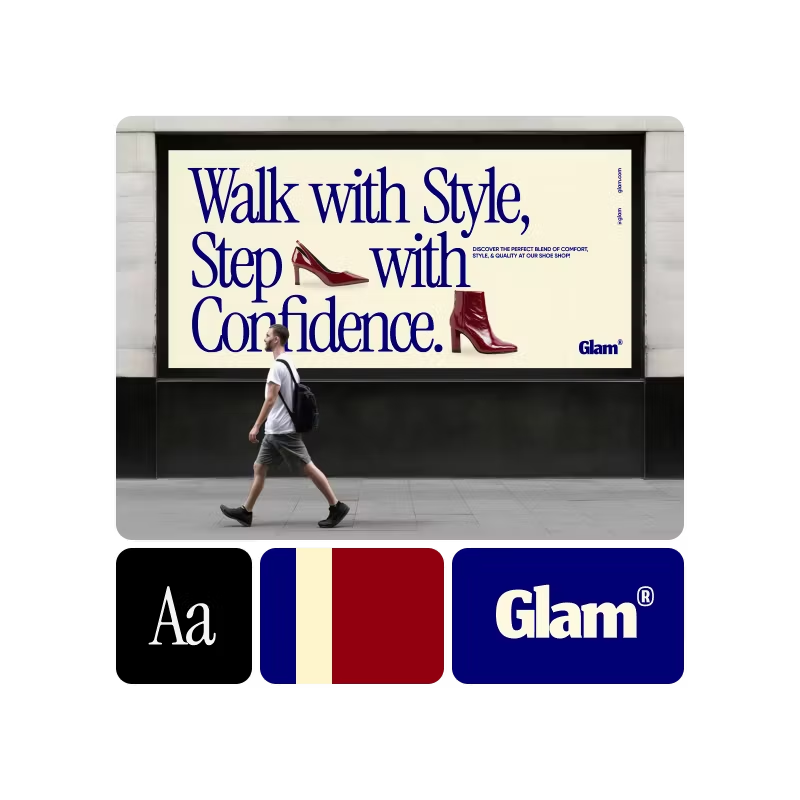
Grab attention with banners that fit perfectly on your homepage, landing pages or product pages. Announce deals, highlight new arrivals or showcase your brand story with bold, click-worthy designs.


Banner maker FAQ
What makes a good banner?
Do I need design experience to use the banner maker?
Not at all! Anyone can learn how to create a banner in Picsart in minutes without any design experience. The interface consists of simple drag-and-drop tools that make it easy to build a design from scratch or from a template. Many Picsart tools and features also include short descriptions to help you quickly understand how to use them.
What should I include in my banner design?
Decide what to include in a banner design by defining your goal. Is the banner promoting a product or event? Spreading awareness or brand recognition? Providing instructions or contact information?
The most important elements to include are a call to action and any information viewers need to follow through on the action. For example, if the goal is brand recognition, your banner should include a business name and a unique logo or brand photos. A tagline or brief text are useful for telling a story and generating interest in a product or service. Consider what message you want to convey and the action you want viewers to take, and work backwards from there.
Can I customize the banner dimensions?
Sure! When you edit a banner online in Picsart, it’s easy to change the dimensions by selecting Resize on the left sidebar. Create a custom size by adding the desired values in the dimension boxes, or choose one of the popular canvas sizes from the menu.
If you convert a design from a smaller to a larger size, you can use Picsart’s AI image extender to expand upon a small or lower-quality image so that it fits bigger canvases without distortion or loss of detail.
More tools to love


Design banners for brands, profiles, and campaigns
Pro
AI tools for everyday creative work.
- Access to all photo & video editing features
- Advanced background & object removal
- Parallel video generations with the world's most powerful AI video models
- Unlimited image generations with Flex.2 Klein
- 1-tap image enhancer
- Millions of stock photos & Getty video clips
- Selection of trendy fonts, text styles & stickers
- Thousands of premium templates
- Support for 3+ brand kits
- Bulk edit up to 50 images at once
- 100 GB of cloud storage
- 15+ creative AI agents that plan, execute, and deliver — across video, brand, localization, and more
- Auto-generate content from your terminal or agent with the Picsart CLI
- Use Picsart inside Claude Code, Cursor, and ChatGPT via MCP
Ultra
Heavy AI usage for creators & teams.
- 140+ leading AI video, image, and audio models (Kling 3.0, Nano Banana, Veo 3, Seedance 2.0 & more)
- Parallel video generations with the world's most powerful AI video models
- Early access to advanced AI features
- Unlimited image generations with Flex.2 Klein
- Bulk edit up to 100 images at once
- Support for 10+ brand kits
- Create ad variations & localize
- Track ads performance
- Add team seats
- 300 GB of cloud storage per seat
- 15+ creative AI agents that plan, execute, and deliver — across video, brand, localization, and more
- Auto-generate content from your terminal or agent with the Picsart CLI
- Use Picsart inside Claude Code, Cursor, and ChatGPT via MCP