logo
AI Image
AI Video
Library
Solutions
Community
MCP & CLI
Pricing
  1. Home
  2. Design
  3. Infographic maker

Free online infographic maker by Picsart

Get started creating infographics quickly and easily with Picsart's free infographic maker. No design skills or complicated software is required! Just select a template, add your content, and watch your data come alive in a visually appealing format.

Create an infographic
infographic maker
icon for infographic creator

Beginner-friendly infographic creator

Design stunning infographics from scratch or personalize existing templates.

icon for library of infographic templates

Range of free infographic templates

Choose from a library of professionally designed infographic templates to fit your needs.

icon for design assets library

Built-in library of shapes and stickers

Create visually appealing data charts and graphs using Picsart’s shapes and stickers library.

How to create an infographic with Picsart

1

Open Picsart

Use the button below to open Picsart and get started.

2

Browse templates

3

Customize

4

Download

Create appealing infographics with ease

Whether you're presenting data, showcasing a process, or simply want to make your information more engaging, Picsart's infographic maker helps you turn complex information into stunning visuals. No design skills or complicated software is required. Just select a template, add your assets and information, and you're ready to go with an eye-catching infographic.

Create an infographic
create infographics online and free

Tap into Picsart’s built-in infographic asset libraries

Along with an extensive library of infographic templates, use Picsart’s conveniently built-in library of shapes, images, and backgrounds, and the ability to add stickers to further streamline your workflow. All these are available to you from the same interface and are just a button press away so you don’t have to switch between tools or even browser tabs to get all you need for your infographic creation.

Create an infographic
infographic creation with design assets

Turn complex data into clear, digestible infographics

Transform even the most complicated data sets into beautiful and informative infographics with Picsart’s infographic creator. With an intuitive text editor, customizable fonts, colors, shapes, symbols, and various styles, you can represent complex information in an appealing, attention-grabbing, and most importantly easily digestible way.

Create an infographic
online infographic creator

Customize your infographics with Picsart

Fully adjust the final look of your infographic using Picsart’s photo editing and design tools. Access an all-inclusive suite of tools to support all your design needs, anything from flipping an image to generating stickers from scratch using AI. All this built into one convenient interface that lives in a browser tab.
 

Create an infographic
online infographic creator


Easy to use and free online infographic maker

Ready to create eye-catching infographics quickly and easily? Get started with Picsart's free online infographic creator today! Explore Picsart’s built-in asset library and beginner-friendly graphic design tools to get everything done in one place without having to switch between tools.

Create an infographic

Infographic maker FAQ

An infographic is a visual representation of information that uses elements like charts, graphs, and images to communicate complex information in a clear and engaging way.

To create an infographic using Picsart, follow these steps: 


1. Open Picsart
2. Use the Templates button and then the search bar to find infographic templates.
3. Customize the template by tweaking the text, changing the images, etc.
4. Add stickers, shapes, and more text if necessary by using the respective tools on the left sidebar. 
5. Use the Export button to download your infographic in PDF, PNG, and JPG formats.

Infographics should include essential information about the topic it aims to cover. Use visual and text elements sparingly so as not to overcrowd the final result. If appropriate, use simplified charts and graphs to visualize data.

The optimal size for an infographic depends on where you plan to share it. Generally, social media posts do well with square infographics (around 1000x1000 pixels) while presentations might call for a landscape infographic (16:9 aspect ratio). You can create and resize for all platforms using Picsart’s Layouts tool.

No design skills are required! Picsart's infographic maker offers a user-friendly interface with drag-and-drop functionality and a wide range of customizable templates to get you started.

Absolutely! Picsart's infographic maker allows you to upload your own images and data to personalize your infographics.


More tools to love from Picsart
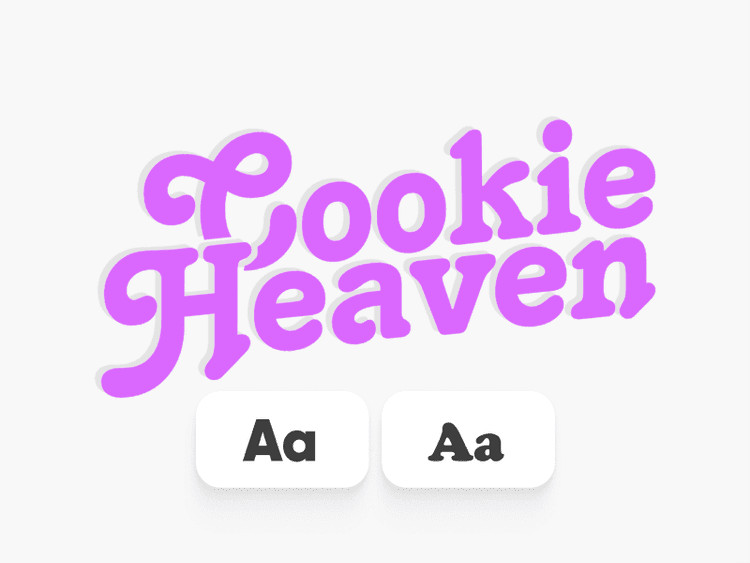
Add text to photos with Picsart

Text Editor

Complement your images with a vast library of free fonts.

flip images with ease

Photo editor

Finetune your images with trendy fonts, filters and effects, stickers, and more. 

flip images with ease

Flip image

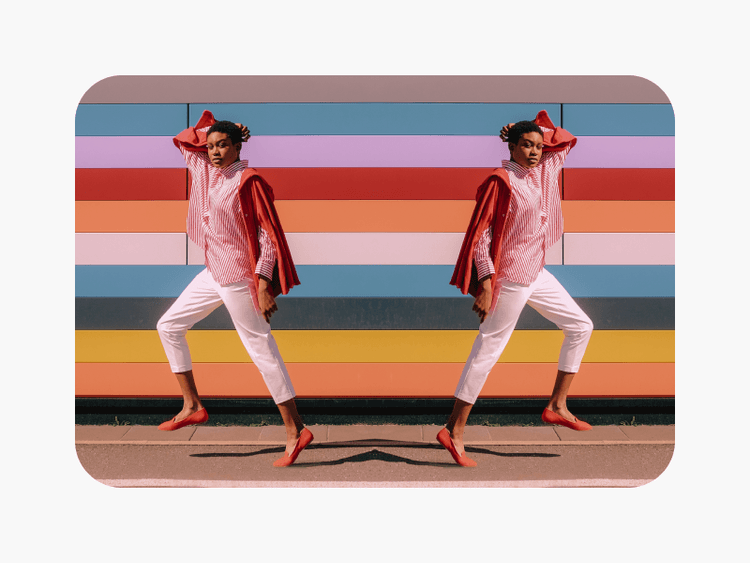
Effortlessly flip images vertically and horizontally with Picsart’s image flipper tool.

customize photos with sticker

Add stickers to photos

Customize your images with Picsart’s high-quality sticker library. 


remove object

Object remover

Erase unwanted objects, such as texts and backgrounds, from your images.

resize images with ease

Resize image

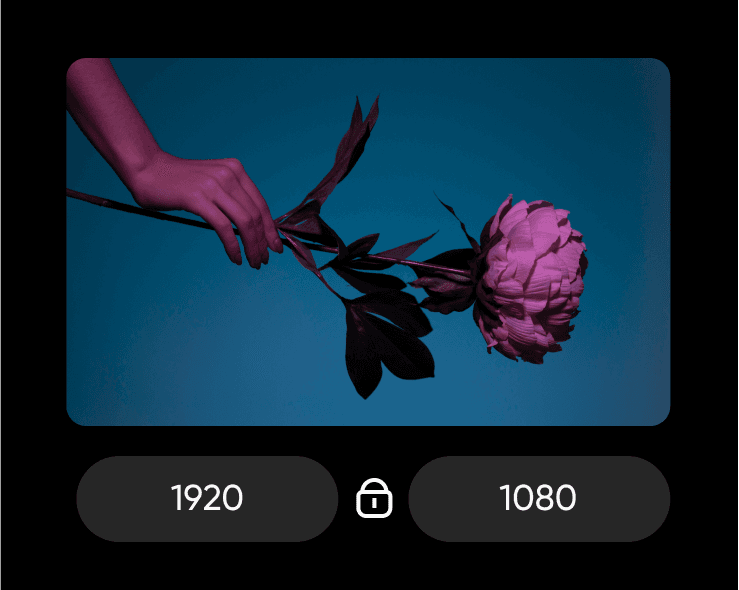
Get the right fit for your photos with ease and in a matter of seconds.

expand images beyond their original borders with AI

AI expand

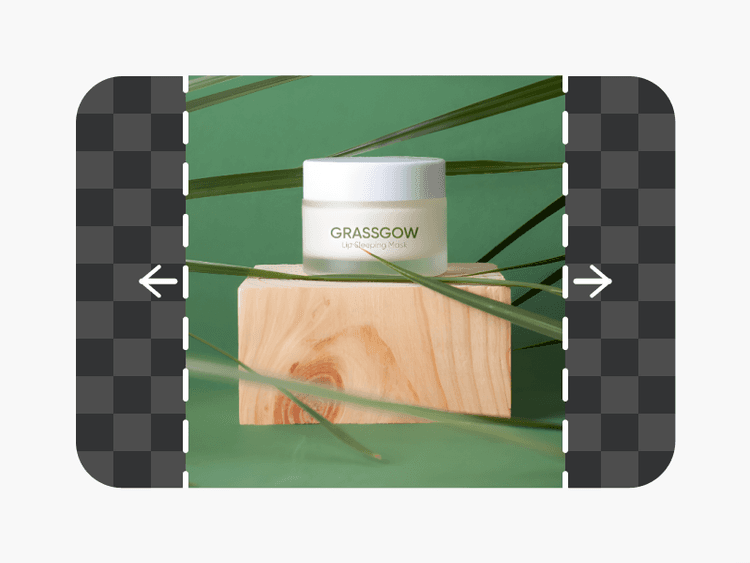
Extend your images without damaging the quality with the AI image extender tool. 

Design without limits.
Design wallpapersCreate youtube thumbnailsMake cardsDesign postersCreate invitationsMake designDesign pdfsCreate documentsMake youtube bannersDesign labels

Get the free app

Download on the App StoreGET IT ON Google PlayGet it from Microsoft
Pinterest
AICPA SOC

Explore

  • AI Image Generator
  • AI Video Generator
  • AI Playground
  • AI Image Models
  • AI Video Models
  • AI Photo Editor
  • Templates
  • Design Tools

Solutions

  • For Enterprise
  • For Developers
  • For Google Drive
  • For specific Industries
  • Quicktools
  • AI Avatar
  • Pricing

Company

  • Support
  • Careers
  • About us
  • Earn with Picsart
  • Blog
  • Press Center
Terms of UsePrivacy PolicyDo Not SellInternet-Based AdvertisingCommunity GuidelinesDMCASecurity PolicyAccessibility
© 2026 PicsArt, Inc.

Design infographics with AI image models

Use image models to transform infographics into polished visuals, design ideas, and ready-to-edit assets.

GPT Image 2New
Next-gen GPT image model with arbitrary output dimensions and multi-image input.Reference inputImage generationSee model
Nano Banana 2New
Fast 4K generation with accurate text and search-grounded accuracy.4KFast generationImage generationSee model
Nano Banana ProNew
Top-tier 4K images with precise multilingual text rendering.4KPro qualityImage generationSee model
Flux 2 FlexNew
Adaptable generation across varied visual styles at 2K.Image generationSee model
Seedream 5.0 Lite
Speedy 3K output with negative prompt and dual-image input support.Reference inputFast generationImage generationSee model
Kling 3.0 Image
Cinematic visuals with up to 4K resolution and 10 reference images.Reference input4KCinematicSee model
Kling O1 Image
O1-architecture image generation with multi-reference support.Reference inputCinematicImage generationSee model
Kling V2 New Image
Latest V2 image generation with optional restyle via image reference.Reference inputCinematicImage generationSee model
Hunyuan V3
Infographic-friendly generation with readable text and cfg control.Image generationSee model
Luma UNI-1
Luma UNI-1 — agentic image generation and editing with up to 9 reference images.Reference inputCinematicImage generationSee model
Luma UNI-1 Max
Luma UNI-1 Max — higher-quality UNI-1 variant with the same multi-reference editing controls.Reference inputCinematicImage generationSee model
Seedream 4.5
Detailed 4K renders with clean in-image text and dual-image input.Reference input4KImage generationSee model
GPT Image 2New
Next-gen GPT image model with arbitrary output dimensions and multi-image input.Reference inputImage generationSee model
Nano Banana 2New
Fast 4K generation with accurate text and search-grounded accuracy.4KFast generationImage generationSee model
Nano Banana ProNew
Top-tier 4K images with precise multilingual text rendering.4KPro qualityImage generationSee model
Flux 2 FlexNew
Adaptable generation across varied visual styles at 2K.Image generationSee model
Seedream 5.0 Lite
Speedy 3K output with negative prompt and dual-image input support.Reference inputFast generationImage generationSee model
Kling 3.0 Image
Cinematic visuals with up to 4K resolution and 10 reference images.Reference input4KCinematicSee model
Kling O1 Image
O1-architecture image generation with multi-reference support.Reference inputCinematicImage generationSee model
Kling V2 New Image
Latest V2 image generation with optional restyle via image reference.Reference inputCinematicImage generationSee model
Hunyuan V3
Infographic-friendly generation with readable text and cfg control.Image generationSee model
Luma UNI-1
Luma UNI-1 — agentic image generation and editing with up to 9 reference images.Reference inputCinematicImage generationSee model
Luma UNI-1 Max
Luma UNI-1 Max — higher-quality UNI-1 variant with the same multi-reference editing controls.Reference inputCinematicImage generationSee model
Seedream 4.5
Detailed 4K renders with clean in-image text and dual-image input.Reference input4KImage generationSee model
GPT Image 2New
Next-gen GPT image model with arbitrary output dimensions and multi-image input.Reference inputImage generationSee model
Nano Banana 2New
Fast 4K generation with accurate text and search-grounded accuracy.4KFast generationImage generationSee model
Nano Banana ProNew
Top-tier 4K images with precise multilingual text rendering.4KPro qualityImage generationSee model
Flux 2 FlexNew
Adaptable generation across varied visual styles at 2K.Image generationSee model
Seedream 5.0 Lite
Speedy 3K output with negative prompt and dual-image input support.Reference inputFast generationImage generationSee model
Kling 3.0 Image
Cinematic visuals with up to 4K resolution and 10 reference images.Reference input4KCinematicSee model
Kling O1 Image
O1-architecture image generation with multi-reference support.Reference inputCinematicImage generationSee model
Kling V2 New Image
Latest V2 image generation with optional restyle via image reference.Reference inputCinematicImage generationSee model
Hunyuan V3
Infographic-friendly generation with readable text and cfg control.Image generationSee model
Luma UNI-1
Luma UNI-1 — agentic image generation and editing with up to 9 reference images.Reference inputCinematicImage generationSee model
Luma UNI-1 Max
Luma UNI-1 Max — higher-quality UNI-1 variant with the same multi-reference editing controls.Reference inputCinematicImage generationSee model
Seedream 4.5
Detailed 4K renders with clean in-image text and dual-image input.Reference input4KImage generationSee model
GPT Image 2New
Next-gen GPT image model with arbitrary output dimensions and multi-image input.Reference inputImage generationSee model
Nano Banana 2New
Fast 4K generation with accurate text and search-grounded accuracy.4KFast generationImage generationSee model
Nano Banana ProNew
Top-tier 4K images with precise multilingual text rendering.4KPro qualityImage generationSee model
Flux 2 FlexNew
Adaptable generation across varied visual styles at 2K.Image generationSee model
Seedream 5.0 Lite
Speedy 3K output with negative prompt and dual-image input support.Reference inputFast generationImage generationSee model
Kling 3.0 Image
Cinematic visuals with up to 4K resolution and 10 reference images.Reference input4KCinematicSee model
Kling O1 Image
O1-architecture image generation with multi-reference support.Reference inputCinematicImage generationSee model
Kling V2 New Image
Latest V2 image generation with optional restyle via image reference.Reference inputCinematicImage generationSee model
Hunyuan V3
Infographic-friendly generation with readable text and cfg control.Image generationSee model
Luma UNI-1
Luma UNI-1 — agentic image generation and editing with up to 9 reference images.Reference inputCinematicImage generationSee model
Luma UNI-1 Max
Luma UNI-1 Max — higher-quality UNI-1 variant with the same multi-reference editing controls.Reference inputCinematicImage generationSee model
Seedream 4.5
Detailed 4K renders with clean in-image text and dual-image input.Reference input4KImage generationSee model
GPT Image 2New
Next-gen GPT image model with arbitrary output dimensions and multi-image input.Reference inputImage generationSee model
Nano Banana 2New
Fast 4K generation with accurate text and search-grounded accuracy.4KFast generationImage generationSee model
Nano Banana ProNew
Top-tier 4K images with precise multilingual text rendering.4KPro qualityImage generationSee model
Flux 2 FlexNew
Adaptable generation across varied visual styles at 2K.Image generationSee model
Seedream 5.0 Lite
Speedy 3K output with negative prompt and dual-image input support.Reference inputFast generationImage generationSee model
Kling 3.0 Image
Cinematic visuals with up to 4K resolution and 10 reference images.Reference input4KCinematicSee model
Kling O1 Image
O1-architecture image generation with multi-reference support.Reference inputCinematicImage generationSee model
Kling V2 New Image
Latest V2 image generation with optional restyle via image reference.Reference inputCinematicImage generationSee model
Hunyuan V3
Infographic-friendly generation with readable text and cfg control.Image generationSee model
Luma UNI-1
Luma UNI-1 — agentic image generation and editing with up to 9 reference images.Reference inputCinematicImage generationSee model
Luma UNI-1 Max
Luma UNI-1 Max — higher-quality UNI-1 variant with the same multi-reference editing controls.Reference inputCinematicImage generationSee model
Seedream 4.5
Detailed 4K renders with clean in-image text and dual-image input.Reference input4KImage generationSee model
GPT Image 2New
Next-gen GPT image model with arbitrary output dimensions and multi-image input.Reference inputImage generationSee model
Nano Banana 2New
Fast 4K generation with accurate text and search-grounded accuracy.4KFast generationImage generationSee model
Nano Banana ProNew
Top-tier 4K images with precise multilingual text rendering.4KPro qualityImage generationSee model
Flux 2 FlexNew
Adaptable generation across varied visual styles at 2K.Image generationSee model
Seedream 5.0 Lite
Speedy 3K output with negative prompt and dual-image input support.Reference inputFast generationImage generationSee model
Kling 3.0 Image
Cinematic visuals with up to 4K resolution and 10 reference images.Reference input4KCinematicSee model
Kling O1 Image
O1-architecture image generation with multi-reference support.Reference inputCinematicImage generationSee model
Kling V2 New Image
Latest V2 image generation with optional restyle via image reference.Reference inputCinematicImage generationSee model
Hunyuan V3
Infographic-friendly generation with readable text and cfg control.Image generationSee model
Luma UNI-1
Luma UNI-1 — agentic image generation and editing with up to 9 reference images.Reference inputCinematicImage generationSee model
Luma UNI-1 Max
Luma UNI-1 Max — higher-quality UNI-1 variant with the same multi-reference editing controls.Reference inputCinematicImage generationSee model
Seedream 4.5
Detailed 4K renders with clean in-image text and dual-image input.Reference input4KImage generationSee model