Turn your photos into art for free with Picsart painting filters and effects


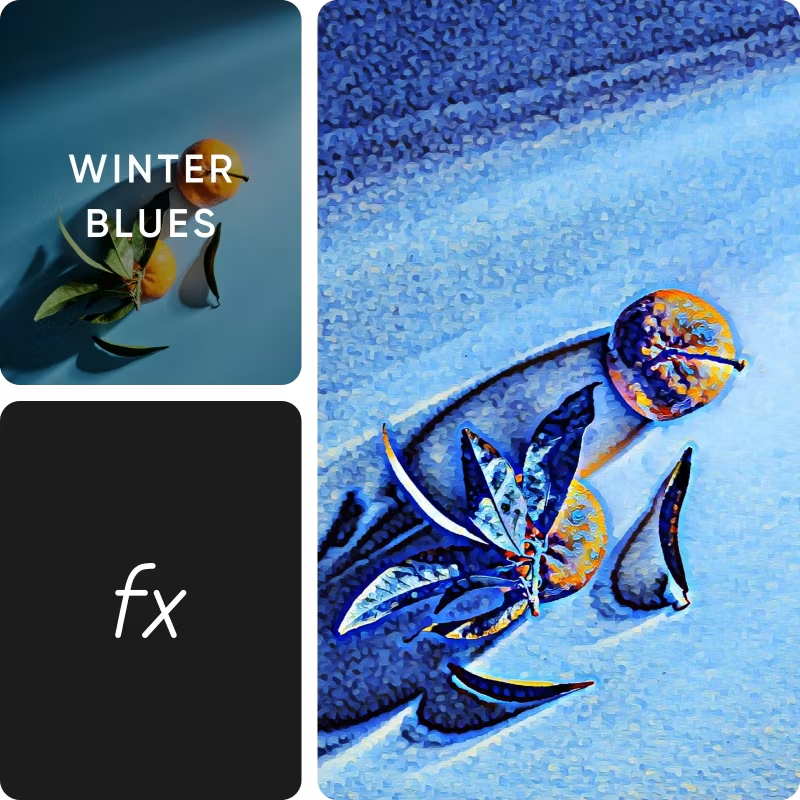

Quick and easy art transformation
Turn photos into art in a matter of seconds with Picsart. No rocket science is involved! A couple of taps, and you’re good to go.

Variety of AI painting filters
Get realistic results with AI-powered painting filters and select from a variety of artistic styles available to get the look you want.

High-resolution output
Crystal-clear visuals that captivate with remarkable detail and clarity.
How to turn photos into paintings
Upload image to the photo editor
Upload image to start editing a picture from your photo library.
Apply photo effects
Customize design
Download your photo
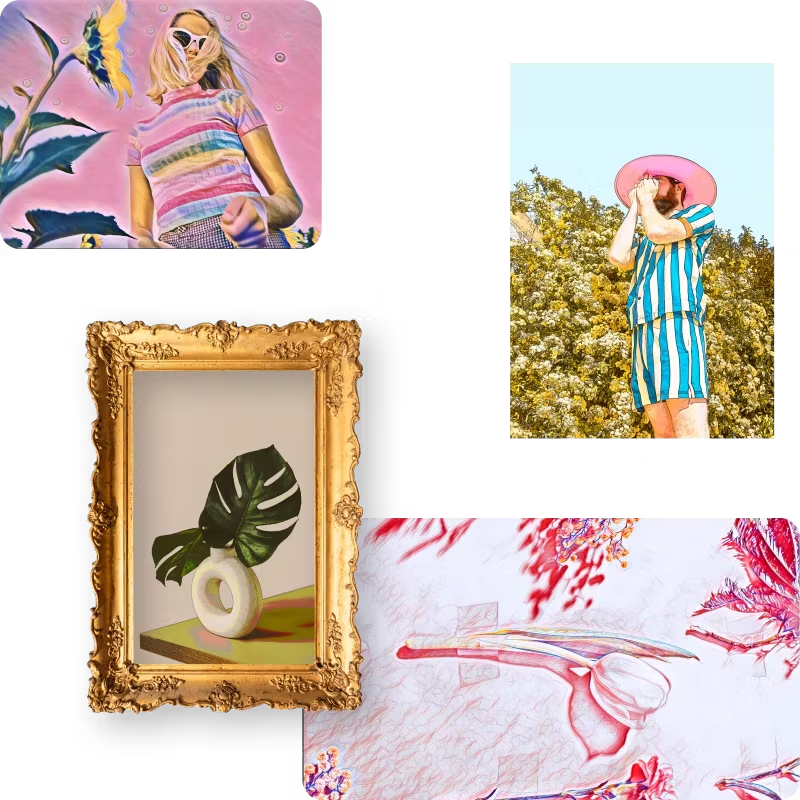
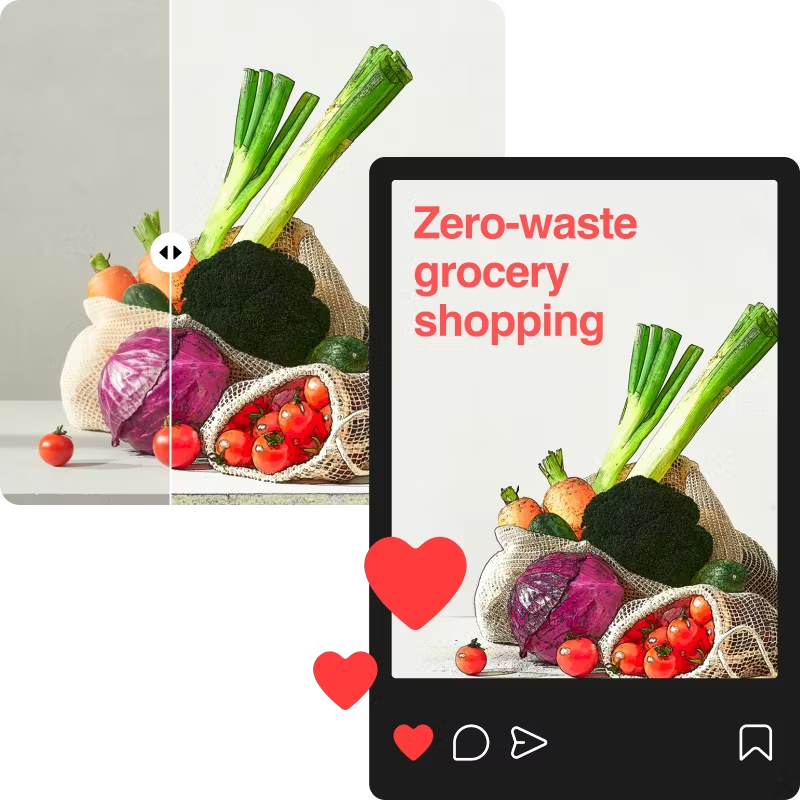
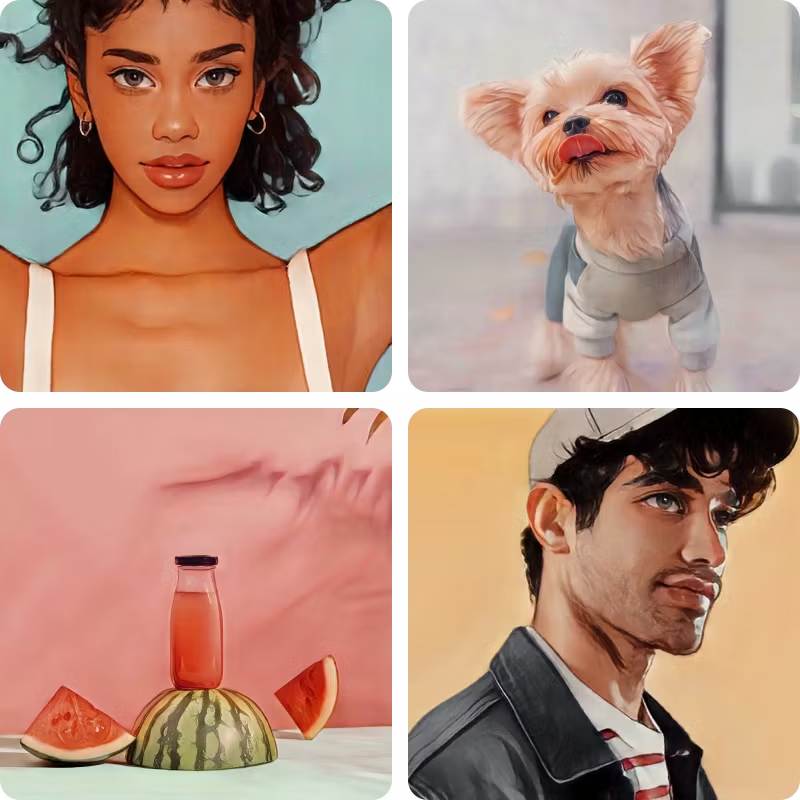
Discover more photo effects and filters
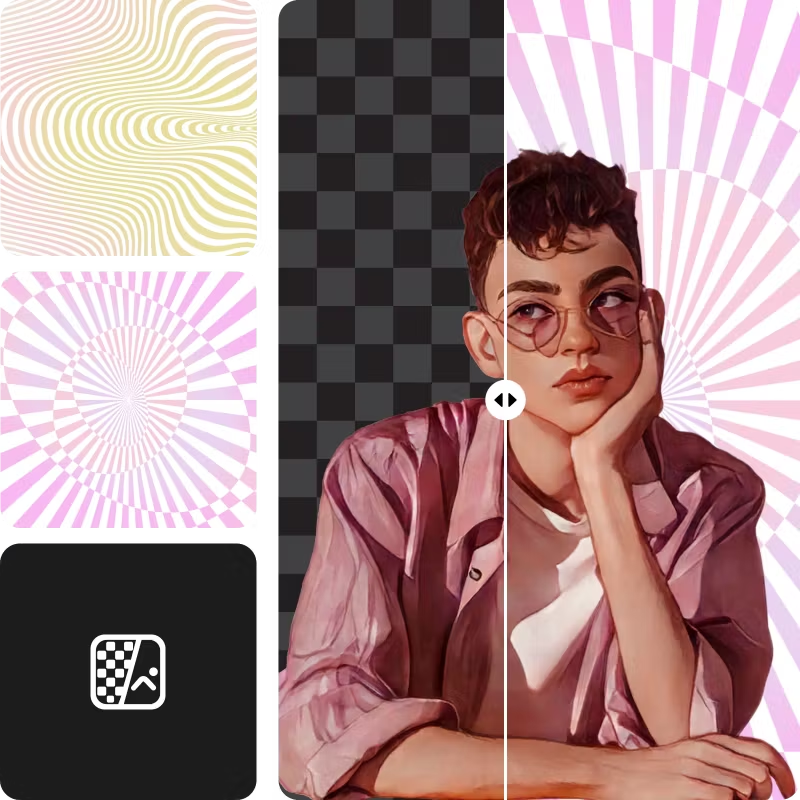
Unlock a world of stunning visual possibilities with Picsart's latest photo filters.
Photo to art FAQs
How do I turn my photos into art?
Do I need any special skills to use Picsart's photo-to-art converter?
No, you don't need any special skills to use Picsart's photo-to-art converter. It’s really as easy as choosing a filter and applying it to your image. No complicated photo editing necessary!
How many different photo-to-art filters are available in Picsart's photo Editor?
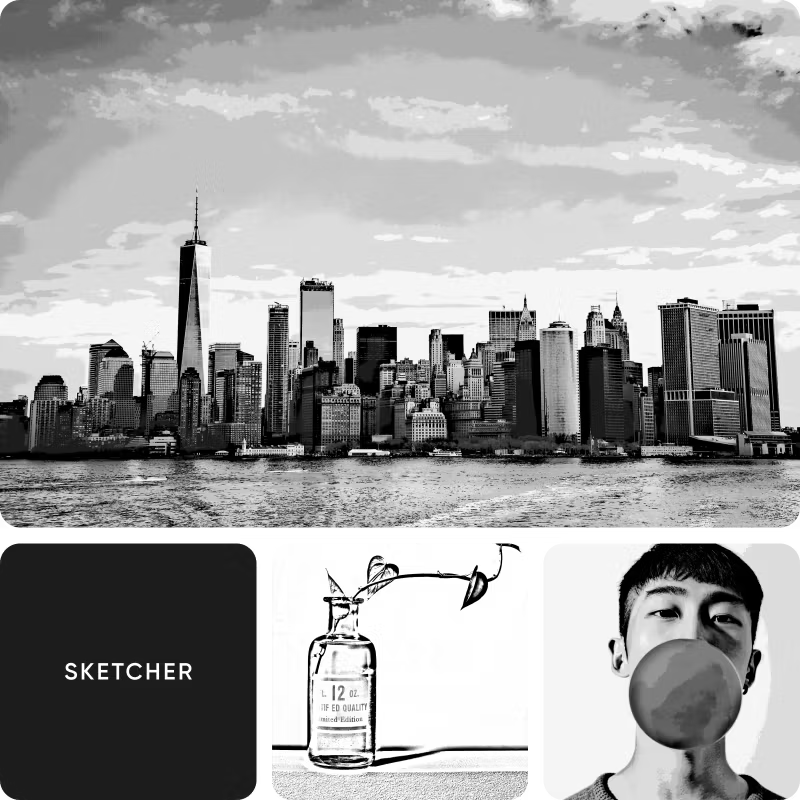
The Picsart photo Editor offers a wide range of photo-to-art filters, including effects you won’t find anywhere else. Our artistic, cartoon, painting, watercolor, animation, and pop sketch photo effects produce some incredible changes on your photos with just a single tap. And the best part is that you can experiment with any or all of them to achieve the look you’re going for.
Can I customize the settings of the photo-to-painting filters?
Sure! Once you’ve applied a filter or an effect, you can tweak the light, color saturation, clarity, and other details of your image. And unlike other simple photo editors that only let you apply filters, you can layer on stickers, frames, text, and anything else to customize your photo so that the resulting product is even more impressive than the original.
Discover photo editing tools
Tap into your inner artist with our beginner-friendly suite of editing tools.
Latest in artistic filters
Create art-inspired visuals for every project
Pro
AI tools for everyday creative work.
- Access to all photo & video editing features
- Advanced background & object removal
- Parallel video generations with the world's most powerful AI video models
- Unlimited image generations with Flex.2 Klein
- 1-tap image enhancer
- Millions of stock photos & Getty video clips
- Selection of trendy fonts, text styles & stickers
- Thousands of premium templates
- Support for 3+ brand kits
- Bulk edit up to 50 images at once
- 100 GB of cloud storage
- Auto-generate content from your terminal or agent with the Picsart CLI
- Use Picsart inside Claude Code, Cursor, and ChatGPT via MCP — coming soon
- AI agents for multi-step workflows and batch generation — coming soon
Ultra
Heavy AI usage for creators & teams.
- Everything in Pro
- Early access to advanced AI features
- Leading AI models to design & automate workflows (Nano Banana, Veo 3, Seedance 2.0 & more)
- Parallel video generations with the world's most powerful AI video models
- Unlimited image generations with Flex.2 Klein
- Support for 10+ brand kits
- Add team seats
- Create ad variations and localize
- Track ads performance
- 2000 credits for API services
- Bulk edit up to 100 images at once
- 300 GB of cloud storage per seat
- Auto-generate content from your terminal or agent with the Picsart CLI
- Use Picsart inside Claude Code, Cursor, and ChatGPT via MCP — coming soon
- AI agents for multi-step workflows and batch generation — coming soon
Enterprise
Custom AI solutions for large organizations.
- Access to photo & video editor SDKs
- Mobile web SDK support
- Prepaid or pay-as-you-go creative APIs
- Embed professional-grade editing into your product or workflow
- Fully configurable editing experience
- White-label to match your brand
- Support for built-in marketing, e-commerce & printing use cases
- Bring your own assets: images, templates & fonts
- Enterprise-grade security, SLAs & support
- Dedicated account manager