Image
Video
Library
Creators
Solutions
Community
MCP & CLI
Pricing
  1. Home
  2. व्हिडिओवर मजकूर जोडा

काही सेकंदात विनामूल्य व्हिडिओवर मजकूर जोडा

ऑनलाइन व्हिडिओवर मजकूर जोडा आणि तुमच्या साध्या क्लिप्सला स्पष्ट व आकर्षक कथा बनवा, ज्यामुळे तुमचे व्हिडिओ अधिक माहितीपूर्ण आणि आकर्षक बनतात.


प्रत्येक कथेसाठी मजकूर शैलीसह व्हिडिओ जोडा

प्रत्येक क्षण अधिक स्पष्ट, ठळक, आणि अनुसरण करणे सोपे बनवा.

सौंदर्यशास्त्र व्हिडिओसह सूक्ष्म मजकूर ओव्हरले
उत्पादन व्हिडिओसह ठळक प्रमोशन मजकूर
उन्हाळा व्हिडिओसह कॅप्शन मजकूर
सौंदर्यशास्त्र व्हिडिओसह उद्धरण ओव्हरले
प्रवास व्हिडिओसह शीर्षक मजकूर
अ‍ॅनिमेटेड व्हिडिओसह खेळकर मजकूर
फॅशन व्हिडिओसह ठळक मजकूर ओव्हरले
मुफ्त मजकूर ओव्हरले समर्थन करण्याचा चिन्ह

मुफ्त मजकूर ओव्हरले समर्थन

कॅप्शन्स, हेडिंग्स, आणि हायलाइट्सच्या सहाय्याने व्हिडिओंवर विनामूल्य मजकूर जोडा, ज्यामुळे सामग्री स्पष्ट आणि आकर्षक राहते.

सर्व उपकरणांसाठी काम करणाऱ्या मजकूर संपादकाचे चिन्ह

सर्व उपकरणांवर कार्यरत आहे

डेस्कटॉप, टॅबलेट, किंवा मोबाइलवर ब्राउझर-आधारित व्हिडिओ मजकूर संपादकात व्हिडिओ संपादित करा आणि मजकूर जोडा.

व्हिडिओ मजकूर कस्टमायझेशनचे चिन्ह

मजकूर कस्टमायझेशन समर्थन

1,000+ फॉन्ट्समधून निवडा आणि रंग, आकार, स्थान, अ‍ॅनिमेशन्स, स्ट्रोक्स आणि सावल्या सहज समायोजीत करा.


व्हिडिओवर मजकूर कसा जोडा

1

तुमचा व्हिडिओ अपलोड करा

संपादक उघडा आणि तुमच्या डिव्हाइसवरून थेट तुमचा व्हिडिओ जोडा - कुठलाही सेटअप किंवा डाऊनलोड्स आवश्यक नाही.

2

तुमचा मजकूर जोडा

3

दिसण्याचे स्वरूप कस्टमाइझ करा

4

पूर्वावलोकन आणि निर्यात करा


सुलभतेने ऑनलाइन व्हिडिओवर मजकूर जोडा

कॅप्शन्स, टायटल्स, आणि ओव्हरलेज थेट तुमच्या व्हिडिओंमध्ये ब्राउझर-आधारित व्हिडिओ मजकूर संपादकाचा वापर करून जोडा. कोणत्याही इन्स्टॉल्स किंवा सेटअपची गरज नाही - फक्त एक गुळगुळीत, अंतर्ज्ञानी अनुभव जो उपकरणांवर काम करतो. तुम्ही डेस्कटॉप, टॅबलेट, किंवा मोबाइलवर कार्य करत असता, संपूर्णपणे ऑनलाइन संपादन करताना स्पष्ट, अधिक आकर्षणशील, आणि दृश्यात्मकपणे पॉलिश केलेले व्हिडिओ तयार करा.

पूर्ण नियंत्रणासह व्हिडिओ मजकूर कस्टमाइझ करा

व्हिडिओवर मजकूर जोडताना तुम्हाला पूर्ण नियंत्रण असते, फॉन्ट निवडणे, रंग सुधारणे, आकार समायोजीत करणे, आणि तुमच्या शैलीच्या अनुरूप अ‍ॅनिमेशन्स लागू करण्याचे स्वातंत्र्य मिळते. स्वच्छ मूलभूत किंवा व्हिडिओसाठी भावनिक, एआय व्युत्पन्न फॉन्ट्समधून निवडा, नंतर तपशीलांमध्ये सूक्ष्म बदल करा म्हणून तुमचा मजकूर तुमच्या ब्रँड, मूड, किंवा सर्जनशील दिशा प्रतिबिंबित करतो, संपादन जटिल भावना निर्माण न करता.

मजकूर जोडून आकर्षक सामाजिक व्हिडिओ तयार करा

तुम्ही व्हिडिओ मजकूर जोडताना, तुमची सामग्री इंस्टाग्राम, TikTok, यूट्यूब, आणि अधिक व्यासपीठांवर अनुसरण करणे सोपे होते. कॅप्शन्स, टायटल्स, आणि टिप्पण्या जलद गतिशील फीड्समध्ये व्हिडिओ उभे करण्यास मदत करतात, सर्व दर्शकांसाठी प्रवेश वाढवतात, आणि मुख्य क्षणांला एका झटक्यात स्पष्ट बनवून जास्त सहभागास चालना देतात.

प्रचारात्मक व्हिडिओ आणि जाहिरातींना मजकूर जोडा

उत्पादनांचं प्रसरण करण्यासाठी, ऑफर्स सामायिक करण्यासाठी, किंवा दर्शकांना कृती करण्यासाठी मार्गदर्शन करण्यासाठी प्रचारात्मक व्हिडिओ आणि व्हिडिओ जाहिरातींना मजकूर जोडा. साध्या साधनांसह व्हिडिओ मजकूर संपादित करण्यासाठी, निर्माते, लहान व्यवसाय आणि विक्रेते लवकर क्रिया-टू-एक्शन, घोषणांया, आणि मुख्य तपशील जोडू शकतात, जटिल संपादन कार्यप्रवाहाची काळजी न करता.

कथा सांगण्यासाठी आणि ट्युटोरियल्ससाठी मजकूराने व्हिडिओ सुधारा

मजकूरामुळे प्रेक्षकांना कल्पनांनी, पायऱ्यांनी, आणि कथा स्पष्टतेने जाण्याचा मार्ग दाखवता येतो. जेव्हा तुम्ही मजकूराने व्हिडिओ सुधरवता, तेव्हा ट्युटोरियल्स हलके होते, आणि कथा सांकेतिक वाटतात. व्हिडिओ मजकूर संपादक वापरून, तुम्ही उपयोगी संदर्भ जोडू शकता जो प्रेक्षकांना गुंतवून ठेवतो आणि क्लिष्ट सामग्री अधिक सोपी बनवतो.

व्हिडिओवर मजकूर जोडताना स्वत:च कॅप्शन तयार करा

Picsart च्या व्हिडिओवर मजकूर जोडण्याच्या साधनांमार्फत, तुम्ही तुमच्या सामग्रीवर आधारित मजकूर कसा दिसावा याची निवड करू शकता. आर्वाचीन व्हिडिओंसाठी, कॅप्शन्स आपोआप भाषणाला ऑन-स्क्रीन मजकूरामध्ये रूपांतरित करतात, तर मॅन्युअल मजकूर साधने टायटल्स आणि हायलाइट्ससाठी सर्वोत्तम असतात. गुणवत्ता कॅप्शन्स प्रवेश वृद्धि करतात, ट्युटोरियलला समर्थन देतात, आणि व्हिडिओंना सोपे बनवतात अगदी जेव्हा आवाज बंद असतो.


शक्तिशाली मजकूर साधनांसह उत्कृष्ट व्हिडिओ तयार करा

वेग आणि नियंत्रणासह व्हिडिओवर ऑनलाइन मजकूर जोडण्यासाठी साधनं शोधा. कॅप्शन्स, शैलीकरण, आणि अ‍ॅनिमेशन्ससह स्पष्ट, आकर्षणशील सामग्री तयार करा – सर्व एका ठिकाणी.

1,000+ फॉन्ट्स समर्थन करते

कोणत्याही व्हिडिओसाठी योग्य शैली शोधा, साध्या दृष्टींपासून ठळक, भावुक डिझाइन्सपर्यंत.

एआय-संचालित फॉन्ट्स निर्माण करते

एआय-संभावित फॉन्ट्ससह अद्वितीय मजकूर शैली निर्माण करा, एका उत्कृष्ट व्हिडिओमध्ये उभे राहण्यासाठी डिझाइन केलेल्या.

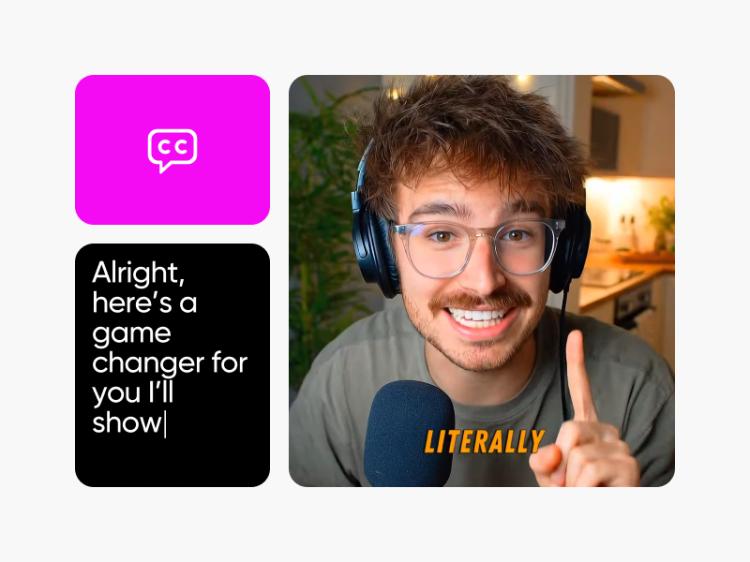
भाषणापासून कॅप्शन्स निर्माण करते

स्पष्ट कॅप्शन्समध्ये आपोआप बदला, तुमचे व्हिडिओं कहींही सोपे आहेत असे बनवा.

पूर्ण मजकूर कस्टमायझेशन सक्षम करते

तुमच्या अगदी दृकशैलीला जुळणारी रंग, आकार, स्थान, स्ट्रोक्स, आणि सावल्यांवर नियंत्रण ठेवा.

मजकूर अ‍ॅनिमेशन्स लागू करते

तुमच्या मजकूराला गुळगुळीत गती जोडा, लक्ष वेधण्यासाठी आणि प्रेक्षकांना जास्त काळ पाहण्यासाठी प्रेरित करा.

सर्व प्रकारचे मजकूर समाविष्‍ट करते

कॅप्शन्स, टायटल्स, हायलाइट्स, आणि टिप्पणींना एका शक्तिशाली व्हिडिओ संपादकच्या माध्यमातून एका ठिकाणी जोडा.

उपकरणांवर कार्यरत आहे

डेस्कटॉप, टॅबलेट, किंवा मोबाइलवर संपादम करा, तुमची प्रगती सिंक ठेवा आणि तुमच्या कार्यप्रवाहाला अडथळा येऊ देऊ नका.

पूर्णपणे ऑनलाइन कार्यान्वित आहे

ब्राउझर-आधारित संपादकाचा वापर करा आणि कोणतीही इंस्टॉल करण्याची आवश्यकता न करता विनामूल्य व्हिडिओवर मजकूर ऑनलाईन जोडा.


प्रशस्तिपत्रके

मी वेगाने शूट करतो आणि वेगाने पोस्ट करतो. कॅप्शन्स जोडणे मला धीमे करत होते, पण आता सगळं सुरळीत आहे. माझे व्हिडिओ अतिरिक्त परिश्रमांशिवाय पूर्ण वाटतात.
माया आर., कंटेंट क्रिएटर
मला काहीतरी सोपे आणि तरीही आकर्षक असलेले हवं होतं. मजकूर ओव्हरले माझे उत्पादन व्हिडिओ स्पष्ट झाले, आणि अखेर लोक लक्ष देऊ लागले.
जॉर्डन के., लहान व्यवसाय मालक
मला स्पष्टता जास्त महत्वाची आहे. की पॉइंट्स स्क्रीनवर थेट हायलाइट करण्याची क्षमता असल्यामुळे माझे लेसन्स सोपे वाटतात आणि माझ्या विद्यार्थ्यांसाठी अधिक आकर्षणशील होते.
एलेना व्ही., ऑनलाइन शिक्षक

आवडण्यासारखी अधिक साधने

Picsart एआय व्हिडिओ जनरेटर

एआय व्हिडिओ जनरेटर

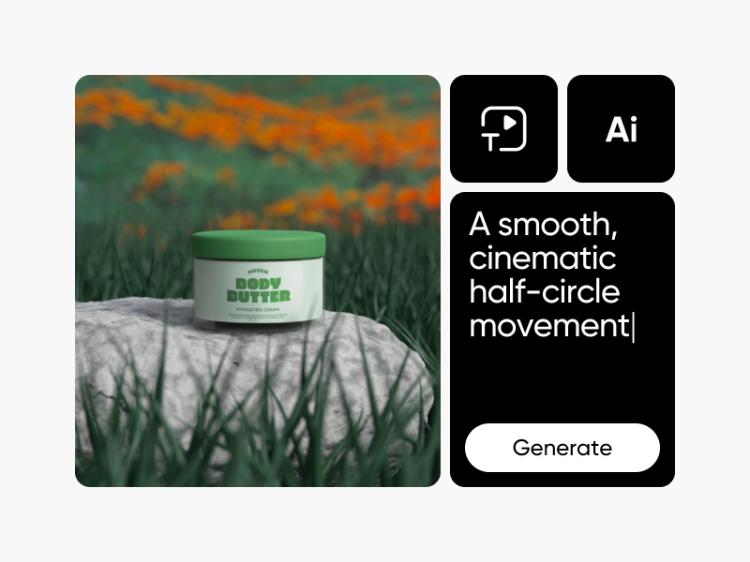
तुमच्या दृष्टिकोनाचे एक लहान वर्णन लिहून एआय द्वारे कस्टम व्हिडिओ जनरेट करा.

ऑनलाइन एआइ इमेज ते व्हिडिओ जनरेटर

एआय इमेज-टू-व्हिडिओ

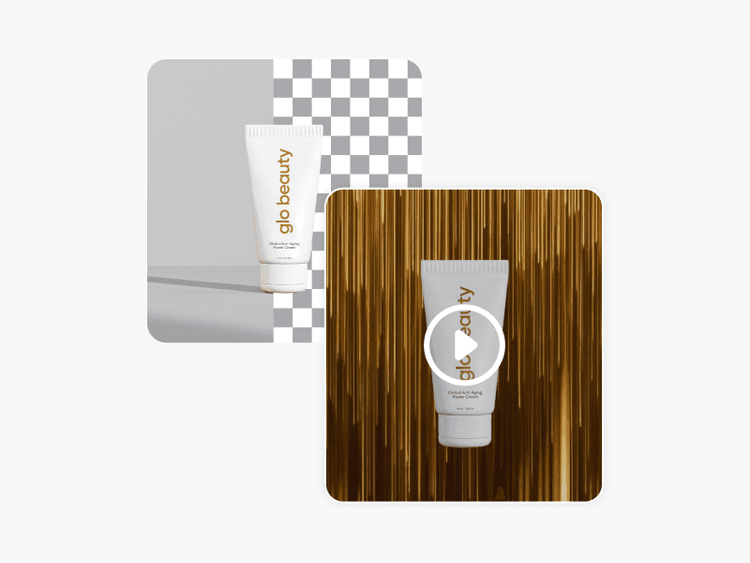
कुठल्याही प्रतिमेला एआय च्या साहाय्याने गतिमान व्हिडिओमध्ये रूपांतरित करा.

व्हिडिओमधून वस्त्र काढा

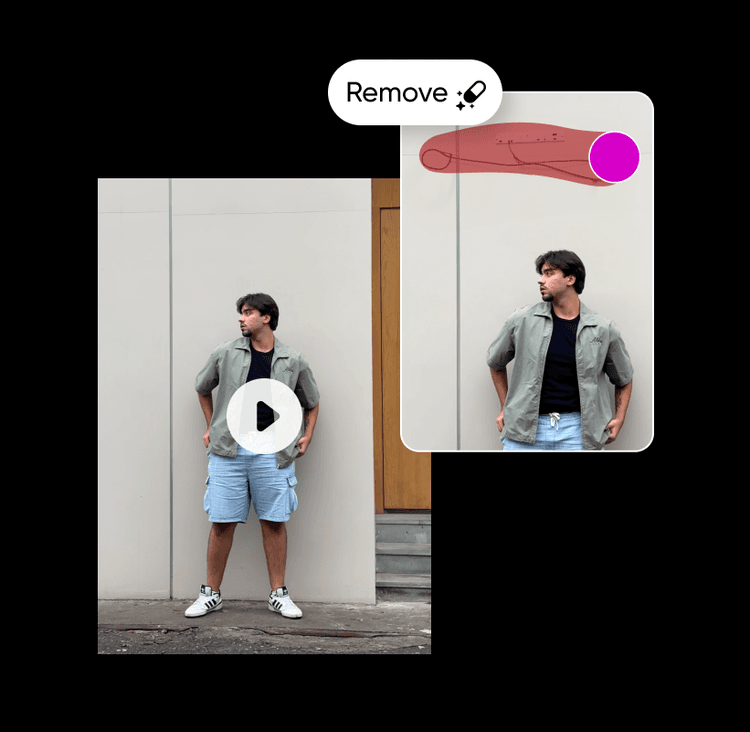
व्हिडिओ ऑब्जेक्ट रिमूव्हर

तुमच्या व्हिडिओमधून अनावश्यक तपशील एआयच्या साहाय्याने काढा.

एआइ कॅप्शन जनरेटर

एआय कॅप्शन जनरेटर

सामाजिक मीडिया, फोटो संग्रह, किंवा मार्केटिंग प्रकल्पांसाठी आकर्षक कॅप्शन्स विचार करा.

ऑनलाइन विनामूल्य व्हिडिओला उपशीर्षक जोडा

व्हिडिओला उपशीर्षके जोडा

कुठल्याही व्हिडिओसाठी सेकंदात अचूक उपशीर्षके जनरेट करा.

ऑनलाइन विनामूल्य व्हिडिओमध्ये संगीत जोडा

व्हिडिओमध्ये संगीत जोडा

फक्त काही चरणांत ऑनलाइन व्हिडिओमध्ये संगीत जोडा.


मजकूर जोडा जो व्हिडिओंना अनुसरण करणे सोपे करते

व्हिडिओ संपादन सोपे केले.
व्हिडिओ संगीत तयार कराव्हिडिओ उपशीर्षके तयार करामजकूर ते व्हिडिओ वापरून पहापार्श्वभूमी काढाव्हिडिओ वस्त्र काढाप्रतिमा ते व्हिडिओ एक्सप्लोर कराव्हिडिओ संपादित कराएआय व्हिडिओ तयार कराएआय व्हिडिओ फिल्टर्स शोधास्टॉक व्हिडिओ तयार करा

Use Picsart anywhere

Install the app, or bring Picsart into the AI workspaces your team already uses.

Use Picsart with

  • ChatGPT / Codex
  • Claude
  • Terminal
  • Cursor
  • OpenClaw
  • Hermes

Download the app

Download on the App StoreGET IT ON Google PlayGet it from Microsoft

Follow Picsart

Pinterest
AICPA SOC

Create

  • AI Image Generator
  • AI Video Generator
  • AI Playground
  • Flow
  • AI Photo Editor
  • AI Video Editor
  • AI Agents
  • Content Library
  • AI Models

Creators

  • Earn with Picsart
  • Earn campaigns
  • Clipping
  • For Brands
  • Video Studio
  • Tutorials
  • Challenges

Connect

  • ChatGPT / Codex
  • MCP setup
  • Command line
  • Developers
  • Google Drive

Business

  • Pricing
  • Enterprise
  • Industries
  • Quicktools

Company

  • Support
  • Careers
  • About us
  • Blog
  • Press Center
Terms of UsePrivacy PolicyDo Not SellInternet-Based AdvertisingCommunity GuidelinesDMCASecurity PolicyAccessibility
© 2026 PicsArt, Inc.

व्हिडिओ संपादन उत्पादनं शिका

क्लिप्सची अधिक साफसुथरी संपादन कशी करावी ते शिका.

How to edit videos with AI in Picsart video editor preview
Video editing

How to edit videos with AI in Picsart video editor

5 minIntermediate
How to apply AI video filters and effects in Picsart preview
Video editing

How to apply AI video filters and effects in Picsart

4 minBeginner
How to add text and captions to videos online preview
Video editing

How to add text and captions to videos online

4 minBeginner
How to create smooth video transitions with AI effects preview
Video editing

How to create smooth video transitions with AI effects

4 minIntermediate
How to export videos for TikTok, Reels, YouTube, and Stories preview
Video editing

How to export videos for TikTok, Reels, YouTube, and Stories

5 minIntermediate
How to fix eye contact in talking-head videos with AI preview
Video editing

How to fix eye contact in talking-head videos with AI

4 minIntermediate
Video editing

How to create faceless YouTube history videos with Picsart Storyline

4 minIntermediate
सर्व ट्युटोरियल पहा

एआय व्हिडिओ मॉडेल्ससह मजकूरसह व्हिडिओ तयार करा

व्हिडिओ मॉडेल्स वापरून सामाजिक, जाहिरात, आणि सर्जनशील कार्यप्रवाहांसाठी क्लिप्स, फुटेज, आणि प्रॉम्प्ट्सना मजकूरसह रूपांतरित करा.

Seedance 2.0New
Next-gen cinematic video with optional audio and reference image. Up to 4K.Reference inputAudio4KCinematicSee model
Seedance 2.0 FastNew
Fast cinematic video with audio, reference images, and start/end frame control.Reference inputAudioFast generationCinematicSee model
Seedance 2.0 Video EditNew
Edit video — replace subjects, add or remove objects, restyle scenes with reference images.Video editingReference inputVideo generationSee model
Seedance 2.0 Fast Video EditNew
Fast video edit — modify scenes with reference images.Video editingReference inputFast generationSee model
Sora 2 Pro
Up to 1080p with strong physical realism and optional reference image.Reference input1080pPro qualityCinematicSee model
Sora 2
Naturalistic 720p video with lifelike motion and character detail.CinematicVideo generationSee model
Wan 2.7
Wan 2.7 T2V — up to 15s at 1080p with audio input and prompt enhancement.Text to videoAudio1080pCinematicSee model
Kling V3
Long-form video up to 15s with native audio and start/end frame control.AudioCinematicVideo generationSee model
Kling V3 Turbo
Faster V3 variant — long-form video up to 15s with native audio, start/end frame control, and 720p/1080p output.Audio1080pFast generationCinematicSee model
Kling V2.6
Mature pipeline with audio, adjustable cfg, and standard/pro rendering.AudioPro qualityCinematicSee model
Kling V3 Omni
Flexible generation across creative styles using V3 Omni architecture, with optional 4K output.4KCinematicVideo generationSee model
Kling Video O1
O1-architecture video generation with 5 or 10 second output.CinematicVideo generationSee model
Seedance 2.0New
Next-gen cinematic video with optional audio and reference image. Up to 4K.Reference inputAudio4KCinematicSee model
Seedance 2.0 FastNew
Fast cinematic video with audio, reference images, and start/end frame control.Reference inputAudioFast generationCinematicSee model
Seedance 2.0 Video EditNew
Edit video — replace subjects, add or remove objects, restyle scenes with reference images.Video editingReference inputVideo generationSee model
Seedance 2.0 Fast Video EditNew
Fast video edit — modify scenes with reference images.Video editingReference inputFast generationSee model
Sora 2 Pro
Up to 1080p with strong physical realism and optional reference image.Reference input1080pPro qualityCinematicSee model
Sora 2
Naturalistic 720p video with lifelike motion and character detail.CinematicVideo generationSee model
Wan 2.7
Wan 2.7 T2V — up to 15s at 1080p with audio input and prompt enhancement.Text to videoAudio1080pCinematicSee model
Kling V3
Long-form video up to 15s with native audio and start/end frame control.AudioCinematicVideo generationSee model
Kling V3 Turbo
Faster V3 variant — long-form video up to 15s with native audio, start/end frame control, and 720p/1080p output.Audio1080pFast generationCinematicSee model
Kling V2.6
Mature pipeline with audio, adjustable cfg, and standard/pro rendering.AudioPro qualityCinematicSee model
Kling V3 Omni
Flexible generation across creative styles using V3 Omni architecture, with optional 4K output.4KCinematicVideo generationSee model
Kling Video O1
O1-architecture video generation with 5 or 10 second output.CinematicVideo generationSee model
Seedance 2.0New
Next-gen cinematic video with optional audio and reference image. Up to 4K.Reference inputAudio4KCinematicSee model
Seedance 2.0 FastNew
Fast cinematic video with audio, reference images, and start/end frame control.Reference inputAudioFast generationCinematicSee model
Seedance 2.0 Video EditNew
Edit video — replace subjects, add or remove objects, restyle scenes with reference images.Video editingReference inputVideo generationSee model
Seedance 2.0 Fast Video EditNew
Fast video edit — modify scenes with reference images.Video editingReference inputFast generationSee model
Sora 2 Pro
Up to 1080p with strong physical realism and optional reference image.Reference input1080pPro qualityCinematicSee model
Sora 2
Naturalistic 720p video with lifelike motion and character detail.CinematicVideo generationSee model
Wan 2.7
Wan 2.7 T2V — up to 15s at 1080p with audio input and prompt enhancement.Text to videoAudio1080pCinematicSee model
Kling V3
Long-form video up to 15s with native audio and start/end frame control.AudioCinematicVideo generationSee model
Kling V3 Turbo
Faster V3 variant — long-form video up to 15s with native audio, start/end frame control, and 720p/1080p output.Audio1080pFast generationCinematicSee model
Kling V2.6
Mature pipeline with audio, adjustable cfg, and standard/pro rendering.AudioPro qualityCinematicSee model
Kling V3 Omni
Flexible generation across creative styles using V3 Omni architecture, with optional 4K output.4KCinematicVideo generationSee model
Kling Video O1
O1-architecture video generation with 5 or 10 second output.CinematicVideo generationSee model
Seedance 2.0New
Next-gen cinematic video with optional audio and reference image. Up to 4K.Reference inputAudio4KCinematicSee model
Seedance 2.0 FastNew
Fast cinematic video with audio, reference images, and start/end frame control.Reference inputAudioFast generationCinematicSee model
Seedance 2.0 Video EditNew
Edit video — replace subjects, add or remove objects, restyle scenes with reference images.Video editingReference inputVideo generationSee model
Seedance 2.0 Fast Video EditNew
Fast video edit — modify scenes with reference images.Video editingReference inputFast generationSee model
Sora 2 Pro
Up to 1080p with strong physical realism and optional reference image.Reference input1080pPro qualityCinematicSee model
Sora 2
Naturalistic 720p video with lifelike motion and character detail.CinematicVideo generationSee model
Wan 2.7
Wan 2.7 T2V — up to 15s at 1080p with audio input and prompt enhancement.Text to videoAudio1080pCinematicSee model
Kling V3
Long-form video up to 15s with native audio and start/end frame control.AudioCinematicVideo generationSee model
Kling V3 Turbo
Faster V3 variant — long-form video up to 15s with native audio, start/end frame control, and 720p/1080p output.Audio1080pFast generationCinematicSee model
Kling V2.6
Mature pipeline with audio, adjustable cfg, and standard/pro rendering.AudioPro qualityCinematicSee model
Kling V3 Omni
Flexible generation across creative styles using V3 Omni architecture, with optional 4K output.4KCinematicVideo generationSee model
Kling Video O1
O1-architecture video generation with 5 or 10 second output.CinematicVideo generationSee model
Seedance 2.0New
Next-gen cinematic video with optional audio and reference image. Up to 4K.Reference inputAudio4KCinematicSee model
Seedance 2.0 FastNew
Fast cinematic video with audio, reference images, and start/end frame control.Reference inputAudioFast generationCinematicSee model
Seedance 2.0 Video EditNew
Edit video — replace subjects, add or remove objects, restyle scenes with reference images.Video editingReference inputVideo generationSee model
Seedance 2.0 Fast Video EditNew
Fast video edit — modify scenes with reference images.Video editingReference inputFast generationSee model
Sora 2 Pro
Up to 1080p with strong physical realism and optional reference image.Reference input1080pPro qualityCinematicSee model
Sora 2
Naturalistic 720p video with lifelike motion and character detail.CinematicVideo generationSee model
Wan 2.7
Wan 2.7 T2V — up to 15s at 1080p with audio input and prompt enhancement.Text to videoAudio1080pCinematicSee model
Kling V3
Long-form video up to 15s with native audio and start/end frame control.AudioCinematicVideo generationSee model
Kling V3 Turbo
Faster V3 variant — long-form video up to 15s with native audio, start/end frame control, and 720p/1080p output.Audio1080pFast generationCinematicSee model
Kling V2.6
Mature pipeline with audio, adjustable cfg, and standard/pro rendering.AudioPro qualityCinematicSee model
Kling V3 Omni
Flexible generation across creative styles using V3 Omni architecture, with optional 4K output.4KCinematicVideo generationSee model
Kling Video O1
O1-architecture video generation with 5 or 10 second output.CinematicVideo generationSee model
Seedance 2.0New
Next-gen cinematic video with optional audio and reference image. Up to 4K.Reference inputAudio4KCinematicSee model
Seedance 2.0 FastNew
Fast cinematic video with audio, reference images, and start/end frame control.Reference inputAudioFast generationCinematicSee model
Seedance 2.0 Video EditNew
Edit video — replace subjects, add or remove objects, restyle scenes with reference images.Video editingReference inputVideo generationSee model
Seedance 2.0 Fast Video EditNew
Fast video edit — modify scenes with reference images.Video editingReference inputFast generationSee model
Sora 2 Pro
Up to 1080p with strong physical realism and optional reference image.Reference input1080pPro qualityCinematicSee model
Sora 2
Naturalistic 720p video with lifelike motion and character detail.CinematicVideo generationSee model
Wan 2.7
Wan 2.7 T2V — up to 15s at 1080p with audio input and prompt enhancement.Text to videoAudio1080pCinematicSee model
Kling V3
Long-form video up to 15s with native audio and start/end frame control.AudioCinematicVideo generationSee model
Kling V3 Turbo
Faster V3 variant — long-form video up to 15s with native audio, start/end frame control, and 720p/1080p output.Audio1080pFast generationCinematicSee model
Kling V2.6
Mature pipeline with audio, adjustable cfg, and standard/pro rendering.AudioPro qualityCinematicSee model
Kling V3 Omni
Flexible generation across creative styles using V3 Omni architecture, with optional 4K output.4KCinematicVideo generationSee model
Kling Video O1
O1-architecture video generation with 5 or 10 second output.CinematicVideo generationSee model