Free Collage Maker
Combine your favorite photos with creative layouts for birthdays, invites, and social sharing - in just a few clicks.

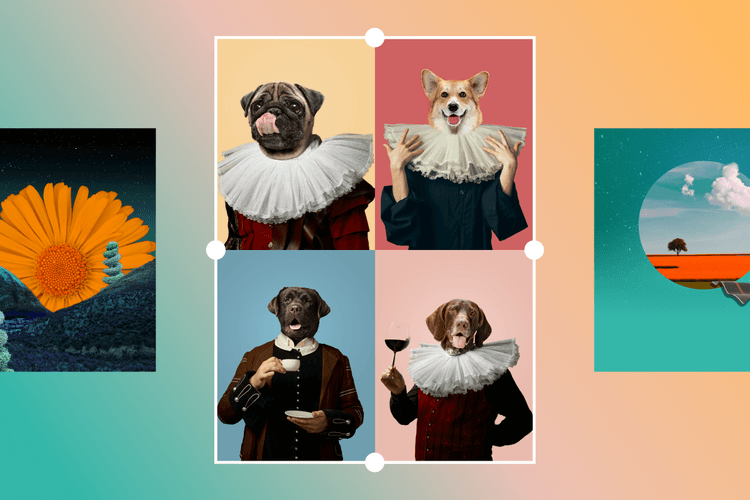
Library of expert-designed collage templates
Save time with ready-to-go collage templates. Just pick your favorite, add your photos, and you’re good to go.

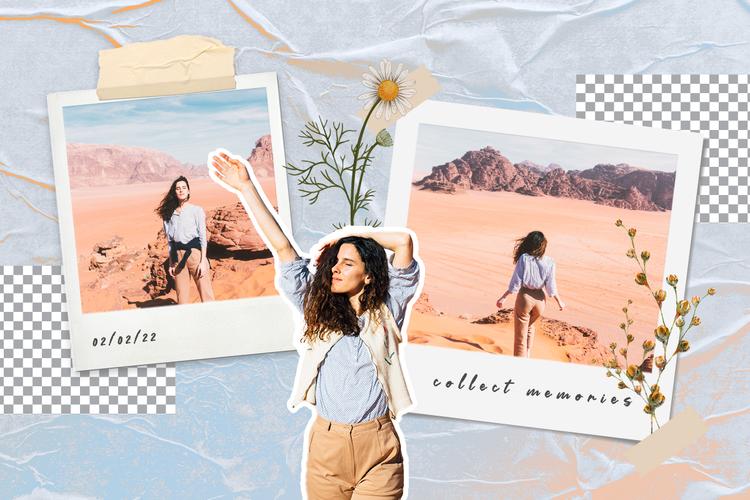
Create collages unique to you
Want something specific? Easily customize to create collages that accurately represent your personality.

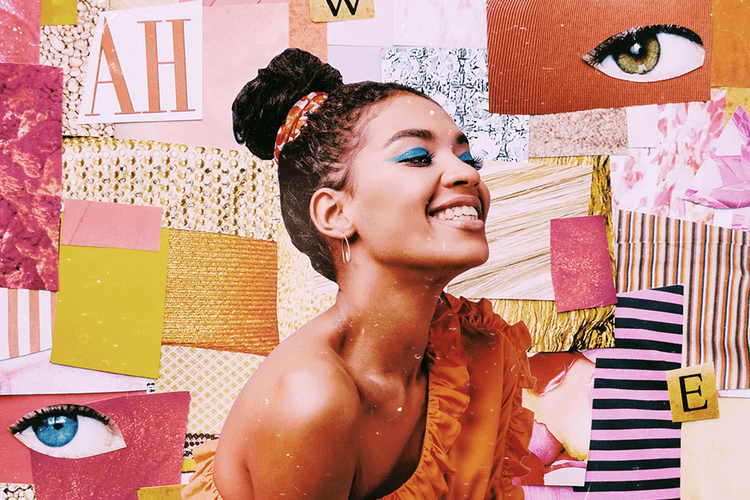
The easiest way to design collages
Hassle-free collage designing all thanks to an intuitive and easy-to-use editor interface.
How to make collages
Open the Picsart Photo Editor
Open the Picsart Photo Editor and browse the collage grids to find your ideal one.
Upload your photos
Customize your collage
Download your design
Create one-of-a-kind photo collages with templates
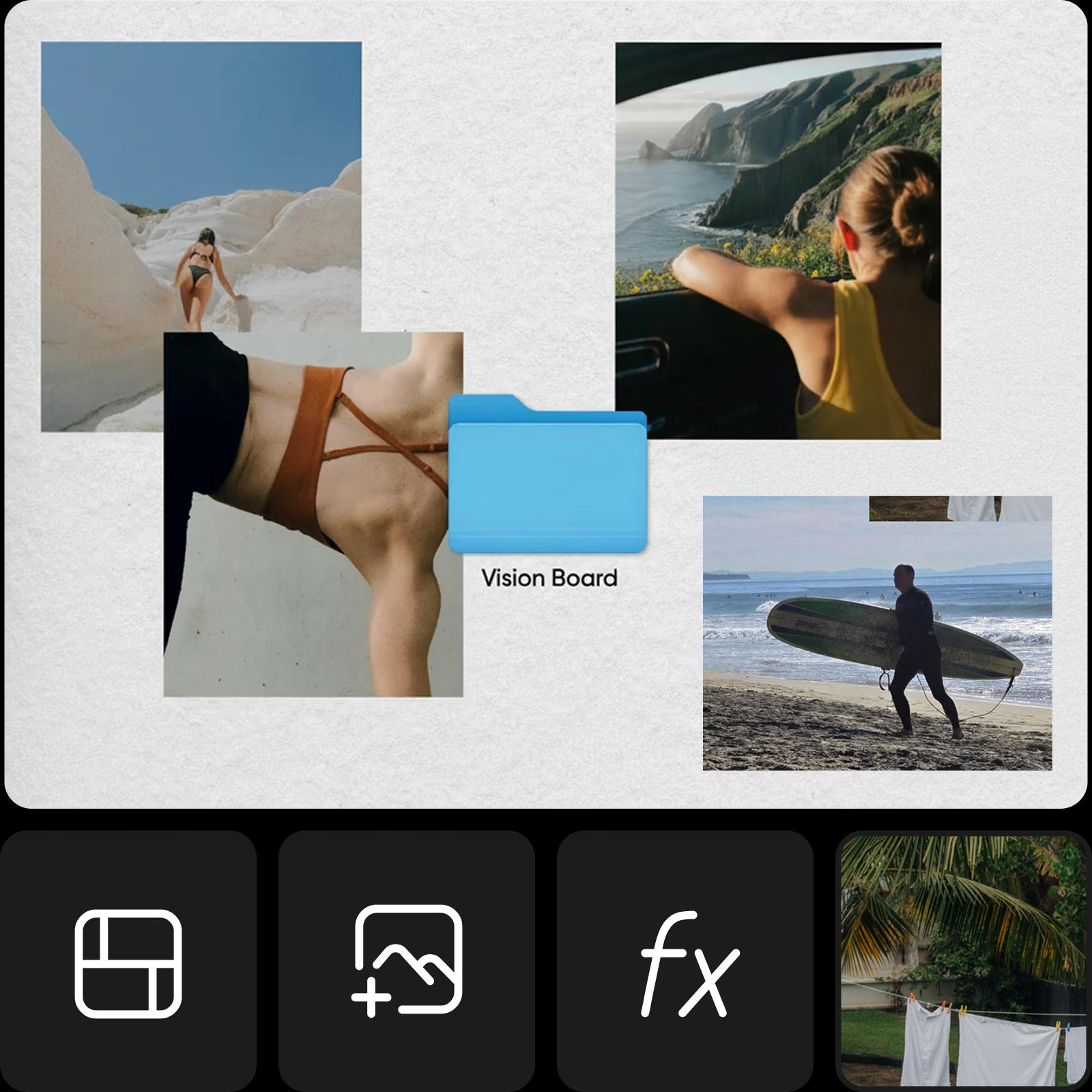
Holiday collage for that dream trip? Vision board to manifest your hopes and aspirations? There’s no shortage of ways to use the Picsart Collage Maker to create meaningful visual stories. Skip the complicated software and simply pick from a variety of digital Collage Templates to get started quickly. It’s so easy, you might just find yourself coming up with excuses to make a collage for any occasion.
Design photo collages with easy-to-use layouts
When it comes to making collages with the Picsart photo Collage Maker, there are no rules. Just because you’re working with premade grids or frames, it doesn’t mean you can’t make your collage look truly custom. There are infinite ways of adding personal touches with Picsart. And the best part? You don’t even have to worry about layouts or sizing: simply pop in your images into each defined area.
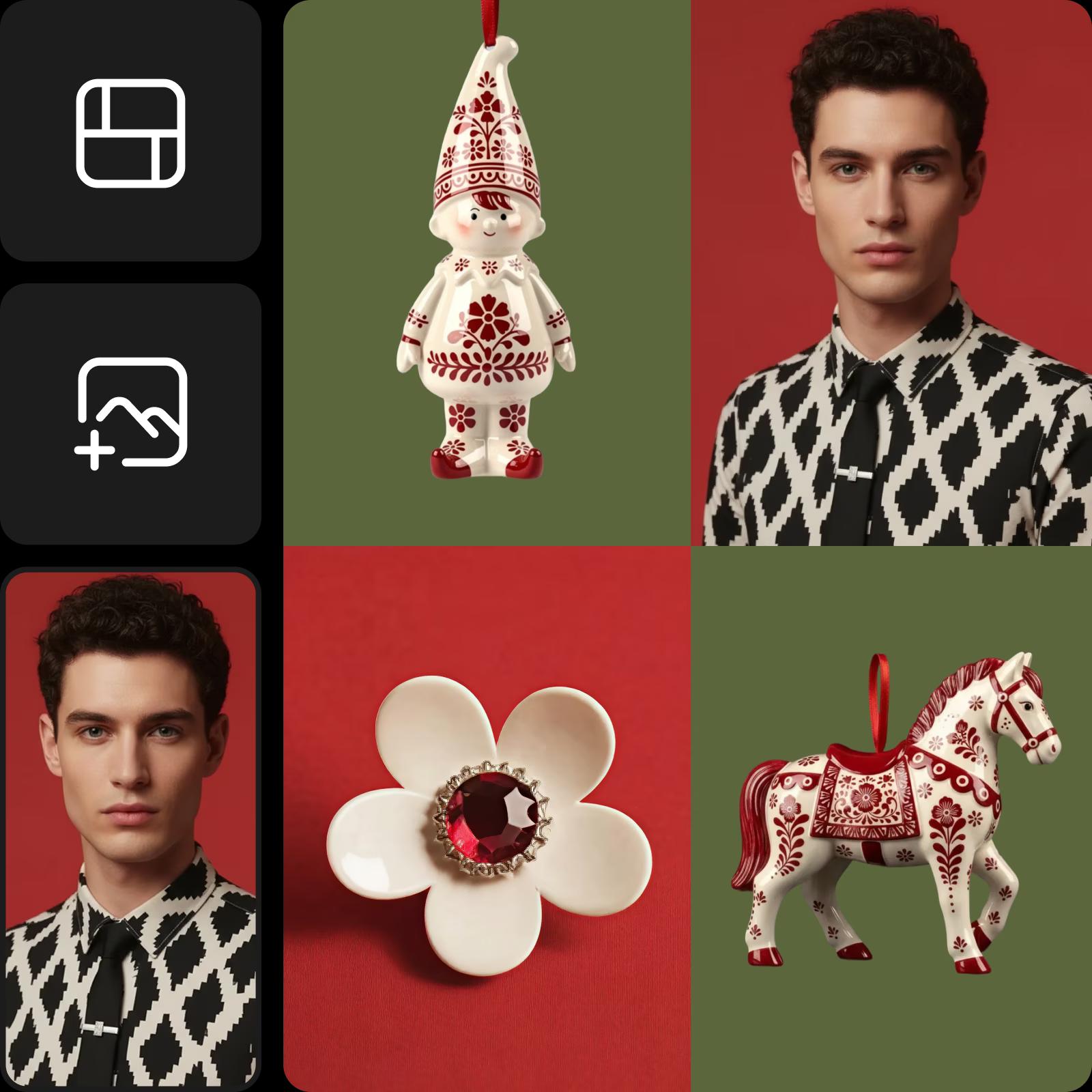
Create photo collage memories for every special occasion
Collages help you bring together everyday snapshots and the moments you celebrate most. From quick personal highlights to birthdays and holidays, they let you turn simple memories into something you can save and share instantly. It’s an easy way to keep your story in one place, with layouts that feel warm, familiar, and effortless to make, and even easier when you create photo collage designs in just a few minutes.
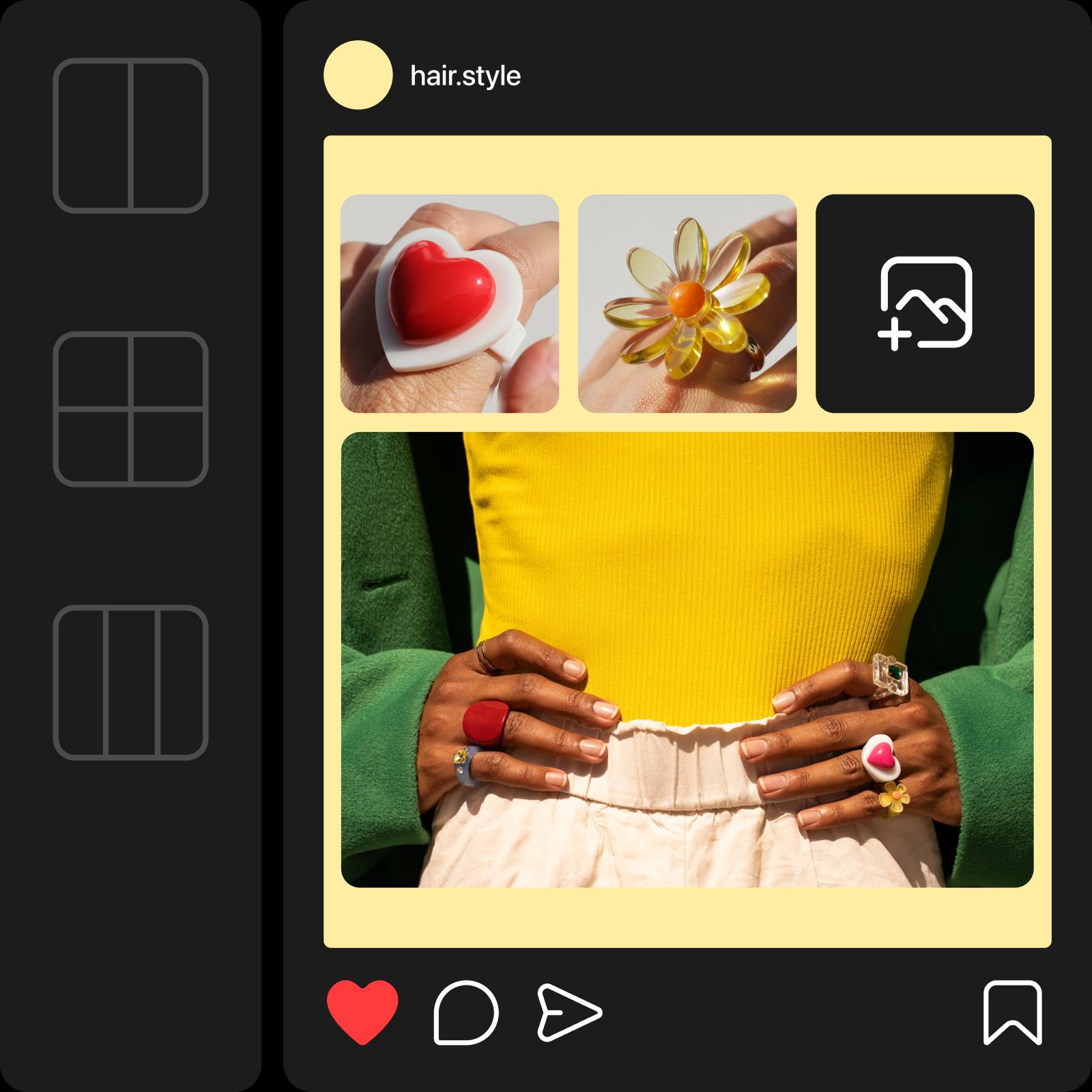
Design photo collage content for social media and marketing
When you need visuals that stand out fast, collages bring clarity and intention to your photos. They’re ideal for social posts, product spotlights, or business updates that need to look polished. Companies of any size can use collages to present services, highlight features, or share timely announcements. With easy-to-use tools and simple layouts, you can create photo collage content that strengthens your brand story and captures attention in just a few taps.
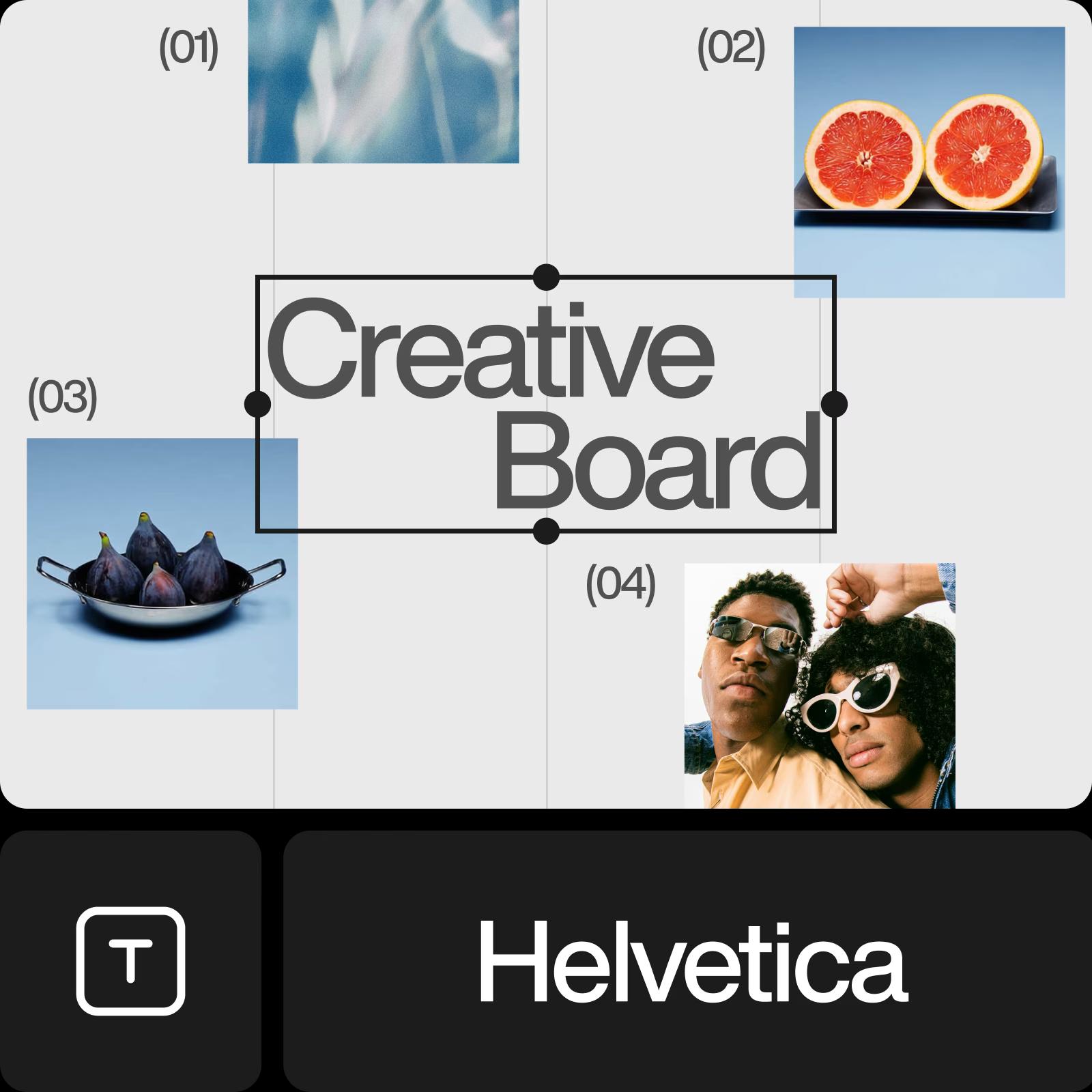
Create mood boards that spark inspiration
Collages give you space to experiment with layouts, mix textures, and try unexpected combinations. They’re also a go-to tool for building mood boards - letting you combine colors, references, styles, and ideas into one canvas. Designers, creators, influencers, and planners can use the online Collage Maker to explore concepts and craft visuals that feel original, expressive, and true to their style without relying on complex tools.
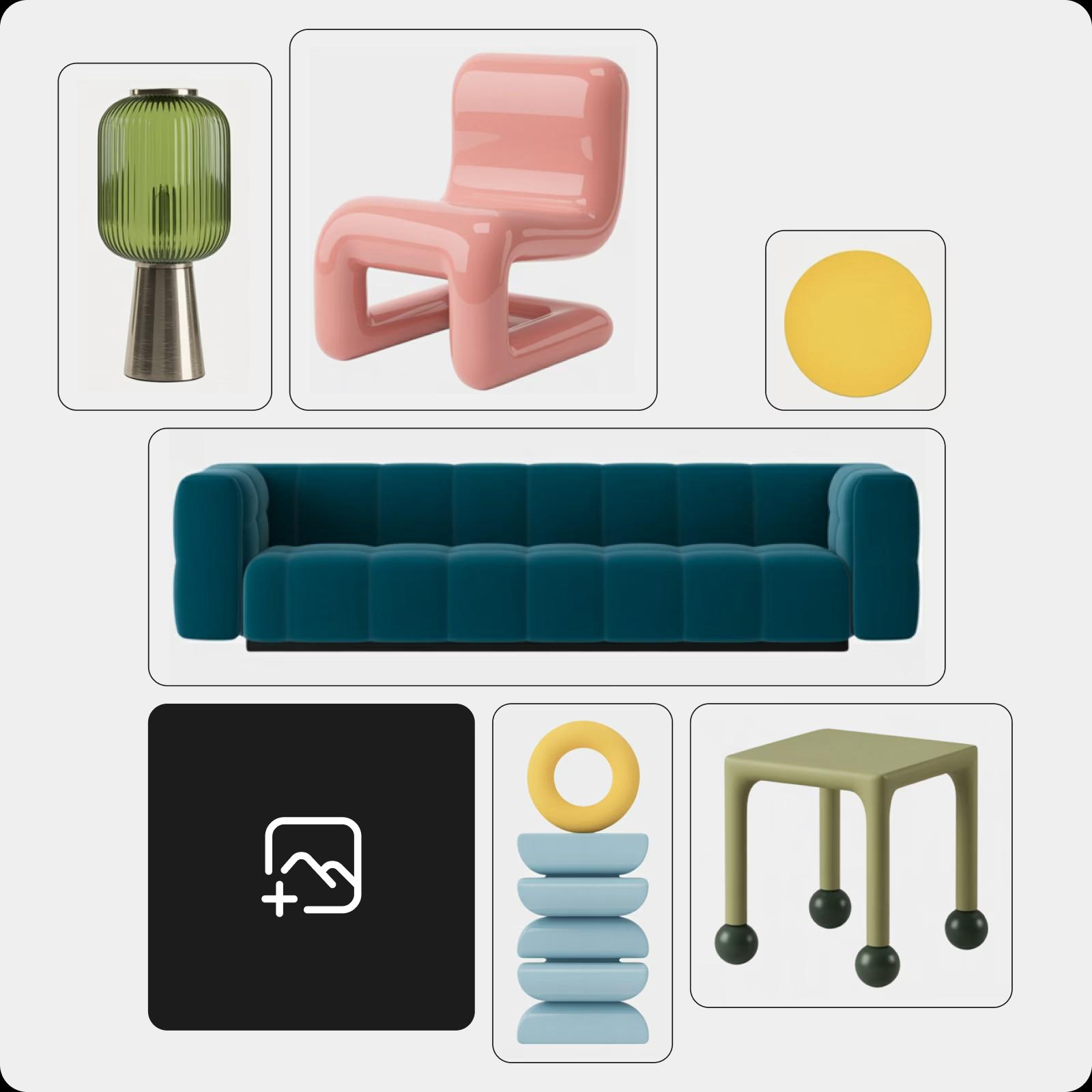
Enjoy endless collage creation possibilities with Picsart
Tap into Picsart’s other photo editing tools to customize every bit of your collage without having to switch between tools. Utilize the intuitive layer functionality and customize every element with ease. Add effects to your photos for a new look, change and create backgrounds with AI, and enhance photo quality with the AI enhance tool.

Create collages for every moment
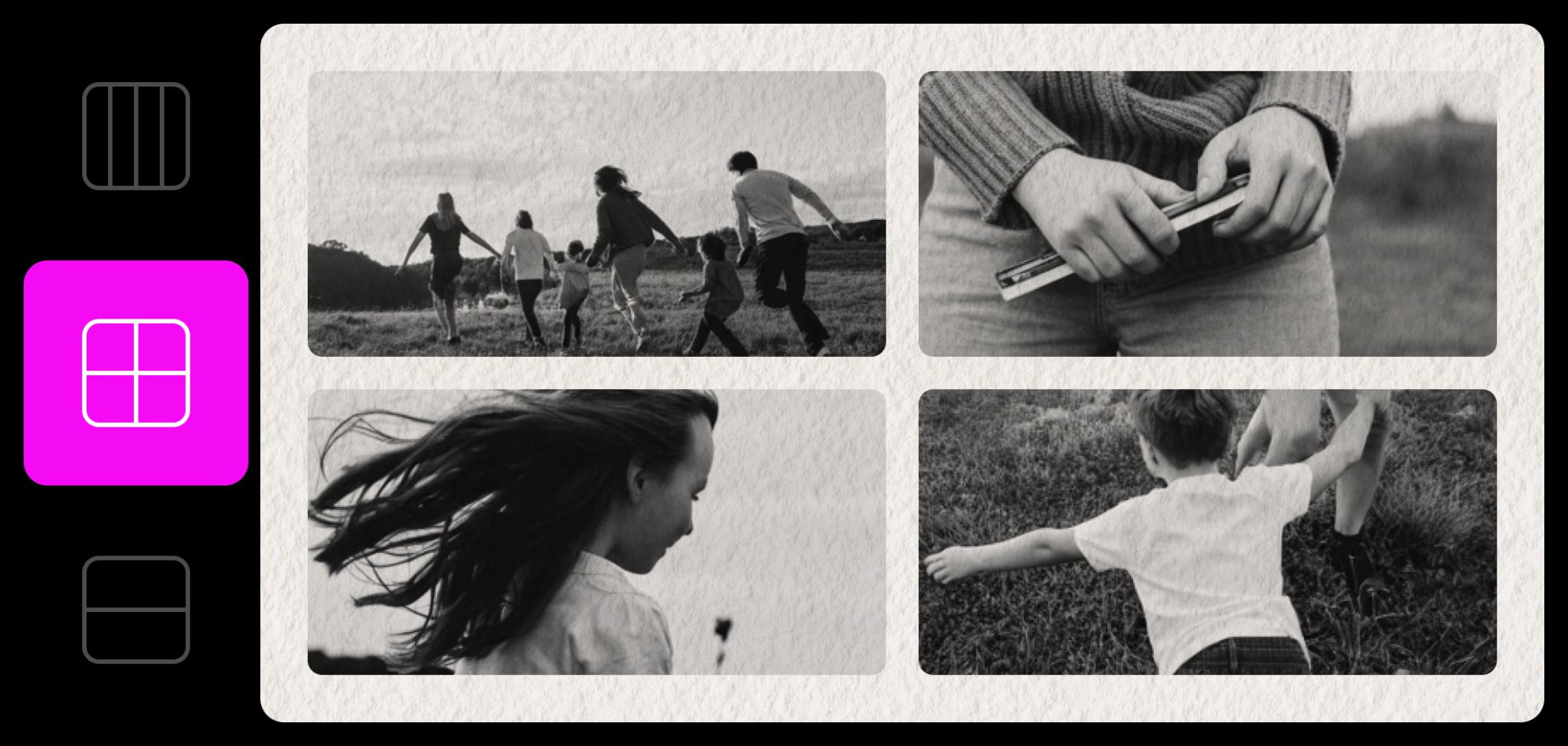
Capture the everyday chaos, joy, and tiny wins that make your family’s story yours.
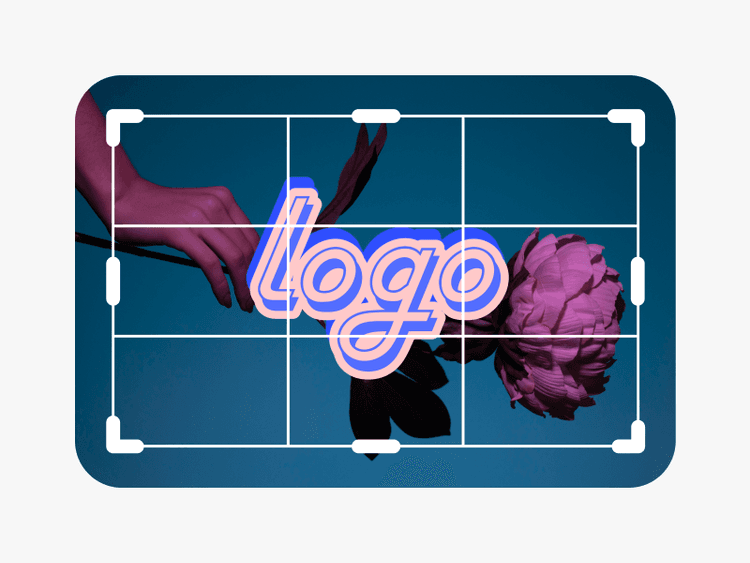
Discover time-saving photo editing tools
Enhance your digital collage by turning ordinary photos into exceptional ones.
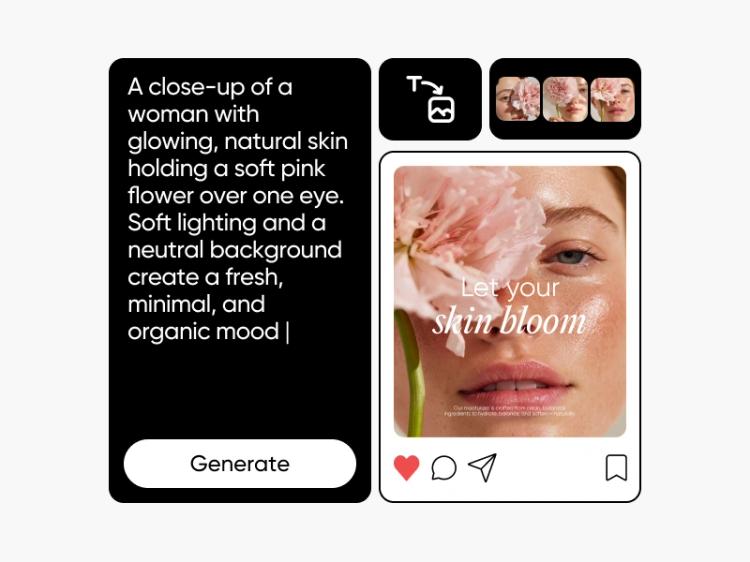
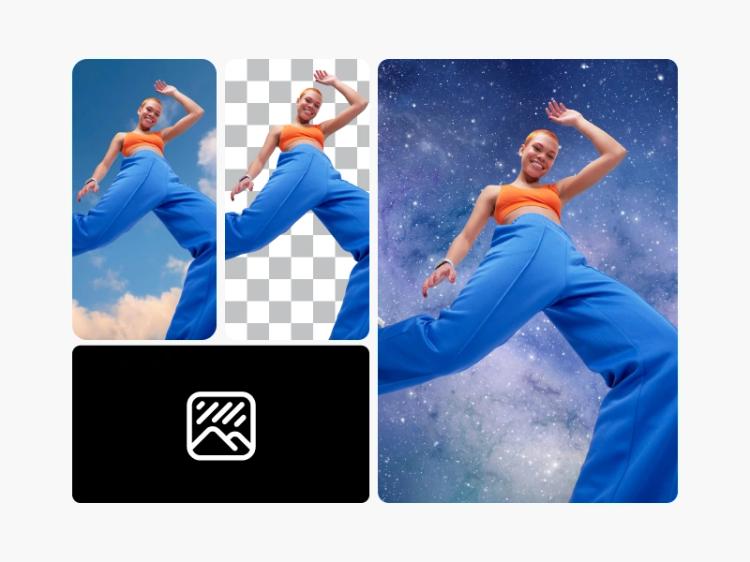
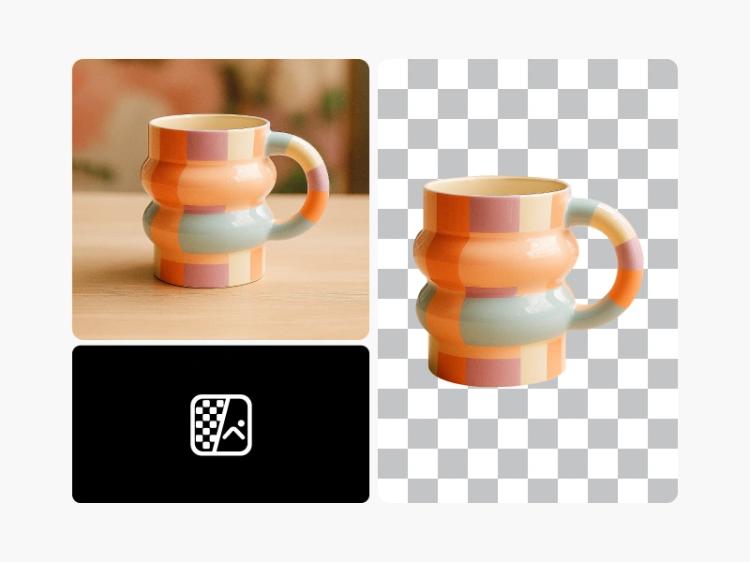


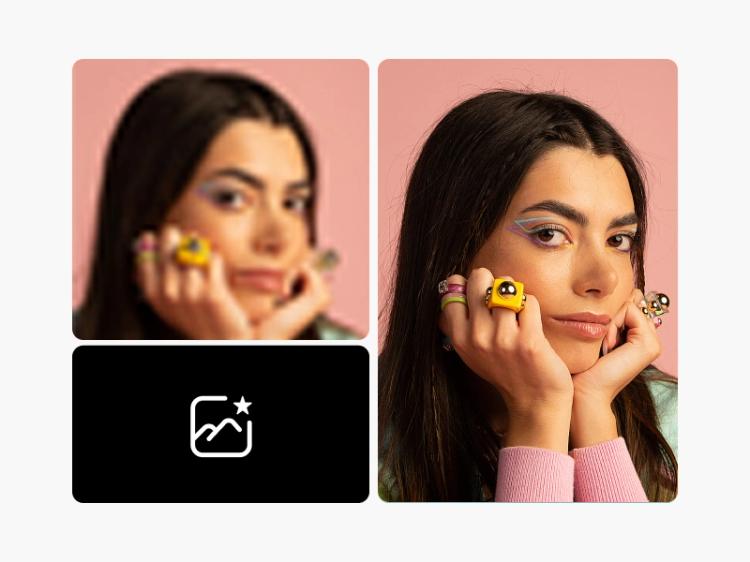
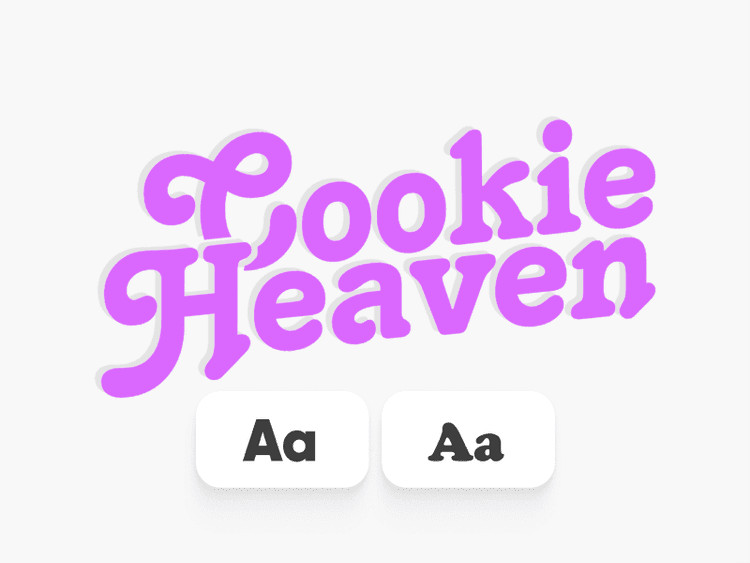
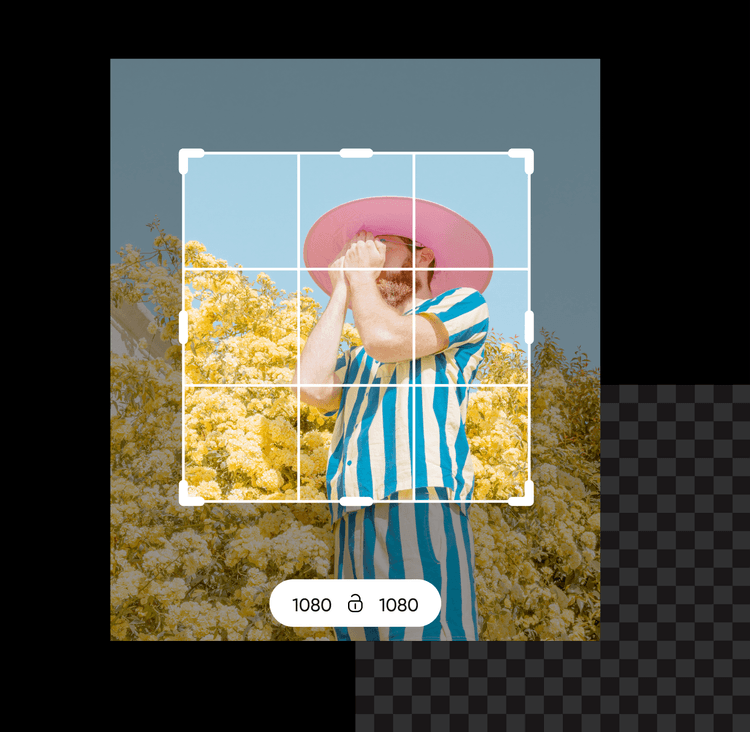
Collage Maker essentials: Photo editing basics in action
Learn how to create eye-catching collages while sharpening your photo editing basics. This photo editing tutorial shows you how to combine photos, adjust layouts and add stickers or text to tell a visual story - all in just a few clicks.
What creators say about Collage Maker
Collage Maker FAQs
Absolutely - customize any of our pre-made photo collage layouts, any way you see fit. Picsart offers several professionally designed, time-saving templates.
Go ahead! You can add photo effects, stickers, text, and other design elements to your images.
The best collage maker should offer plenty of layouts, designs and easy-to-use tools to customize your photo collage.
Yes. The Picsart collage maker has tons of free templates and stock images that you can use to create amazing collages. You can enhance your collage even further by using many of our other free editing tools
There’s no limit to what type of collage you can create. Many of our collage templates are offered in unique shapes and layouts, with the option to feature up to 10 photos. So whether it’s a wedding collage, or a graduation collage, a birthday collage, or a family collage, any of life’s best moments can be beautifully captured in a photo collage.
Discover blog posts:
Tips for making a standout photo collage