Flip images for free in seconds
Flip images vertically or horizontally online in seconds with Picsart’s image flip tool. Effortlessly reinvent your pictures with just a perspective shift.
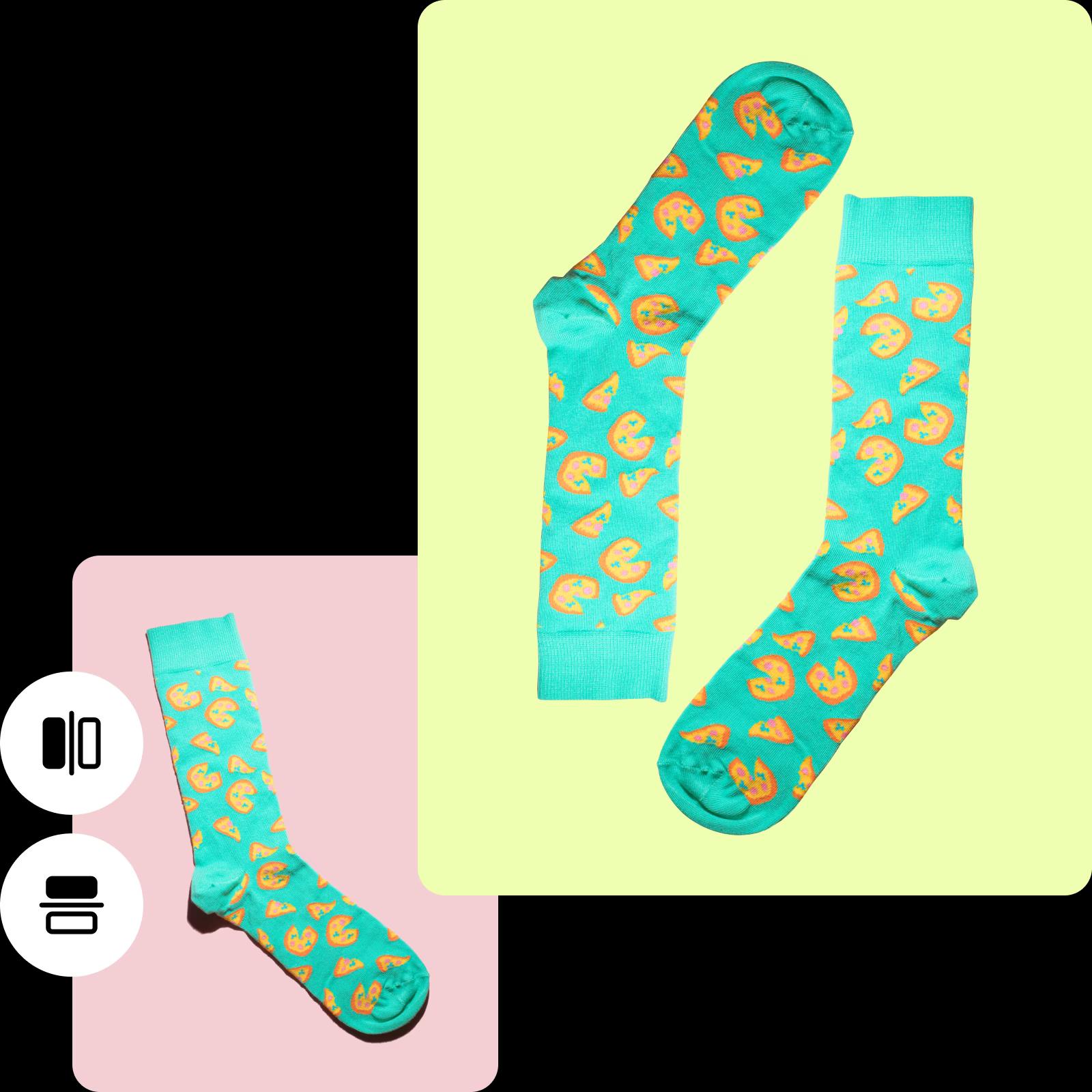

Instantly flip photos
Flip images in one click (or tap) with the image flip tool.

Free image flipper
100% free — no payments or sign-ups required.

Flip horizontally or vertically
Flip images vertically or horizontally in seconds.
How to flip a picture
Upload your photo
Choose an image from your library to flip.
Use the Flip button
Rotate image
Download
Introducing a free online image flipper
Say goodbye to spending hours navigating complex software to achieve the perfect shot. With Picsart’s image flipper online, you can effortlessly flip a photo horizontally or vertically without any headaches or hassle. Just upload the image you want to flip, choose between a horizontal or vertical flip, and your shot is ready for download — absolutely free. Want to add a touch of creativity? Flip vertically for an intriguing upside-down image. Looking for a classic mirror effect? Choose a horizontal flip and watch your image transform seamlessly.
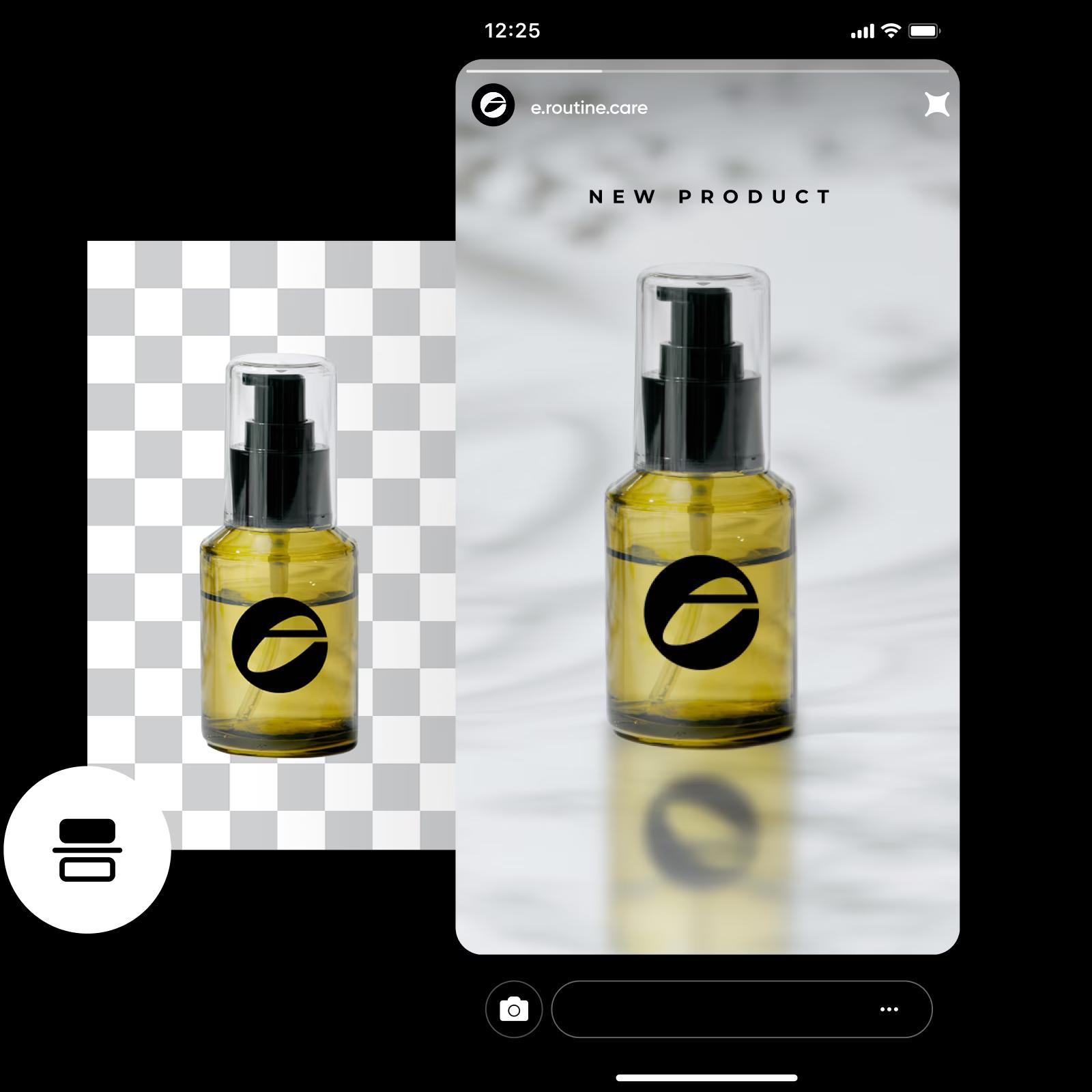
Effortlessly flip images horizontally or vertically
Unlock endless possibilities with Picsart’s image flipper online. Flip a photo horizontally to rearrange elements from left to right, creating a natural flow that guides your viewers’ gaze. Meanwhile, for a touch of drama, opt for a vertical flip. This transformation draws viewers in, sparking curiosity and leaving them on a quest for hidden details. Whether you're editing pictures for social media or adding a personal touch to your profile picture, Picsart makes image flipping a breeze.
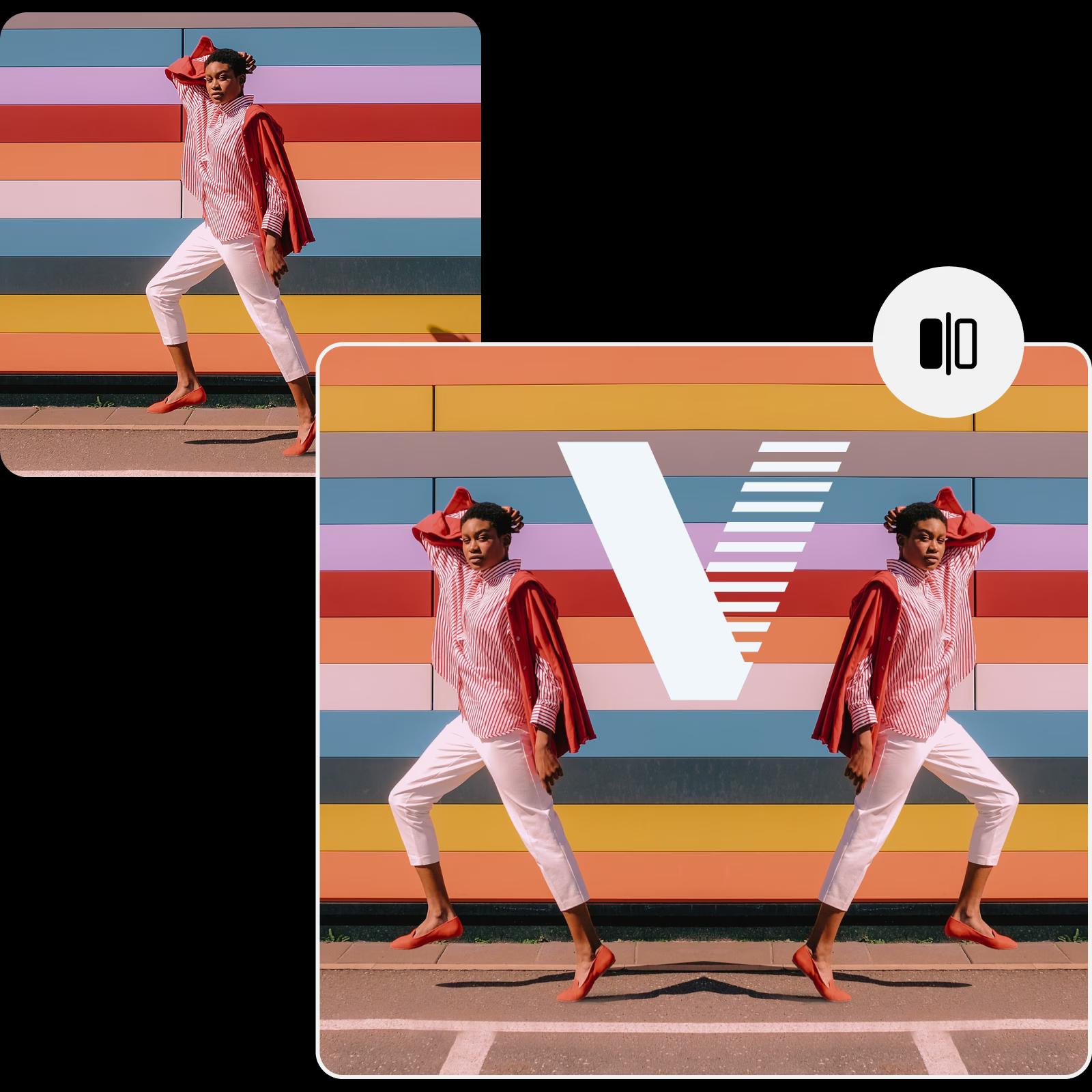
Flip images online to captivate customers
Want to tweak your visuals with a free image flipper online flipper? Showcase your eCommerce products from a fresh perspective to give customers a better view, highlighting every detail. Flip images for your marketing visuals like ads and social media posts, or adjust your interior design presentation in seconds.
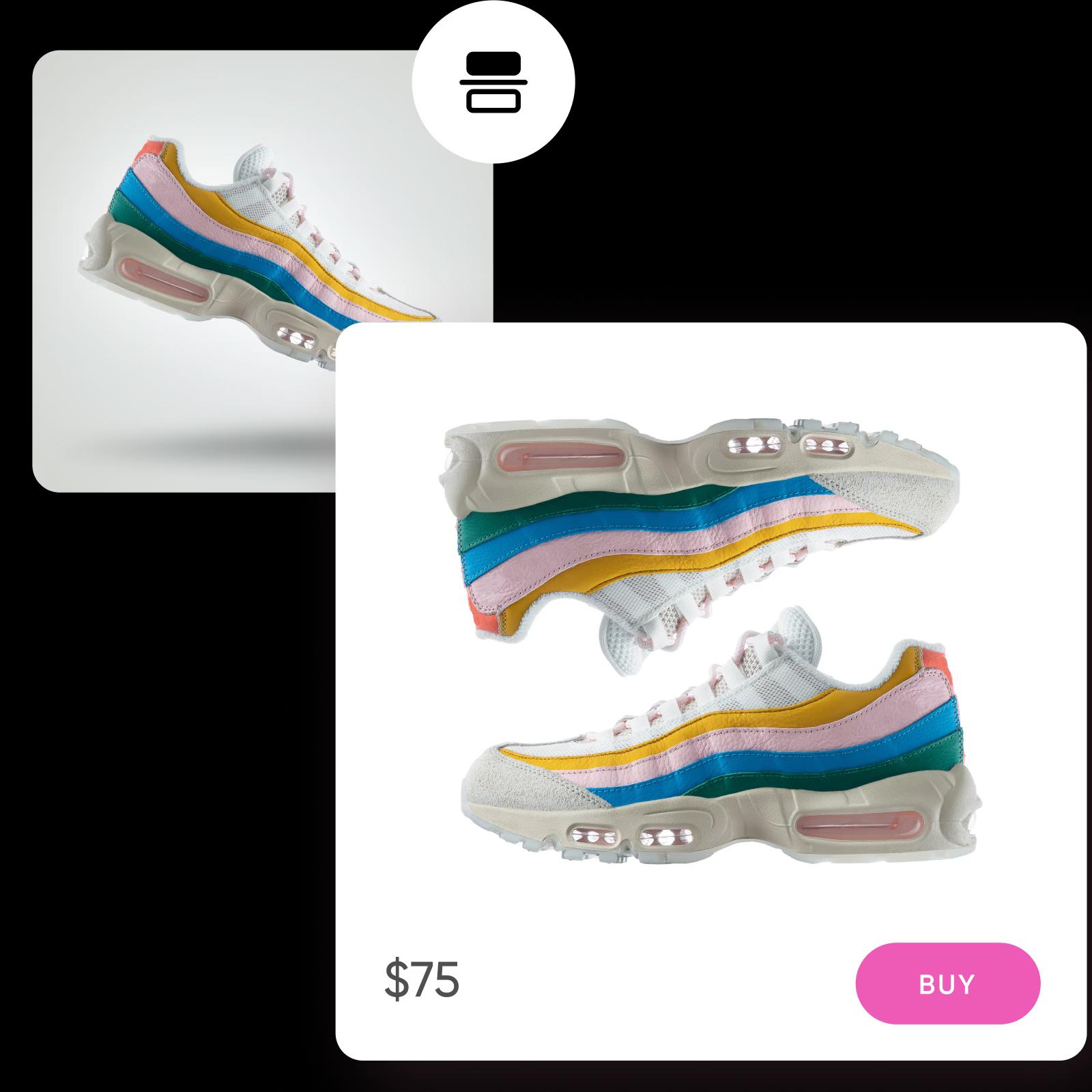
Add the finishing touches after flipping images
Take your flipped images to the next level with Picsart's AI photo editor, where you can upgrade your pictures faster with less effort. Need to expand your photo for a flawless composition? Tap into the AI image extender to achieve the perfect shot. Combat blurriness hindering your photos with the unblur tool, a game-changer for enhancing image quality. Beyond flipping, the AI-powered editor allows you to rotate images effortlessly, giving you full control over the editing process for a stunning finish.
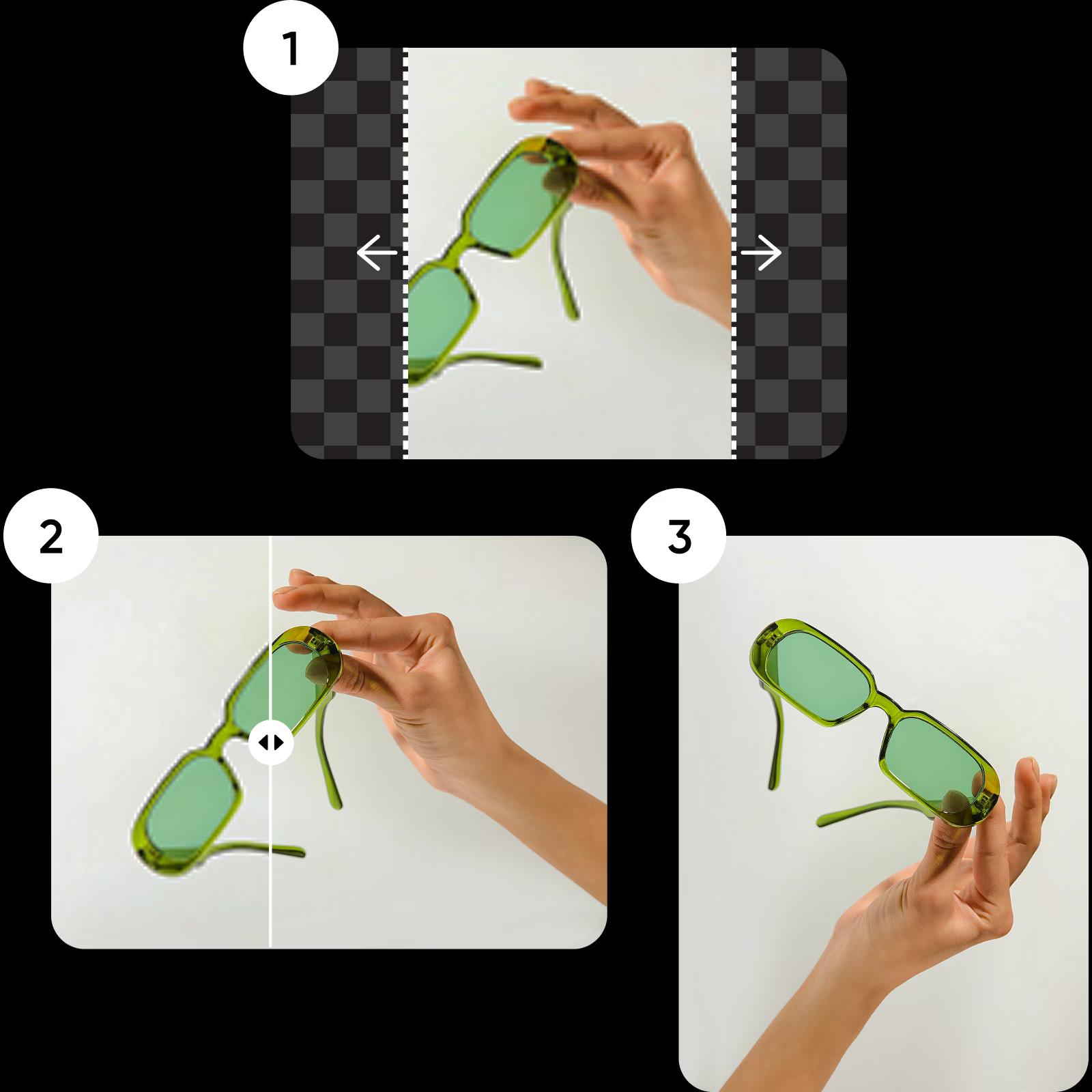
The fastest and easiest way to flip images
Tweak the perspective in an instant with Picsart’s image flipper online and keep finessing with a suite of built-in photo editing tools. Maintain the original quality or double and quadruple the resolution without having to switch to a different browser tab.
More tools to love from Picsart

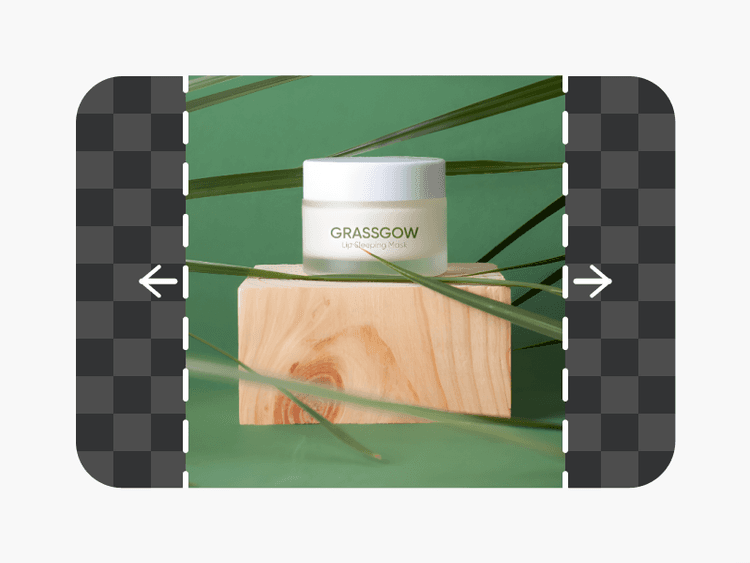

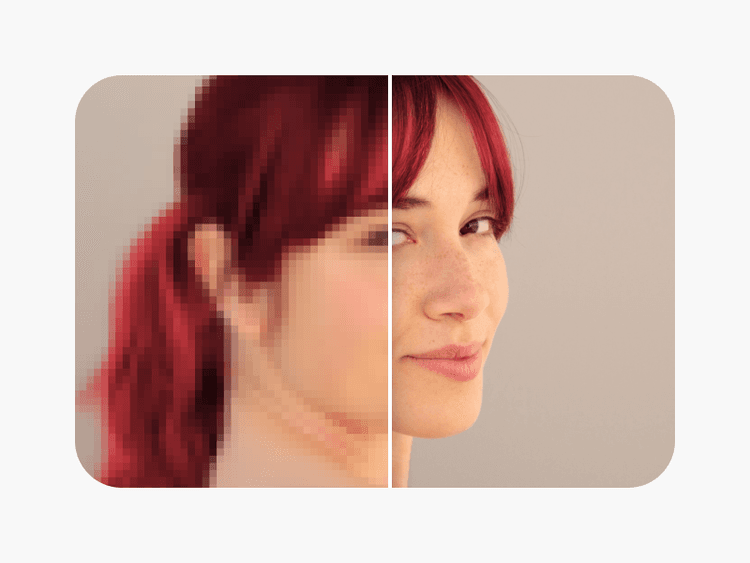
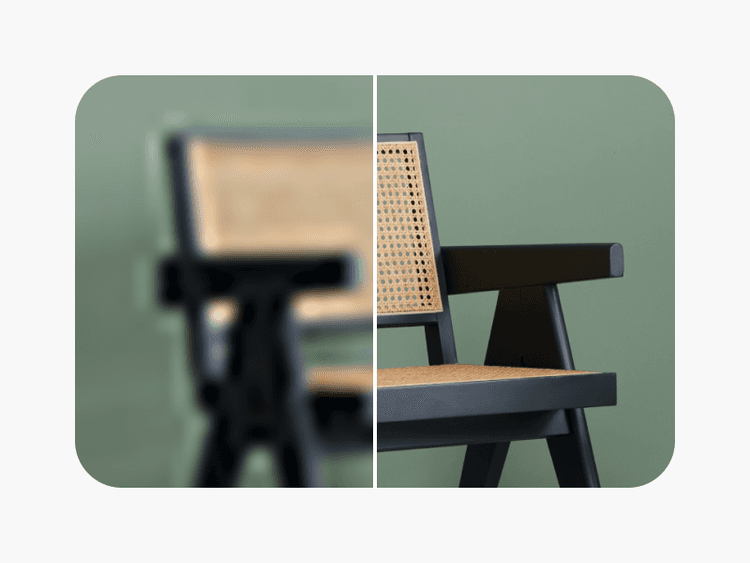

Image flipper FAQ
Here’s how to flip a picture with Picsart:
- Upload the photo you’d like to flip.
- Select the Flip and Rotate button from the top panel toolbar.
- Choose between a vertical or horizontal rotation for your image.
- After flipping, add the finishing touches and download your edit.
The photo flipper maintains the size and quality of your original photo. If you need to improve your photo’s quality before flipping, check out the AI photo enhancer.
In a horizontal flip, the image is mirrored along a vertical axis, and elements on the left side of the original image swap places with those on the right side. Meanwhile, in a vertical flip, the image is mirrored along a horizontal axis. Elements on the top of the original image switch positions with those at the bottom, creating an upside-down image.
Yes, flipping an image is often referred to as mirroring. When you flip an image, you’re creating a mirror image of the original.
As Seen in