Infinite Canvas: design without limits
Design freely with Picsart’s Infinite Frame. This free online canvas gives you endless room to create, organize, and experiment. Build mood boards, storyboards, or drafts side by side - all in one flexible visual workspace.
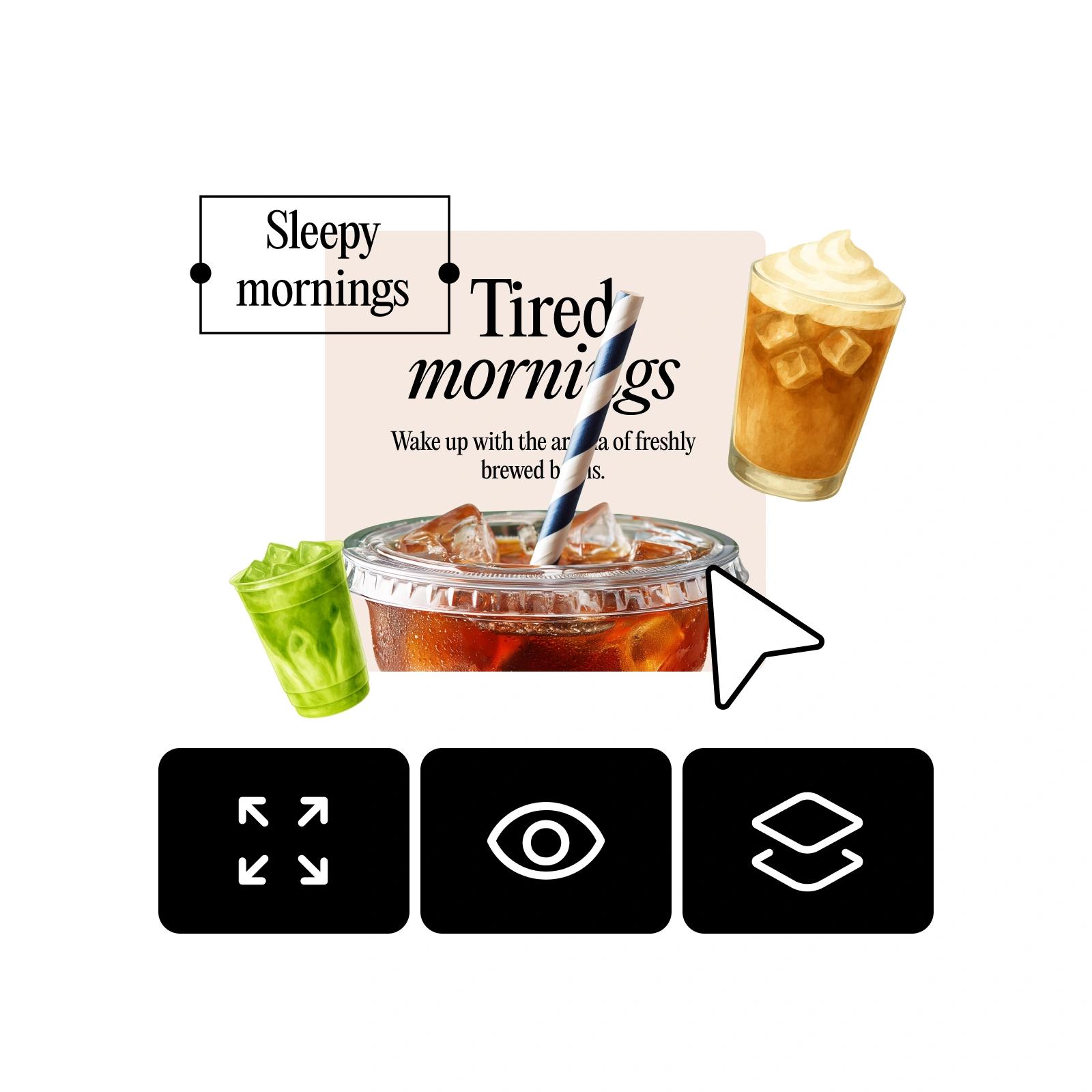

Unlimited canvas for every idea
With Infinite Frame, you can keep drafts and assets organized while experimenting across an open workspace.

Stay organized with an Infinite Canvas
Use this freedom design tool to keep drafts, assets, and ideas in one place with an Infinite Frame.

One-click control
Switch your endless canvas online on or off with a single toggle for quick adjustments.
How to use Infinite Canvas
Open your design
Start by opening any project in the Picsart Editor.
Toggle Infinite Frame
Place assets freely
Export your final design
What is Infinite Frame
Picsart’s Infinite Frame tool is a visual sandbox where you can design without limits. By toggling beyond the standard frame, you unlock an infinite playground to explore, plan, and experiment. This visual workspace keeps ideas flowing and makes it easy to expand your creativity in any direction.
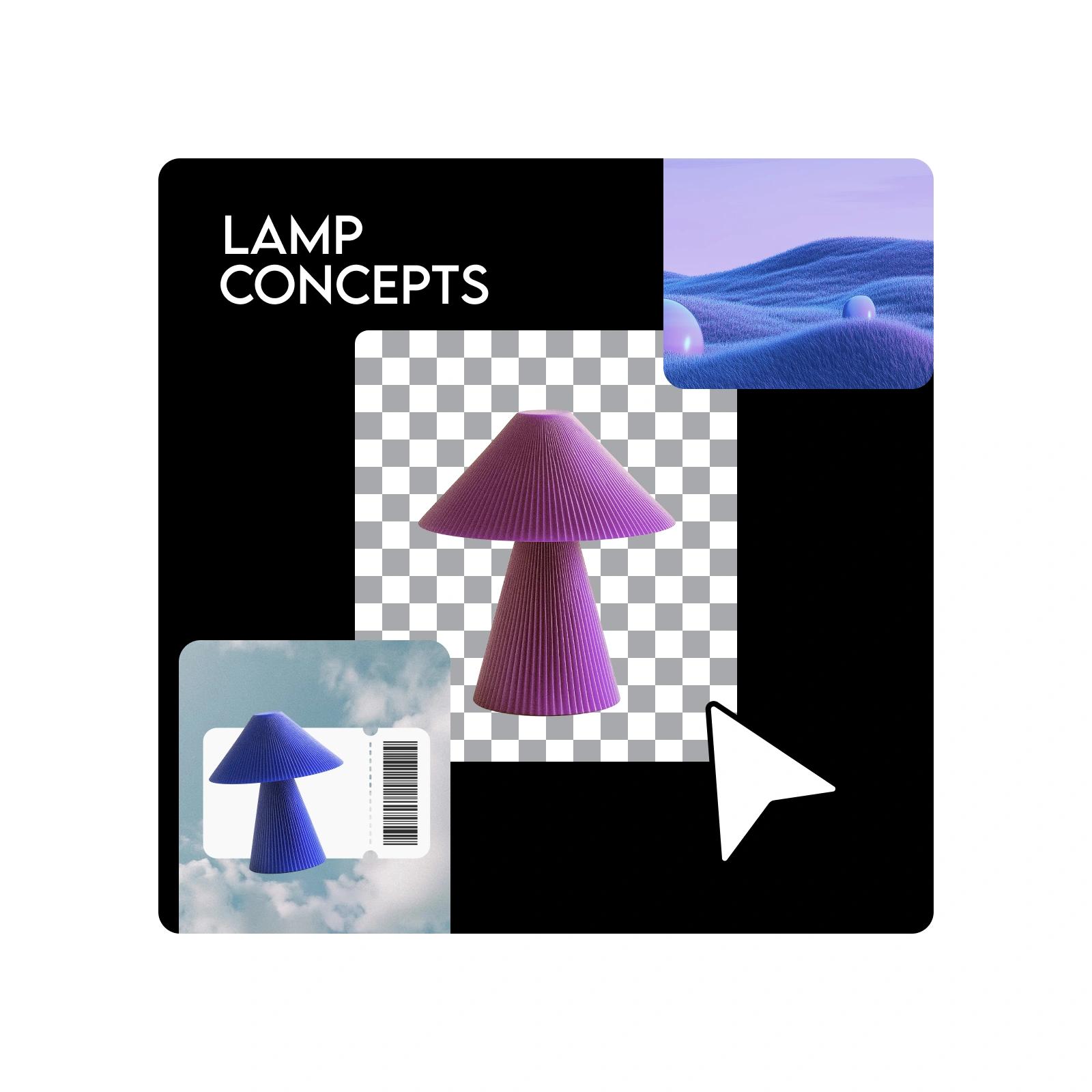
Creative freedom with Infinite Canvas
Unlike the limits of a finite canvas, Infinite Frame offers design without limits. You can organize design assets, save drafts in one place, and collaborate on canvas in real time. Its scalable creative workflows adapt to any project, from personal experiments to professional campaigns, making it the all-in-one solution for efficient, inspired design.
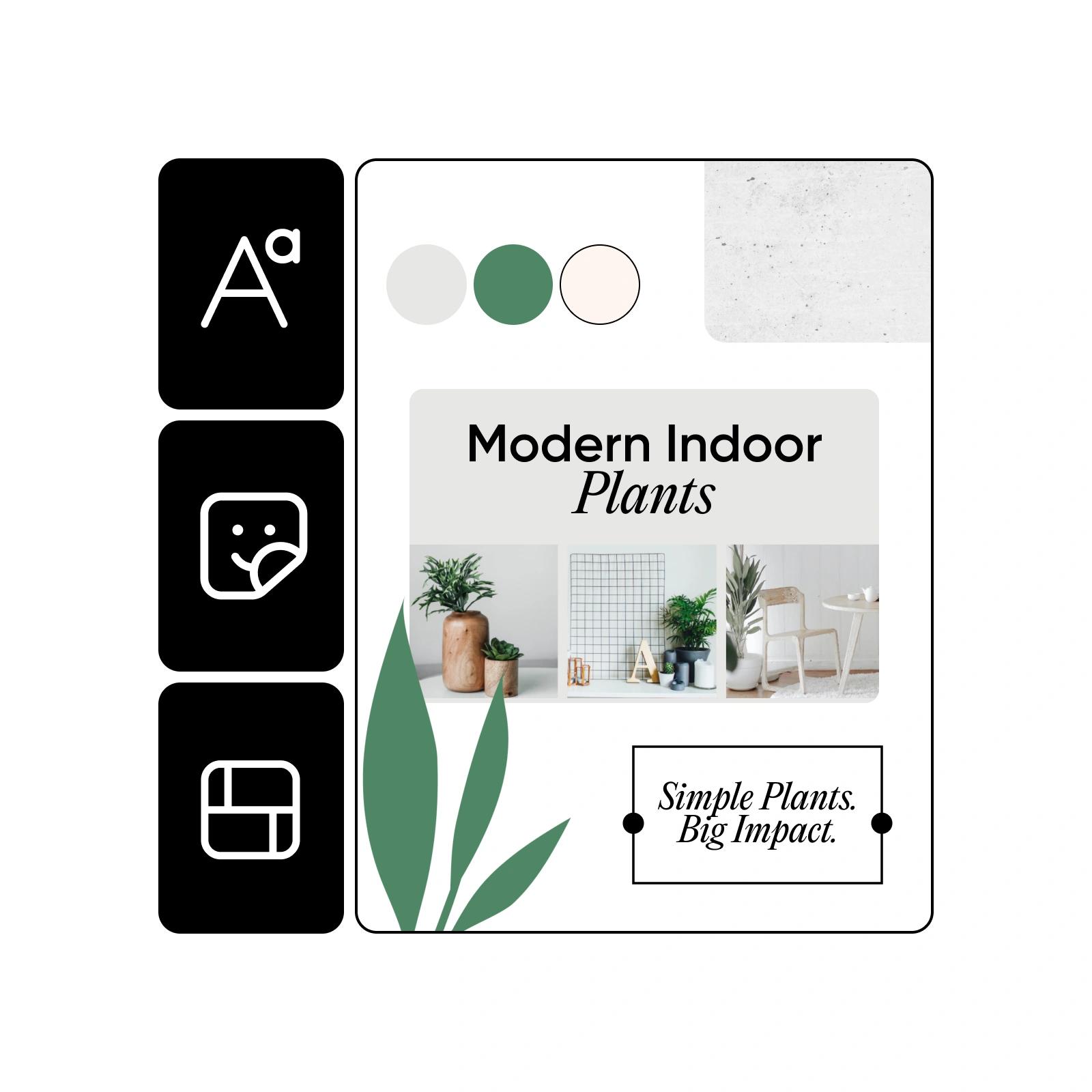
Turn your Infinite Canvas into a creative playground
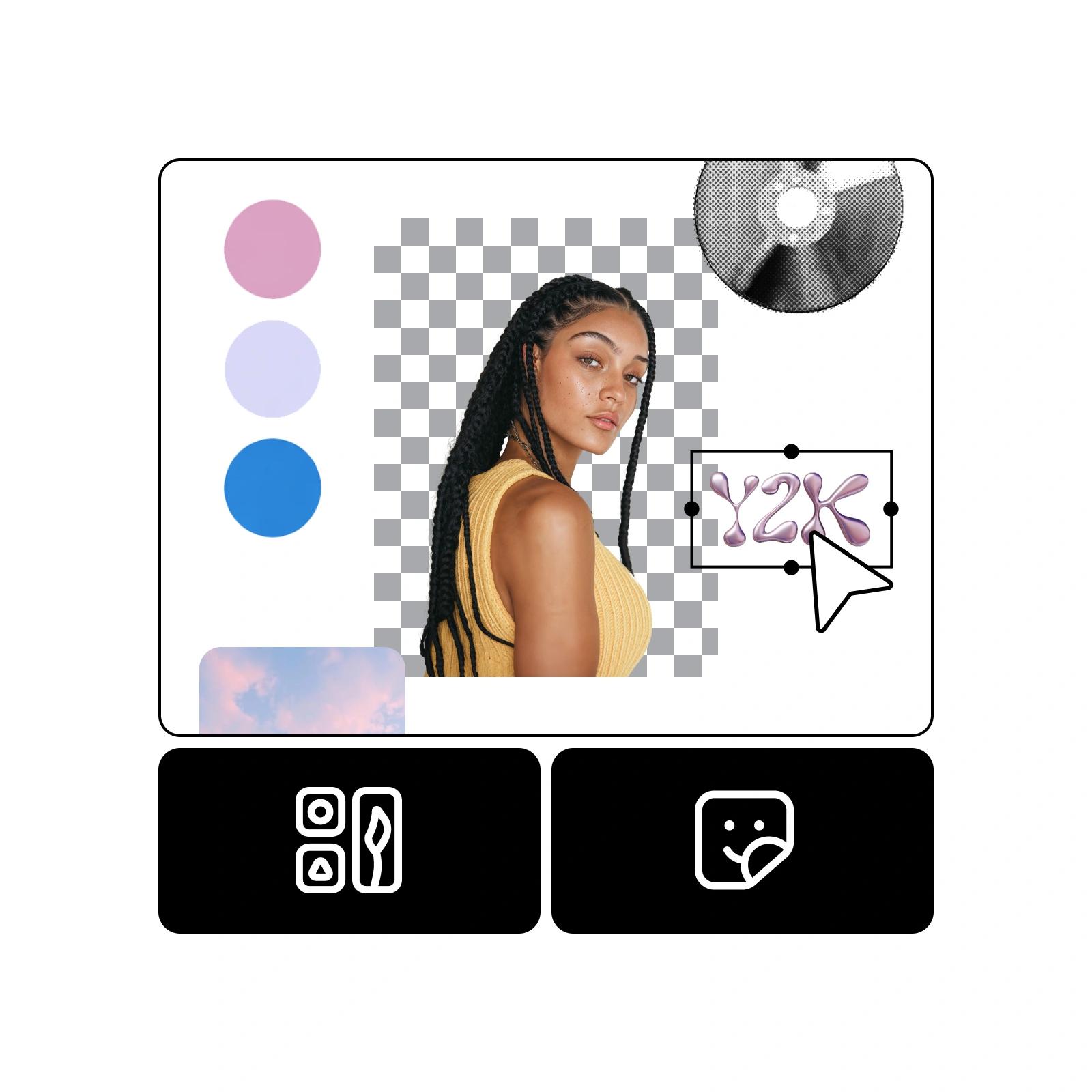
Use Infinite Frame as a design playground where you can experiment with fonts, layouts, and colors. Build a mood board canvas or visual inspiration board by pulling together images, typography, and palettes in one place. Try exploring ideas while making collages with Picsart Collage Maker.
Enhance your workflow with an Infinite Canvas for social media
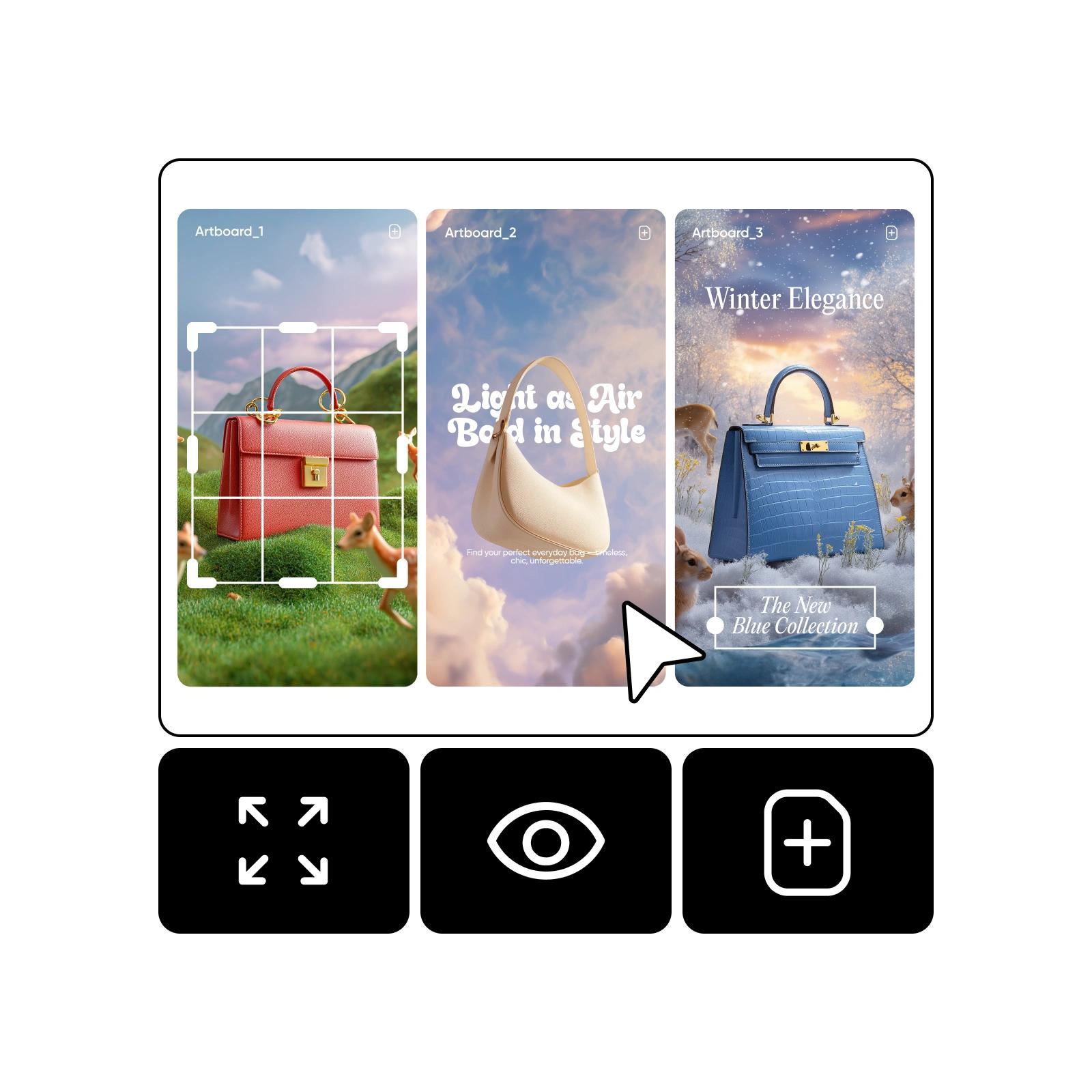
Create multiple social media templates for Instagram, TikTok, and Pinterest, all in one file. Use Infinite Frame as a storyboarding tool to plan sequences or draft multiple versions side by side. This Infinite Frame for social media helps you save drafts in one file and streamline campaigns. You can also try building ads with Picsart Ad Maker.
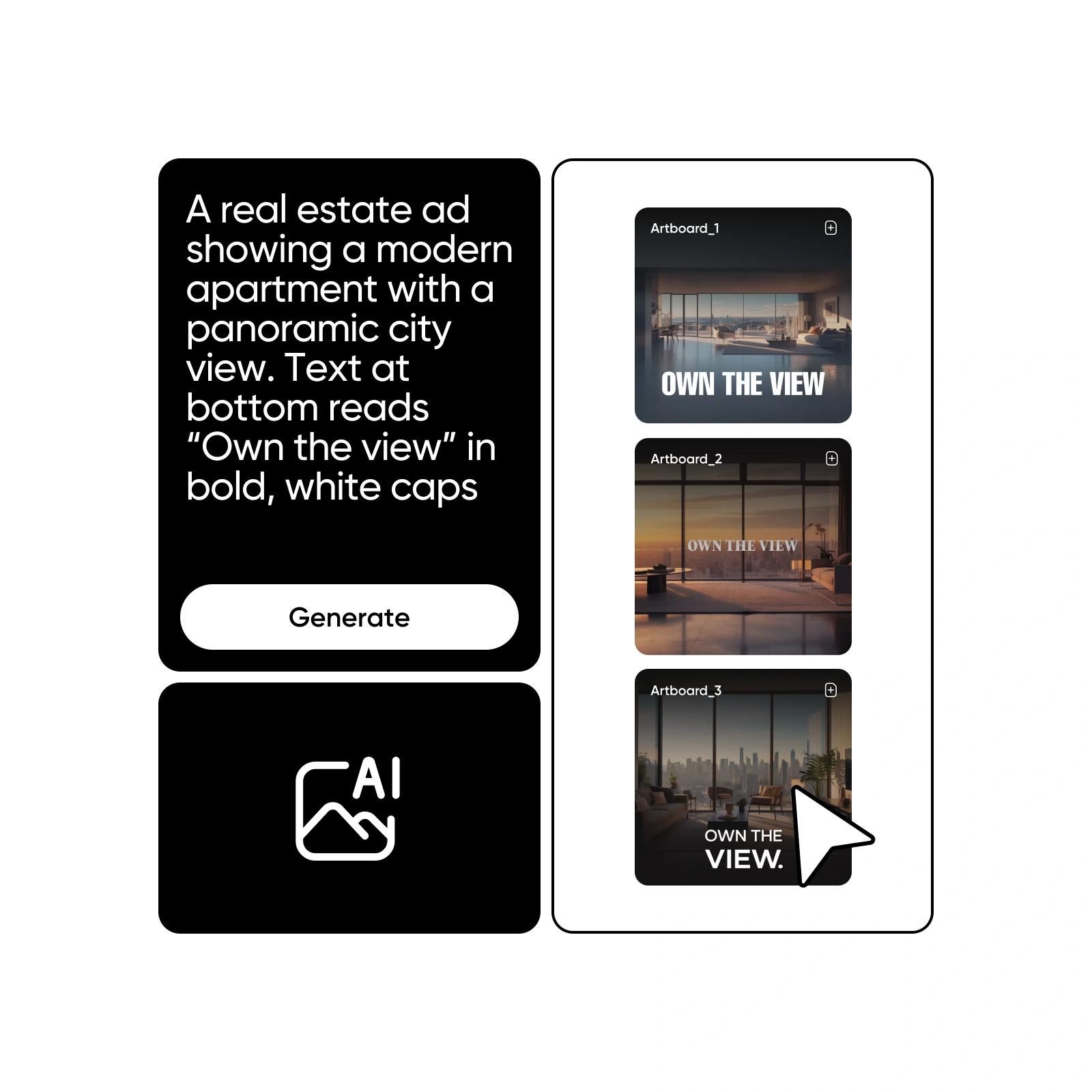
Maximize efficiency for your design workspace
Use the Infinite Frame tool to stay organized and consistent across projects. Build multiple drafts in one file, store reusable assets like logos and stickers for brand consistency, and plan content flows for multi-channel publishing. These simple practices help you work faster while keeping creativity under control.
Infinite Canvas FAQ
Infinite Frame, also called Infinite Canvas, is a freeform design workspace in Picsart. It lets you move beyond the standard frame, place assets anywhere, and organize ideas in a flexible way. Think of it as your visual sandbox for design without limits.
Open a project in the Picsart Editor, toggle Infinite Frame, and start arranging drafts, images, or text beyond the edges of your canvas. You can use it for brainstorming, layouts, or planning, then export only the finished canvas area when ready.
Yes. When you export, only the defined canvas area is saved by default. This means you can keep your working drafts, notes, and extra assets in the workspace without cluttering your final file.
Yes, the terms describe the same feature. Infinite Frame and Infinite Frame both refer to Picsart’s free online canvas that expands beyond standard boundaries, giving you a limitless design area.
Infinite Frame is ideal for mood boards and storyboards because it gives you space to experiment with fonts, layouts, colors, and reference images. You can keep everything side by side in one workspace, making it easy to organize ideas and see the bigger picture.
More tools to love