
Change image size for free with Picsart’s image resizer
Instantly change image size with a variety of layout presets using Picsart’s free image resizer.

Free to use
Resize images for free with the Picsart all-in-one photo editor.

No quality drop
Resize images without compromising the look and the quality.

Complete file security
Uploaded files are only stored temporarily and are secure during every use.
How to resize images online for free
Open the Image Resize
Use the button below to jump straight into the Picsart Photo Editor.
Upload your photo
Pick your size
Save your resized image
Resize images in seconds
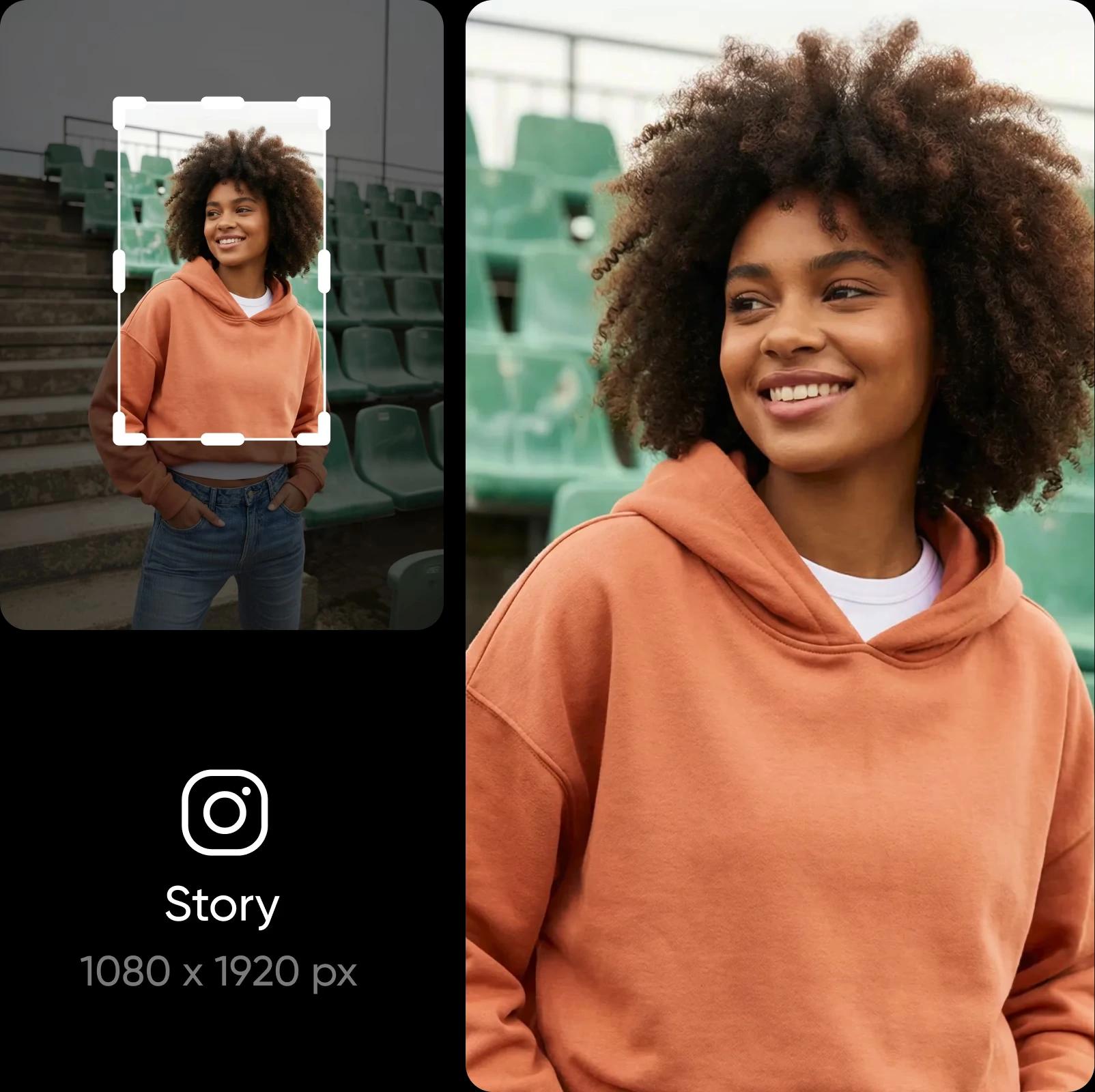
Switching between different layouts isn’t a time-consuming hassle anymore. Get all your resizing done with the online image resizer. Uploading to popular platforms? No need to manually search for the right resolutions, just use the ready-to-go layout presets to change the dimensions of your image even faster.
Reduce image size without losing any detail
Resize your image while keeping every detail clear. Picsart protects your photo’s clarity as you change dimensions, so nothing looks stretched or dull. And if your photo starts out blurry, you can fix that too with Picsart. Just run it through the built-in Image Upscaler to enhance image quality - it’s as easy to use as the resizer.

Explore popular ways to resize your images
Resize your images so they fit the sizes used on Instagram, Facebook, TikTok, Pinterest, and LinkedIn. Your posts, Stories, ads, thumbnails, and headers will look clean and consistent on every platform.

Resize images in batch
Multiple images got rejected for the wrong size? No need to adjust them one by one. Easily resize images in batches with Picsart and save yourself precious time. Do the adjustment for one, and it will be applied to the rest of your images. Perfect for when you need to resize several e-commerce photos, adjust the size of your carousel post visuals, and more.
Do more with Picsart’s photo editor
All your photo editing needs are covered by Picsart. Easily perform complex edits like changing and removing backgrounds or even remove objects from your photos. It’s all an automated breeze, thanks to AI. Complete the look by applying effects and adding text to your photos. All this in one convenient photo editor.

More Tools to Explore
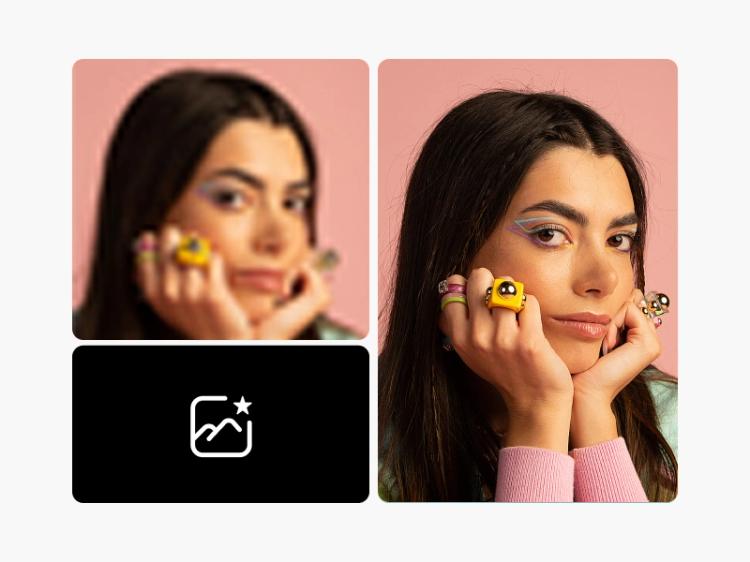


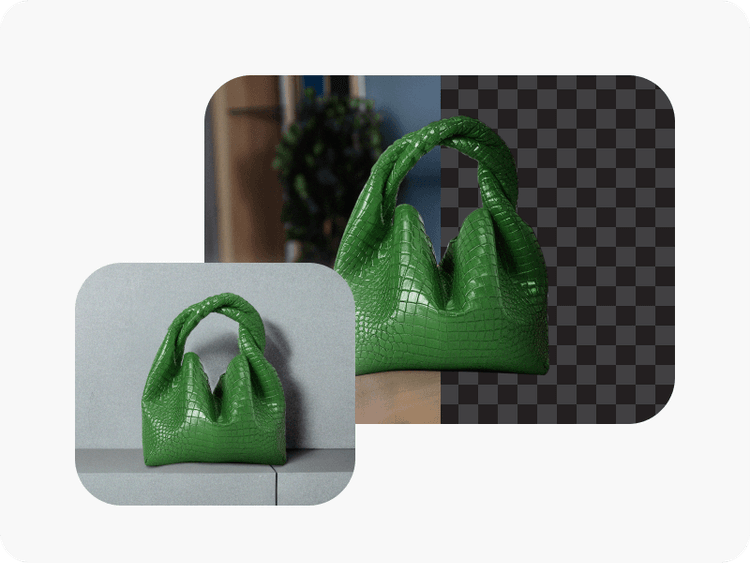
Image resizer FAQ
The Picsart image resizer allows you to adjust the resolution of your images for various size requirements.
Yes! You can use the Picsart image resizer free of charge.
Yes, you can resize images in batches.
Yes, the aspect ratio will be preserved during resizing.
Absolutely! Picsart resizes photos with minimal loss of quality.
No, Picsart doesn’t store your images.
Using the Picsart editor, simply click on Layout on the left toolbar. Then either select one of the ready-made size templates or set your own custom dimensions at the top.