Remove unwanted objects, texts, defects and watermarks from photos online
Reclaim control of your images from intrusive objects with the Picsart object remover tool. Leave it to AI to remove any object, text, defect, or watermark from your photos and make it look like nothing was ever there.


Create remove object from photo with AI image models
Use image models to transform remove object from photo into polished visuals, design ideas, and ready-to-edit assets.
AI powered object remover
When you remove an object, AI replaces that part of the photo with a custom-generated image.
Easy-to-use object remover
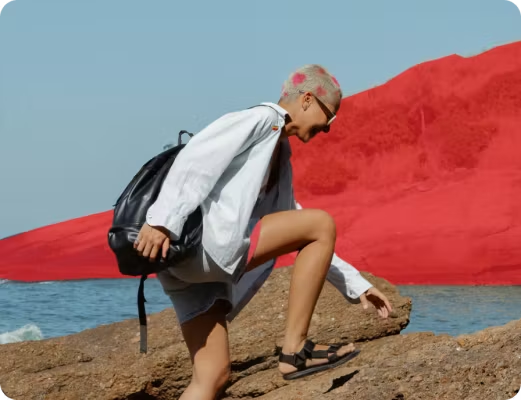
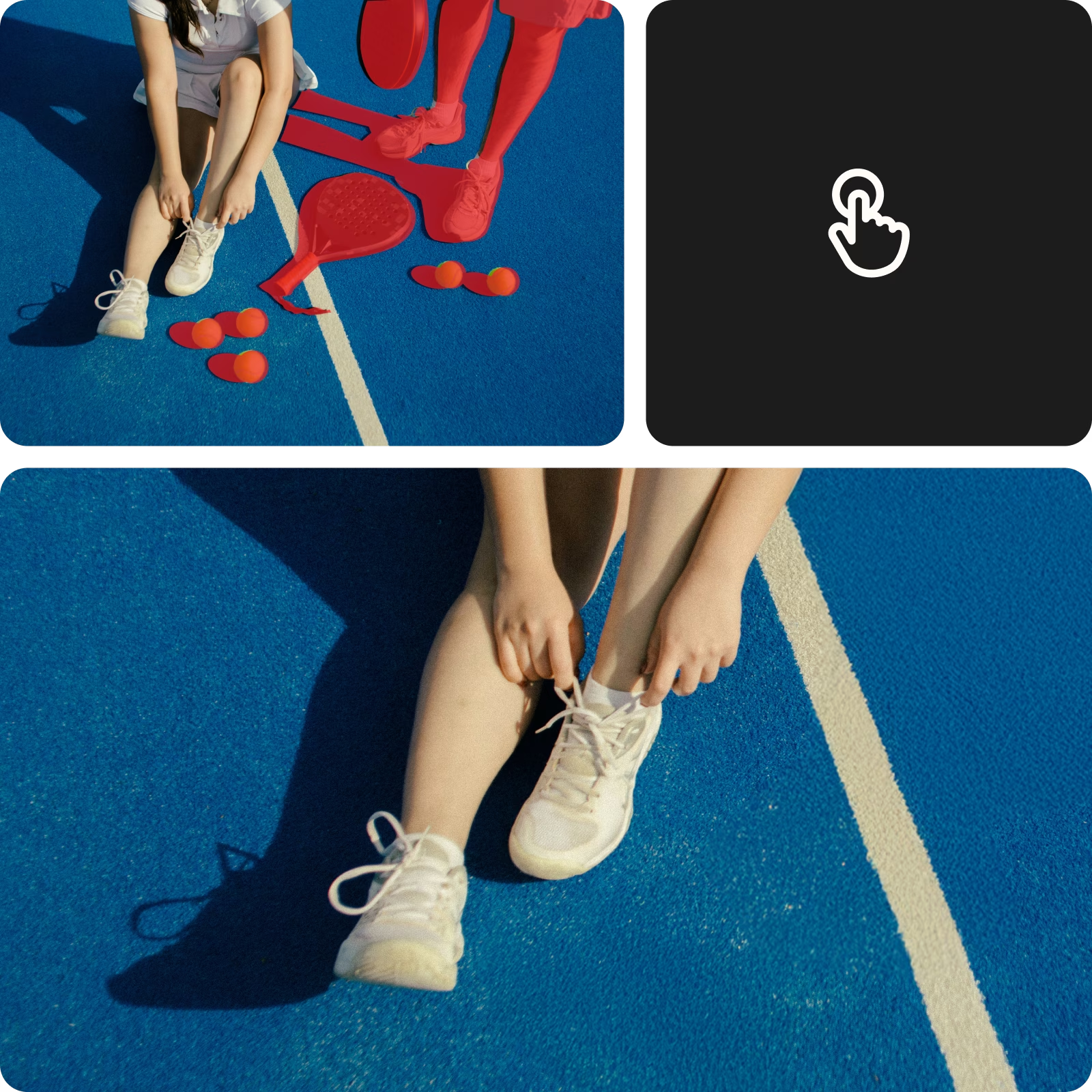
It can’t get easier than this. Just brush over the unwanted object and it’s gone!

High-quality downloads
Export your edits in a crispy clear quality.
How to remove objects in seconds
Upload your image
Select the image you’d like to remove an object from.
Select and remove the object
Cá nhân hóa
Tải về
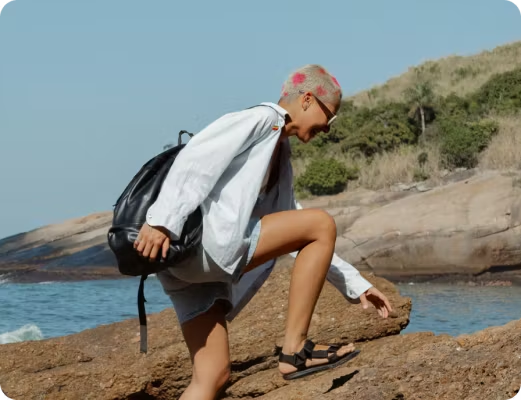
Object remover in action
Continue your editing journey with Picsart
Don’t limit yourself with the object remover. Use Picsart’s other AI photo editing tools to finesse your visuals.



Remove object from photo FAQs
How to remove an image from a photo?
How to remove a person from a photo?
First, choose the photo you wish to edit and upload it into the Picsart Photo Editor. Then, use the Remove object tool to select the person you wish to remove and let Picsart do the rest.
Can I remove a watermark from an image?
Yes, the Picsart editor can do this. Simply upload the image you need to edit, and then use the Picsart Object Remover tool to remove the watermark from the image with just a few clicks.
How do I remove text or logo from a picture online?
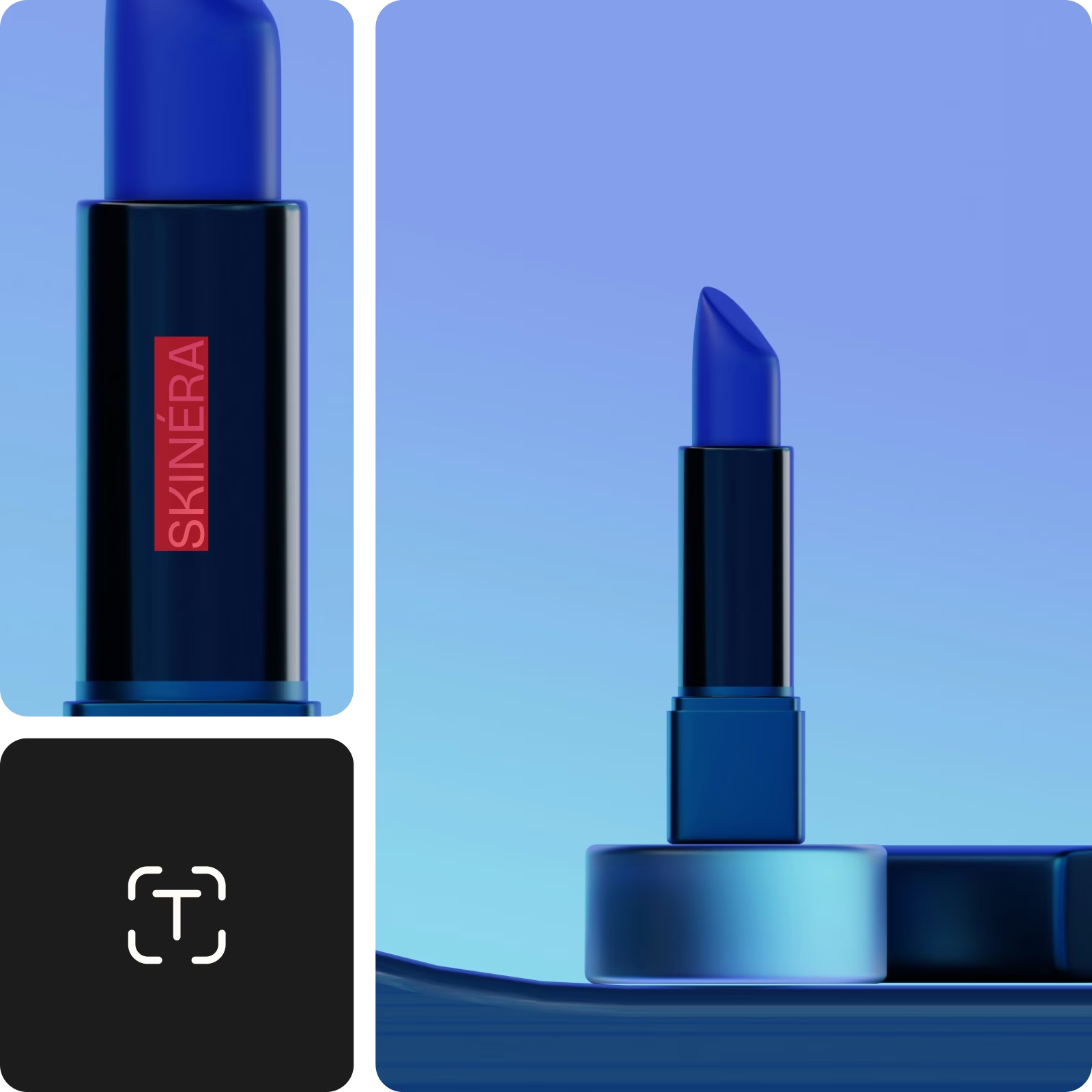
Start by uploading the image you wish to edit into the Picsart Photo Editor. Then, select the text or logo element of the image you wish to remove with the Object Remover tool and erase it.
What other elements can I remove from a photo?
The Picsart editor allows you to remove people, watermarks, logos, text, and even skin imperfections from any image.
Latest in object remover


Clean up visuals for polished creator content
Pro
Công cụ AI cho công việc sáng tạo hàng ngày.
- Truy cập tất cả tính năng chỉnh sửa ảnh & video
- Xóa nền & đối tượng nâng cao
- Tạo video song song với các mô hình video AI mạnh mẽ nhất thế giới
- Lượt tạo ảnh không giới hạn với Flex.2 Klein
- Công cụ nâng cao chất lượng ảnh 1 chạm
- Millions of stock photos & Getty video clips
- Lựa chọn phông chữ thịnh hành, kiểu chữ & nhãn dán
- Hàng nghìn mẫu thiết kế cao cấp
- Support for 3+ brand kits
- Bulk edit up to 50 images at once
- 100 GB of cloud storage
- 15+ creative AI agents that plan, execute, and deliver — across video, brand, localization, and more
- Tự động tạo nội dung từ terminal hoặc tác nhân của bạn với Picsart CLI
- Use Picsart inside Claude Code, Cursor, and ChatGPT via MCP
Ultra
Sử dụng AI nhiều cho nhà sáng tạo & nhóm.
- 140+ leading AI video, image, and audio models (Kling 3.0, Nano Banana, Veo 3, Seedance 2.0 & more)
- Tạo video song song với các mô hình video AI mạnh mẽ nhất thế giới
- Truy cập sớm các tính năng AI tiên tiến
- Lượt tạo ảnh không giới hạn với Flex.2 Klein
- Tùy chọn mua thêm Điểm tín dụng không bao giờ hết hạn
- Tối đa 6,5 triệu video stock từ Getty
- Bulk edit up to 100 images at once
- Support for 10+ brand kits
- Create ad variations & localize
- Theo dõi hiệu suất quảng cáo
- Thêm chỗ cho thành viên
- 300 GB of cloud storage per seat
- 15+ creative AI agents that plan, execute, and deliver — across video, brand, localization, and more
- Tự động tạo nội dung từ terminal hoặc tác nhân của bạn với Picsart CLI
- Use Picsart inside Claude Code, Cursor, and ChatGPT via MCP