


logo

Free online Video Editor

Edit videos easily with free online video editing tools designed for simplicity. Create, trim, and enhance videos without professional skills, complex software, or prior editing experience.

Edit a video
online video editor for free

Enables frictionless editing

Make fast edits, then add text, effects, or animations without switching tools or breaking your workflow.

Streamlines the editing workflow

Trim clips, add subtitles, music, animations, and effects in one place to move projects forward faster.

Supports confident creation

An easy Video Editor helps everyday creators edit videos confidently, even without technical skills or experience.


Upload your video

Upload your video

Add videos from your device or library and start editing directly in your browser.

Upload your video

Your all-in-one Video Editor for easy creation

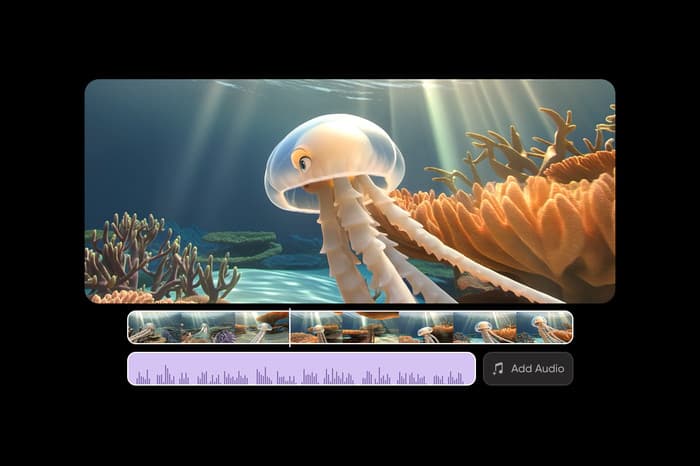
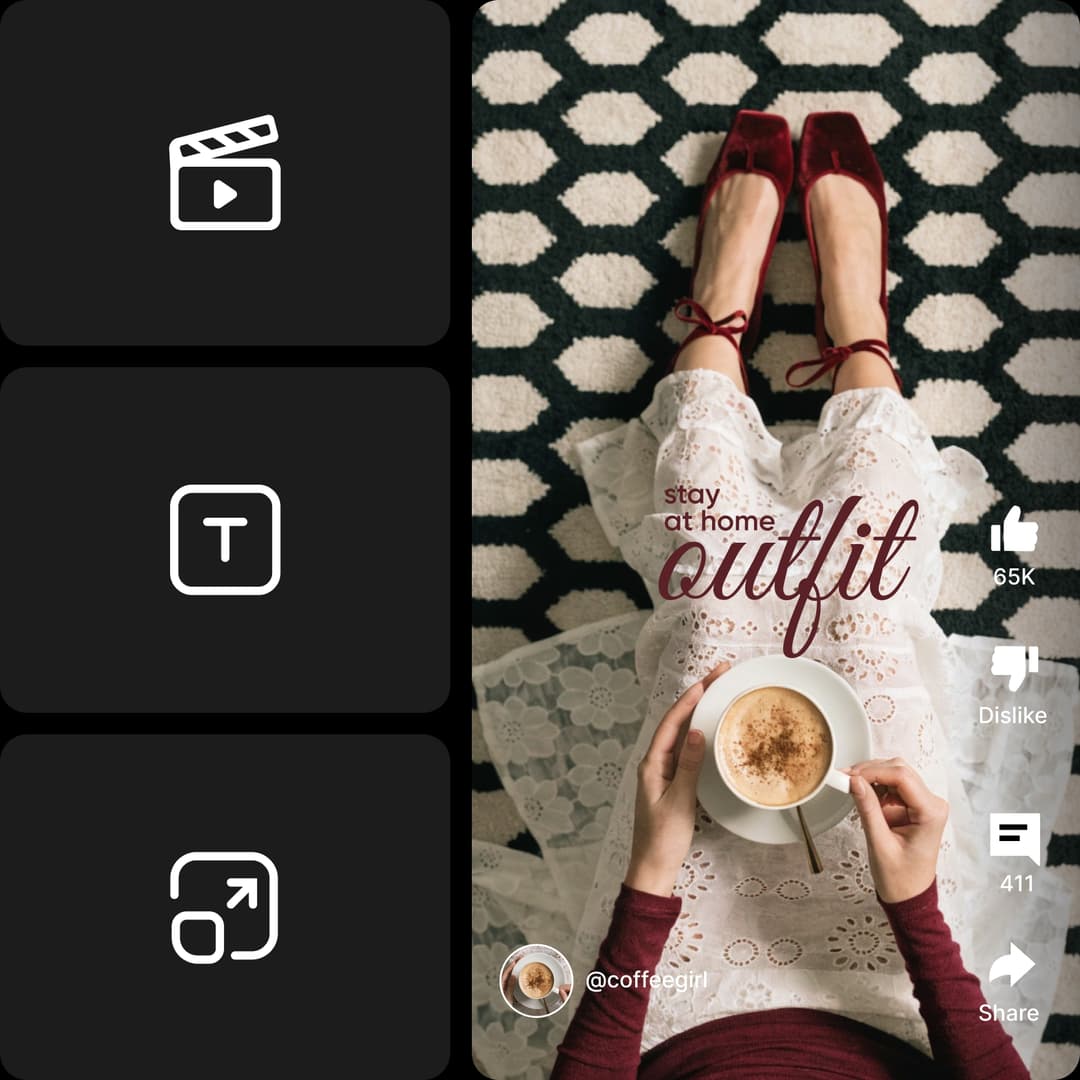
Edit videos online for free with a Video Editor designed for easy creation and everyday use. With no setup or learning curve, you can move from quick tweaks to full projects directly in your browser. Video and audio come together on a single timeline, making it easy to organize clips, sound, and layers as you edit.
Try now

Enhance videos with text, music, or subtitles

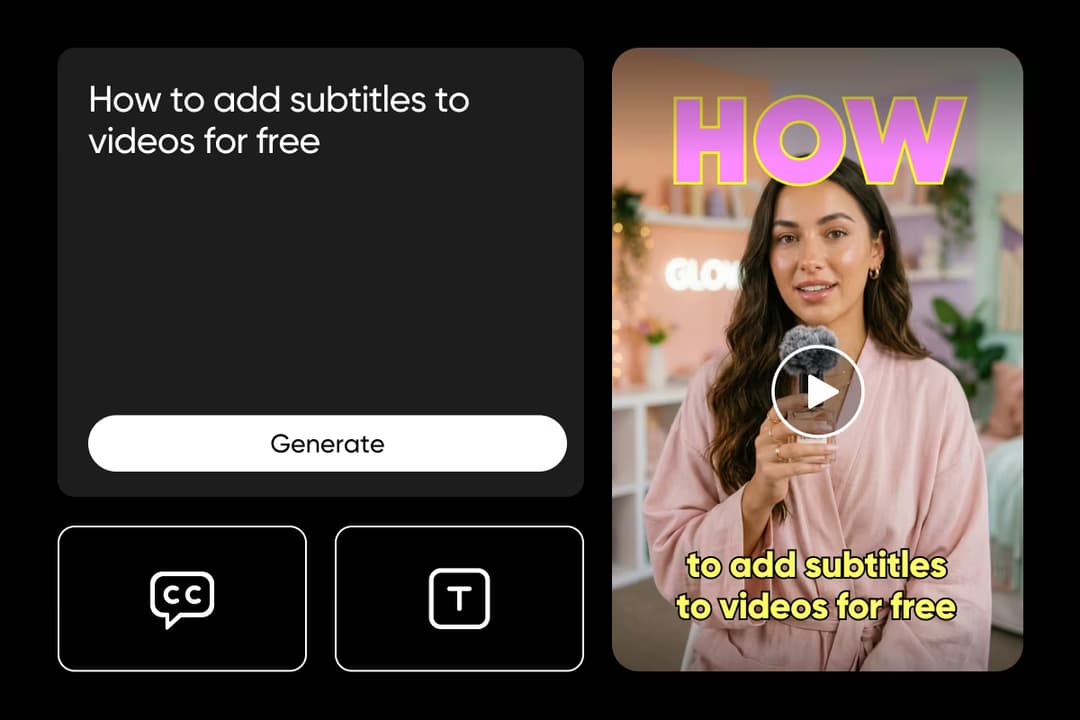
Enhance your videos with an easy Video Editor built for clear, engaging storytelling. Add text overlays to emphasize key moments, use background music or voiceovers, and generate auto-subtitles for clarity and accessibility. With a multi-track timeline, you can fine-tune fonts, timing, playback speed, and audio levels across layers in a few clicks without complex editing.

Try now

Use video editing for social media

Use a social media Video Editor to edit videos online for Instagram, TikTok, YouTube Shorts, and more. Format, trim, and customize clips to match each platform’s specs while keeping your workflow fast and consistent. Beyond social content, the Video Editor also works for personal projects, announcements, product highlights, and simple promotional videos for small businesses.

Try now

Streamline editing with an AI Video Editor

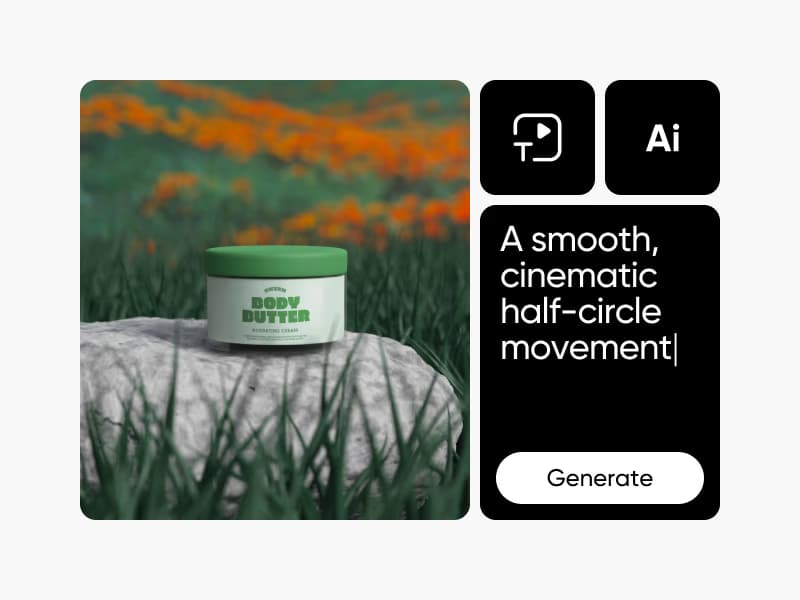
Prefer a more automated way to edit? Alongside the standard Video Editor, Picsart also offers a dedicated AI Video Editor designed to speed up everyday tasks. With smart video editing features, AI helps handle adjustments, enhancements, and repetitive edits, while you stay fully in control of the final result. It’s a faster editing option when you want extra help without replacing hands-on creativity.

Try now

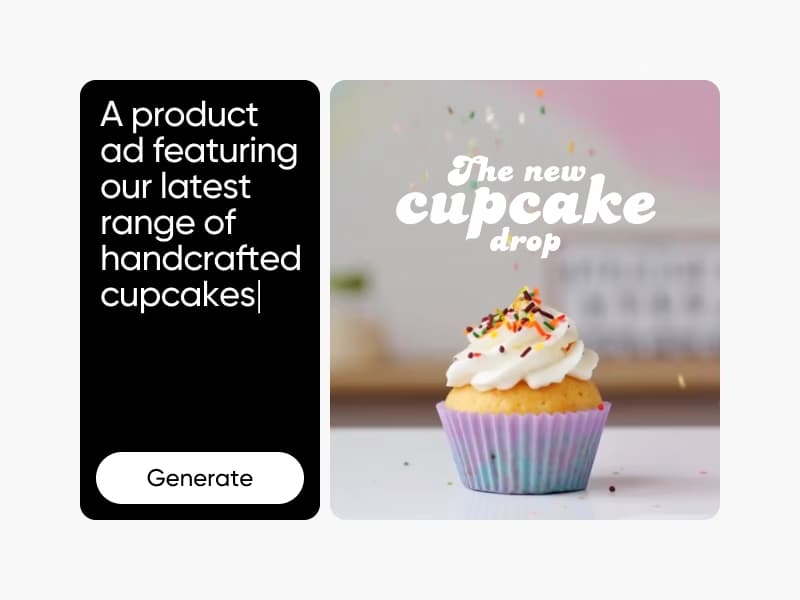
Create faster using customizable video templates

Alongside powerful editing tools, Picsart also offers a rich library of video templates to help you get started faster. These customizable video templates give you a strong starting point without locking you in, so you can change text, visuals, music, and timing directly inside the Video Editor. Save time on setup while keeping full creative control over every edit.

Try now

Make videos for every moment

Create for social media

Keep up with trends without long edits. Turn clips into TikToks, Reels, and Shorts with presets, smart cuts, and perfect sizing. Post faster and stay consistent.

Create for social media


Everything you need to edit videos

Trim and split clips

Cut, divide, and refine video clips precisely to shape your story.

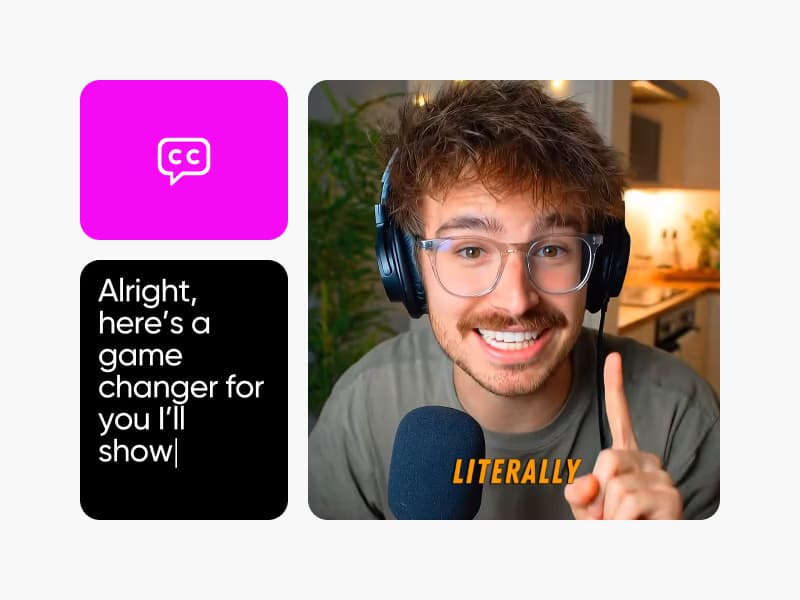
Generate captions automatically

Create accurate captions quickly to improve clarity, accessibility, and viewer engagement.

Add animations easily

Apply motion to text and elements to create more dynamic videos.

Edit faster with AI

Speed up everyday edits using AI-assisted tools without losing creative control.

Replace clips and elements

Swap video clips or design elements without rebuilding your entire project.

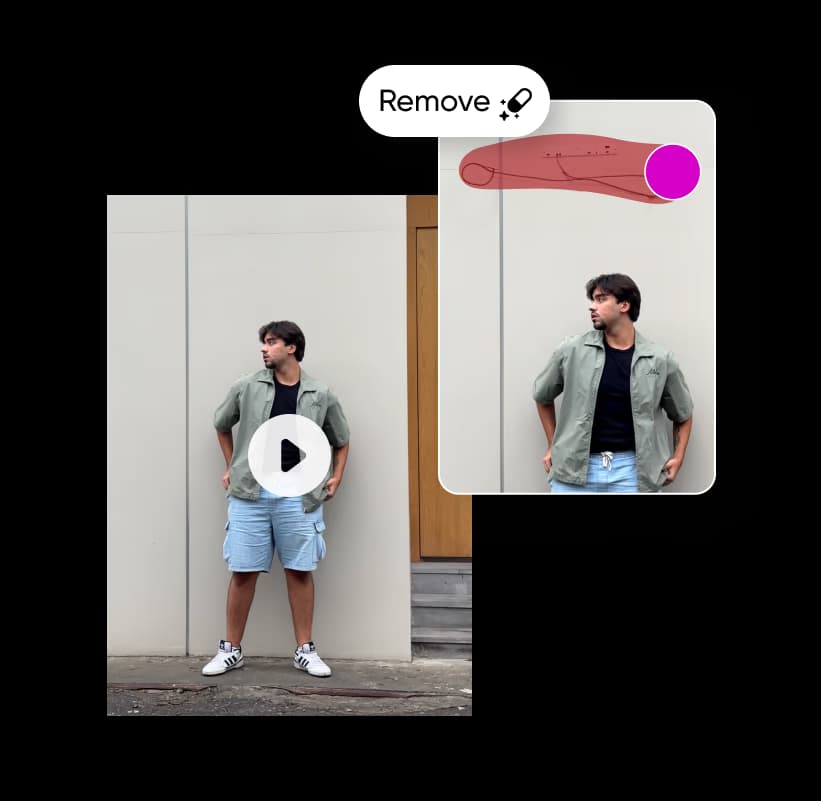
Change or remove backgrounds

Update video backgrounds or remove distractions with simple, guided controls.

Control video speed

Adjust the playback speed to slow moments down or move faster.

Edit music and audio

Add music, voiceovers, and adjust audio levels directly in your timeline.

Export videos in high quality

Download clear, high-resolution videos ready for sharing across platforms.

Resize for any format

Switch between multiple aspect ratios to fit different platforms easily.

Edit with layers

Stack video, text, and audio layers for more precise control.

Preview before exporting

Review your video edits to catch changes before final export.

Edit on any device

Edit videos seamlessly across desktop and mobile devices.


Testimonials

First block decorationFirst block bottom decoration

Intuitive from the start

I edited my first video in one sitting. The editor feels intuitive from the start, and I didn’t need tutorials to get something polished.

Lena M., Social media creator

Perfect for fast social content

It’s perfect for fast social content. I can trim, resize, and export videos for different platforms without juggling tools.

Jason K., Small business owner

Second block decoration

Grows with your projects

I started with basic edits and naturally moved into more advanced features as my projects grew.

Amira S., Content marketer

Testimonial decoration


Video Editor FAQ

01

What is an online video editor?

An online video editor lets you edit videos directly in your browser. You can upload clips, make changes, and export finished videos without downloading or installing software.