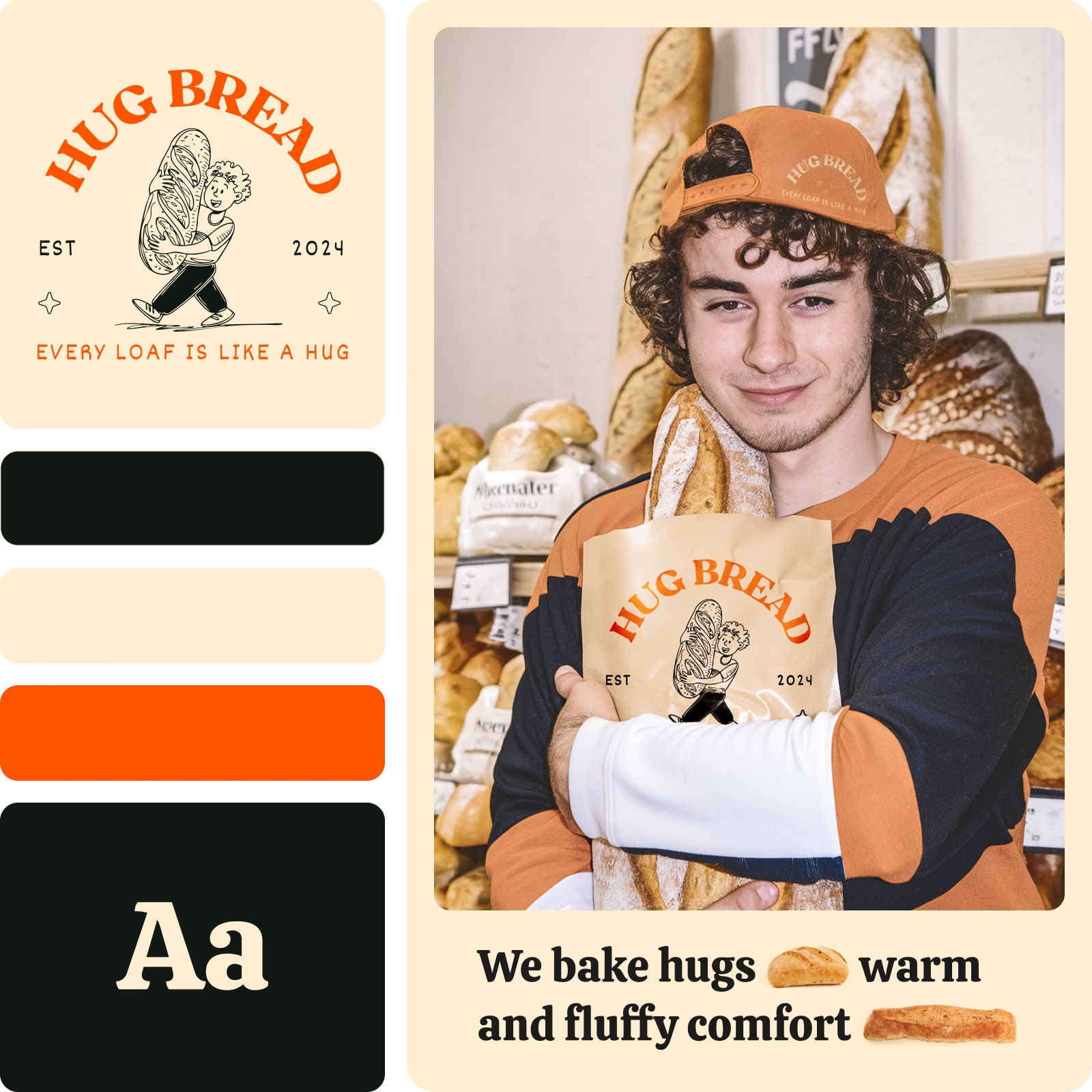
Create logo ideas with AI image models
Use image models to explore logo concepts, brand marks, and visual directions.

Instant logo generation
Generate logos from scratch in a matter of seconds with AI.

Example-based generation
Upload your favorite logos to the logo maker to get similarly styled results.

Name-based logos
AI will masterfully implement your brand name into the newly created logo design.
How to generate logos
Open the AI logo generator
Use the Start creating button to get started.
Insert brand information
Select examples
Generate logo previews
Download
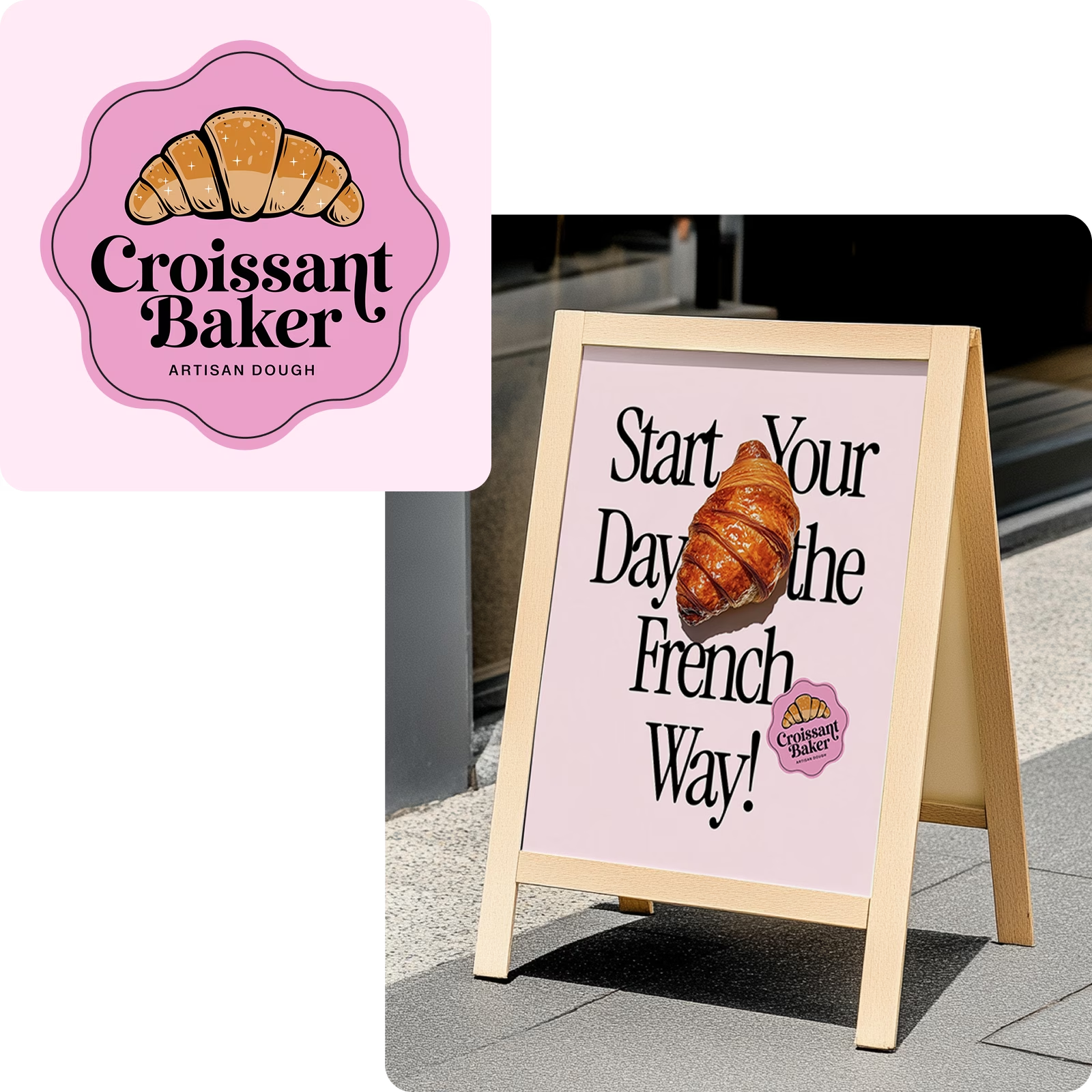
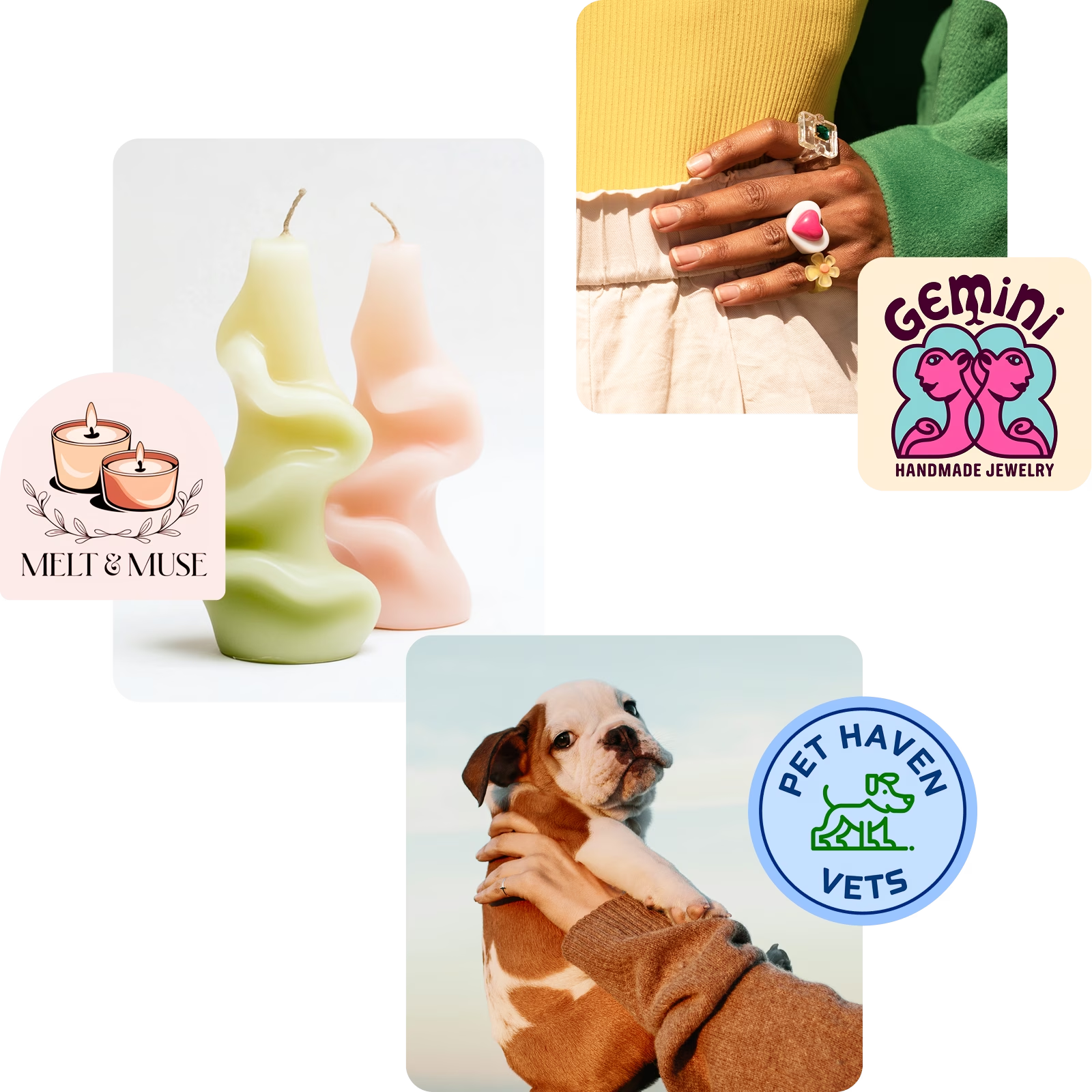
Generate AI logos for various industries
From an Etsy shop to a small restaurant or digital product, and everything in between, the Picsart AI logo maker delivers unique yet relevant logo options tailored to your business.
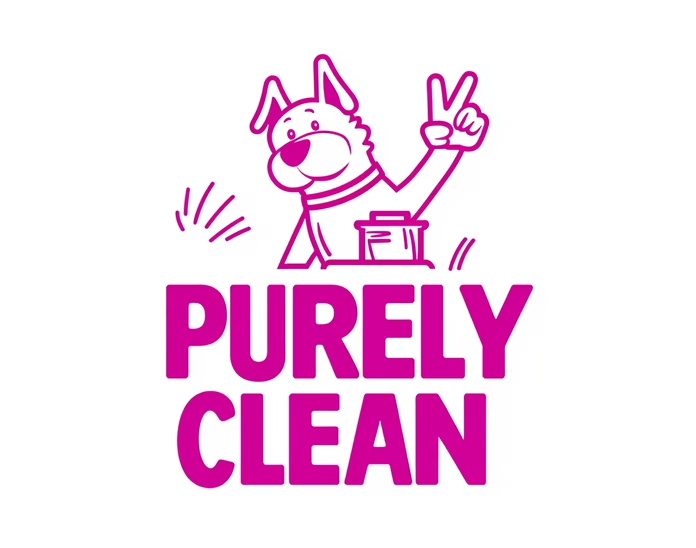
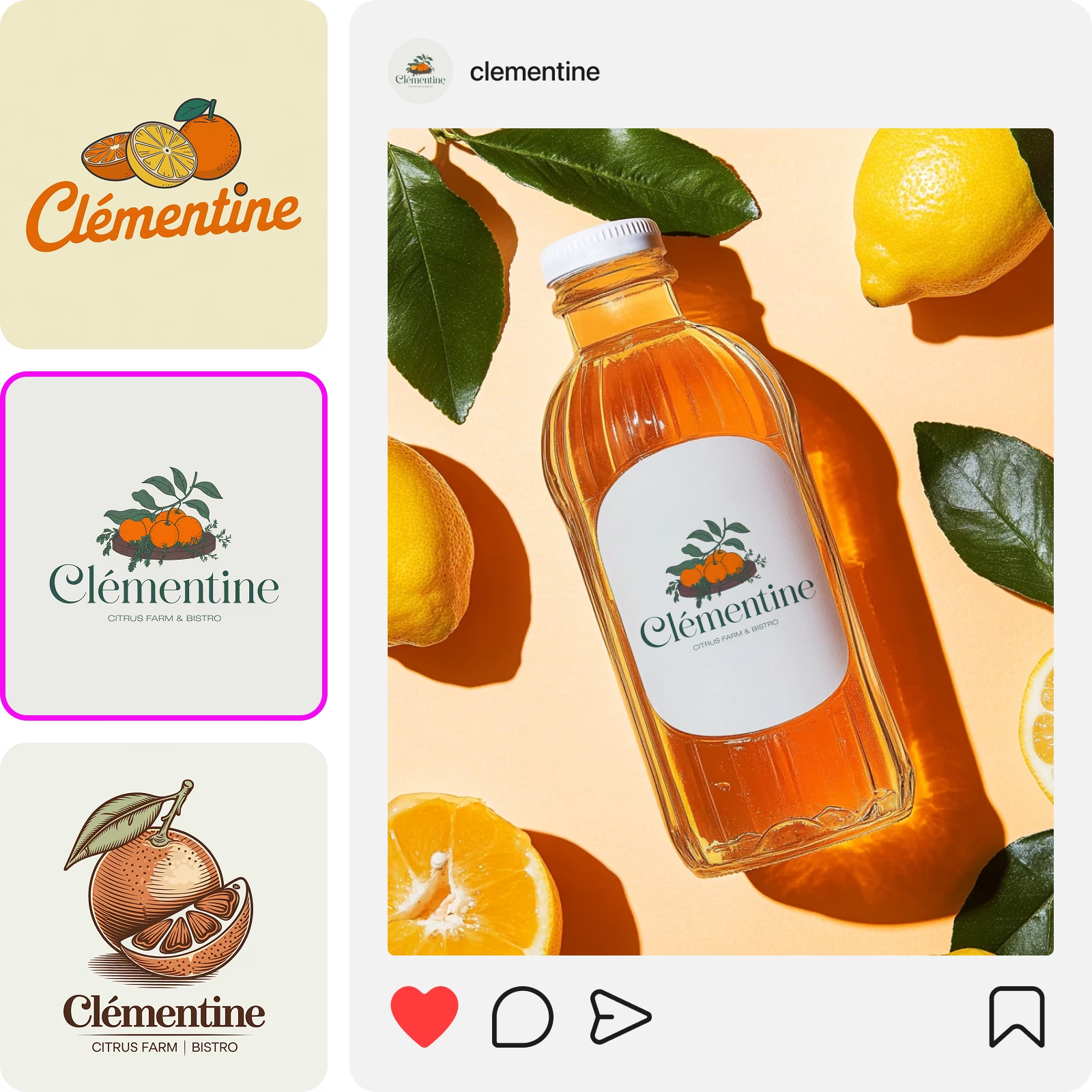
One-stop logo maker for the perfect DIY brand identity
Have a specific logo idea in mind? Describe it in a couple of words and let AI visualize it.
Input sample logos to the logo creator that you like to get similarly styled results.
Create logo designs that immediately communicate your line of business.
Be in control of the colors used in your logo design.
It only takes a couple of seconds to generate a logo with Picsart.
DIY easily recognizable logo designs you’ll be proud to put on collaterals and packaging.
Not a fan of the initial version? Use the “Explore similar styles” feature to generate more variations.
Download your logo in a crispy clear and print-friendly resolution.
Continue your creative journey with Picsart
Access a full suite of photo editing and design tools all built into one, easy-to-use interface.


AI logo generator FAQ
How does the logo maker work?
Can I customize the logos generated by the Picsart AI logo generator?
To some extent, yes. You can use the editing tools available on Picsart to make tweaks to your AI-generated logos like removing an element with the AI object remover or using effects and overlays to customize the look. However, you can’t do things like rearranging the elements of the logo or changing its colors once it has been generated. For major changes, you can always go back to the generation screen and update your prompt and other initial selections to get more fitting results. You also have the option of using the logo creator to build something from scratch using the vast library of shapes, stickers, and other assets available in Picsart.
What file formats are supported for logo downloads?
You can save your AI-generated logos in PNG, JPG, and PDF formats.
Is technical design experience necessary to use the AI logo generator?
Not at all. You don’t need any design experience to generate logos with the AI logo creator.
Is the Picsart logo maker free to use?
Yes, Picsart’s logo maker is free to use for limited logo generations. For unlimited use, you will need to purchase a subscription or credits.
How long it takes to create a logo with AI?
It only takes a couple of seconds to generate a logo with AI. If you’re building one from scratch, times will vary. You can use Picsart’s expertly-crafted logo templates to speed up this process.


Generate logo design for creator-ready projects
Pro
AI tools for everyday creative work.
- Access to all photo & video editing features
- Advanced background & object removal
- Parallel video generations with the world's most powerful AI video models
- Unlimited image generations with Flex.2 Klein
- 1-tap image enhancer
- Millions of stock photos & Getty video clips
- Selection of trendy fonts, text styles & stickers
- Thousands of premium templates
- Support for 3+ brand kits
- Bulk edit up to 50 images at once
- 100 GB of cloud storage
- 15+ creative AI agents that plan, execute, and deliver — across video, brand, localization, and more
- Auto-generate content from your terminal or agent with the Picsart CLI
- Use Picsart inside Claude Code, Cursor, and ChatGPT via MCP
Ultra
Heavy AI usage for creators & teams.
- 140+ leading AI video, image, and audio models (Kling 3.0, Nano Banana, Veo 3, Seedance 2.0 & more)
- Parallel video generations with the world's most powerful AI video models
- Early access to advanced AI features
- Unlimited image generations with Flex.2 Klein
- Option to buy add-on credits that never expire
- Up to 6.5 million Getty stock videos
- Bulk edit up to 100 images at once
- Support for 10+ brand kits
- Create ad variations & localize
- Track ads performance
- Add team seats
- 300 GB of cloud storage per seat
- 15+ creative AI agents that plan, execute, and deliver — across video, brand, localization, and more
- Auto-generate content from your terminal or agent with the Picsart CLI
- Use Picsart inside Claude Code, Cursor, and ChatGPT via MCP