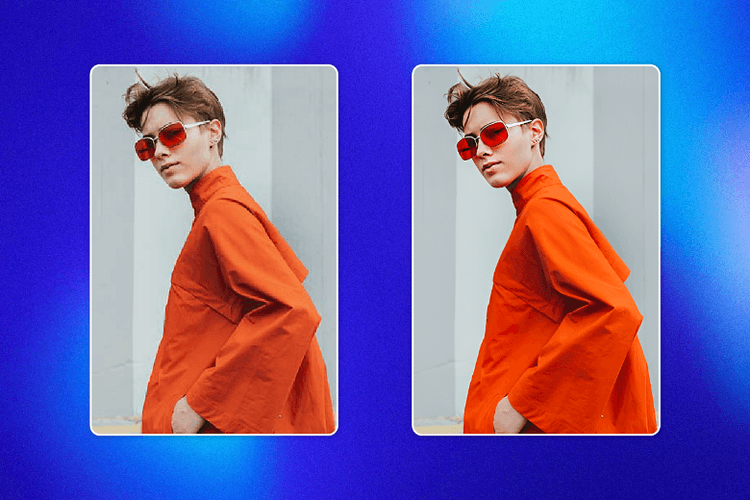
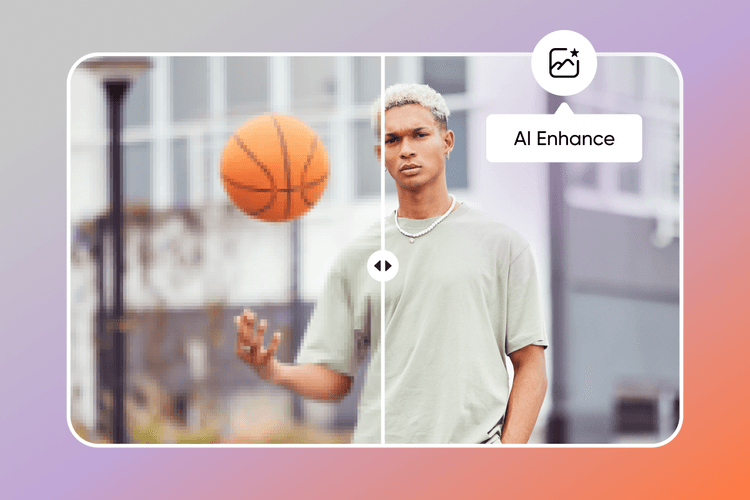
Unblur images: Remove blur from photos
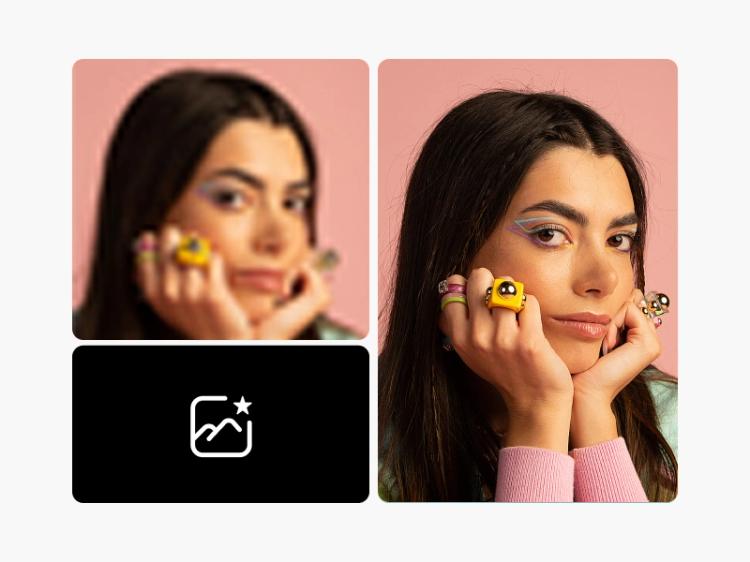
Automatically fix blurry photos with Picsart’s AI Blur Remover. Unblur images directly in your browser and make blurry pictures clear using Picsart’s unblurring tool to enhance the quality of your photos.
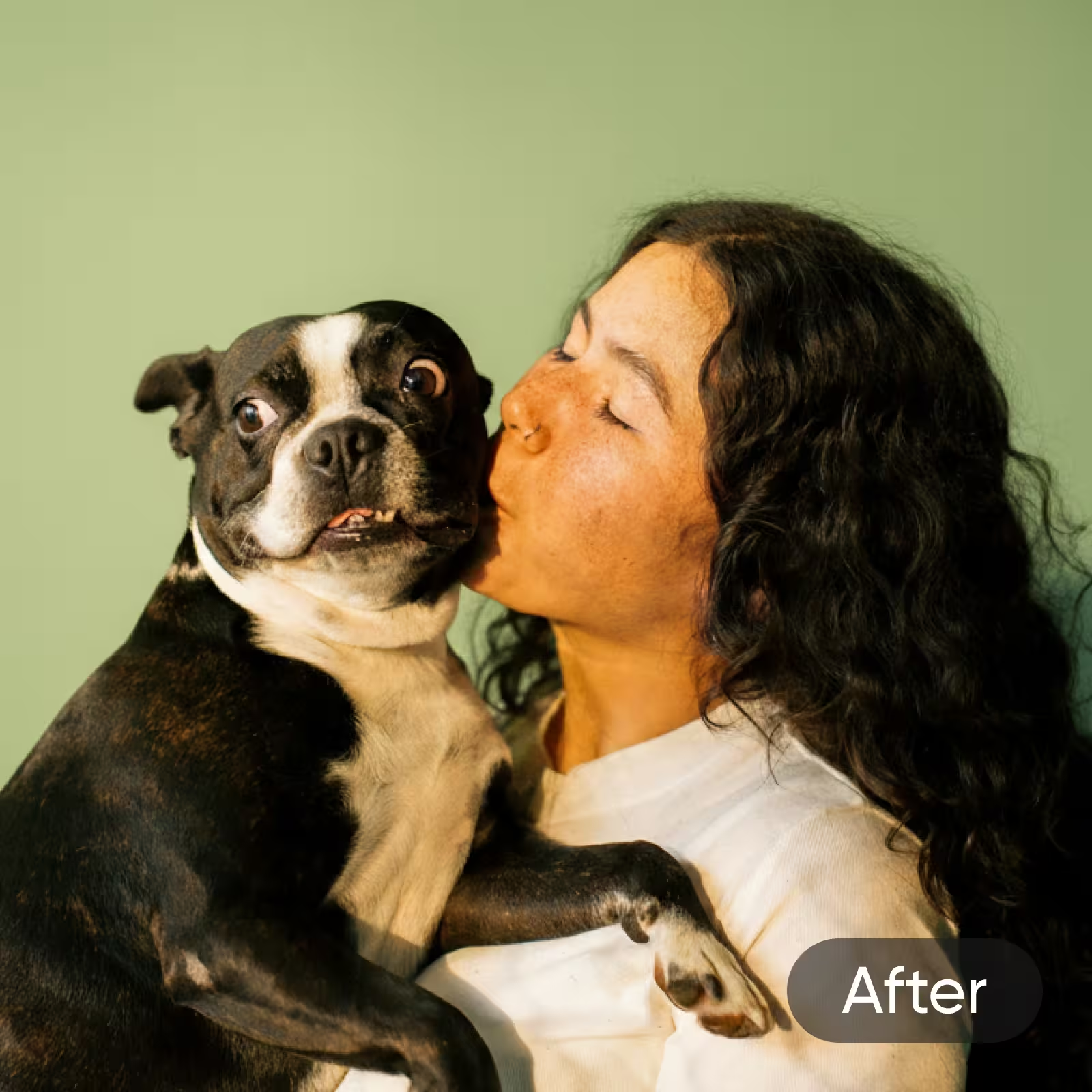
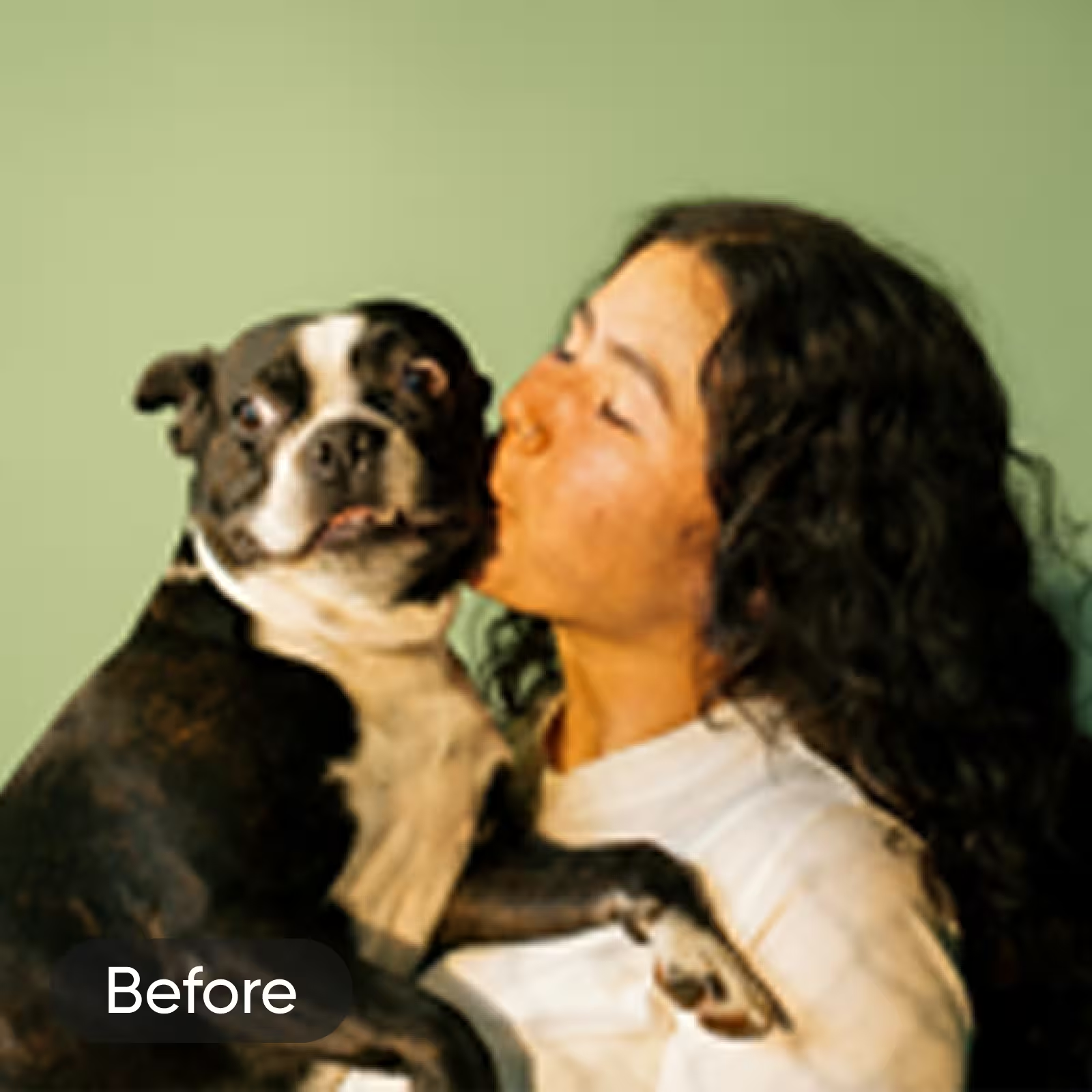

AI-powered image unblurring
Upload your blurry image and let our smart AI-powered editing tools take care of the rest. It’s that simple.

Effortlessly enhance blurry photos
Make blurry photos clear with Picsart’s online blur remover using a single button.

Instantly restore image clarity
Remove blur and sharpen images in seconds for crisp, high-quality photos.
How to unblur an image
Upload your photo
Select an image from your library to deblur.
Select AI Enhance
Preview the result
Download
Remove blur from photos online
Tired of blurry, pixelated photos? It takes time, effort, and technical skills to unblur images on most photo editing tools, but it only takes one button with the AI Image Enhance tool. Powered by smart AI algorithms, Picsart analyzes and removes blur from photos automatically for a crisp, high-quality look. No matter what your editing skills look like, all you have to do is upload your image and let AI take care of the rest.
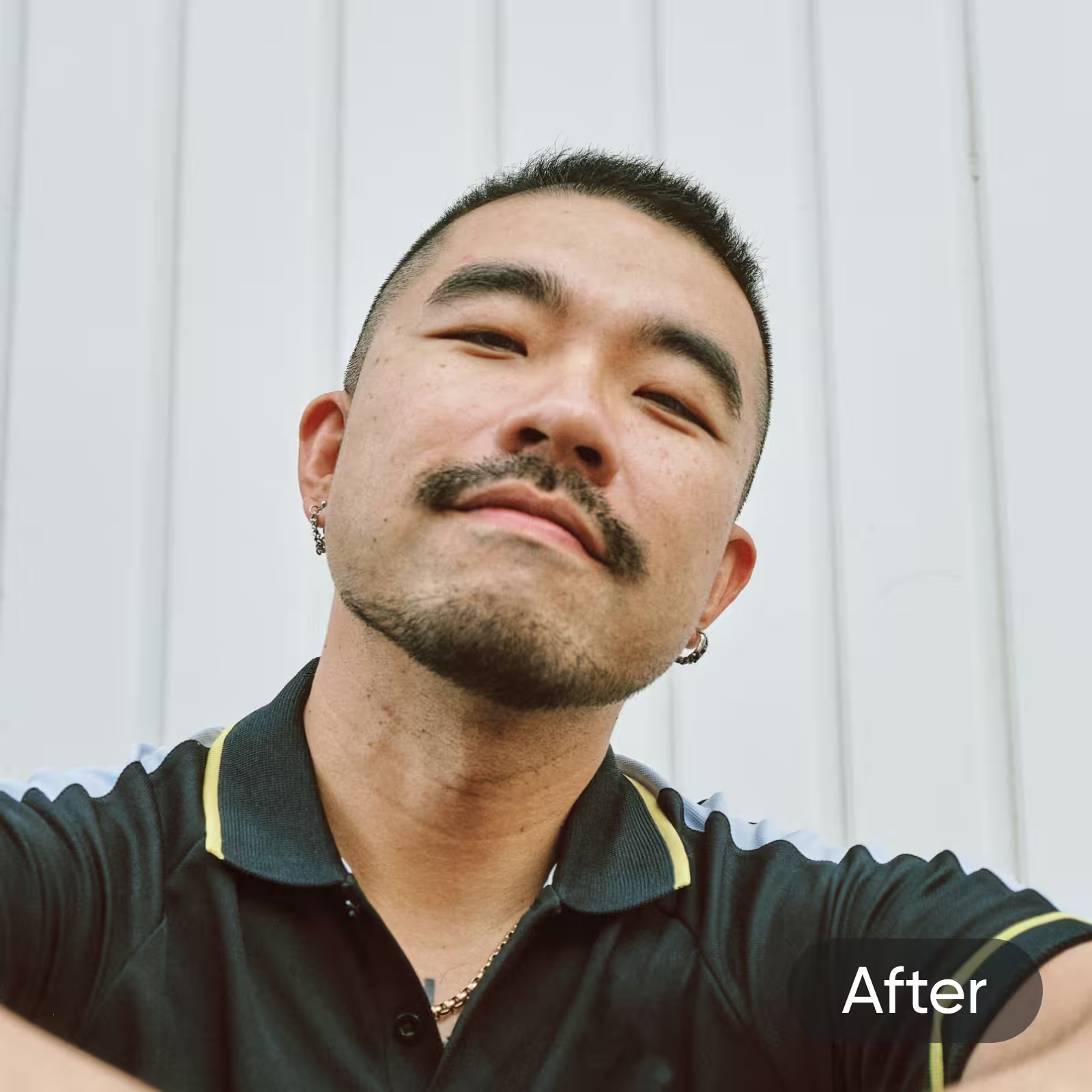
Remove face blur from photos online to improve portraits
From Instagram selfies to LinkedIn profile pictures, Picsart’s deblur image tool makes it easier than ever to enhance portrait photos. Remove face blur from photos online and retouch with AI Photo Editing tools to add the finishing touches. Even if you’re not an editing pro, you can turn blurry pictures into clear images in seconds.

Deblur screenshots with one button
Whether you’re screenshotting movie scenes or Snapchat pictures, it’s normal for quick screenshots to come out blurry and pixelated. The good news? You can effortlessly enhance pixelated, low-resolution screenshots with our blur remover online. Even if your screenshot has text, you can easily unblur the text and sharpen the image online for a fresh new look.
Unblur text to increase readability
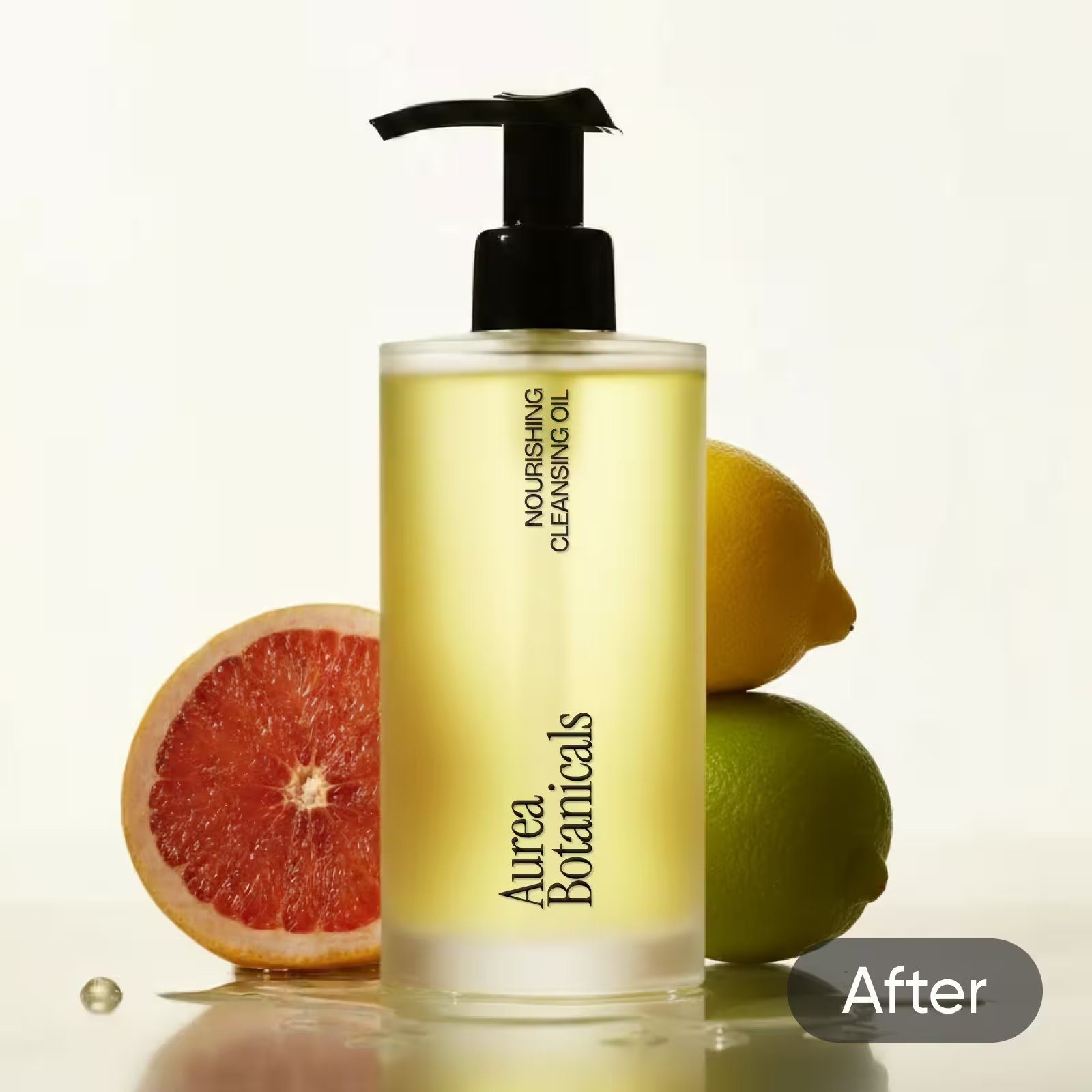
From infographics to professional photography, blurry text can easily distract from any photo. Maybe you downloaded a low-resolution photo — or your camera just wasn’t in focus when the photo was taken. To help sharpen images and make blurry text readable, tap into Picsart's easy-to-use photo Blur Remover tool for a quick fix. Unblurring text in images has never been easier.
Sharpen images online and recover finer details
Between shaky cameras, lighting conditions, and subjects in motion, taking blurry pictures can be inevitable. Fortunately, with Picsart, you can unblur images to take control of any photo by increasing the sharpness and clarity. Transform blurry images into crisp, defined works of art and improve pixelated, fuzzy photos with minimal effort. Speed up your editing workflow by sharpening up to 50 photos at once with the Batch Photo Editor.
Restore old photos in seconds
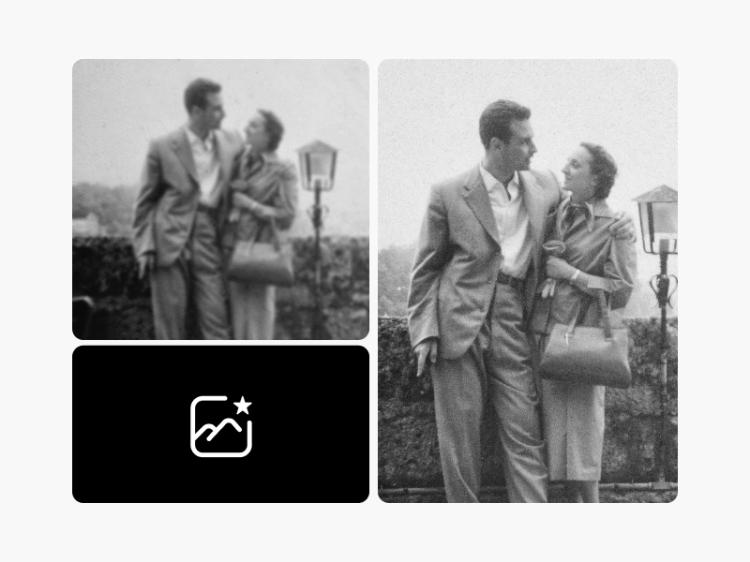
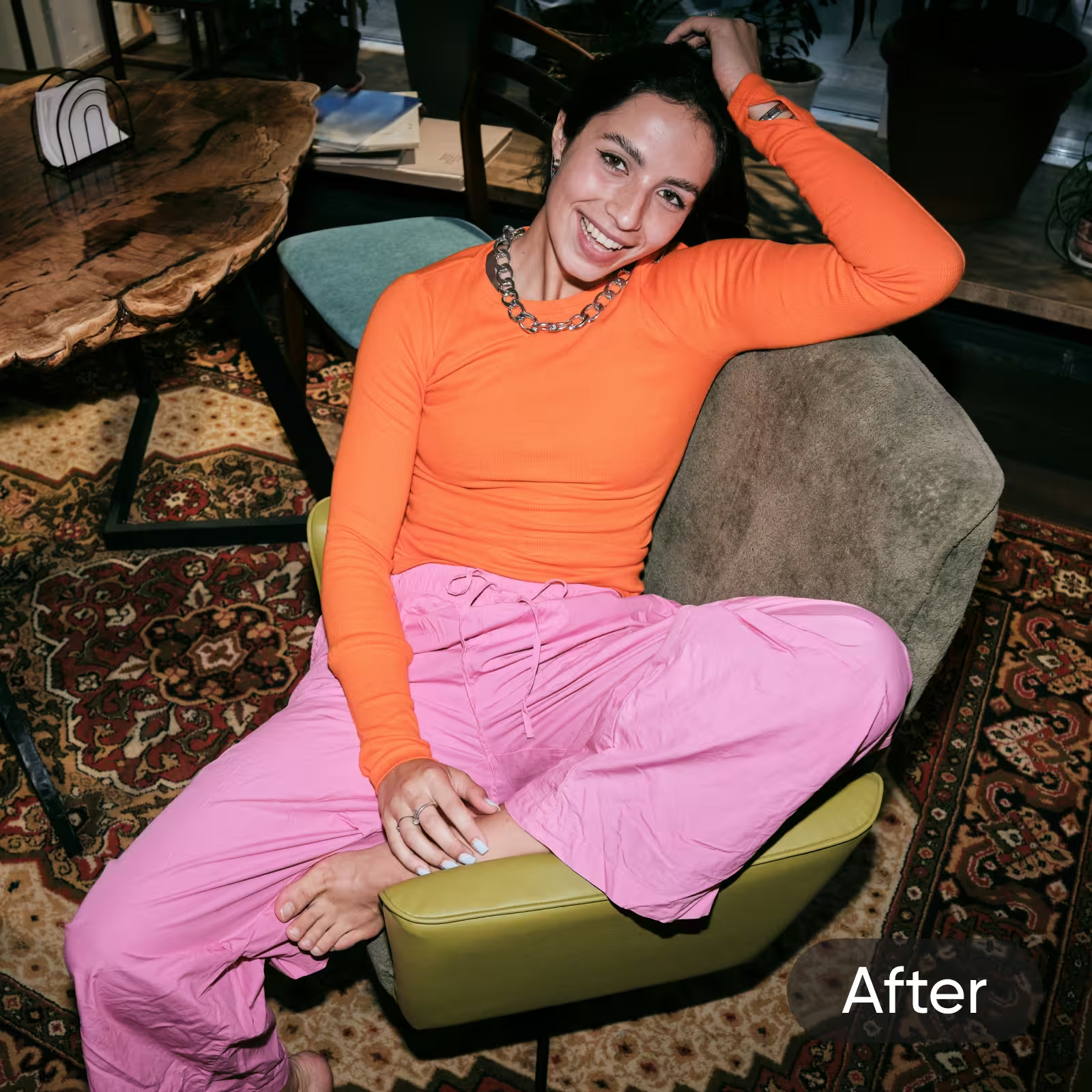
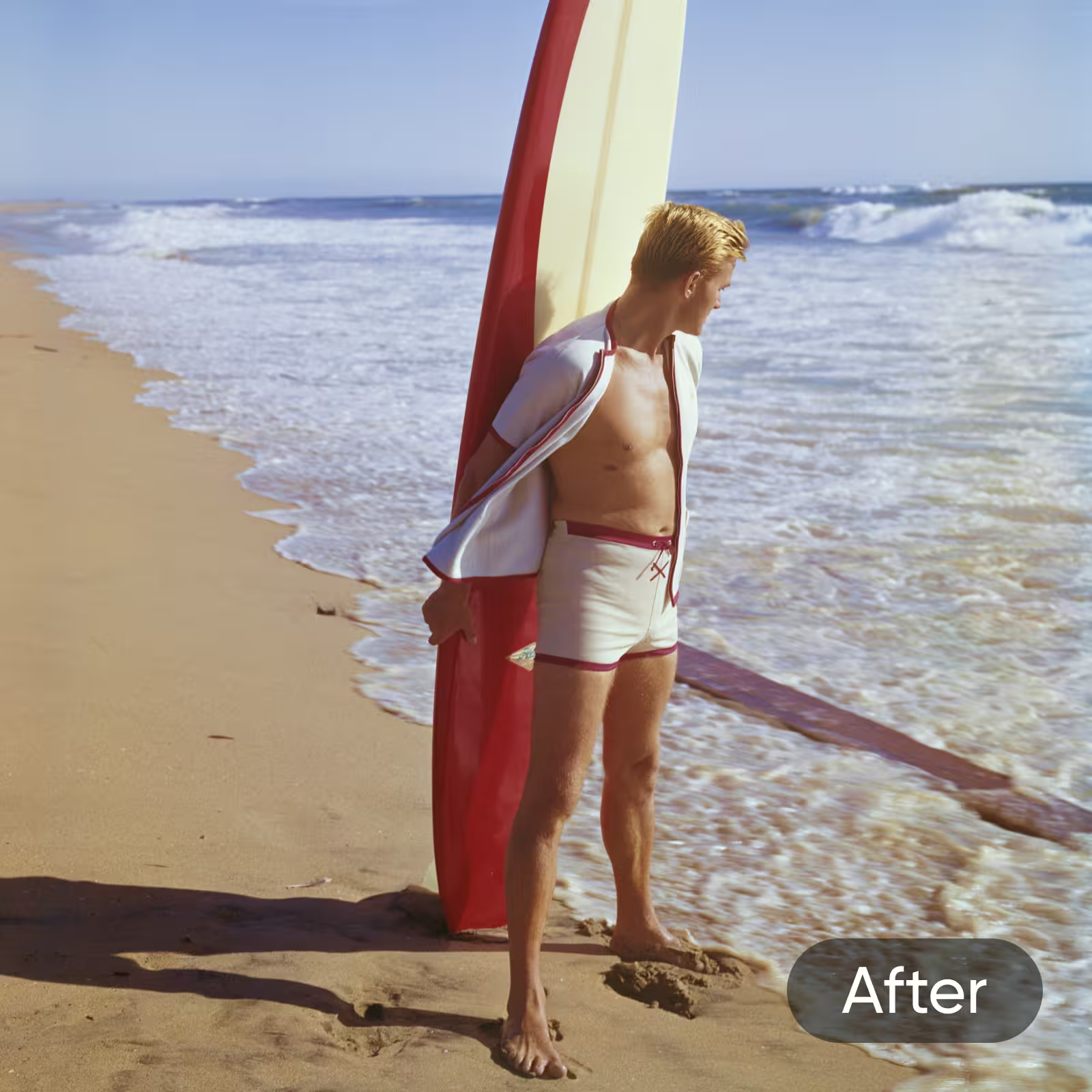
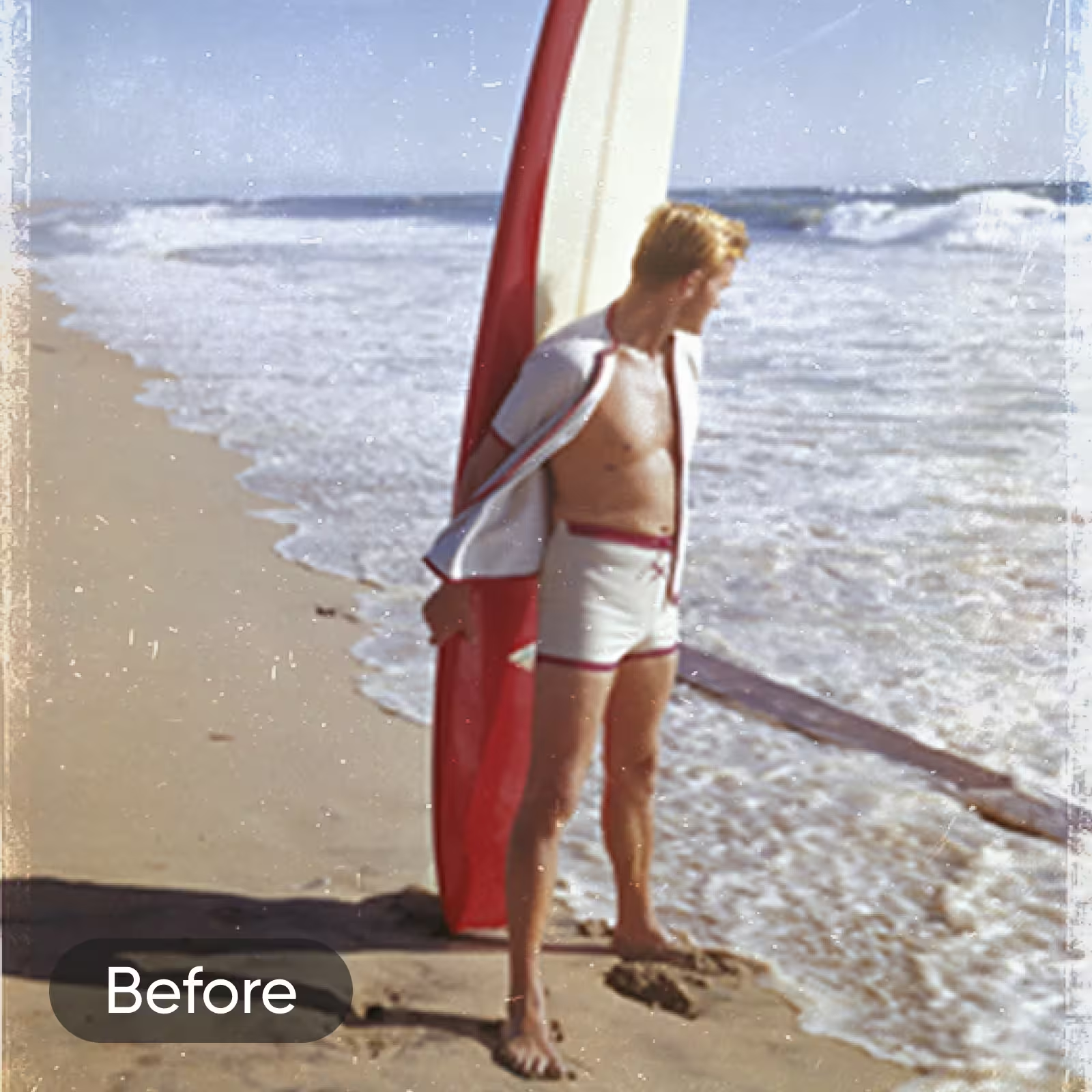
Older photos can become faded and blurry over time, but we’ve got you covered. When you remove blur from photos online with Picsart, you can instantly revive your favorite memories and restore old photos. Picsart's AI-powered algorithms can enhance the image quality and clarity of older photos — all while transforming them into clear and detailed images.
Create crisp, professional product pictures
Preparing for a new product launch? No matter what industry you’re in, professional product photos are a must-have. Unblur images online so you can avoid losing sales to blurry, pixelated product photos. Upgrade your product listings and sharpen images online to drive sales and captivate customers with clear, high-resolution product pictures.

Enhance and upscale images
Don’t settle for low-quality, pixelated images. With Picsart, you can easily upscale images for high-quality photos. With just one button, you can upscale the image quality, remove noise, and restore details to your photo. Even if you’re taking pictures with a smartphone, you can create detailed, crisp images that look like they were taken with a high-end camera.


Add the finishing touches after unblurring images
Once you’ve unblurred your images, it’s time to add the finishing touches with Picsart’s Photo Editing tools. Elevate your photos with eye-catching AI effects, transform your background with AI Replace, and make any other adjustments before sharing your photo online. No matter what your creative vision looks like, we’ll help you turn it into a reality.
Blur Remover FAQ
Unblurring an image involves making the image clearer and sharper by removing the blurriness or fuzziness present in the original image.
Using artificial intelligence (AI), our online image deblurring tool automatically detects and fixes blurriness in your photos. You can also use the AI enhance tool to sharpen text in your image to make it more readable.
To unblur images online, just upload your photo and let AI sharpen your image for maximum clarity. It’s that simple!
Yes! From infographics to older photos, you can unblur any photo with Picsart.
With Picsart, it only takes a few seconds to remove blur from images.
Absolutely! Picsart’s photo blur remover sharpens and clarifies text for a higher-quality image.
While deblurring tools can help clarify an image, they won’t always produce a completely perfect image. The effectiveness of an unblurring tool depends on several factors, including the degree of blurriness and the quality of the original image.
Yes, you can remove blur from photos of any format with Picsart.
No technical skills are needed to unblur images online with Picsart. Simply upload your image and let AI work its magic to unblur your photos.
To make blurry photos clear, upload your photos to the AI Enhance tool. Then, you can preview your unblurred photo and make any further adjustments as needed.
Elevate your images with AI tools