AI Image Generator
This reference explains how AI Image Generator works: Move from a prompt or supported reference image to a model, controls, output settings, and a finished edit. It focuses on current capabilities, inputs, models, settings, outputs, access, and practical use cases. The main product page remains the place to start creating.
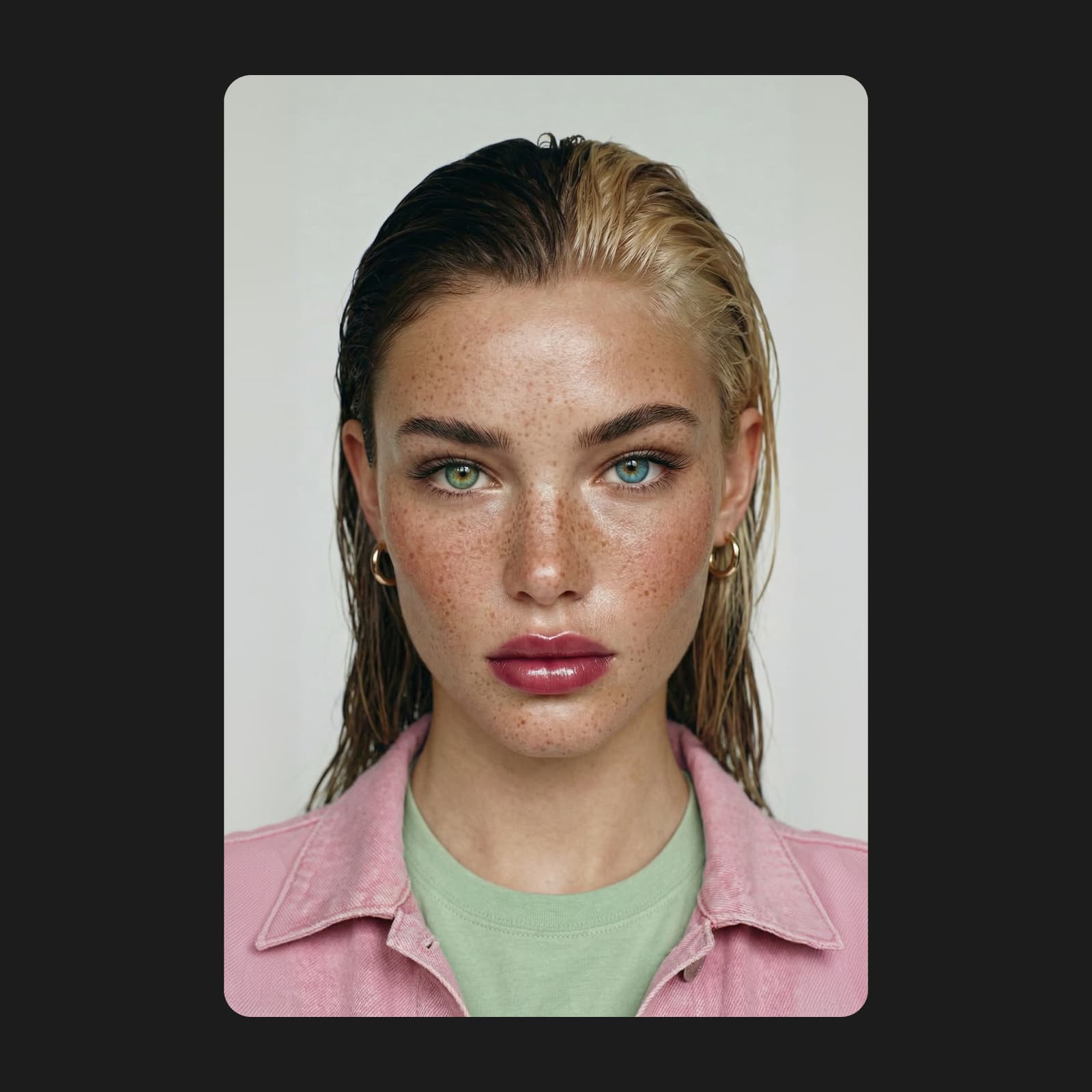
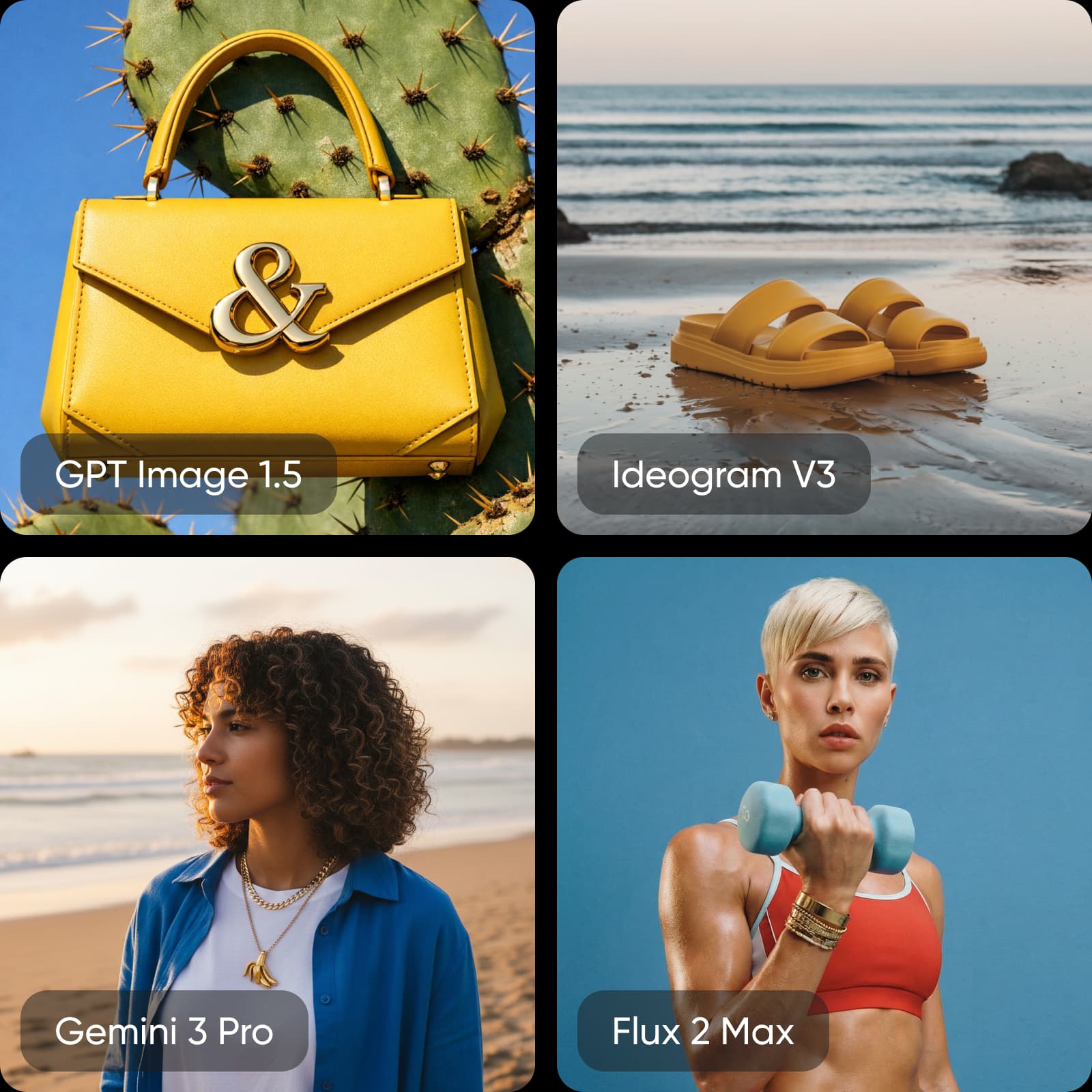
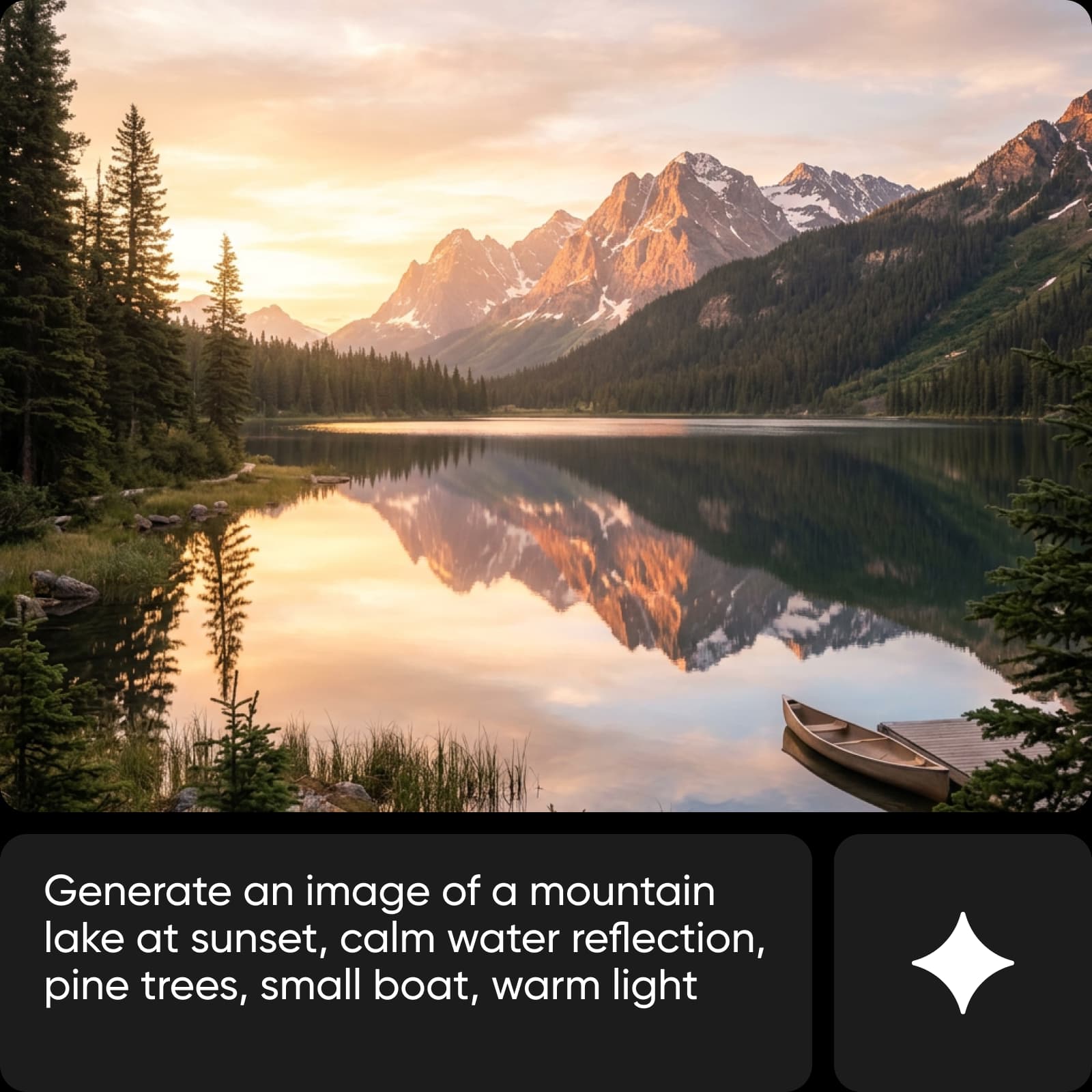
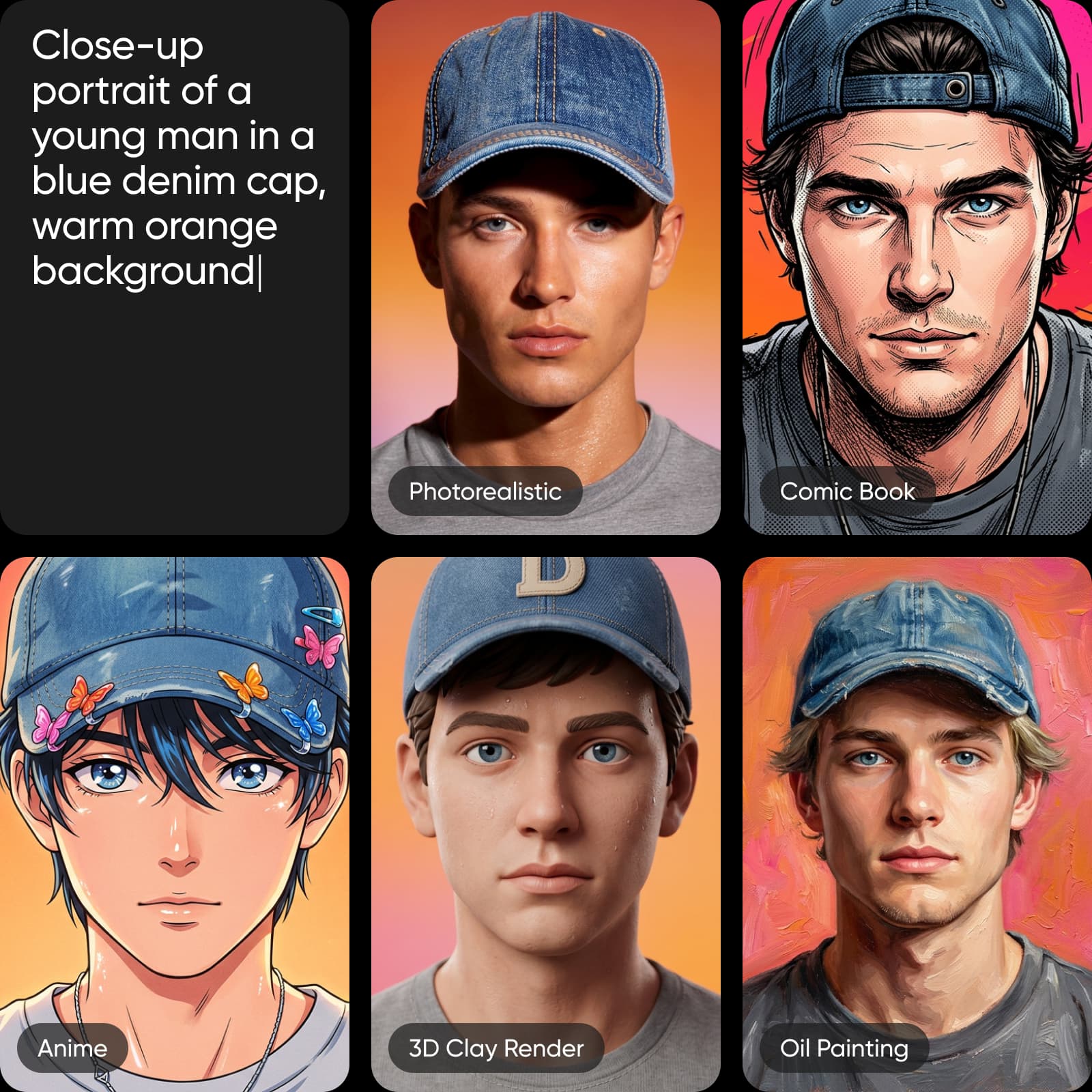
AI Image Generator at a glance
Snapshot checked September 7, 2026. Values reflect current product pages and catalogs; availability, access, and limits can vary by plan, region, and model.
- 59AI image models advertised on the current product page
- 100+generation presets
- 48style filters
- Up to 8Khigh-resolution output
Prompt or reference image?
AI Image Generator supports a prompt-first path and a reference-first path. The selected model and controls shape the final result.
| Prompt-first with AI Image GeneratorBest when the visual starts as an idea. | Reference-first with AI Image GeneratorBest when an existing image should guide the direction. |
|---|---|
| Prompt-first with AI Image Generator✓Describe the scene and visual direction | Reference-first with AI Image Generator✓Upload a reference image |
| Prompt-first with AI Image Generator✓Choose an image model | Reference-first with AI Image Generator✓Guide composition or subject |
| Prompt-first with AI Image Generator✓Generate variations | Reference-first with AI Image Generator✓Generate alternatives |
| Prompt-first with AI Image Generator✓Edit the result | Reference-first with AI Image Generator✓Edit the result |
Current AI Image Generator models
Model availability changes over time. Use the live AI Models catalog as the source of truth for names, providers, access, and current availability.
What AI Image Generator includes
AI Image Generator capabilities, inputs, and controls.
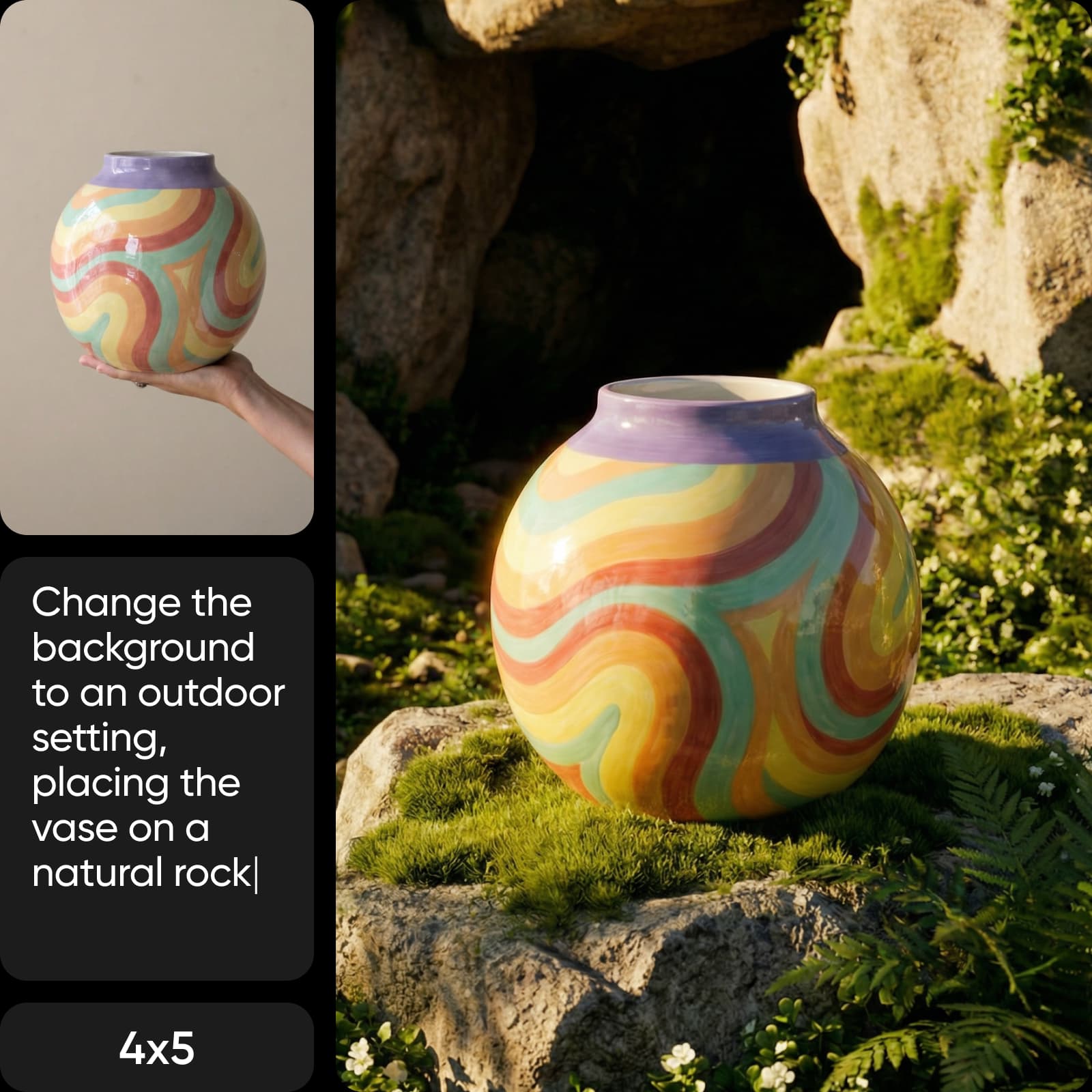
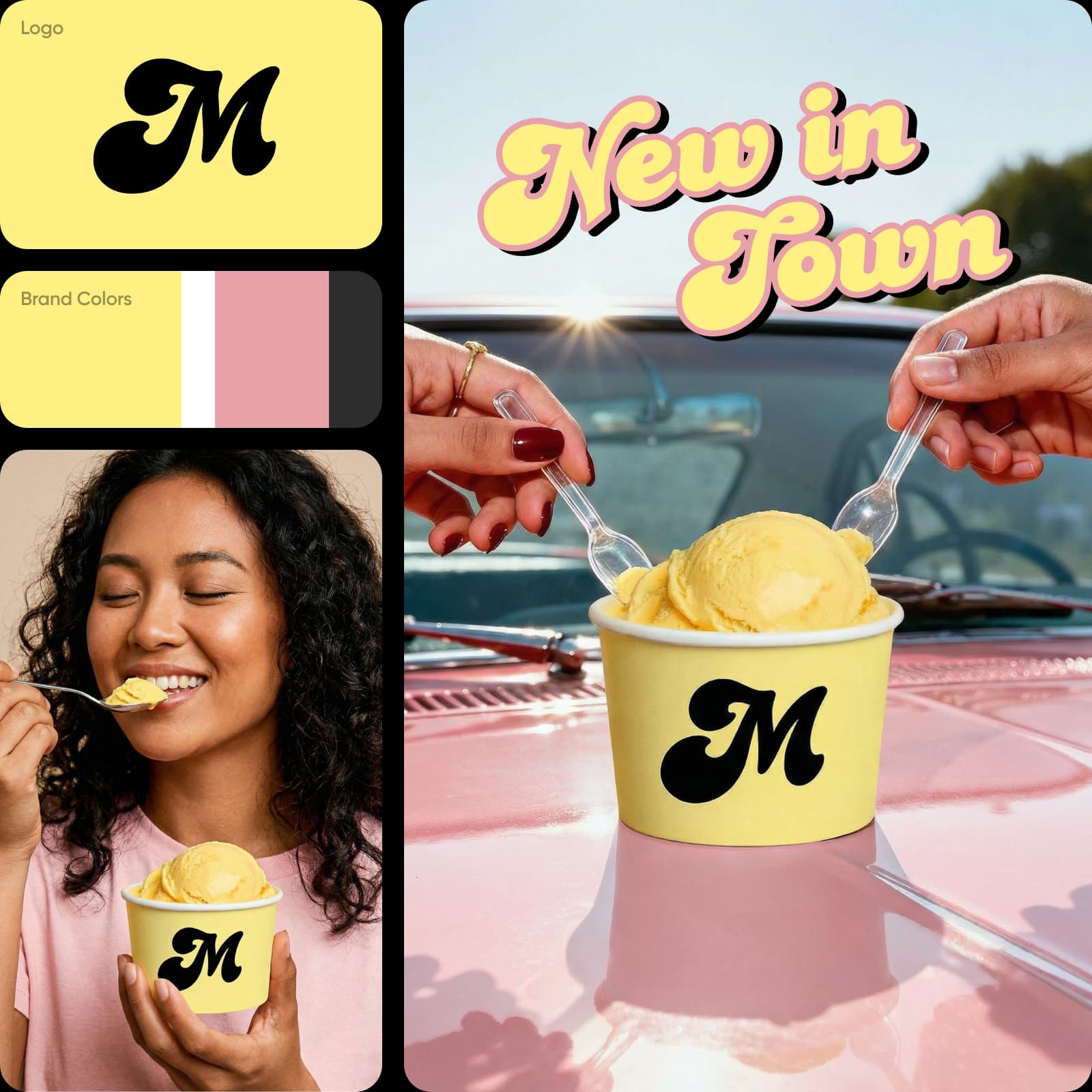
What can you create with AI Image Generator?
Representative AI Image Generator use cases and outputs. These examples describe what the workflow is suited to, not a promise of a specific result.
How to create images with AI Image Generator
Workflow example: AI Image Generator
Plans, credits, and access
Pro
Most popularAI tools for everyday creative work.
Ultra
Most powerfulHeavy AI usage for creators & teams.
AI Image Generator FAQ
Answers reflect first-party product and help pages checked September 7, 2026. Recheck fast-changing model, rating, plan, and rights details before relying on them.
It is Picsart AI Image Generator. Start with a text prompt or supported reference image, choose from available models, and continue into editing. The model and control workspace is available in AI Playground.
Related product and reference pages
Use the main product page to create. Use these related pages to verify models, tools, workflows, and pricing context.
AI Image Generator reference sources
First-party sources for the product, models, workflows, and pricing context.